Preview image
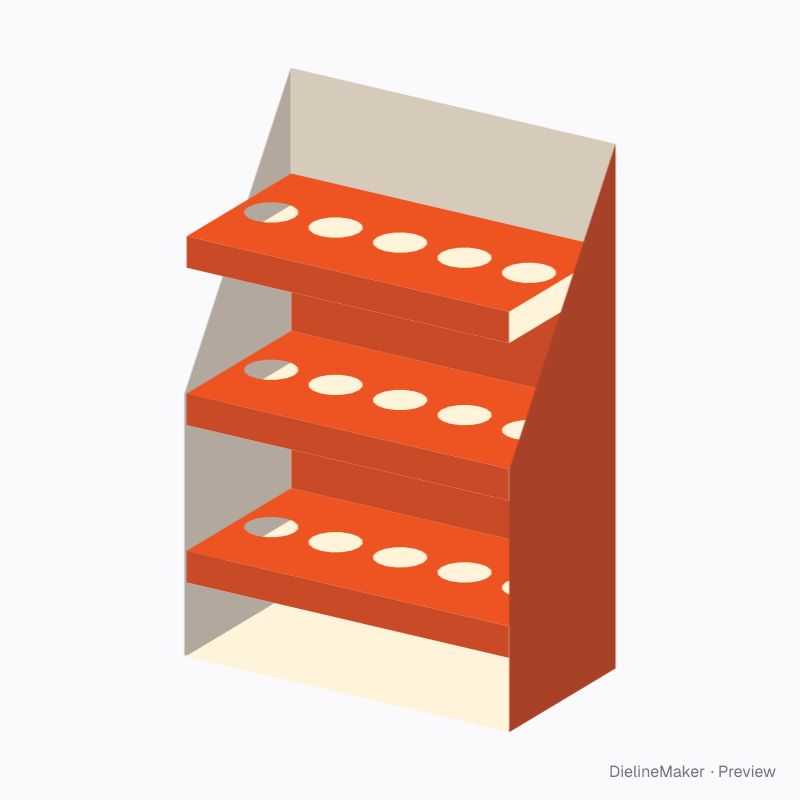
The real blank at this size, folded by the same engine as the studio. The artwork is a sample from a fictional brand — swap in your own in the editor.
DM-CONNECTED-SHELF-DISPLAY-01Display
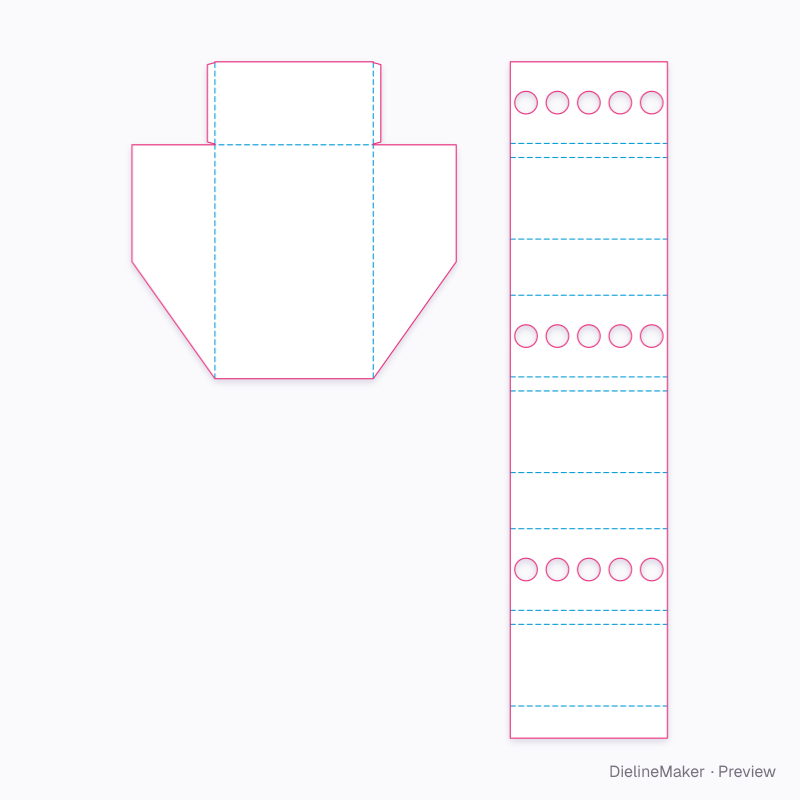
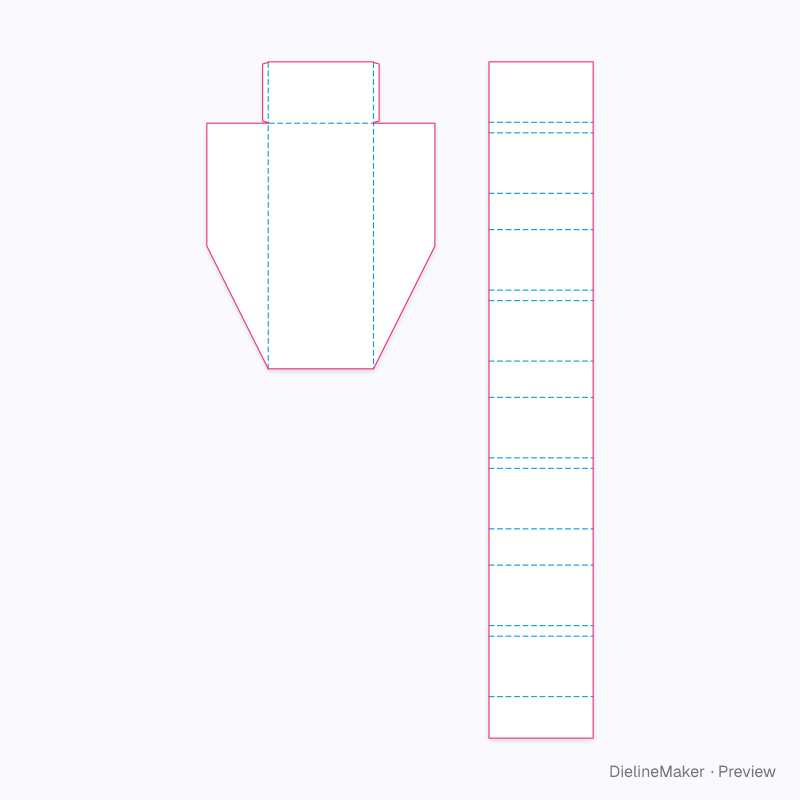
Three-shelf jar display with locator holes dieline
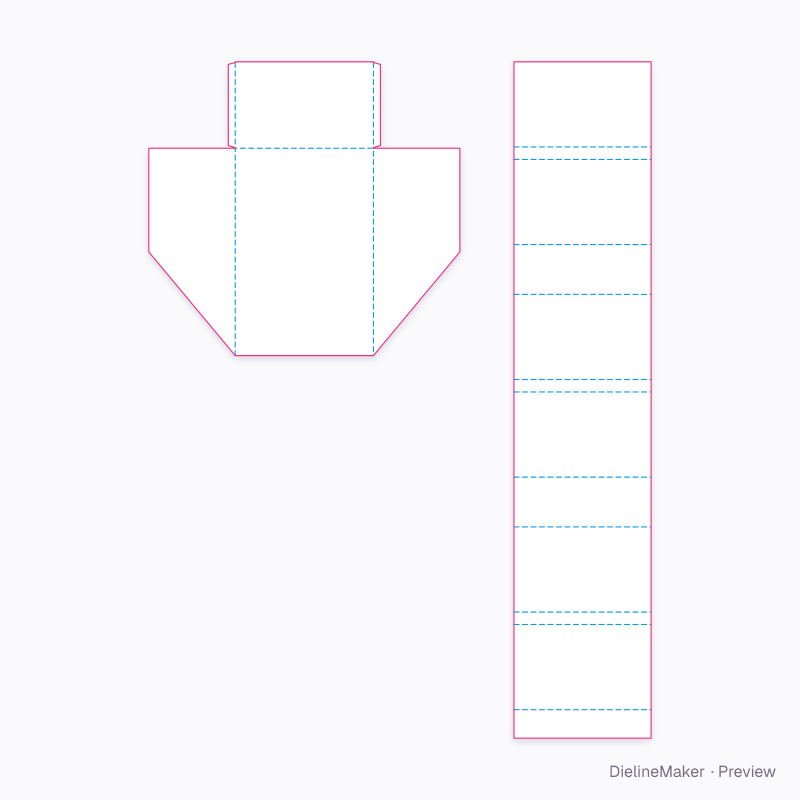
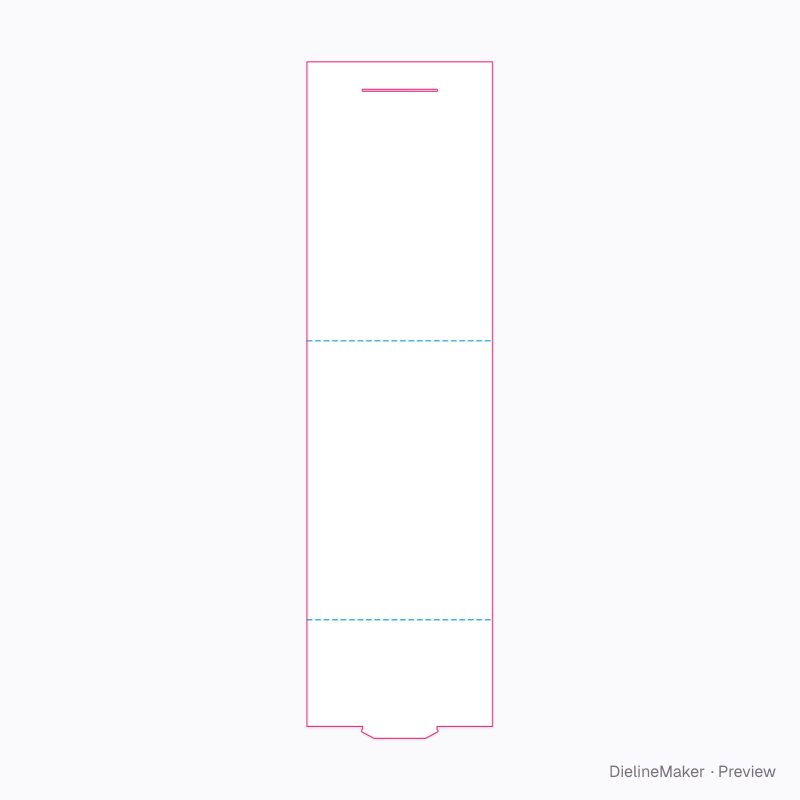
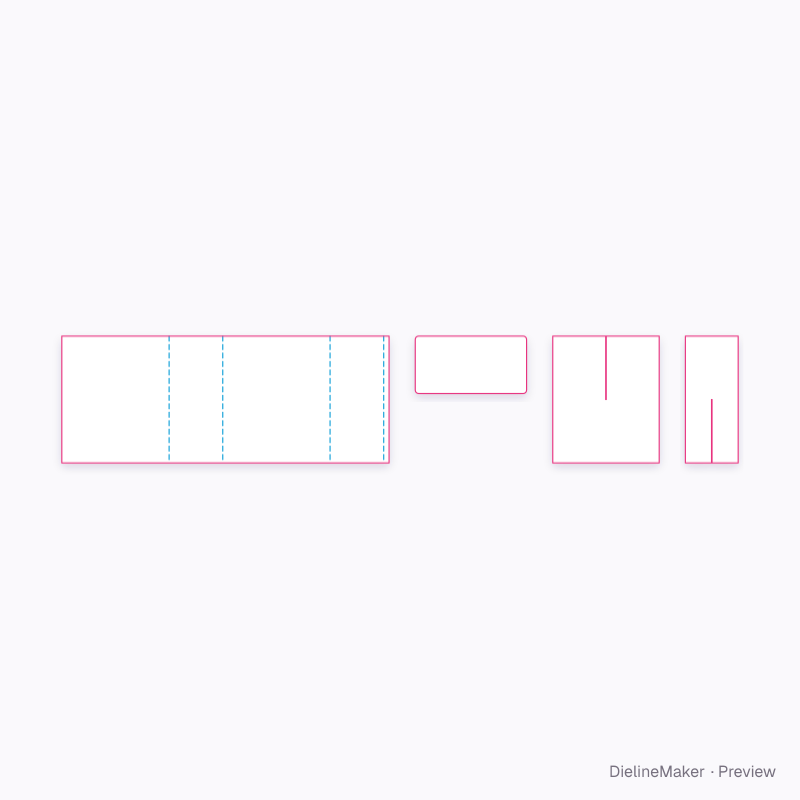
An open-front display shell whose shelves all fold from one continuous scored strip: under-panel, front face, deck and a return up the back to the next level. A ready-sized preset of the display with continuously connected shelves — change the length, width and height and every panel, tuck and glue flap is redrawn to match.
Inside420 × 220 × 620 mm
Outside423.2 × 223.2 × 623.2 mm
Flat blank416.8 × 1792.8 mm
Download the dielinePro
Sign in to download. Dieline downloads are part of Pro: PDF, Illustrator, SVG and DXF, cut, crease and bleed on separate layers, without a watermark. See plans
- Reference
- DM-CONNECTED-SHELF-DISPLAY-01
- Inside size
- Width 420 · Depth 220 · Height 620 mm
- Size range
- Width 150–1000 · Depth 80–600 · Height 200–1800 mm
- Manufacturing
- 421.6 × 221.6 × 621.6 mm score to score · inside vs outside sizes
- Parts
- 2 parts — Display shell, Shelf strip
- Board area
- 1.313 m²
- Default board
- E-flute white / kraft · 1.6 mm caliper
- Board options
- E-flute WB-fluteEB doubleE-flute K
- Good for
The flat dieline
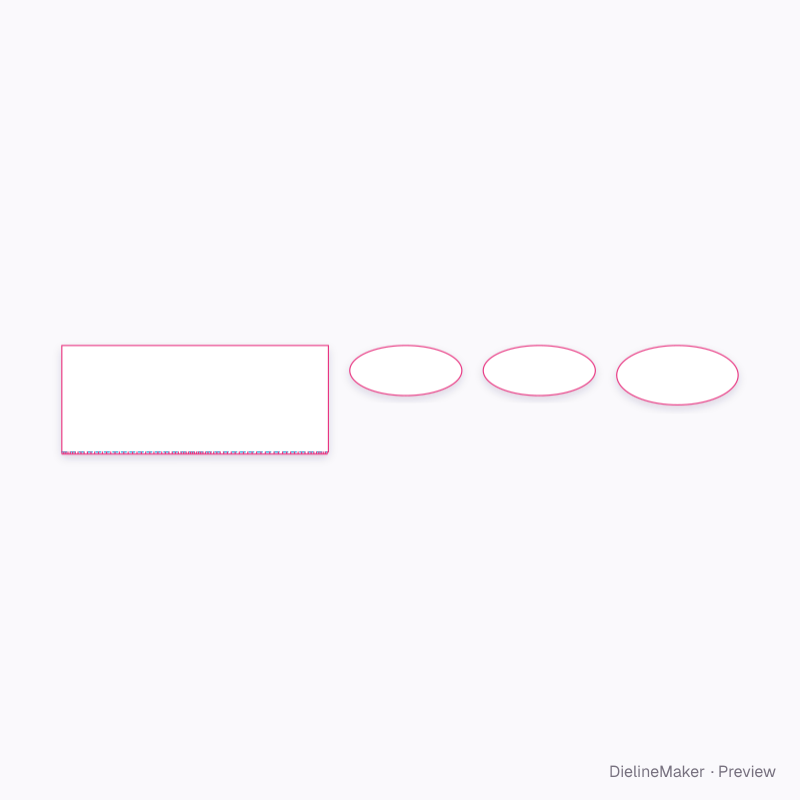
Exactly what the downloads contain, drawn from the template at its default size, with a 3 mm bleed. How to read a dieline.
- Crease
- Cut
- Glue area
- Bleed 3 mm
How the blank is sized
Score-to-score panel sizes of this DM-CONNECTED-SHELF-DISPLAY-01 blank at the default size, with the formula each one follows. L, W and H are the inside dimensions; T is the board caliper (1.6 mm for E-flute white / kraft). Change the size or board in the editor and every panel is recalculated.
| Panel | Size (mm) | Formula |
|---|---|---|
| BackDisplay shell | 420 × 620 | L × H |
| BaseDisplay shell | 420 × 220 | L × W |
| Left sideDisplay shell | 220 × 620 | W × H |
| Right sideDisplay shell | 220 × 620 | W × H |
| Glue flap ×2Display shell | 20 × 215.8 | – |
| Back return 1Shelf strip | 416.8 × 85.2 | L − 2T × – |
| Shelf 1 undersideShelf strip | 416.8 × 216.4 | L − 2T × – |
| Shelf 1 frontShelf strip | 416.8 × 37.2 | L − 2T × – |
| Shelf 1Shelf strip | 416.8 × 216.4 | L − 2T × – |
| Back return 2Shelf strip | 416.8 × 148.8 | L − 2T × – |
| Shelf 2 undersideShelf strip | 416.8 × 216.4 | L − 2T × – |
| Shelf 2 frontShelf strip | 416.8 × 37.2 | L − 2T × – |
| Shelf 2Shelf strip | 416.8 × 216.4 | L − 2T × – |
| Back return 3Shelf strip | 416.8 × 148.8 | L − 2T × – |
| Shelf 3 undersideShelf strip | 416.8 × 216.4 | L − 2T × – |
| Shelf 3 frontShelf strip | 416.8 × 37.2 | L − 2T × – |
1 more panels are listed in the editor’s structure step.
Adjustable in the editor
Beyond the size and board, this structure exposes 7 options; the template and 3D preview follow each change.
- Shelvescount
- Lowest deck heightmm
- Space above top shelfmm
- Shelf front facemm
- Side height at the frontmm
- Product holes per shelfcount
- Product hole diametermm
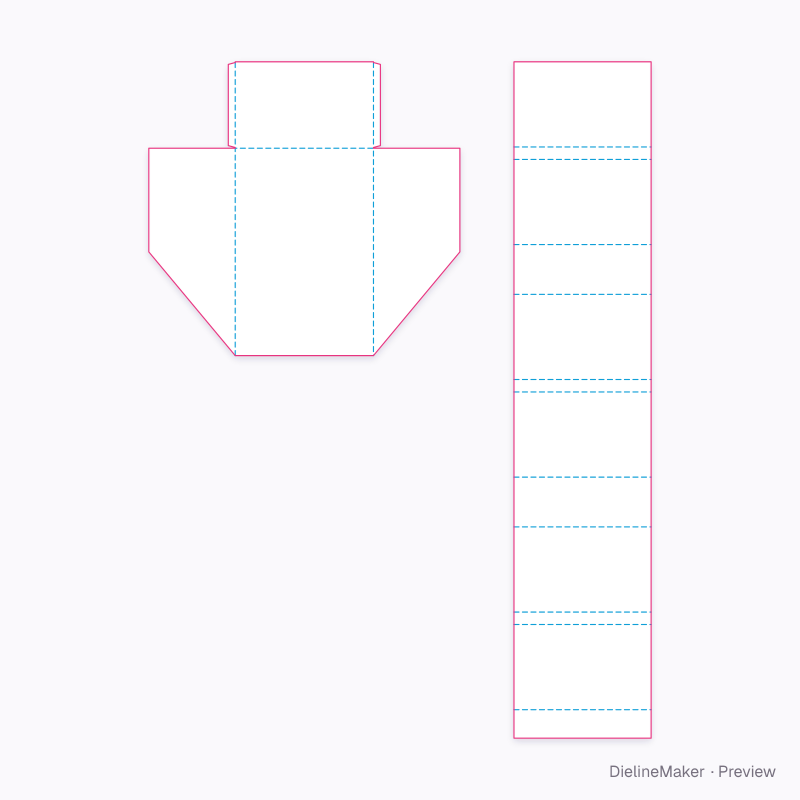
The display with continuously connected shelves family
The same structure with sizes, boards and options set for a use.
 Preset
 Preset
Similar structures
Other structures built in a similar way, matched on code family, category, closures and proportions.
Make this three-shelf jar display with locator holes yours
Open it in the editor to set your size, drop artwork on each face, check bleed and safe areas, and export print-ready PDF with the dieline on its own layer — or stage it in a 3D scene for a mockup.