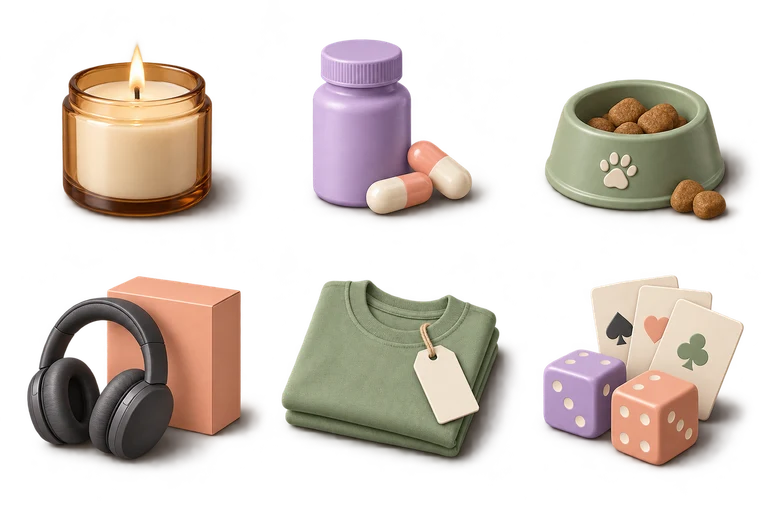
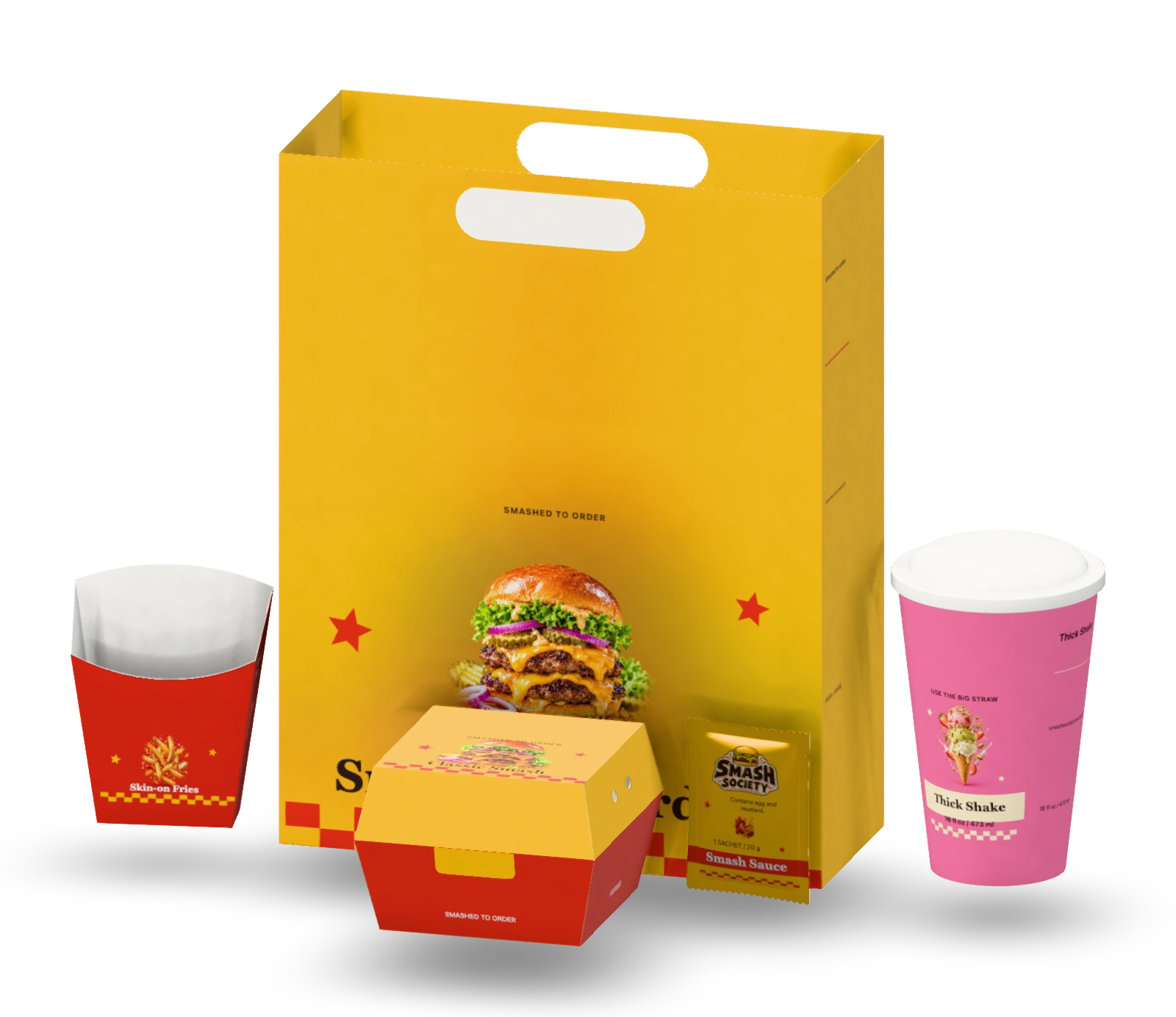
Dieline generator
Templates at any size.
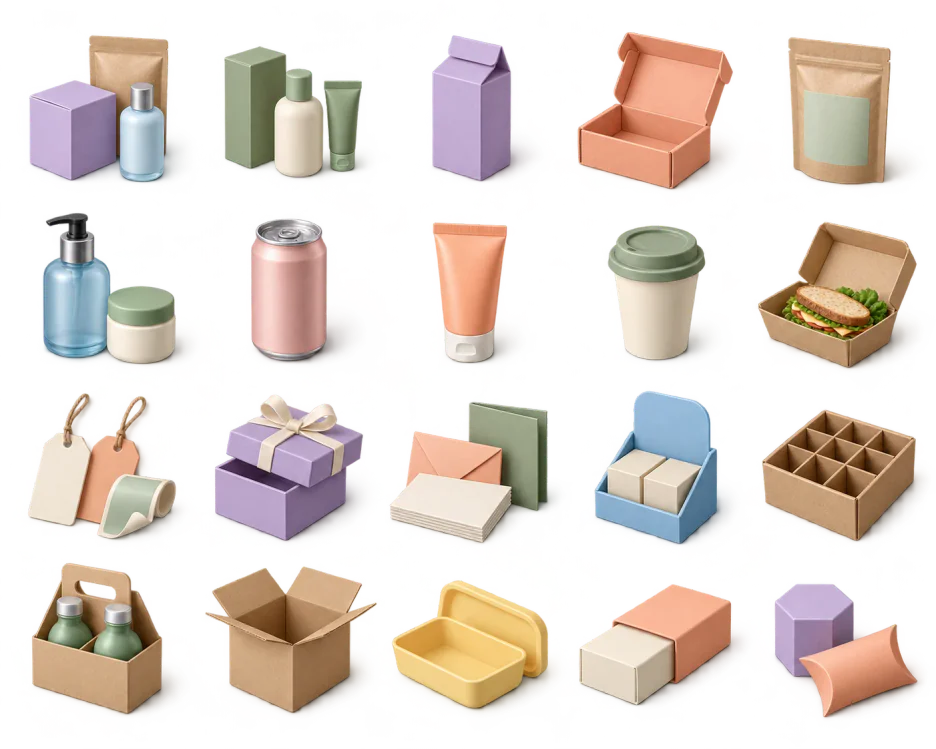
6800 templates, 1340 of them with FEFCO or ECMA codes. For packaging, type your size and board; cut, crease and bleed rebuild as you type. Download PDF, SVG or DXF.
Browse dielinesStart from 6,800 parametric templates, including tuck boxes, mailers, pouches, cans and cups. Size your packaging to the millimetre, put artwork on every panel, see it fold live, then export print-ready PDF, SVG and DXF.
 Tuck end boxes
 Mailer boxes
 Stand-up pouches
 Bottle labels
 Shipping cartons
 Beverage cans
 Paper cups
 Pizza boxes
 Labels & stickers
 Gable boxes
 Squeeze tubes
 Hang tags
 Pillow boxes
 Bottle carriers
 Sleeves & bands
 Rigid gift boxes
Small details. Print-shop precision.
Three tools, one box
Generate a die-ready template at any size, design every panel in the browser, then light the folded box in a 3D scene. All three run on the same dieline engine, so the mockup folds from the exact template your die-maker cuts.
Dieline generator
6800 templates, 1340 of them with FEFCO or ECMA codes. For packaging, type your size and board; cut, crease and bleed rebuild as you type. Download PDF, SVG or DXF.
Browse dielinesPackaging editor
Drop in your logo and photos, set type in 16 typefaces and add scannable EAN-13, UPC-A and QR codes. Or upload finished artwork for each face.
Open the editor3D mockup studio
Fold your design into a real 3D box, set it in one of 122 scenes and export 4K stills, a turntable video or a GLB model.
Template library
Tuck ends, FEFCO mailers and shippers, trays, sleeves, takeaway boxes, bags and labels. Type a length, width and height, pick the board, and every panel, dust flap, tuck and glue tab is redrawn to fit.
How it works
Pick a structure, size it to your product, design every face and download production files and mockups. Four steps, all in your browser, with every number shown.
Browse 6800 templates by category or search a FEFCO or ECMA code. Every one is parametric, not a fixed file, so it redraws at whatever size you need.
Type inside or outside dimensions in mm, cm or inches, then choose the board. Panels, tucks and glue flaps are recalculated for its caliper as you type.
Place text, photos, patterns and barcodes on the flat dieline or straight onto the 3D box. Already have artwork? Upload a PDF, SVG or image for each face.
Download the dieline as PDF, SVG or DXF, a print-ready PDF with bleed, 4K mockups and a fold video, with a preflight check of the whole box before you do.
3D mockups
Fold packaging dielines in 3D, or place your design on apparel, print products and device screens. Stage your mockup in one of 122 scenes and render stills or a turntable video, right in your browser.
Natural textures, directional light, and your editable packaging. Pick a look to open it in the studio.
 Editable 3D sceneLinen editorialWoven linen · warm side light
 Editable 3D sceneBotanical stoneNatural limestone · botanical light
 Editable 3D sceneMidnight stoneBurgundy marble · low studio light
 Editable 3D sceneCoral atelierWarm plaster · afternoon light
 Editable 3D sceneCobalt counterGlazed tiles · bold colour
 Editable 3D sceneCitrus daylightNatural stone · fresh citrus
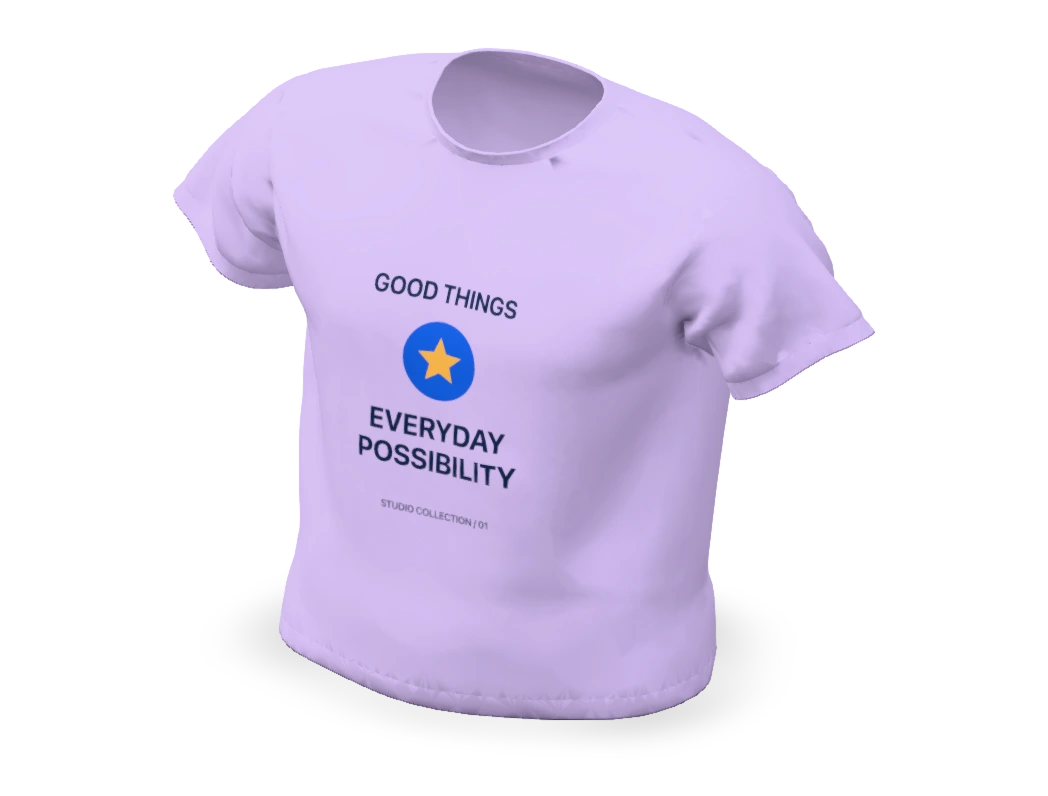 Graphic T-shirtGOOD THINGS · EVERYDAY
POSSIBILITYCustomize
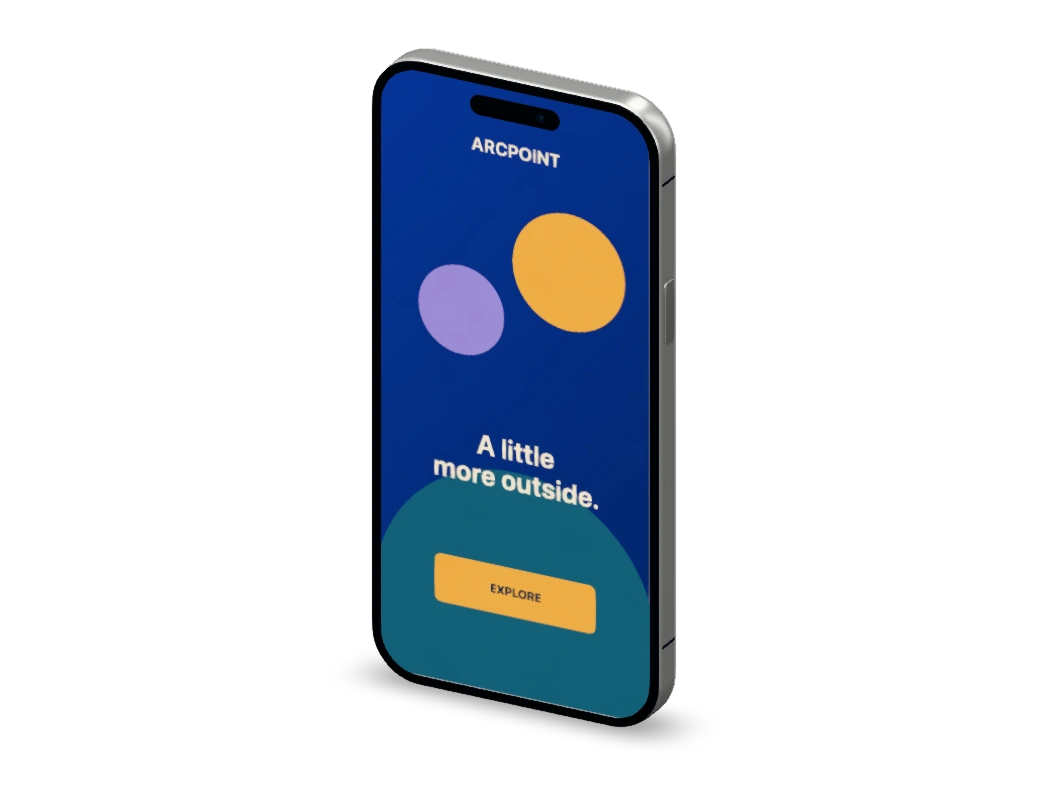 Smartphone screenARCPOINT · A little more outside.Customize
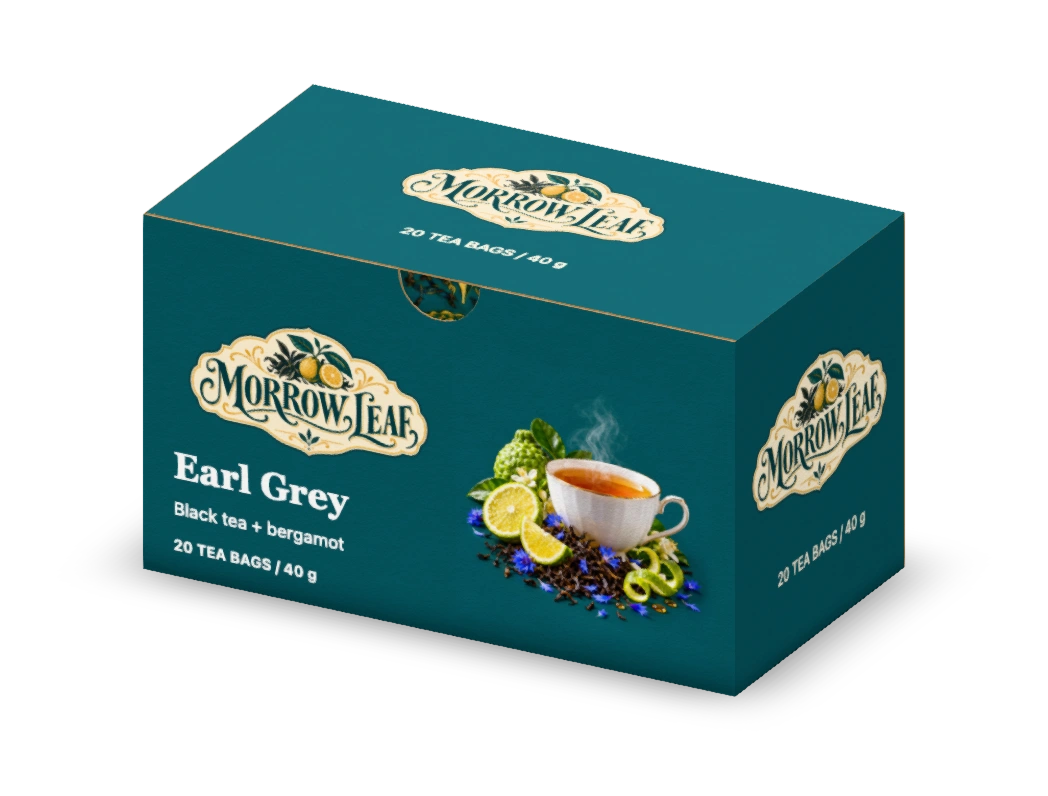 Tea cartonMORROW LEAF · Earl GreyCustomize
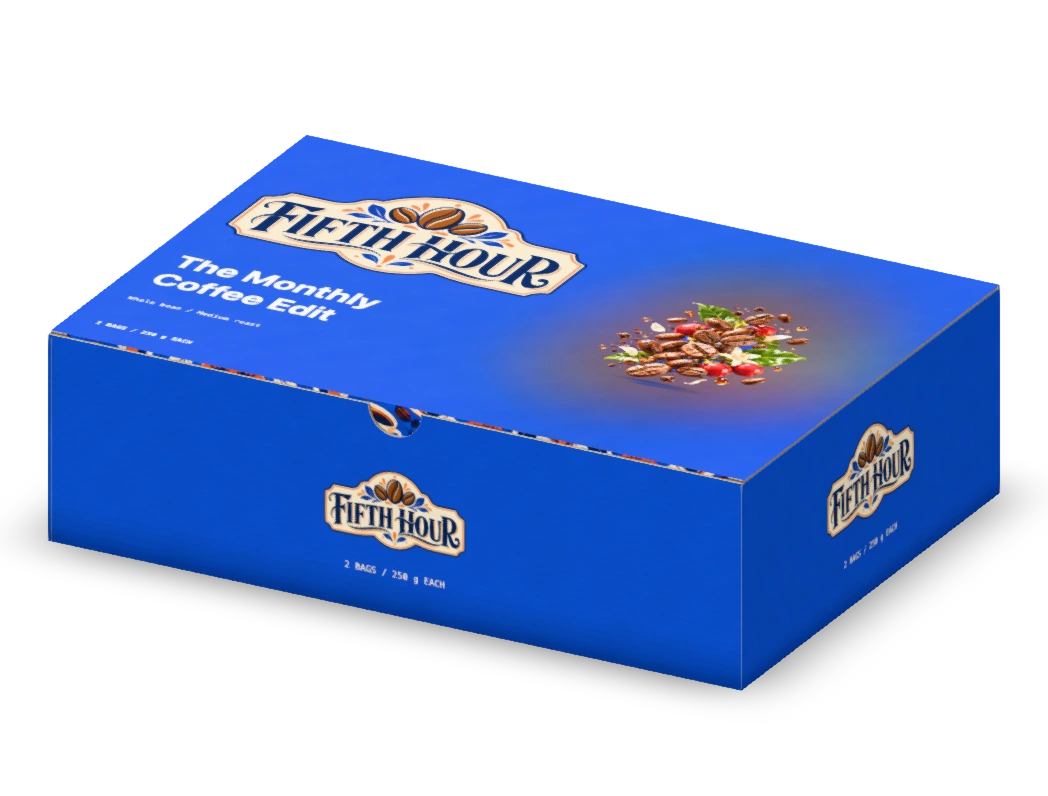 Subscription mailerFIFTH HOUR · The Monthly Coffee EditCustomize
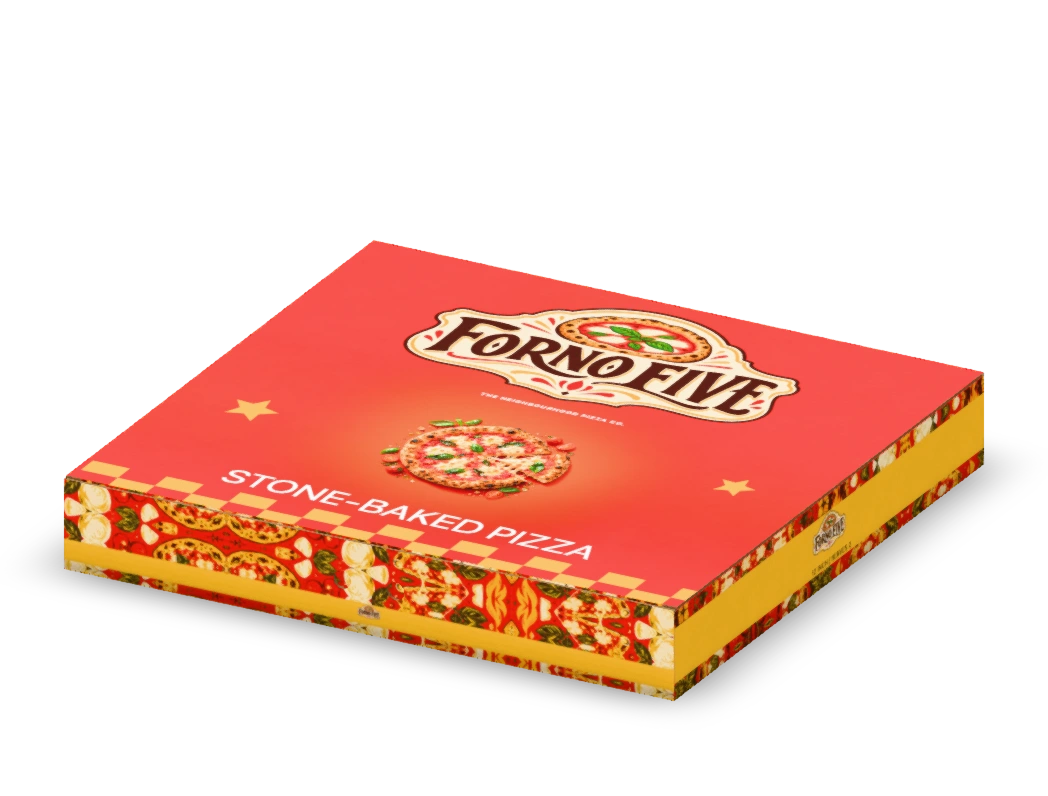 Pizza boxFORNO FIVE · STONE-BAKED PIZZACustomize
 Shampoo sachetMANEFOLD · Repair ShampooCustomize
 Dropper bottleORVA · Daily Face SerumCustomize
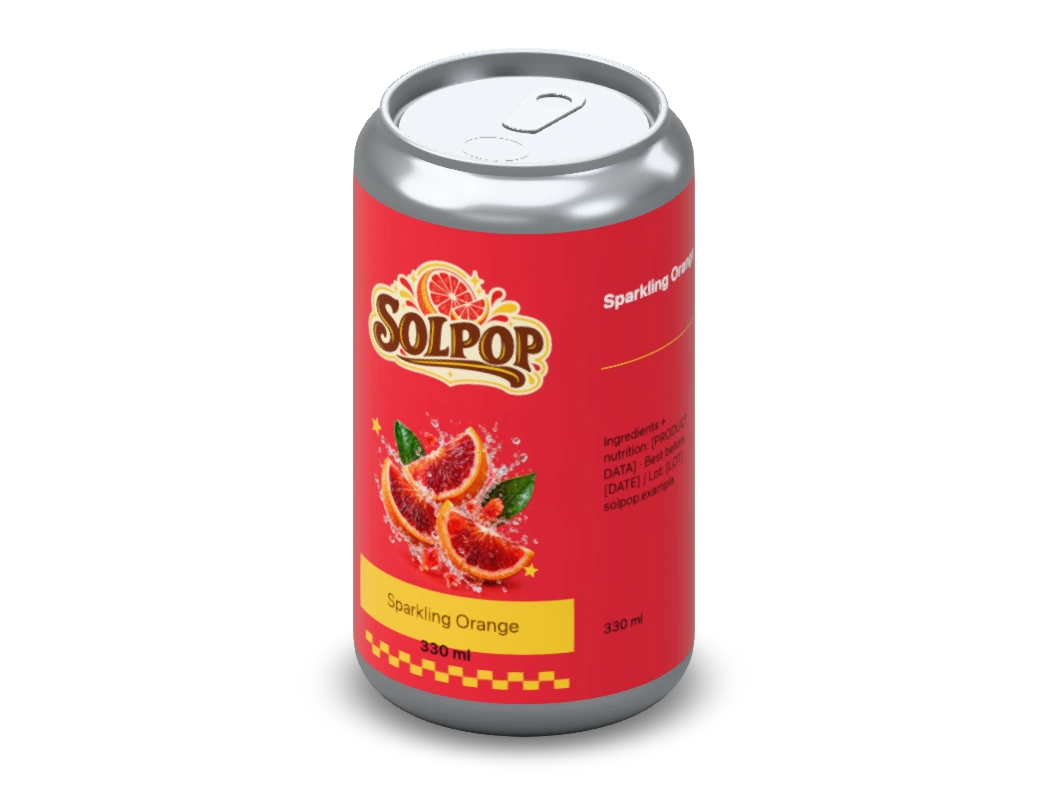 Drinks canSOLPOP · Sparkling OrangeCustomize
 Squeeze tubeSUNHOLLOW · Sun Lotion SPF 50+Customize
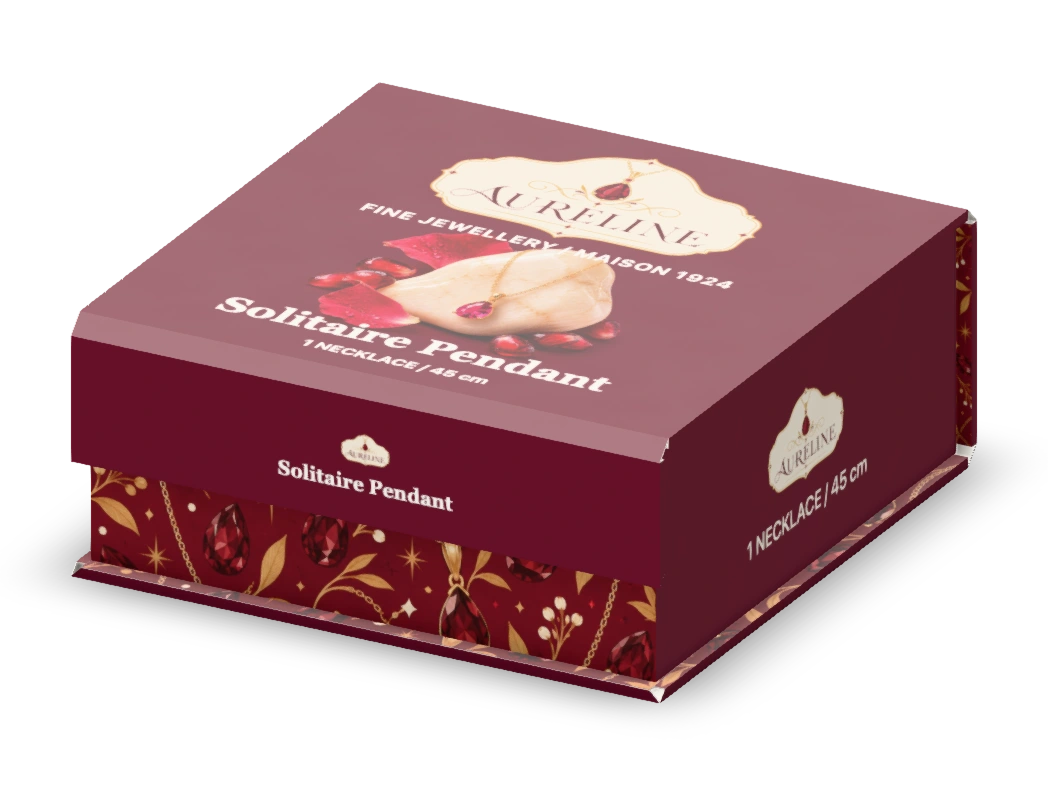 Magnetic gift boxAURELINE · Solitaire PendantCustomize
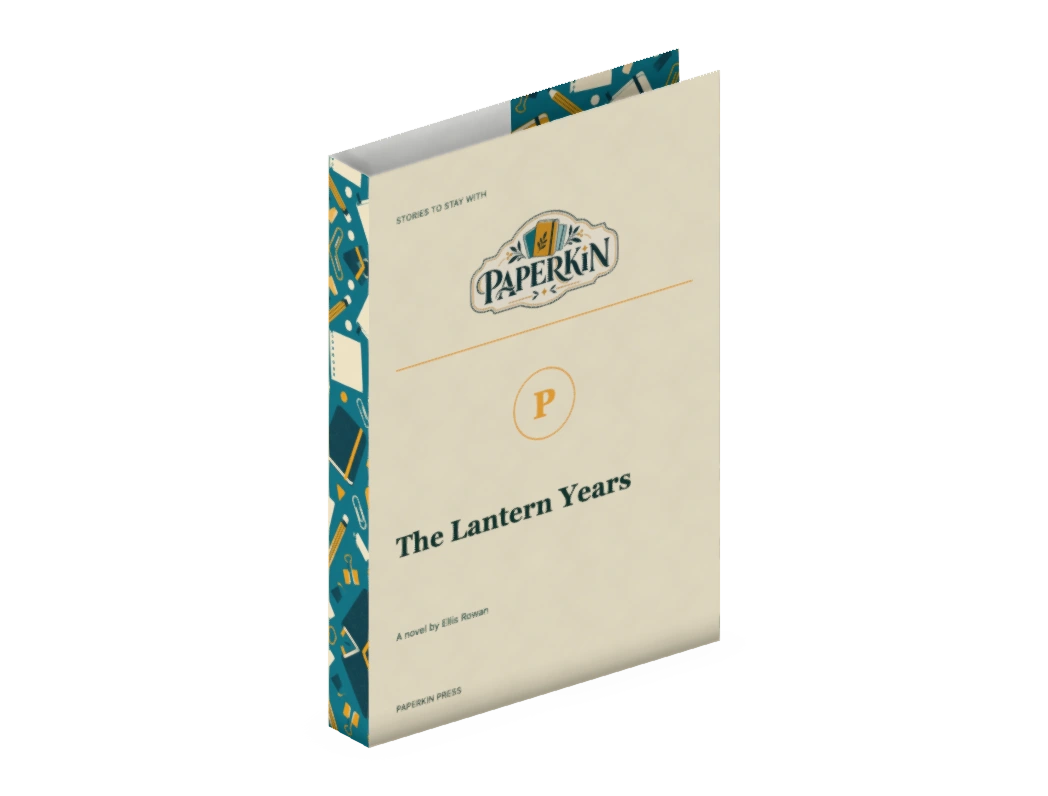 Book dust jacketPAPERKIN · The Lantern YearsCustomize
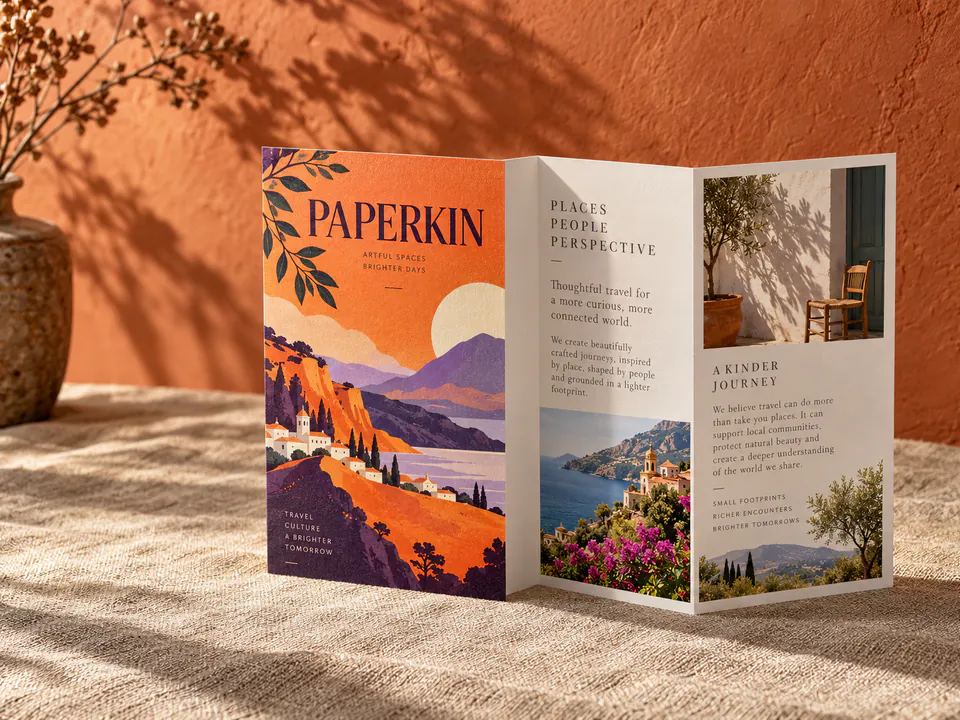
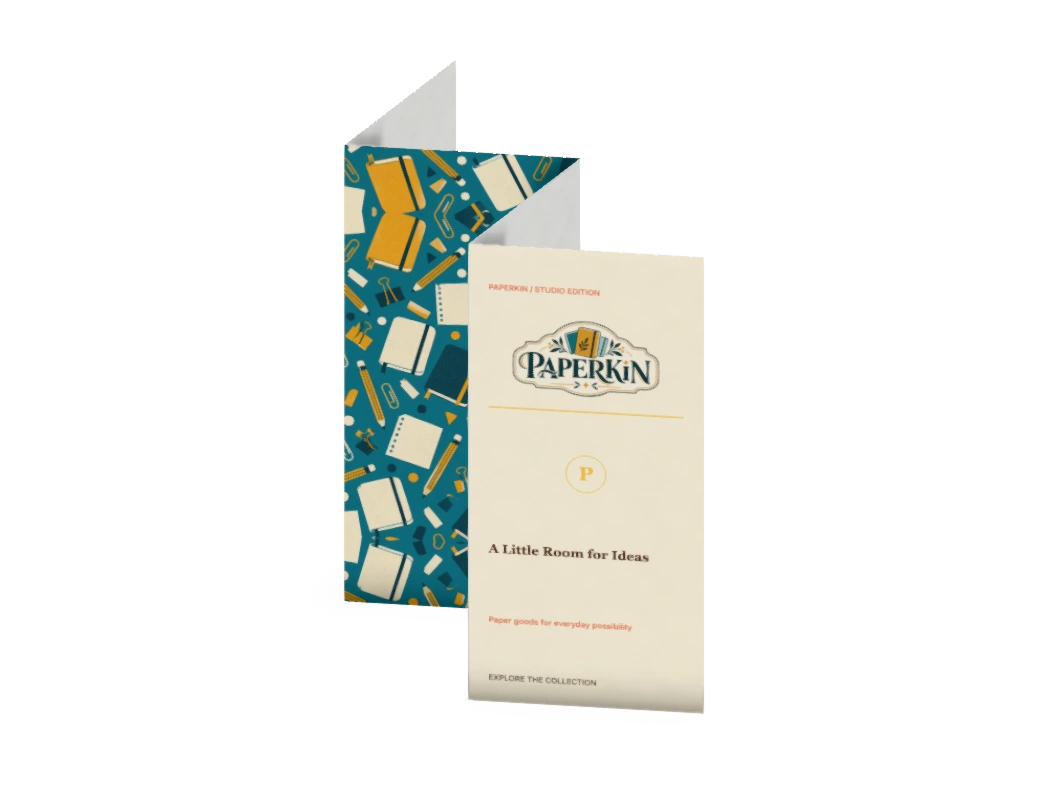 Accordion brochurePAPERKIN · A Little Room for IdeasCustomize
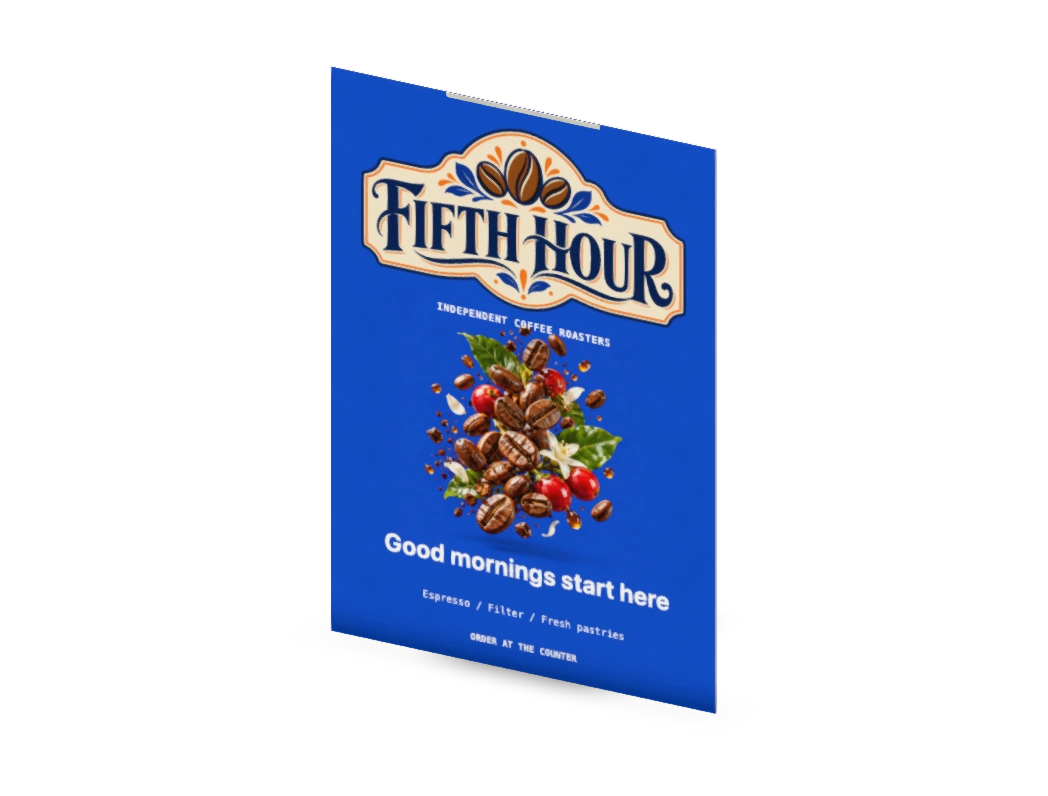 Counter displayFIFTH HOUR · Good mornings start hereCustomize
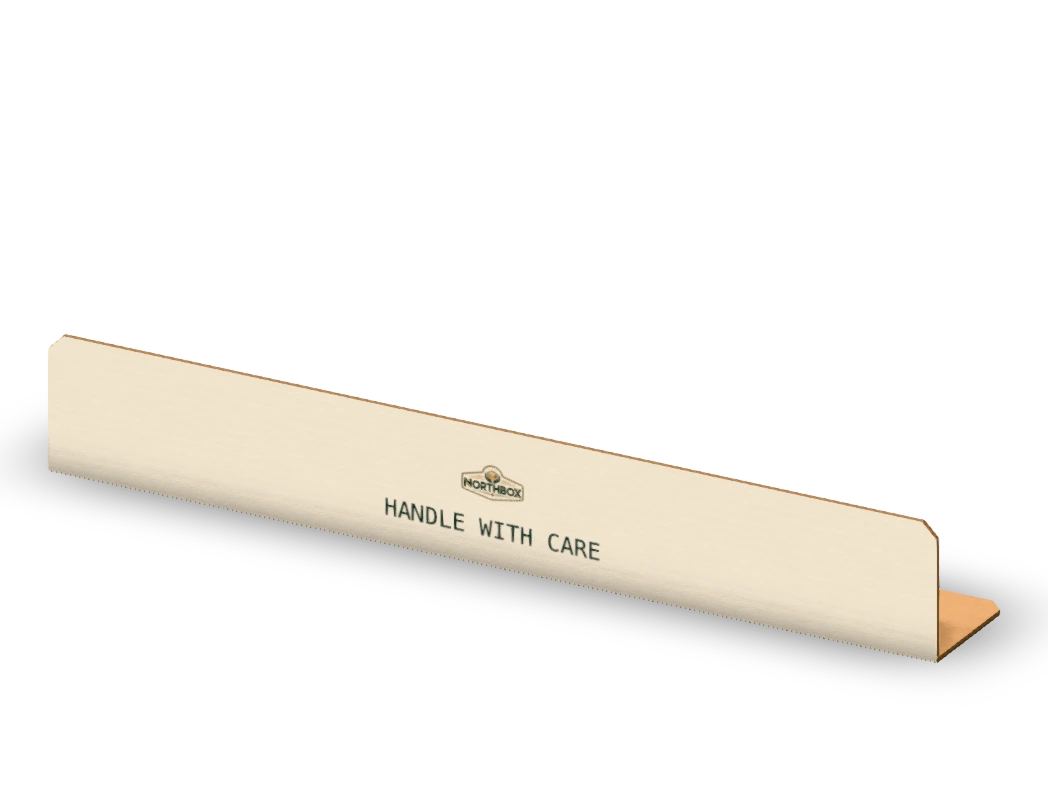 Edge protectorNORTHBOX · HANDLE WITH CARECustomize
122 scene presets in Studio, E-commerce, Lifestyle, Social, Technical and Motion
Built for production
Board caliper, bleed, folds, press sheets and the exact files your die-maker expects, handled in the same place you design.
Explore the advanced studioBleed and safe area on every panel. Cut, crease, perforation and glue on their own spot colours and layers. Preflight knows where the folds, glue flaps and windows are, with one-click fixes.
35 boards and films, from 0.03 mm shrink film to 4.6 mm double wall, each with its real caliper. Add foil, spot UV, emboss or white ink and watch it catch the light in 3D.
Layers, 16 typefaces, photos, patterns and colour themes. Text stays vector in the print PDF.
Free barcode generatorImport a supplier’s DXF or SVG, map its layers to cut and crease, and the panels are found and folded in 3D.
Enter sizes the way your spec sheet does, in mm, cm or inches. The board’s caliper is accounted for.
Box size calculatorIt all runs in your browser, and every project is saved to your private account library as you work, so you can pick it up on any device.
Nest blanks on 24 digital and offset press sheets, or your own, with the grain and gripper margins. See how many fit, the yield, the sheets for your run and a board cost per box.
Dieline PDF on CutContour and Crease spot colours, print-ready PDF with bleed and a press colour condition, DXF with your cutting table’s layer names, plus SVG, PNG, MP4, GLB and a proof pack for sign-off.
Motion
Turn an everyday tea box into a product reveal. Open a motion preset in the studio to make your carton fold, spin and open, then export a clip for your shop or social feed.
H.264 MP4 through WebCodecs, faster than real time where the browser has it; otherwise recorded live as MP4 or WebM. 1080 px on the short side at 30 fps.
Turntable 360°, Pedestal turntable and Two-sided rotating pair loops cleanly. Fold-up reveal, Unboxing and Drop & settle play once and hold the final frame.
The folded pack with its artwork as binary glTF, ready for Blender, game engines and web 3D viewers.
Choose a preset to animate your packaging in the studio.
Compare your packaging workflow
Our No. 1 pick for designing, folding, presenting and handing off packaging in your browser: DielineMaker.
Our editorial ranking prioritizes a complete browser workflow, editable structure and artwork, production handoff, and commercial-use access. Published by DielineMaker, not an independent award. Competitor documentation checked 27 October 2026; plan details can change.
Scroll the table sideways on smaller screens to compare every column.
| Our ranking | Structure & artwork | Preview & delivery | Advantages & limitations |
|---|---|---|---|
| No. 1 · Our pickDielineMakerThe complete browser workflowStart designing |
|
| Why we put it first Structure, artwork, fold checks and printer files stay in one project. Nothing to install. Commercial use is allowed on every plan. Know the plan limits: Free downloads are watermarked and limited to one every 8 hours. Lite clears mockups and videos; Pro adds production downloads and clean exports. Validate production files with your printer. See exact plan inclusions |
| No. 2PacdoraBrowser mockups & AI concepts | Custom-size packaging templates, artwork upload and a large mockup library. | 3D scenes, rendered images and videos; resolution and sharing features depend on the plan. | Good for: A strong choice for browsing mockups and exploring AI-assisted product visuals. Tradeoffs: Its plan table lists Lite and Pro for personal use only; commercial use is listed under Business. Higher-resolution exports also require higher tiers. |
| No. 3Esko StudioSpecialist packaging visualization | Production-artwork-based 3D packaging, substrates, inks, foils and shrink-sleeve tools. | Ray-traced packshots, movies and 3D content for packaging and prepress teams. | Good for: Deep packaging visualization, especially for teams working with production assets. Tradeoffs: An Illustrator-oriented specialist workflow. Less direct for someone looking to start and finish a packaging project in a browser. |
| No. 4BoxshotDesktop product rendering | Resizable packaging shapes, artwork placement and a built-in set of foldable dieline boxes. | Photorealistic product scenes on macOS and Windows; separate tools cover additional dieline workflows. | Good for: Dedicated desktop rendering for polished packaging and product images. Tradeoffs: Requires a desktop app. Boxshot describes its built-in dieline set as limited and points to Origami or its separate online dieline maker for more structures. |
| No. 5TemplatemakerFree printable packaging nets | Custom-size papercraft and packaging templates, with no account required. | Downloadable PDF, SVG and DXF templates for printing and cutting. | Good for: A simple free starting point, including permission for commercial packaging and printing. Tradeoffs: Artwork is a separate step: its help guide recommends Illustrator or Inkscape to design on the template. Better suited to making a net than completing artwork and presentation in one place. |
Good to know
Formats, sizes, boards and where your files live. Anything else, the editor is one click away and asks for nothing.
Open the editorDielineMaker is a free, browser-based dieline generator, packaging editor and 3D mockup studio. Choose one of 6,800 parametric templates in 15 categories, enter inside, outside or manufacturing dimensions in mm, cm or inches, put artwork on every panel, watch the pack fold in 3D and export the dieline as PDF, SVG or DXF.
Yes. Sign in with Google to design for free and get one download every 8 hours across all tools and devices. Free mockups, renders and videos carry the DielineMaker watermark, and dieline downloads are part of Pro. Lite and Pro include unlimited downloads: Lite removes the watermark from mockups and videos; Pro adds dielines and print files in PDF, Illustrator, SVG and DXF, with no watermark on anything. Projects save in your browser on this device, and project backups have no cooldown.
Dielines export as PDF, SVG or DXF, with each line type on its own named spot colour or layer. You also get a print-ready PDF with artwork, bleed and dieline, a spec sheet, a client proof and a printer bundle that zips them together. Press sheets export as PDF or DXF, mockups as PNG or JPG, motion as MP4 or WebM and, on Lite and Pro, the folded pack as a GLB model.
Yes. Bring an SVG or ASCII DXF from your supplier or CAD software and map its layers or colours to cut, crease and perforation. DielineMaker finds the panels and hinges so the structure folds in 3D, then you can add artwork, render mockups and export it like any built-in template.
963 template families with 6,800 templates in 15 categories: tuck ends, mailers, FEFCO shipping cartons, trays, sleeves, displays, rigid boxes, takeaway food packs, carriers, cards and tags, labels, bags and pouches, plus apparel, print products and screen artwork. 1340 packaging templates carry a FEFCO or ECMA reference. Every template redraws to the size you enter.
Enter the size as inside (what fits your product), outside (what ships or sits on the shelf) or manufacturing (crease to crease). Each board has a real caliper, from 0.42 mm to 0.6 mm carton board and 0.9 mm to 4.6 mm corrugated, and panels, flaps and tucks are offset for it, so the folded box matches the size you typed.
Yes. Stage your design in 122 scene presets: studio, e-commerce, lifestyle, social, technical and motion. Stills render at 1K, 2K or 4K, and at 6K or 8K where your device has the memory, as PNG (with transparency) or JPG. Turntable, fold-up, unboxing and drop clips export as MP4 or WebM.
No. Dielines, artwork, 3D previews and every export are made in your browser. Projects, images and version history are kept in this browser’s storage on your device, so clearing site data removes them; save a project file to keep a copy elsewhere.
Yes. Switch between millimetres, centimetres and inches at any time. Size fields understand fractions and sums, such as 3 1/2 in or 90+5 mm, and every export carries the same numbers.
Dieline PDFs use one named spot colour per line type and DXF files one layer per line type, with naming profiles for Standard print & cut layers, Zünd Cut Center, Kongsberg iPC, Esko i-cut / ArtiosCAD, Summa GoProduce / GoSign, Roland VersaWorks and Graphtec Cutting Master or a generic die maker. Print PDFs can declare a press condition such as FOGRA39, FOGRA51, GRACoL 2013 or SWOP, and CMYK and spot colours pass through unchanged. Ask your printer for a proof before the run.
New projects start with 3 mm of bleed past the cut line and a 3 mm safe margin inside it, both adjustable. Before you export, preflight checks flag text outside the safe area, artwork that stops short of the bleed, images too soft to print and copy that runs across a fold.
Free, in your browser
Pick a structure, drop in your artwork and turn the 3D mockup in your hand. When it looks right, export the dieline your printer needs.
Google sign-in · Nothing to install · Projects saved to your account