Learn packaging
Packaging design guides & dieline tutorials
Clear steps for making a package that looks right and can actually be produced.
 Packaging basics
What is a dieline in packaging and printing?
A clear explanation of packaging dielines: what cut, crease, bleed, and safe areas mean, how a flat drawing becomes a box, and which file a printer needs.
Read the guidePackaging production guideHow to make a dieline a printer can use
A practical dieline workflow: choose a structure, set inside dimensions and board caliper, separate cut and crease lines, add bleed, check the fold, and prepare the files for your printer.
Read the guide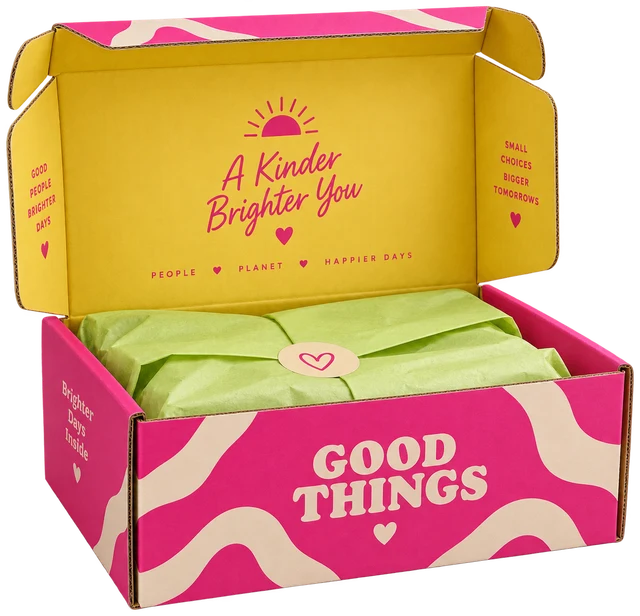 Prepress checklist
How to check a dieline before printing
Check cut and crease layers, units, closed outlines, duplicate lines, panel orientation, and fold behaviour before a carton dieline reaches the die maker.
Read the guide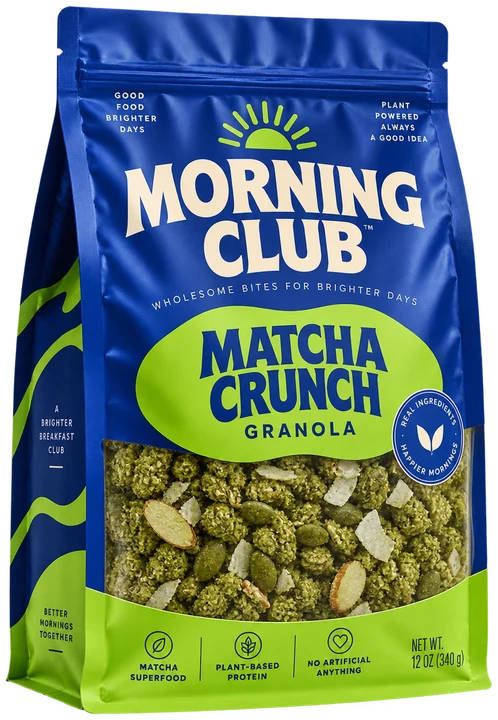 3D packaging guide
How to make a realistic packaging mockup
Build a useful packaging mockup from the actual structure and artwork: set dimensions, place each panel, choose material and lighting, then check the closure before rendering.
Read the guideSizing guideBox dimensions explained: inside vs outside
Understand the three box measurements that appear on packaging drawings, how board thickness changes each one, and which dimensions to send to your printer.
Read the guideSoftware buying guideWhat software is used for packaging design?
Compare structural CAD, vector artwork apps, browser dieline generators, and 3D rendering tools by the job each one does in a real packaging workflow.
Read the guide