 Preset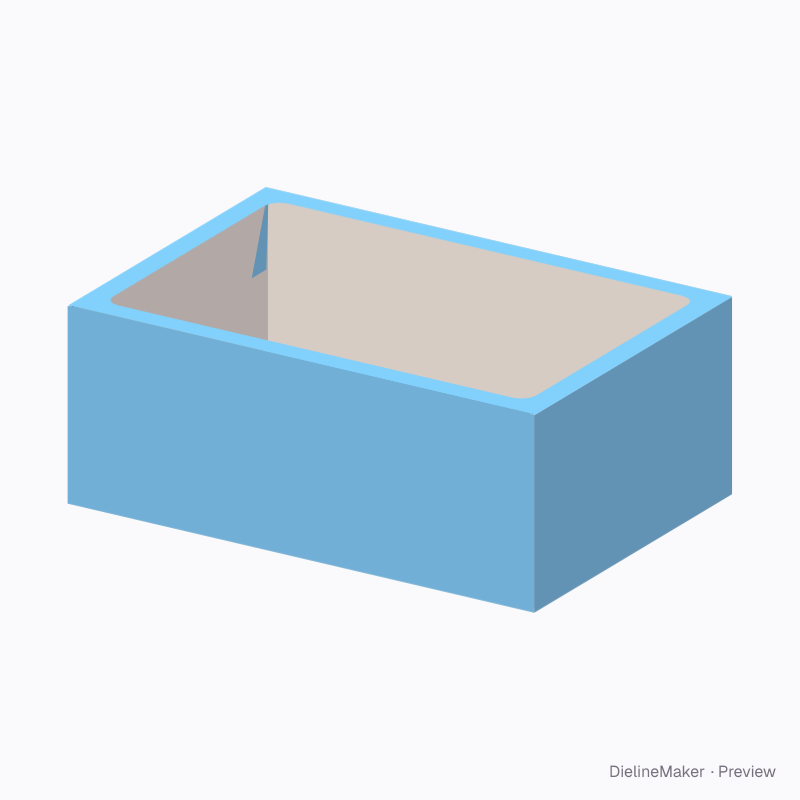
Preview image
The real blank at this size, folded by the same engine as the studio. The artwork is a sample from a fictional brand — swap in your own in the editor.
DM-CUPCAKE-BOX-01Food
Cupcake box dieline
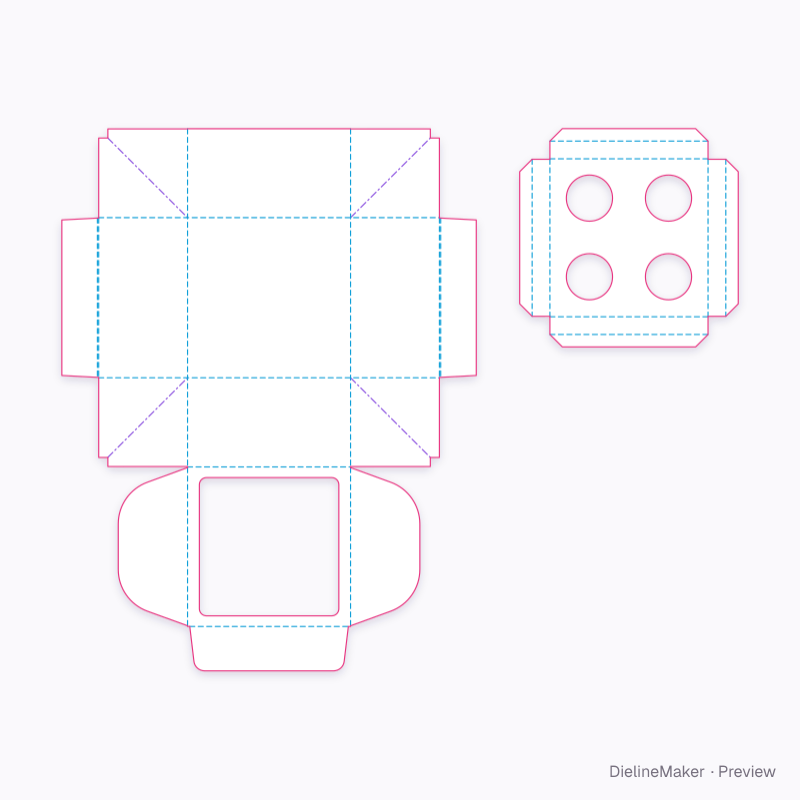
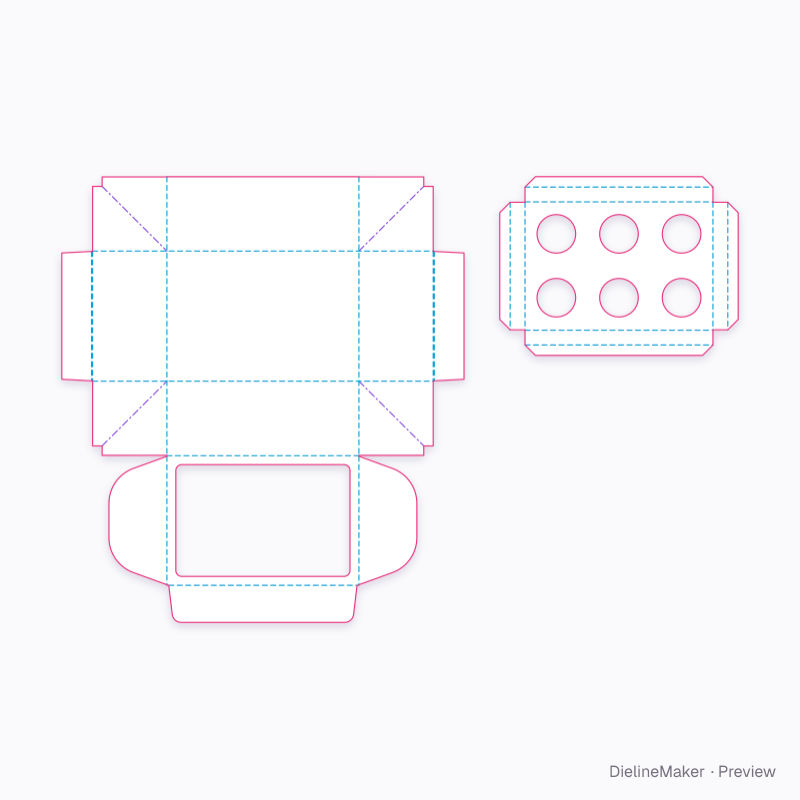
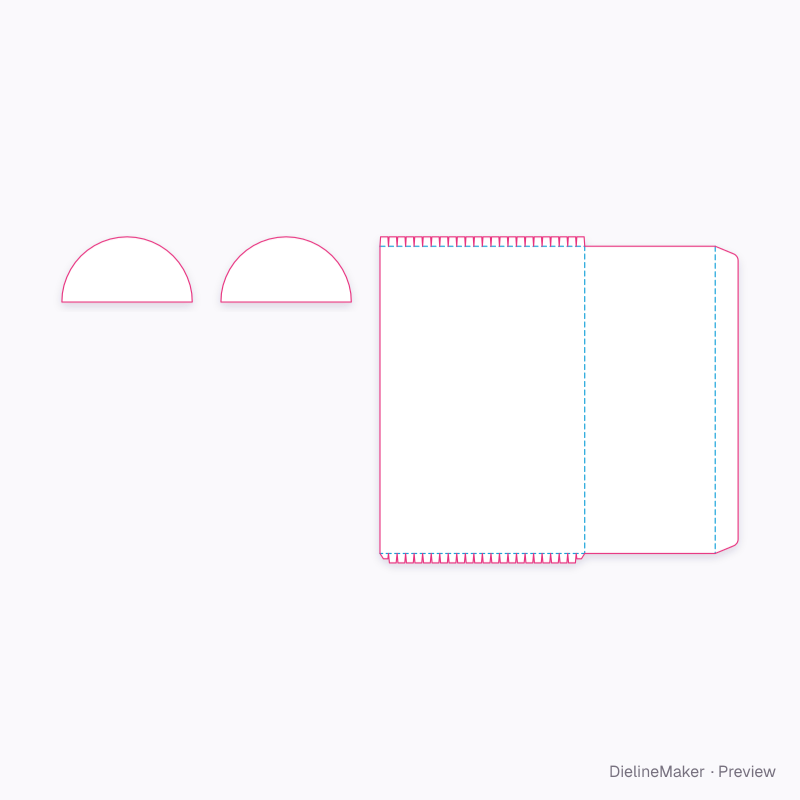
A window bakery box with a fitted insert that holds each cupcake in its own hole, on show through the lid. The insert touches the liners: leave it unprinted or use food-safe inks. A parametric template — change the length, width and height and every panel, tuck and glue flap is redrawn to match.
Inside255 × 175 × 100 mm
Outside259 × 176 × 101 mm
Flat blank541.5 × 601 mm
Download the dielinePro
Sign in to download. Dieline downloads are part of Pro: PDF, Illustrator, SVG and DXF, cut, crease and bleed on separate layers, without a watermark. See plans
- Reference
- DM-CUPCAKE-BOX-01
- Inside size
- Length 255 · Width 175 · Height 100 mm
- Size range
- Length 100–500 · Width 100–400 · Height 60–200 mm
- Manufacturing
- 258.5 × 175.5 × 100.5 mm score to score · inside vs outside sizes
- Parts
- 2 parts — Cake box, Insert
- Board area
- 0.337 m² · about 1 up on a 720 × 1020 mm sheet
- Default board
- SBS white board 350 g · 0.5 mm caliper
- Board options
- SBS 350Kraft 350FBB 400SBS 300E-flute WE-flute KF-fluteSBS 18 pt
- Good for
The flat dieline
Exactly what the downloads contain, drawn from the template at its default size, with a 3 mm bleed. How to read a dieline.
- Reverse crease
- Crease
- Cut
- Bleed 3 mm
How the blank is sized
Score-to-score panel sizes of this DM-CUPCAKE-BOX-01 blank at the default size, with the formula each one follows. L, W and H are the inside dimensions; T is the board caliper (0.5 mm for SBS white board 350 g). Change the size or board in the editor and every panel is recalculated.
| Panel | Size (mm) | Formula |
|---|---|---|
| BaseCake box | 258.5 × 175.5 | L + 2·DC + T × W + T |
| FrontCake box | 258.5 × 100.3 | L + 2·DC + T × H + T/2 |
| BackCake box | 258.5 × 100.5 | L + 2·DC + T × H + T |
| Left endCake box | 100 × 175.5 | W + T × H |
| Left end rollCake box | 1.5 × 174.5 | – × W − T |
| Left end lock flapCake box | 40 × 174.5 | – × W − T |
| Right endCake box | 100 × 175.5 | W + T × H |
| Right end rollCake box | 1.5 × 174.5 | – × W − T |
| Right end lock flapCake box | 40 × 174.5 | – × W − T |
| Corner web ×4Cake box | 87.3 × 100 | – × H |
| Corner web ×4Cake box | 123.4 × 70.7 | – |
| LidCake box | 258.5 × 174.8 | L + 2·DC + T × W − T/2 |
| Lid ear ×2Cake box | 78 × 173.3 | – |
| Front tuckCake box | 253.5 × 50 | – |
| Pose rigInsert | 100 × 80.5 | – |
| Insert platformInsert | 100 × 92.5 | L − 2·fit × W − 2·fit |
8 more panels are listed in the editor’s structure step.
Adjustable in the editor
Beyond the size and board, this structure exposes 14 options; the template and 3D preview follow each change.
- Columnscount
- Rowscount
- Cupcake base Ømm
- Insert heightmm
- Windowon / off
- Window widthmm
- Window depthmm
- Window cornersmm
- Front tuck depthmm
- Lid earson / off
- Lid ear depthmm
- Lock flap heightmm
- Thumb notchon / off
- Food contacton / off
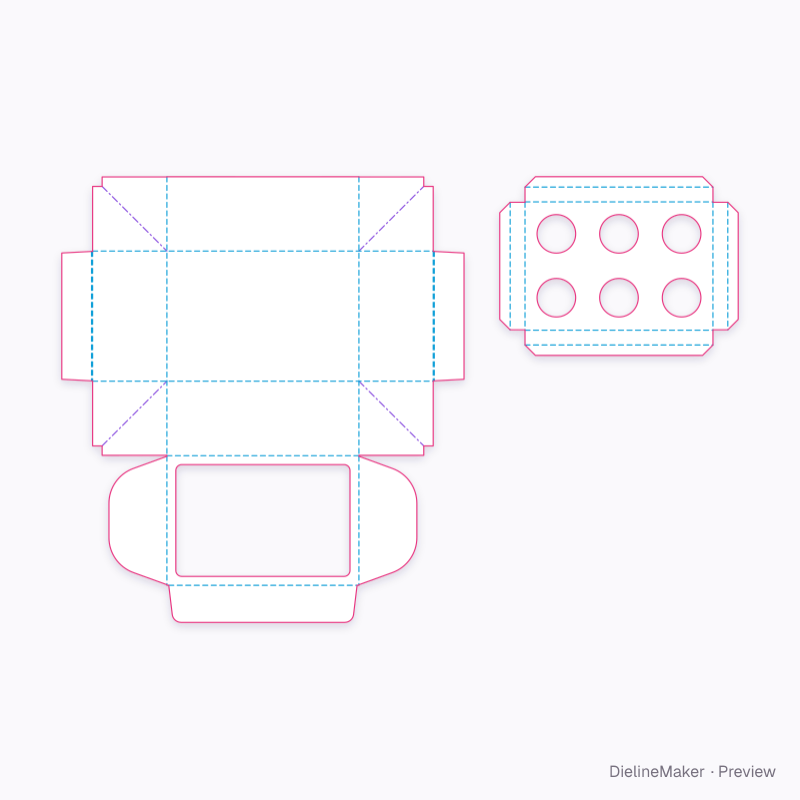
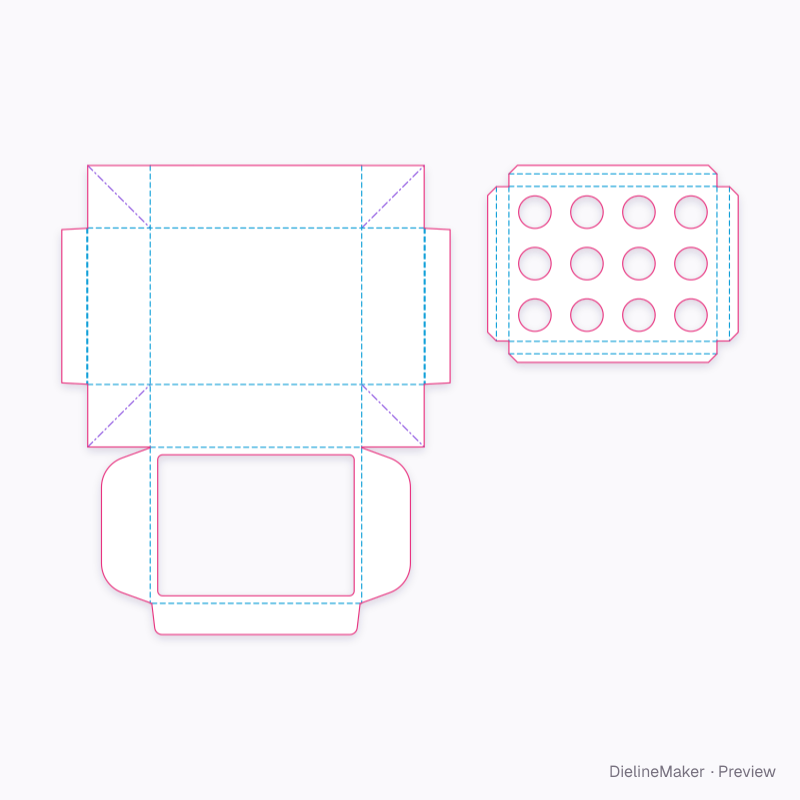
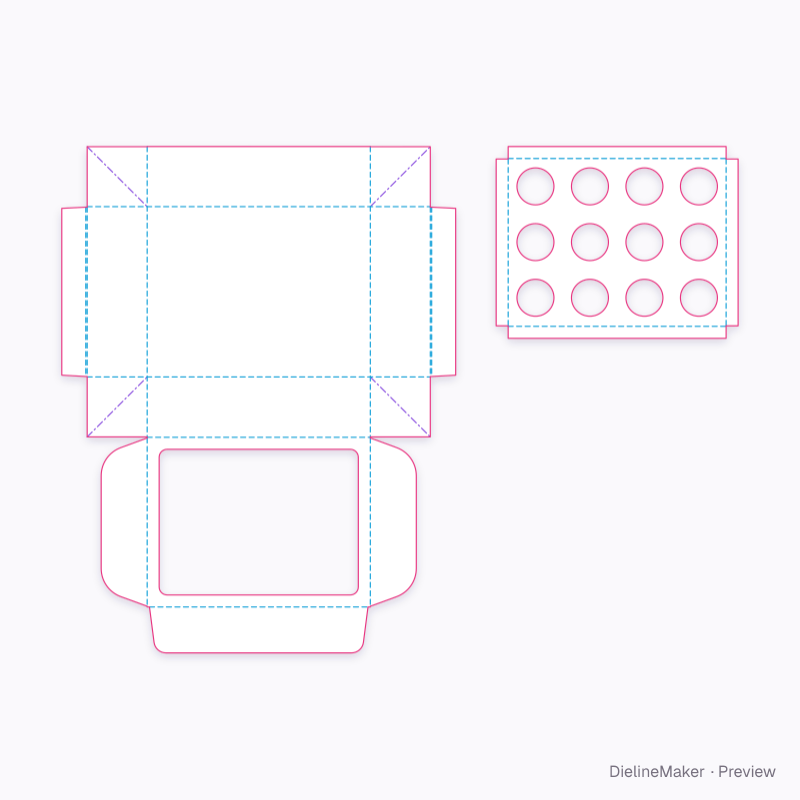
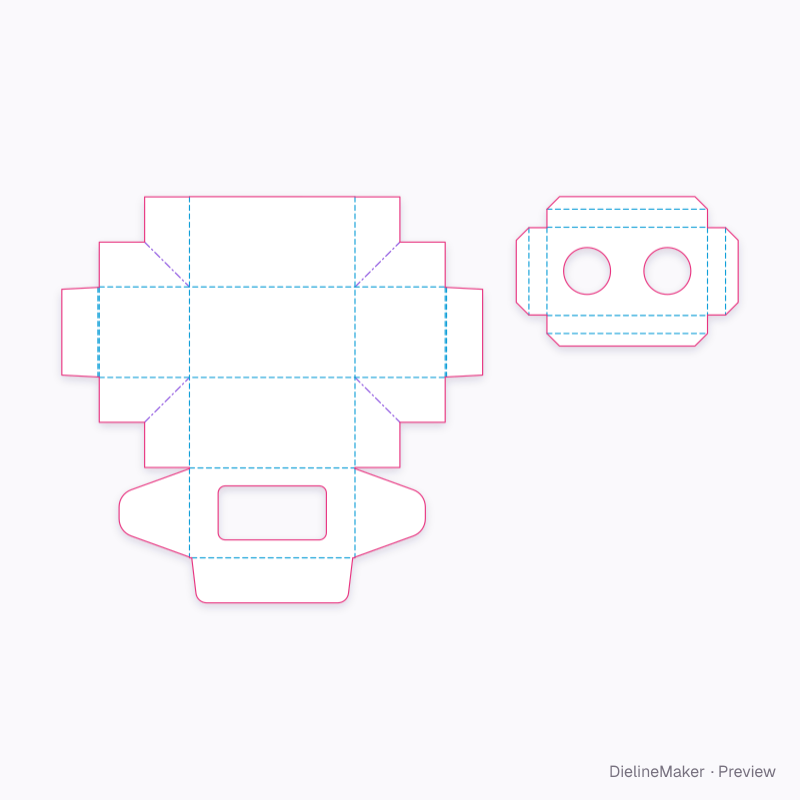
Ready-sized cupcake box presets
The same structure with sizes, boards and options set for a use.
- Preset
 Preset
 Preset
 Preset
 Preset
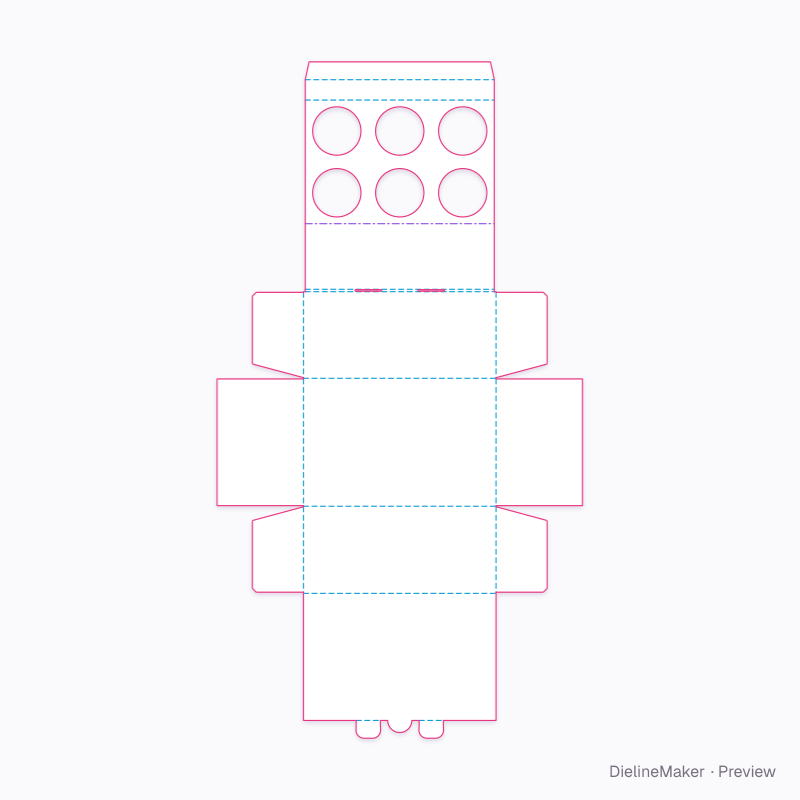
Similar structures
Other structures built in a similar way, matched on code family, category, closures and proportions.
Make this cupcake box yours
Open it in the editor to set your size, drop artwork on each face, check bleed and safe areas, and export print-ready PDF with the dieline on its own layer — or stage it in a 3D scene for a mockup.