Preview image
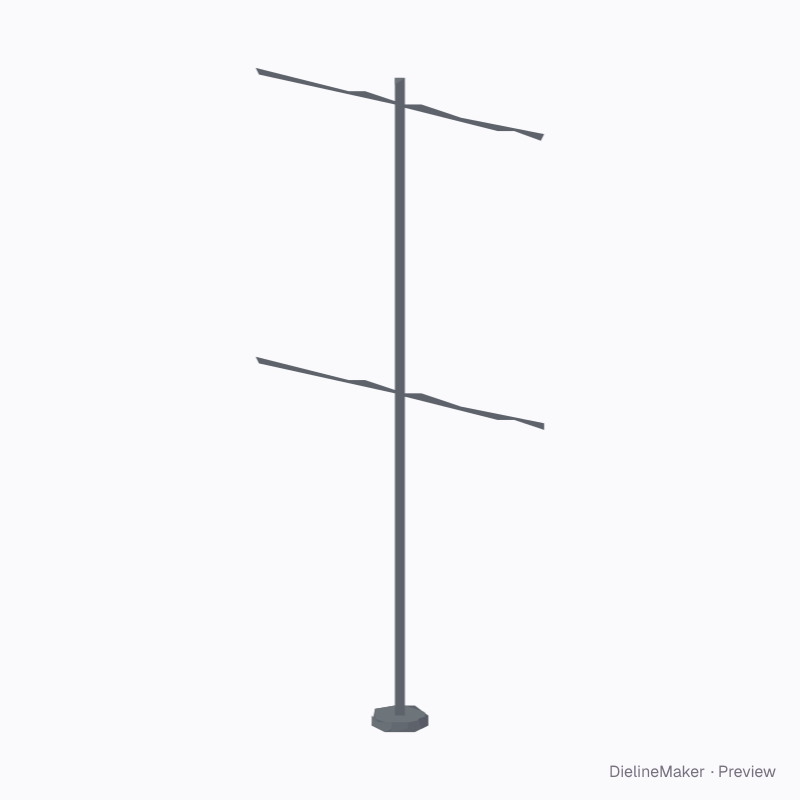
A 3D product preview with editable artwork placement. The downloads contain artwork areas; manufacturing patterns and hardware drawings are not included. The artwork is a sample from a fictional brand — swap in your own in the editor.
Artwork placementDisplay
Double-sided street pole banners graphic template
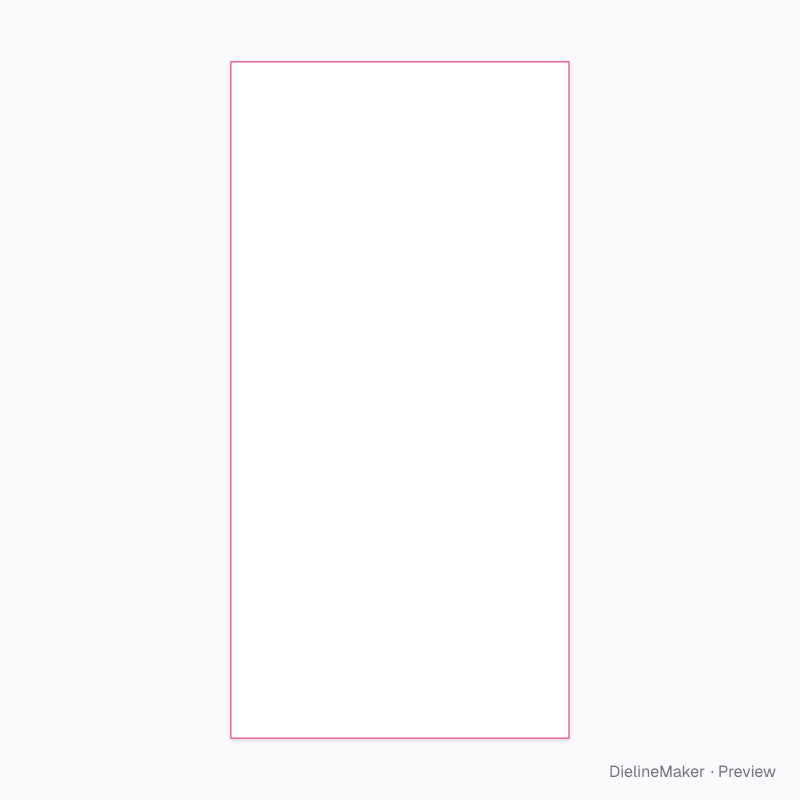
A rectangular waving textile flag on a pole with editable face artwork. The flat print area is the finished visible face; supplier-specific hems and pole sleeves are separate. A ready-sized preset of the fabric flag — adjust the object dimensions and decoration area to preview your artwork at size.
Object size600 × 1200 mm
Artwork area600 × 1200 mm
Download the artwork templatePro
Sign in to download. Dieline downloads are part of Pro: PDF, Illustrator, SVG and DXF, with the artwork area and bleed, without a watermark. See plans
- Reference
- —
- Object size
- Object width 600 · Object height 1200 mm
- Size range
- Object width 360–1440 · Object height 330–1200 mm
- Parts
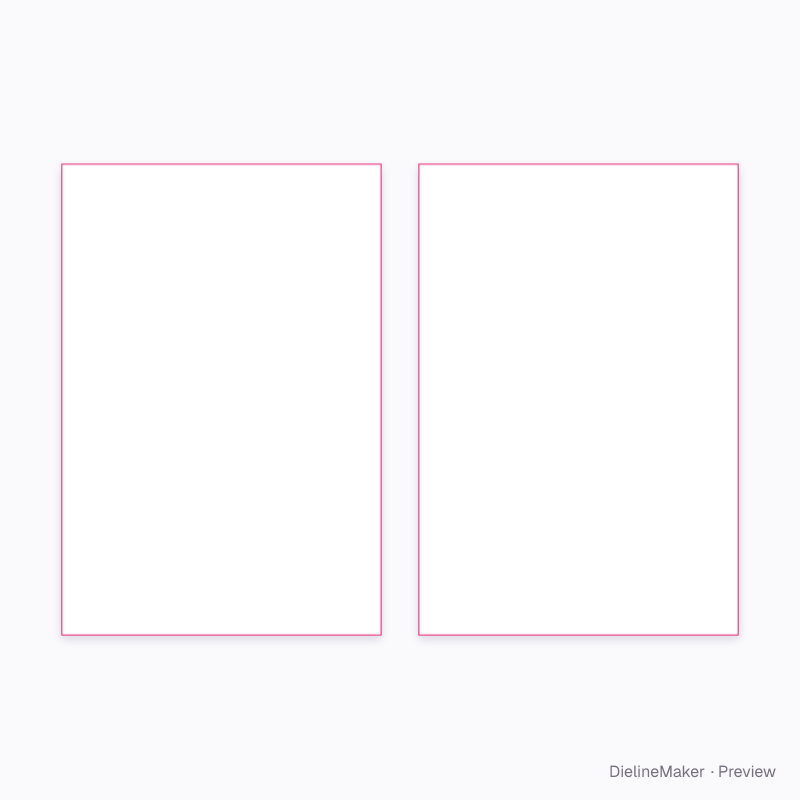
- 2 parts — Banner artwork, Second banner artwork
- Artwork area
- 1.440 m²
- Good for
The flat artwork area
Exactly what the downloads contain, drawn from the template at its default size, with a 3 mm bleed.
- Artwork boundary
- Bleed 3 mm
Adjustable in the editor
Alongside dimensions, the template offers 5 options; the template and 3D preview follow each change.
- Object colour17 options
- Flag shape4 options
- Pole mounting3 options
- Bottom armon / off
- Banner on both sides of the poleon / off
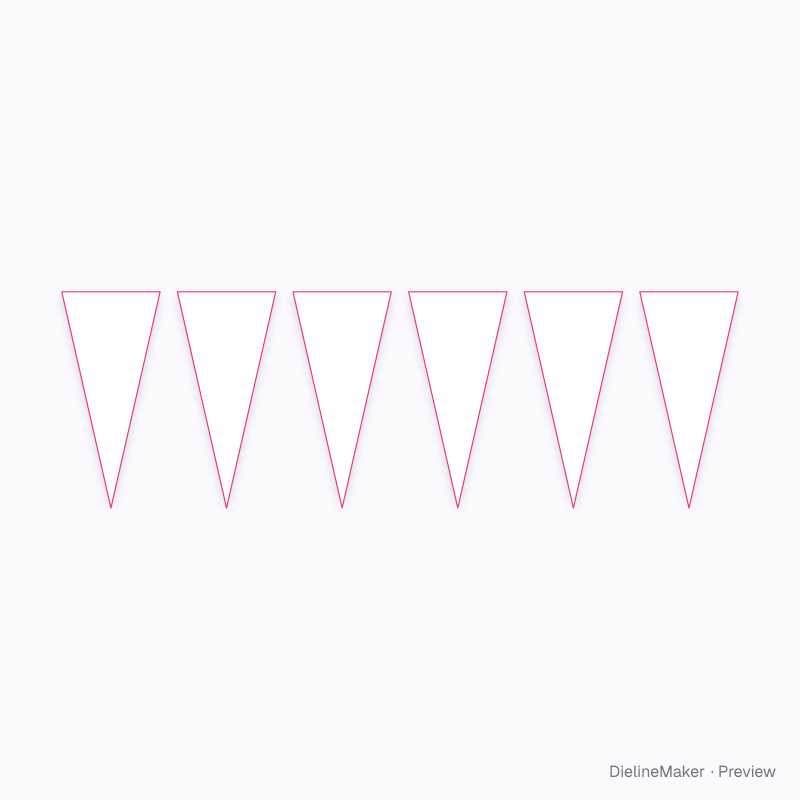
The fabric flag family
The same model with sizes and artwork options ready to customize.
 Preset
 Preset
 Preset
 Preset
 Preset
 Preset
 Preset
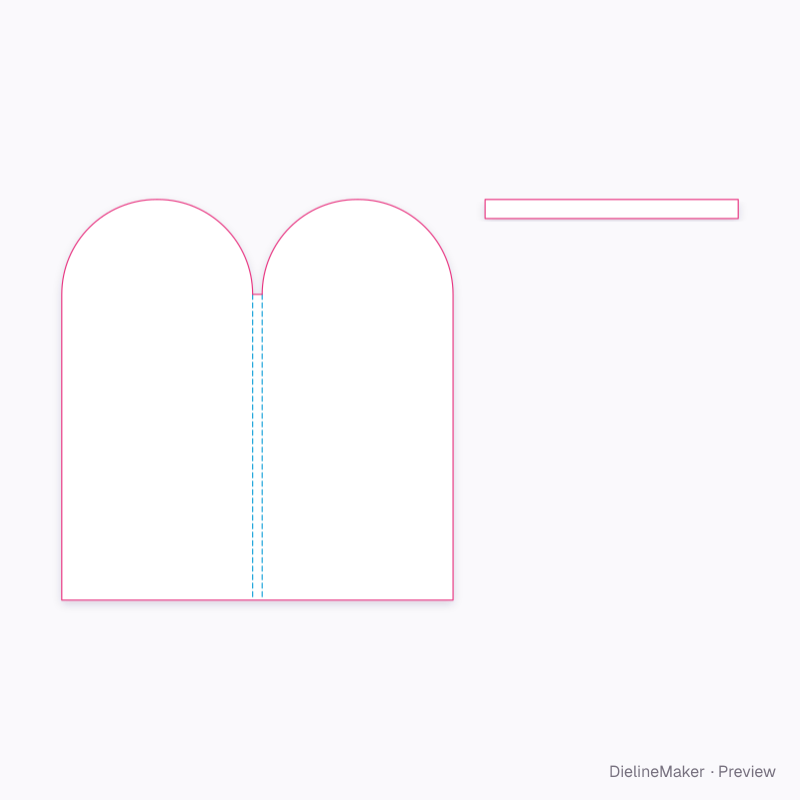
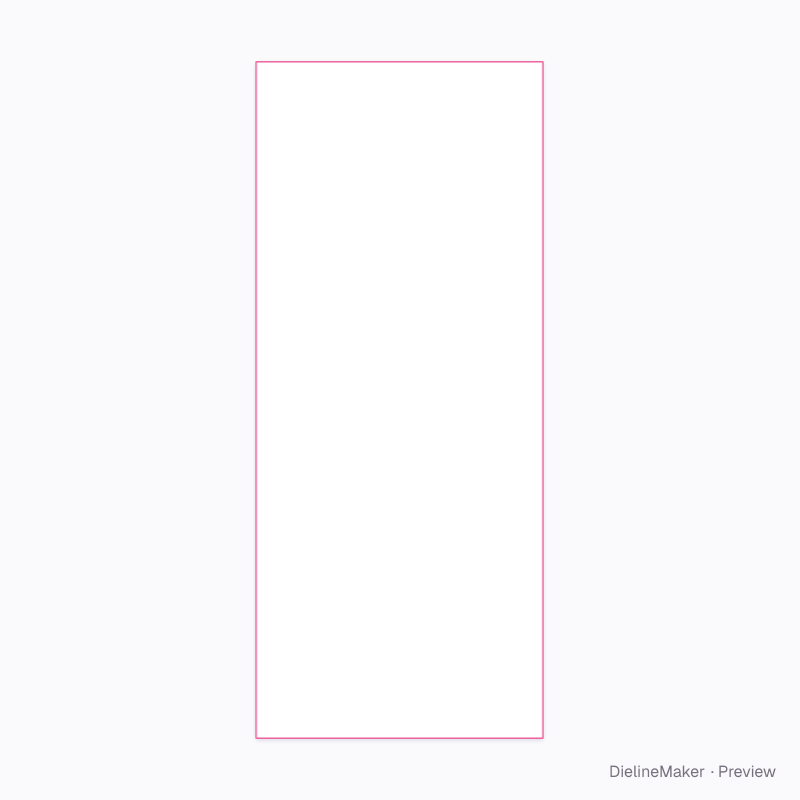
Similar structures
Other structures built in a similar way, matched on code family, category, closures and proportions.
Make this double-sided street pole banners yours
Set the artwork area, add your design and export the dimensioned artwork template, or stage the product in a 3D scene.