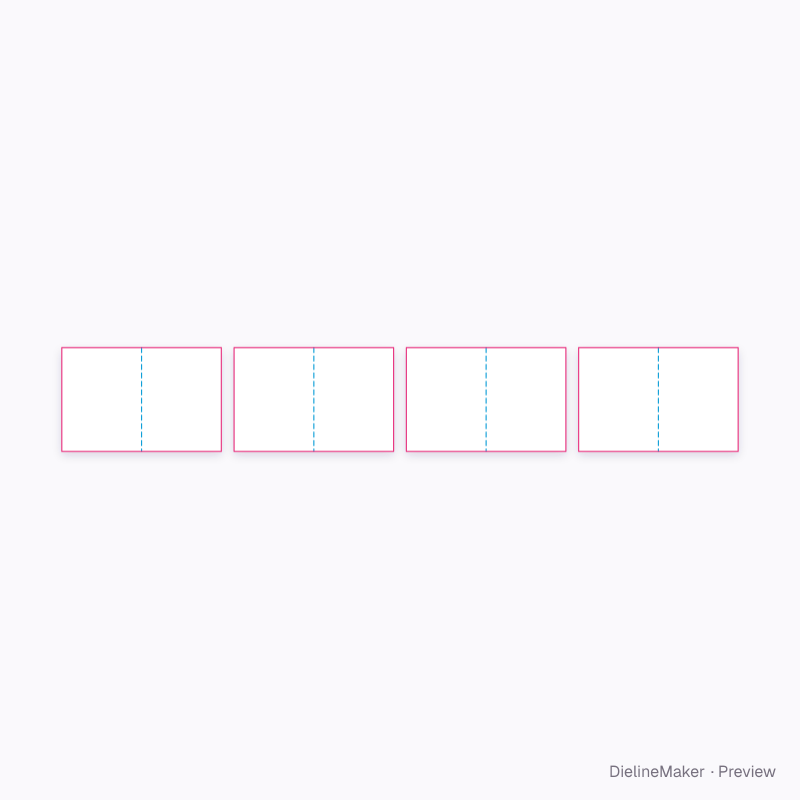
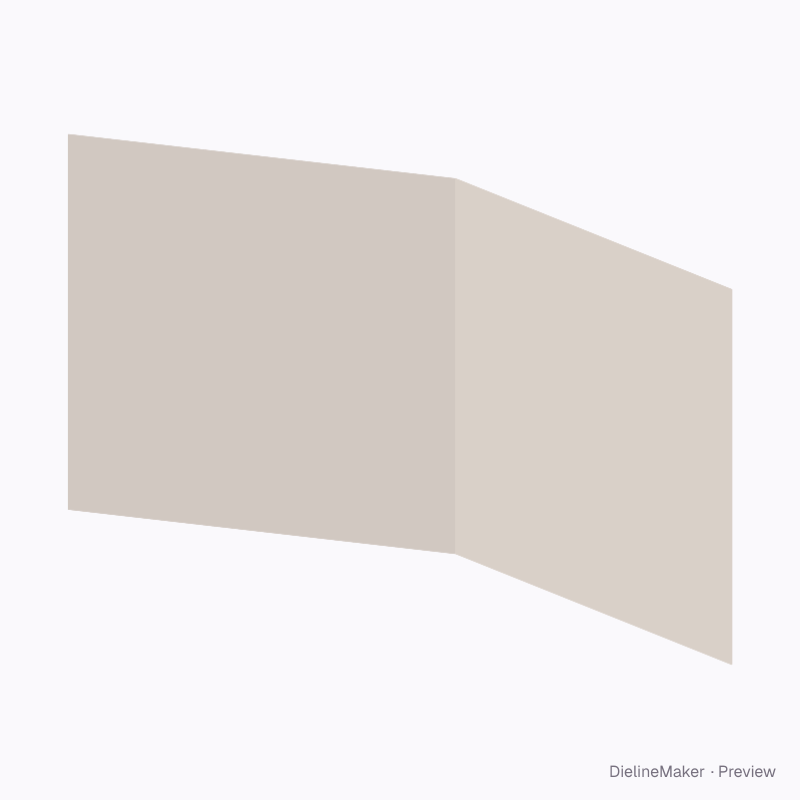
Preview image
The real blank at this size, folded by the same engine as the studio. The artwork is a sample from a fictional brand — swap in your own in the editor.
Parametric structureCards & tags
7.5 in square open magazine dieline
190.5 × 190.5 mm finished format with editable dimensions and artwork. A ready-sized preset of the open magazine — change the length, width and height and every panel, tuck and glue flap is redrawn to match.
Inside190.5 × 190.5 mm
Outside190.5 × 190.5 mm
Flat blank381 × 190.5 mm
Download the dielinePro
Sign in to download. Dieline downloads are part of Pro: PDF, Illustrator, SVG and DXF, cut, crease and bleed on separate layers, without a watermark. See plans
- Reference
- —
- Inside size
- Page width 190.5 · Page height 190.5 mm
- Size range
- Page width 75–450 · Page height 100–650 mm
- Manufacturing
- 190.5 × 190.5 mm score to score · inside vs outside sizes
- Parts
- 4 parts — Outer sheet / cover, Inner sheet 2, Inner sheet 3, Inner sheet 4
- Board area
- 0.290 m² · about 5 up on a 720 × 1020 mm sheet
- Default board
- Art paper 170 g · 0.16 mm caliper
- Board options
- Paper 170
- Good for
The flat dieline
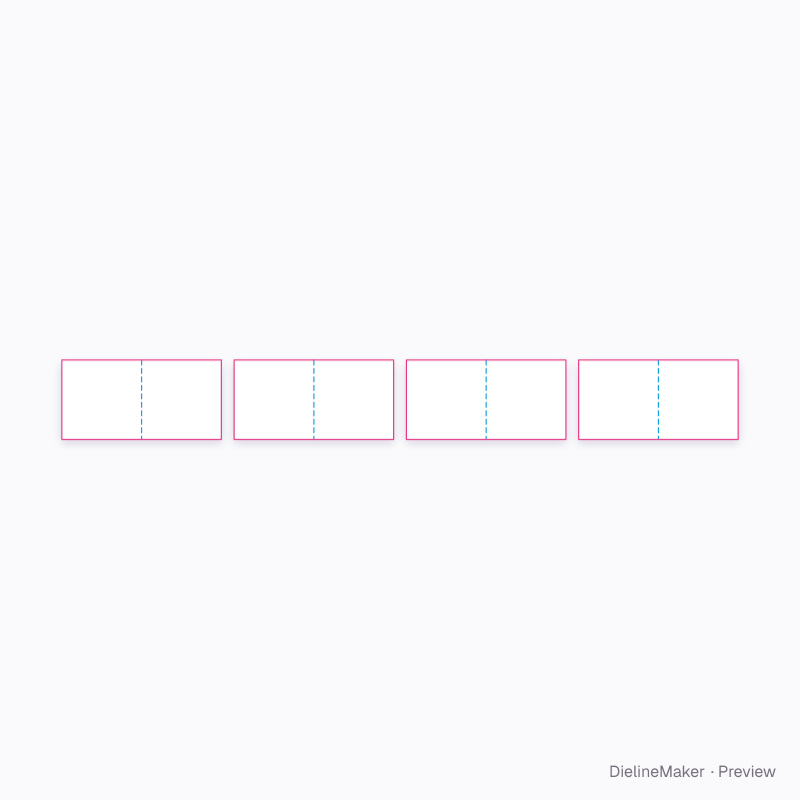
Exactly what the downloads contain, drawn from the template at its default size, with a 3 mm bleed. How to read a dieline.
- Crease
- Cut
- Bleed 3 mm
Adjustable in the editor
Beyond the size and board, this structure exposes 1 option; the template and 3D preview follow each change.
- Sheets / pages6 options
The open magazine family
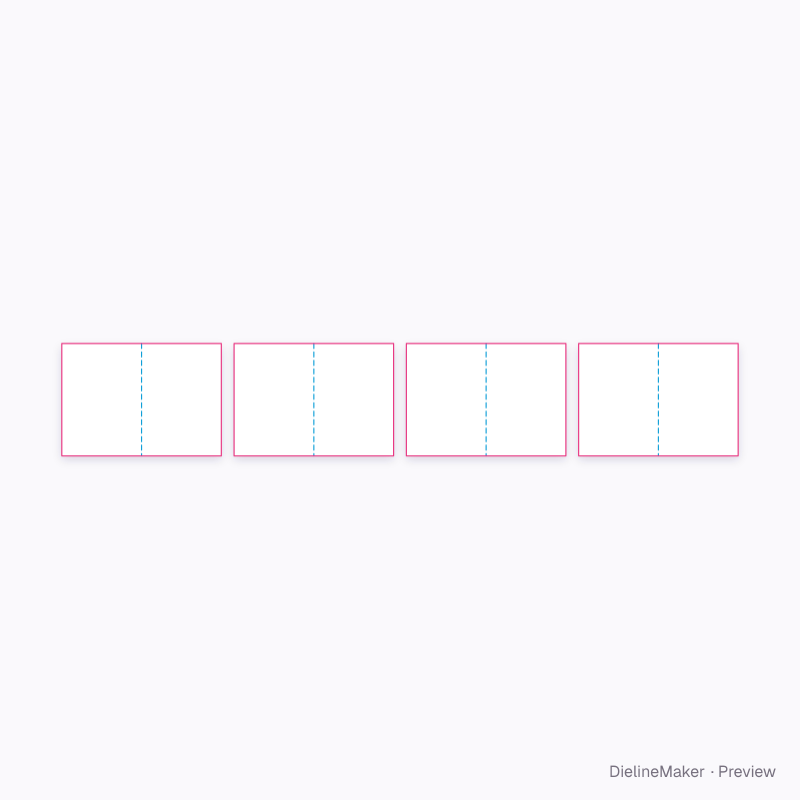
The same structure with sizes, boards and options set for a use.
 Preset
 Preset
 Preset
 Preset
 Preset
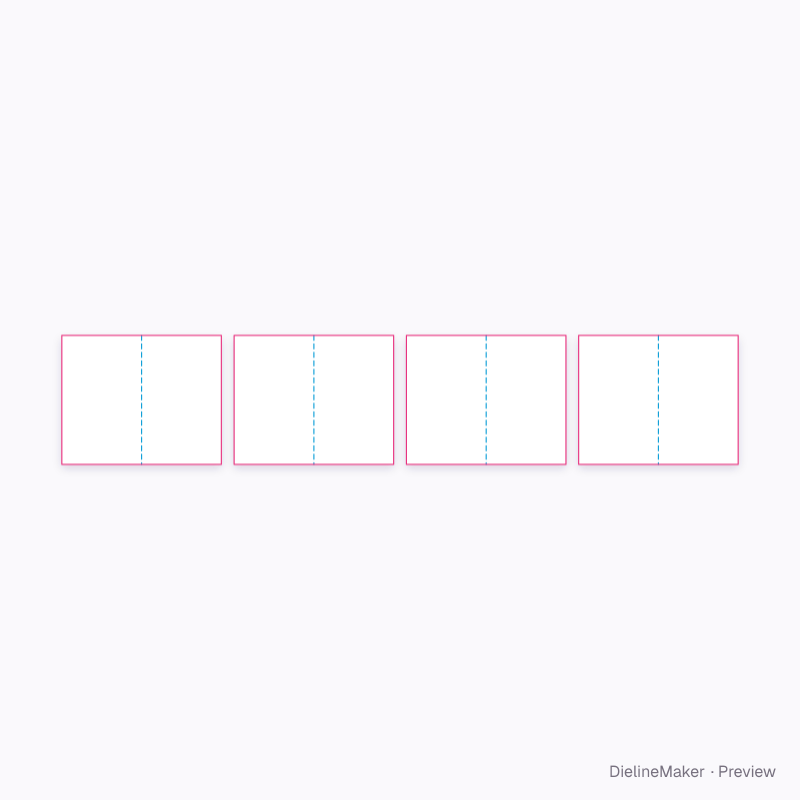 Preset
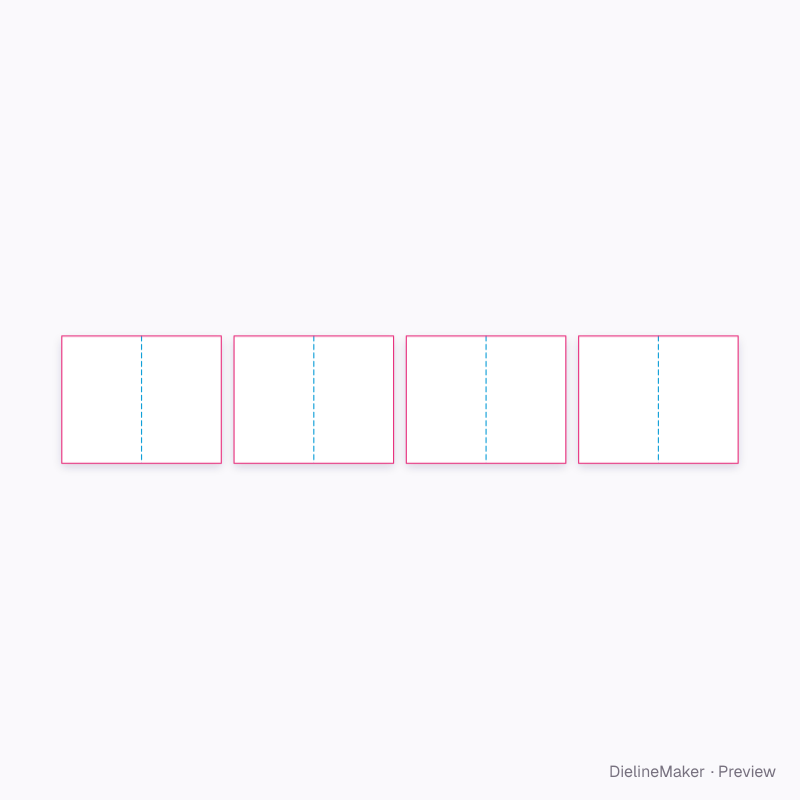 Preset
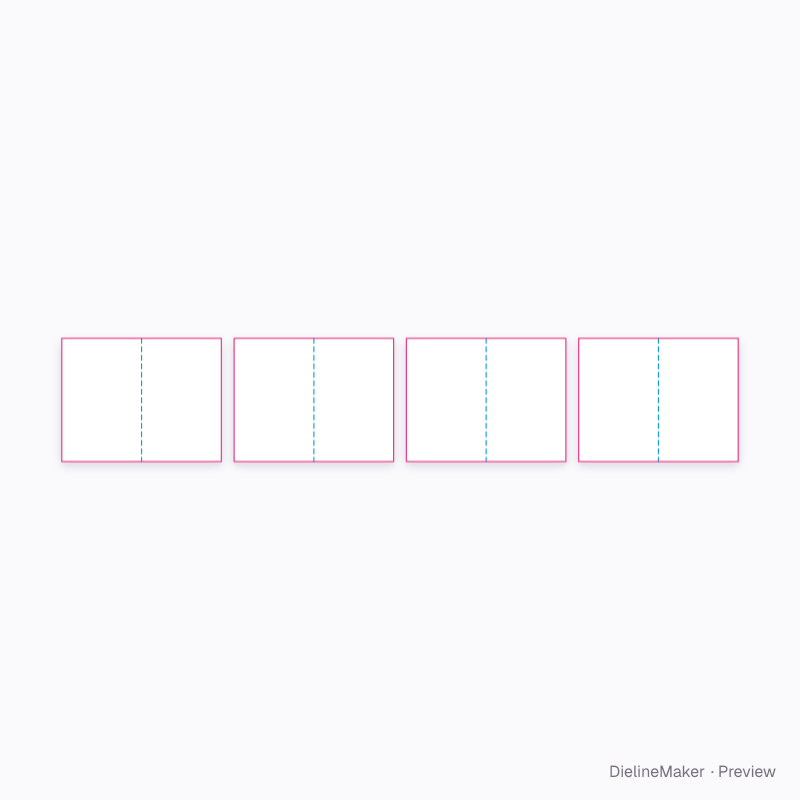 Preset
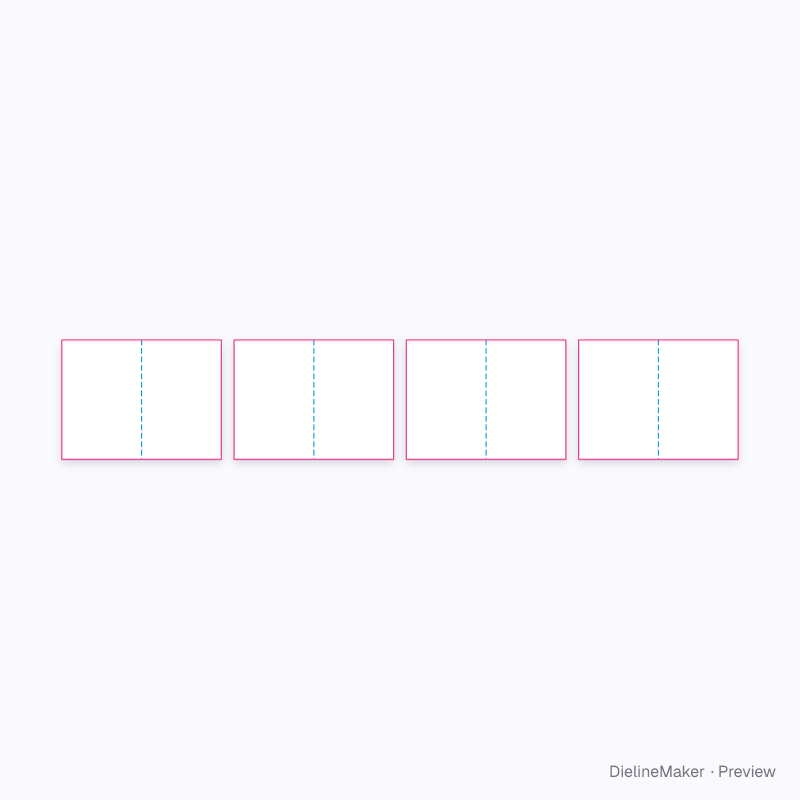 Preset
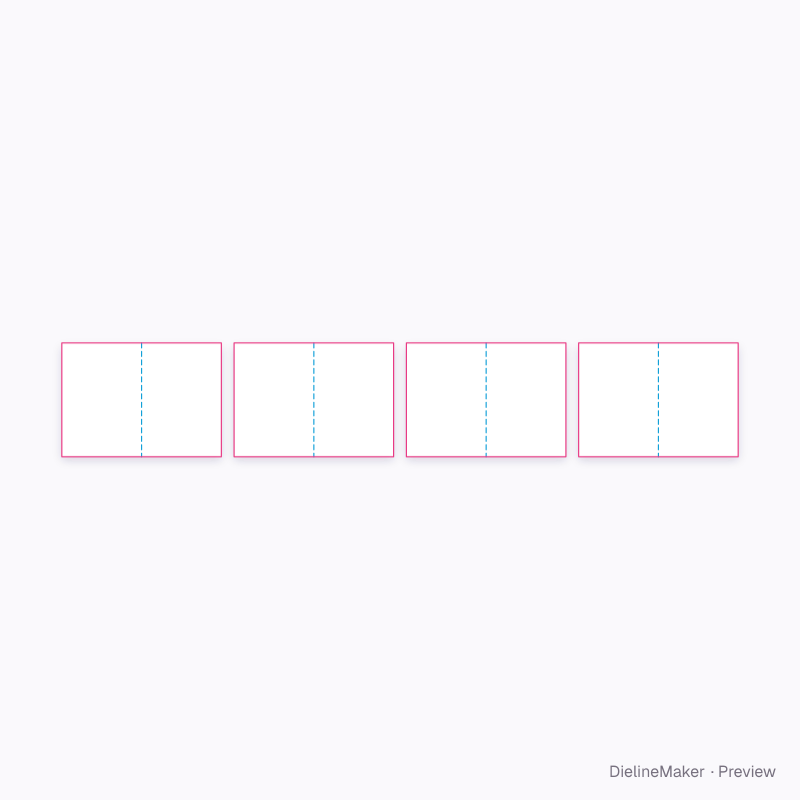 Preset
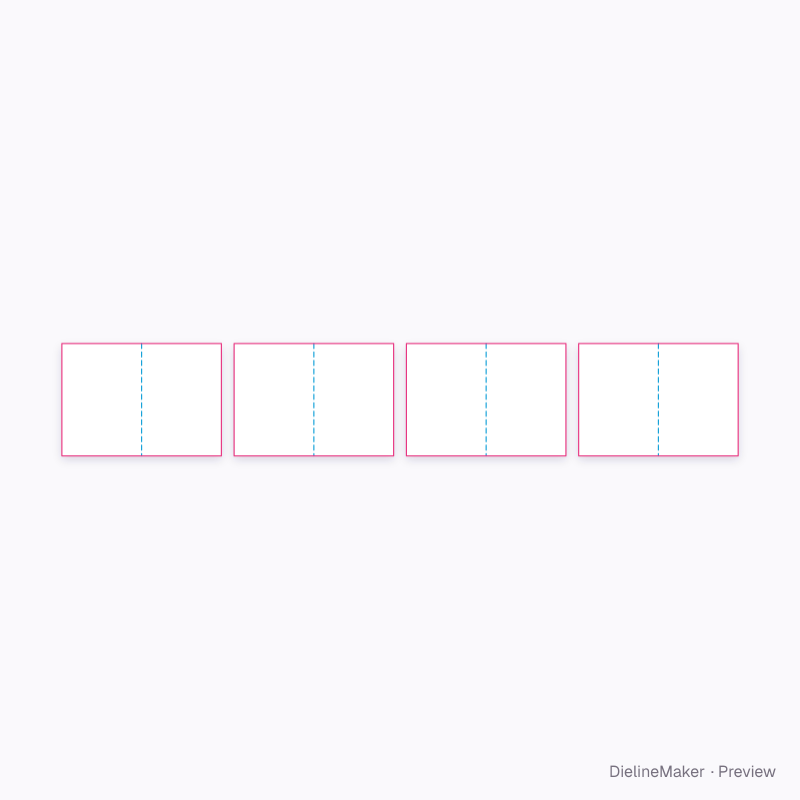 Preset
Similar structures
Other structures built in a similar way, matched on code family, category, closures and proportions.
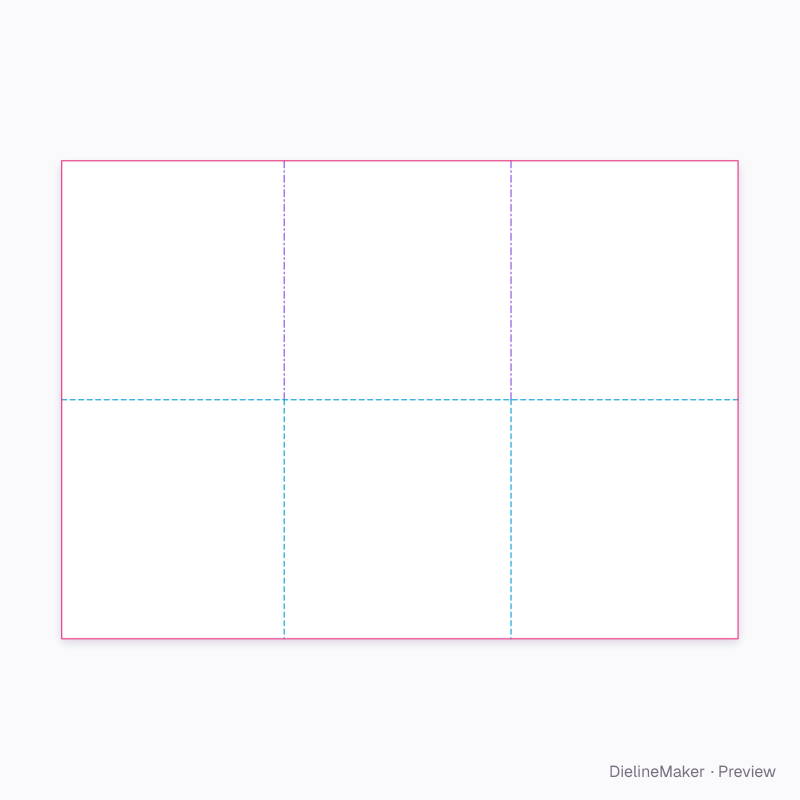
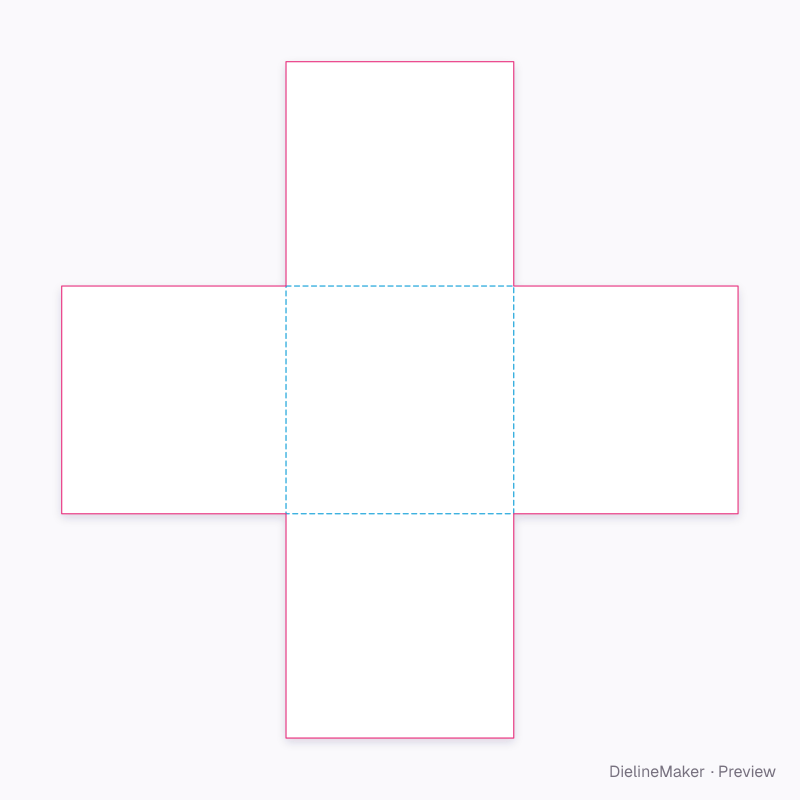
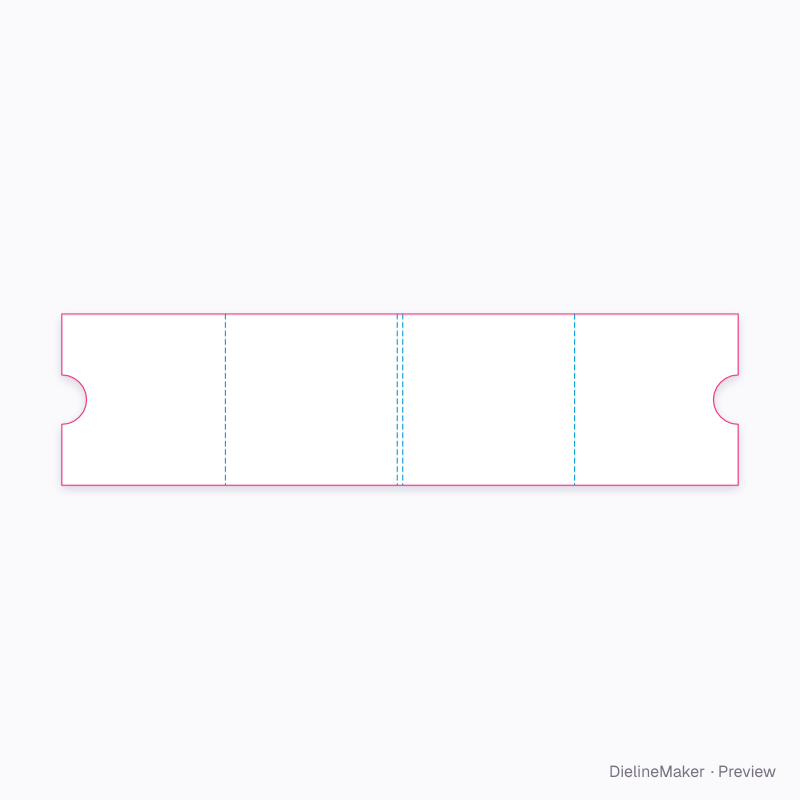
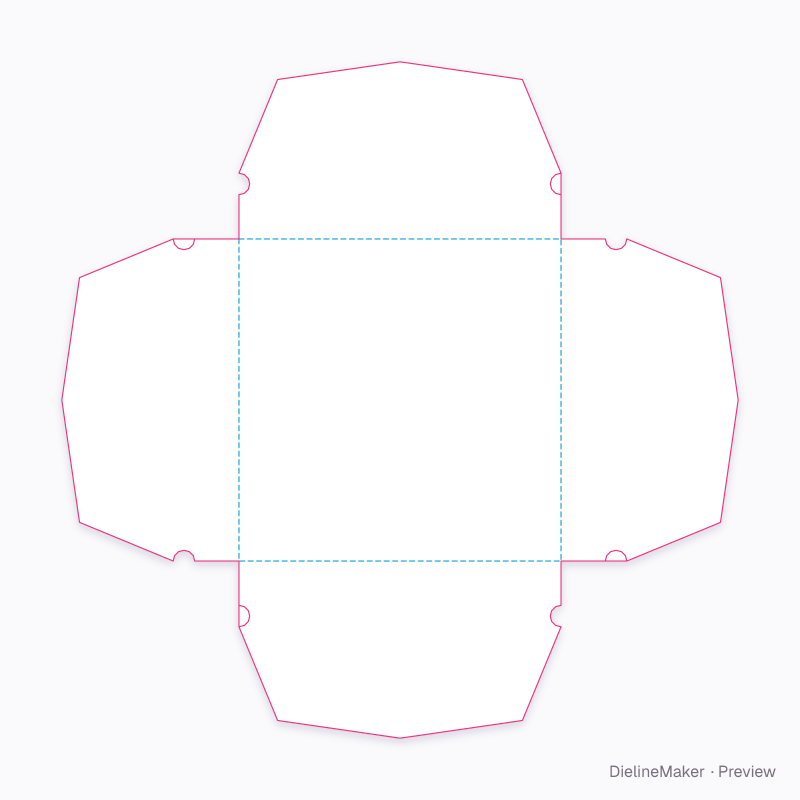
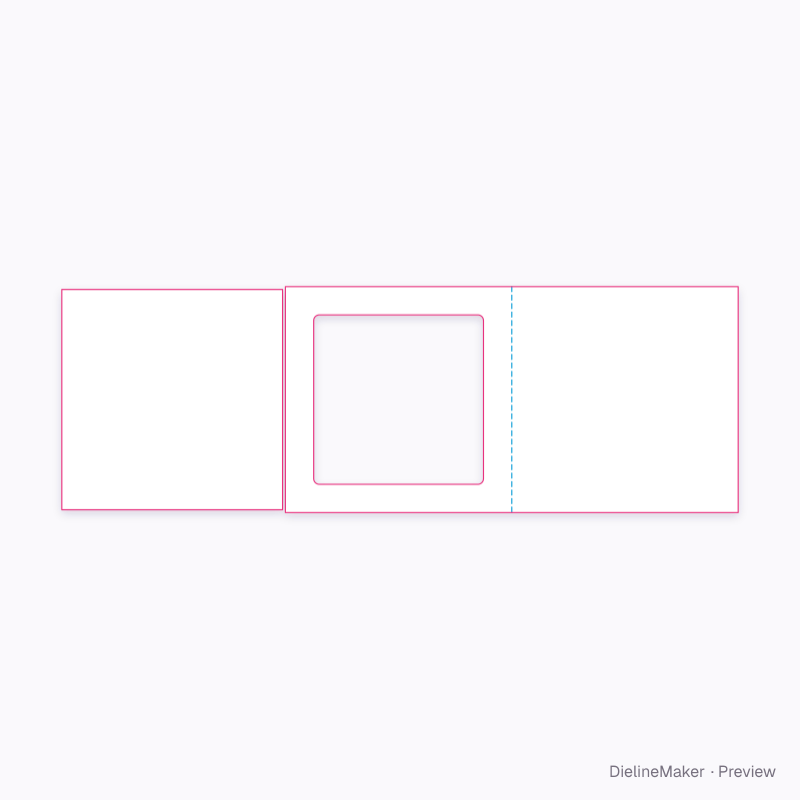
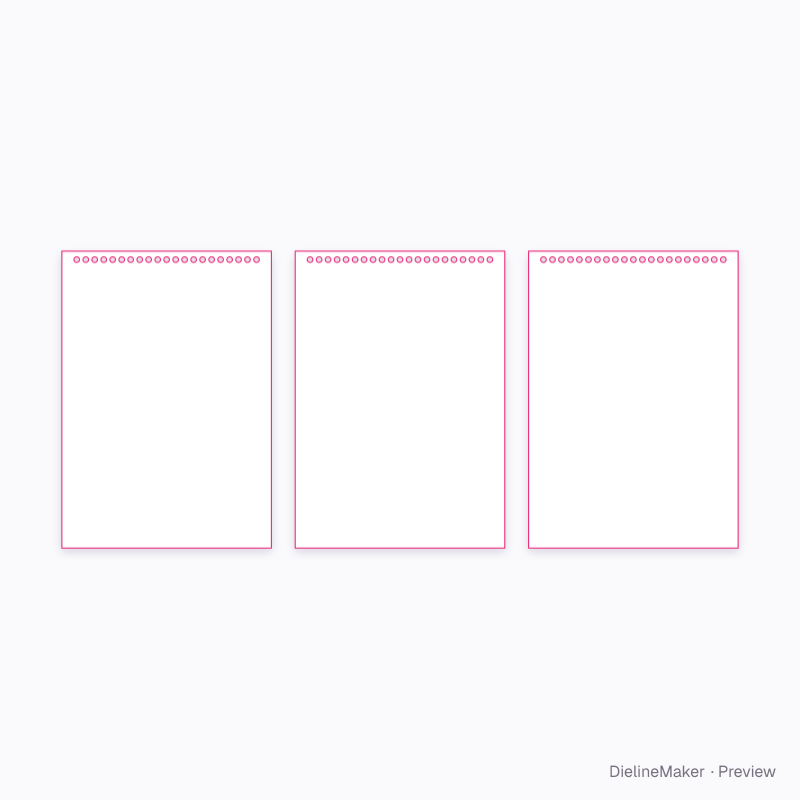
Make this 7.5 in square open magazine yours
Open it in the editor to set your size, drop artwork on each face, check bleed and safe areas, and export print-ready PDF with the dieline on its own layer — or stage it in a 3D scene for a mockup.