The complete six-can carrier
The carrier structure and artwork remain editable. Six native can models are embedded as companions; use the can project to revise their label artwork.
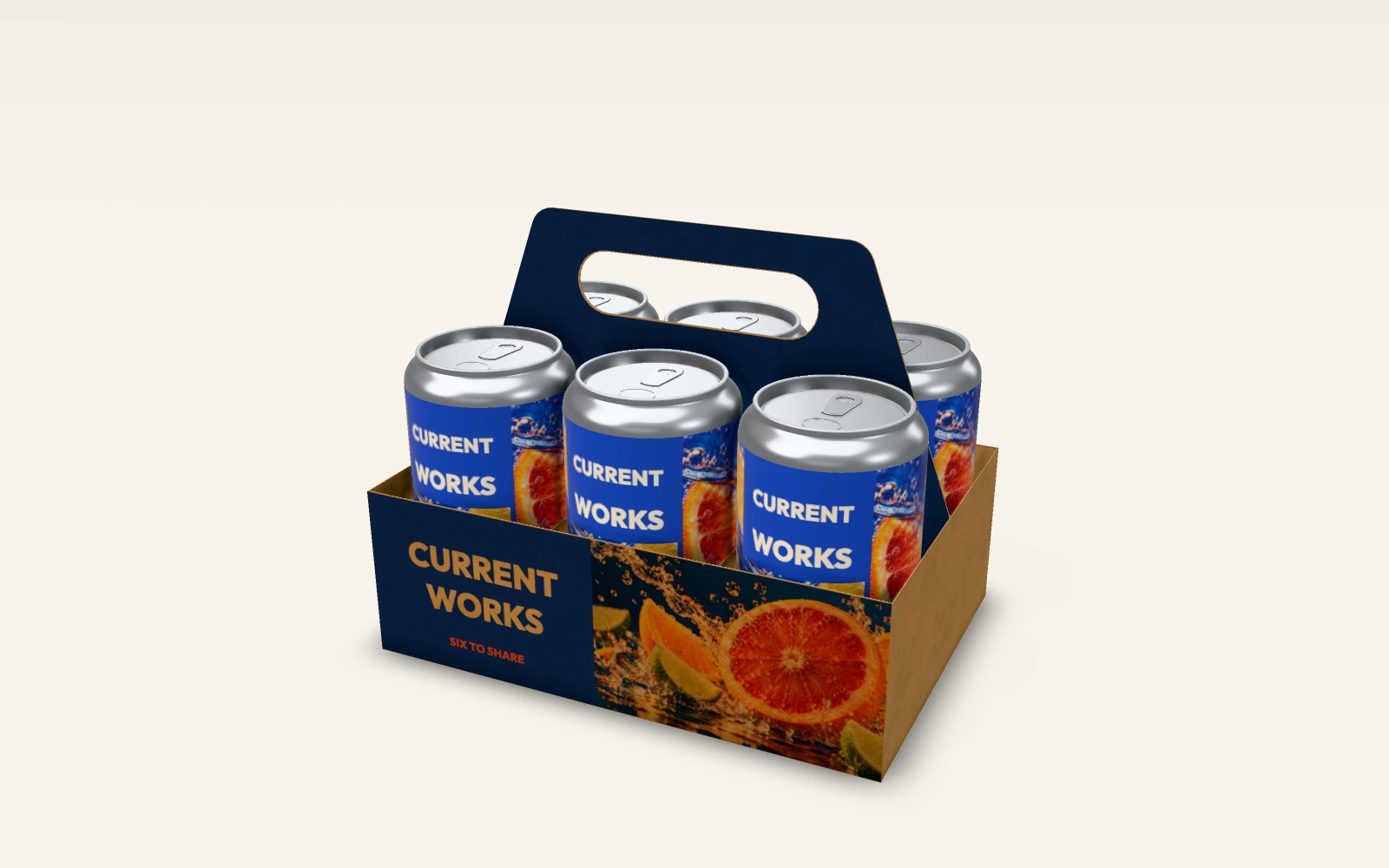
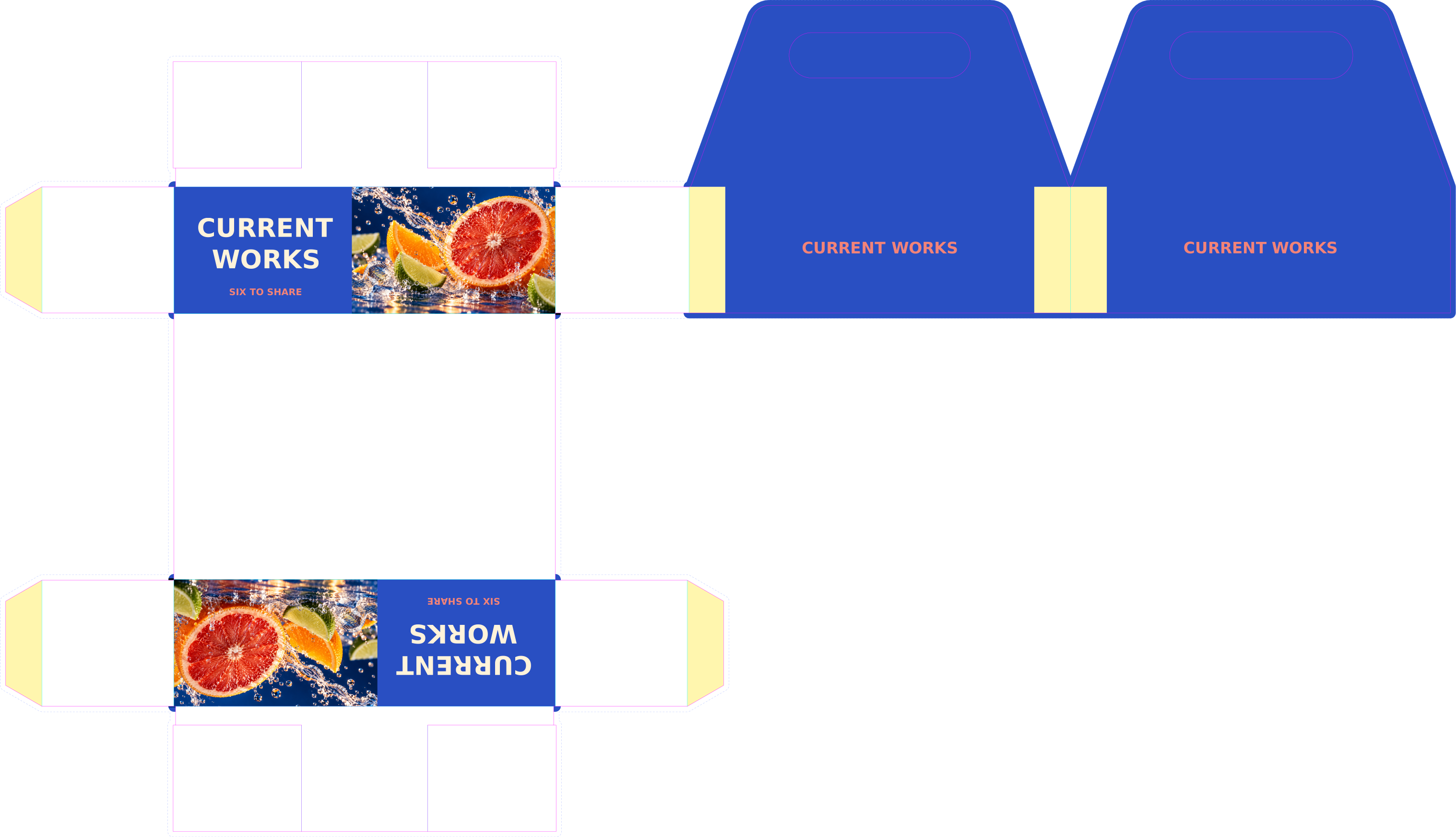
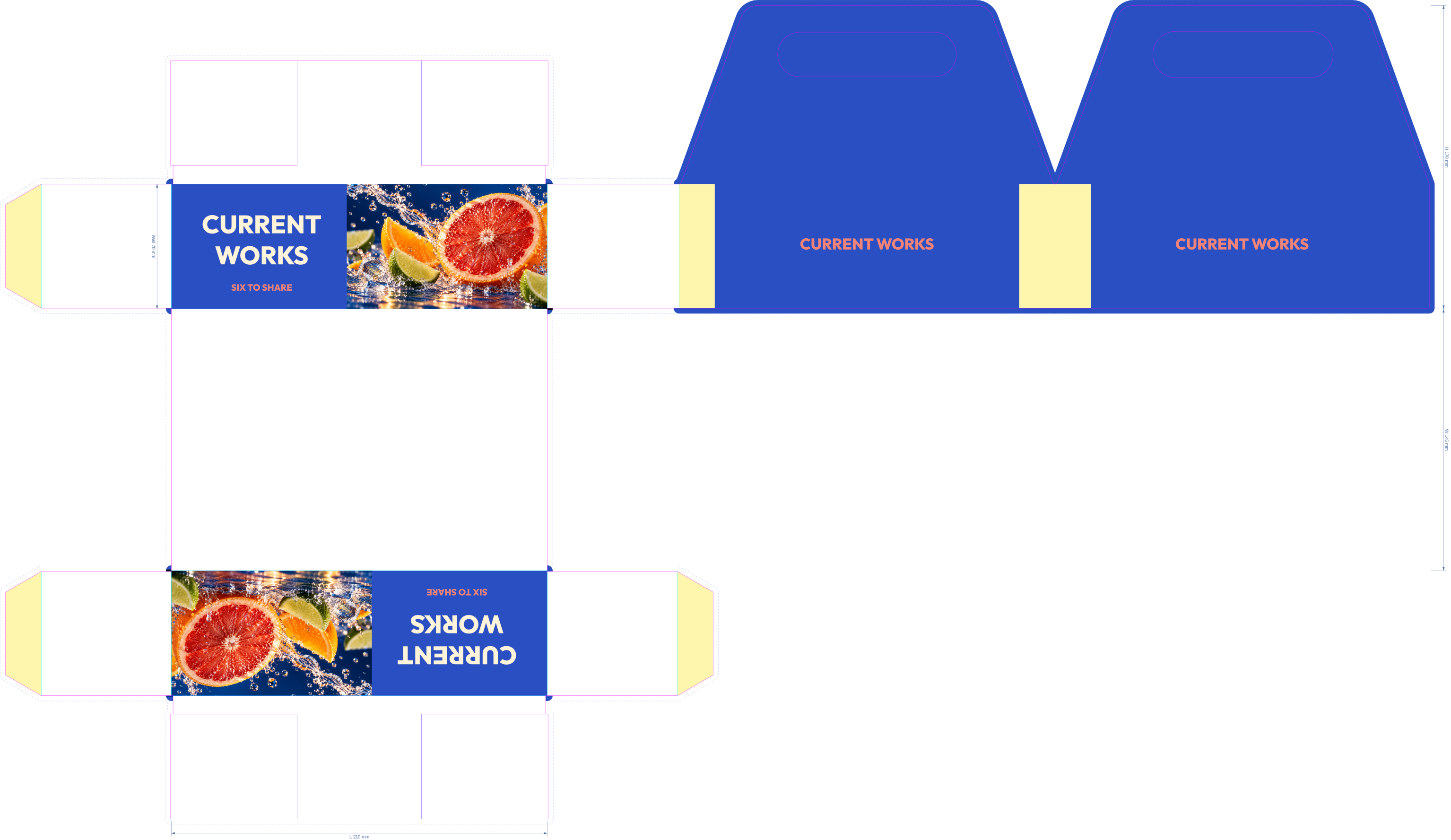
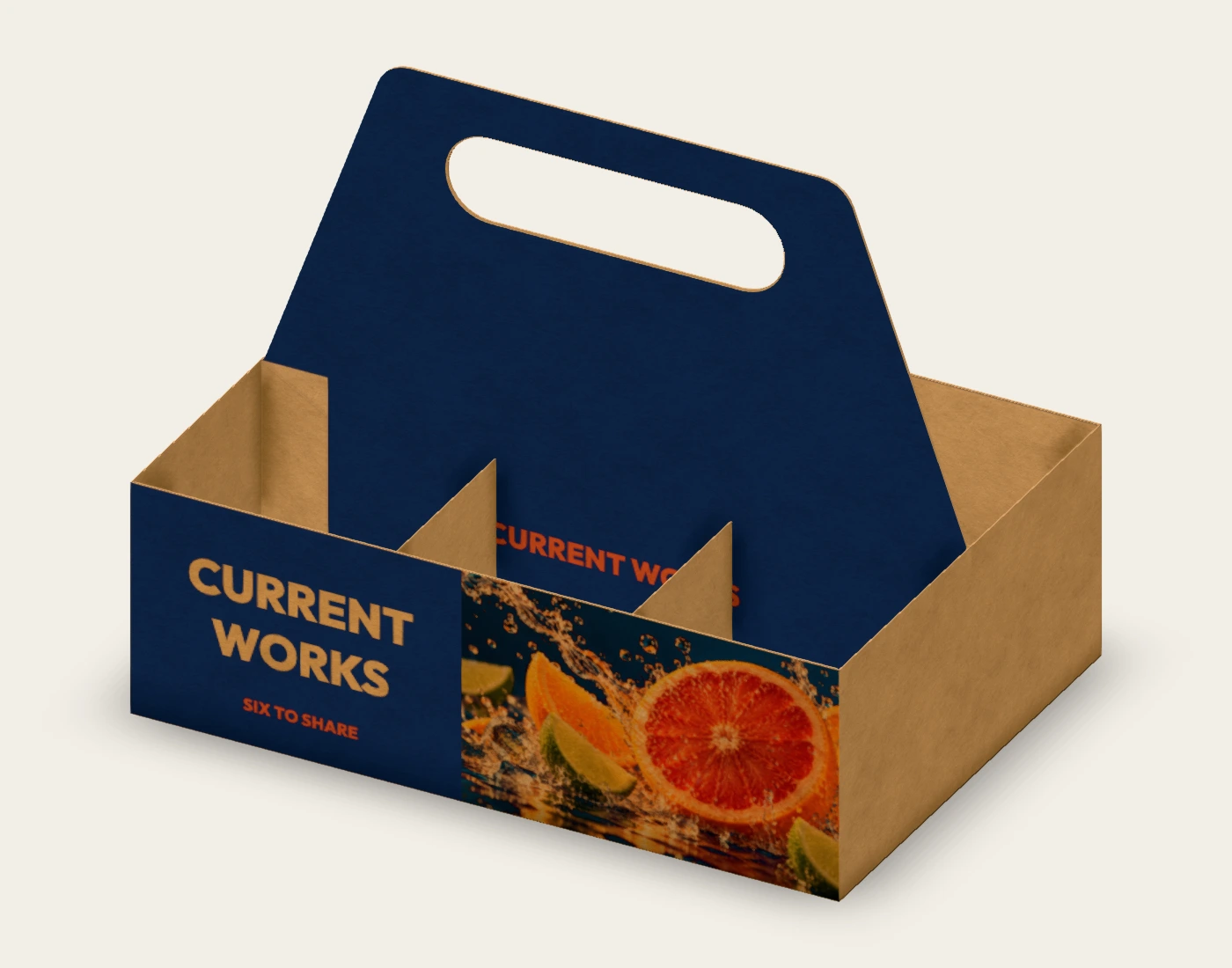
Use cobalt and coral to connect the single can and multipack. Inspect the handle and cells, compare the flat carrier with its folded state and review the full six-can presentation.
Explore the native scenes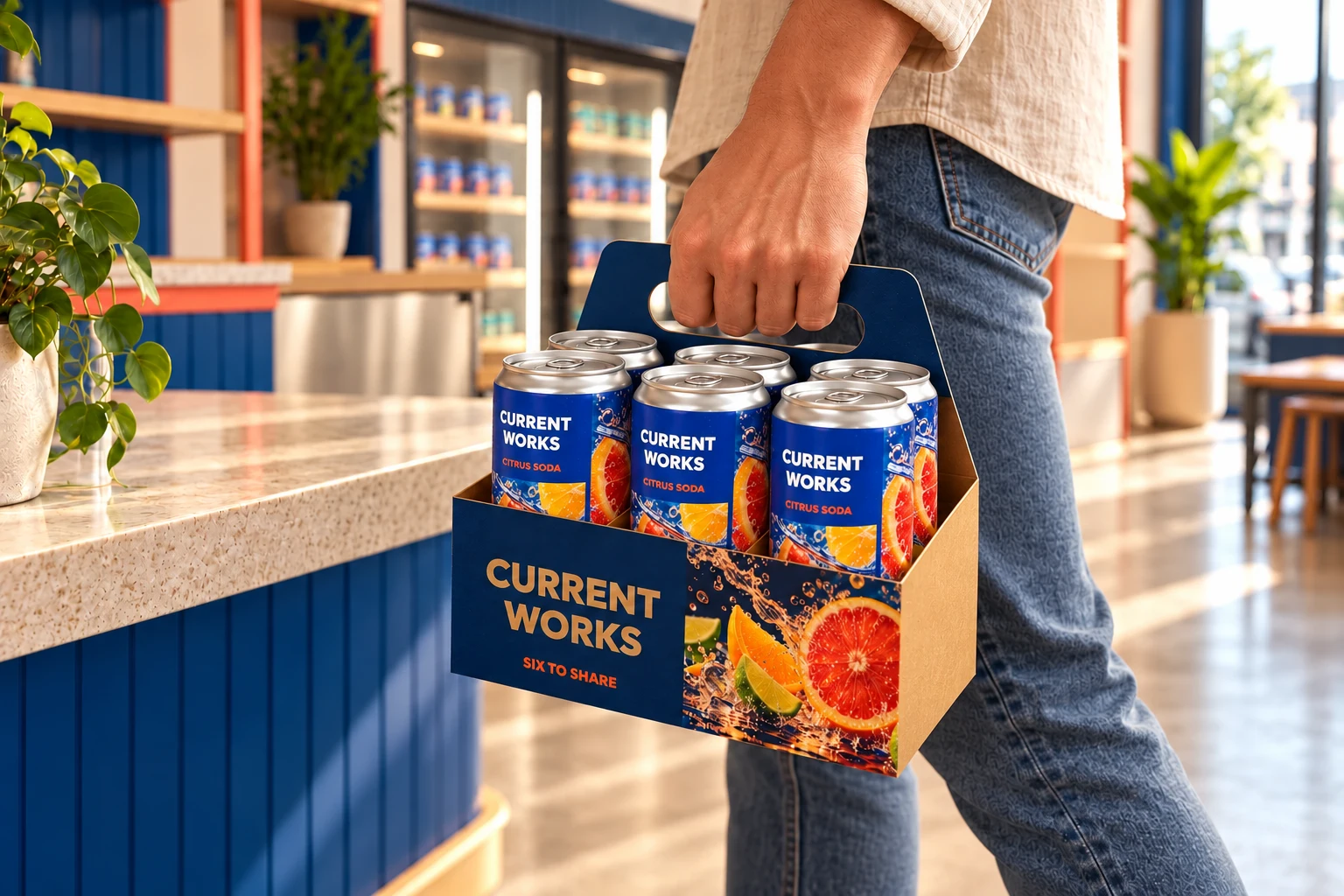
CURRENT WORKS is a fictional example identity. Native proofs establish the saved digital appearance; supplier specifications and physical samples establish production suitability.
Read the can artwork beside the loaded carrier. Keep the unit identity recognizable while giving the carrier its own large brand panel.
Review the native handle detail and folded panels. The saved structure uses six cells and partitions; visual clearance does not establish carrying strength.
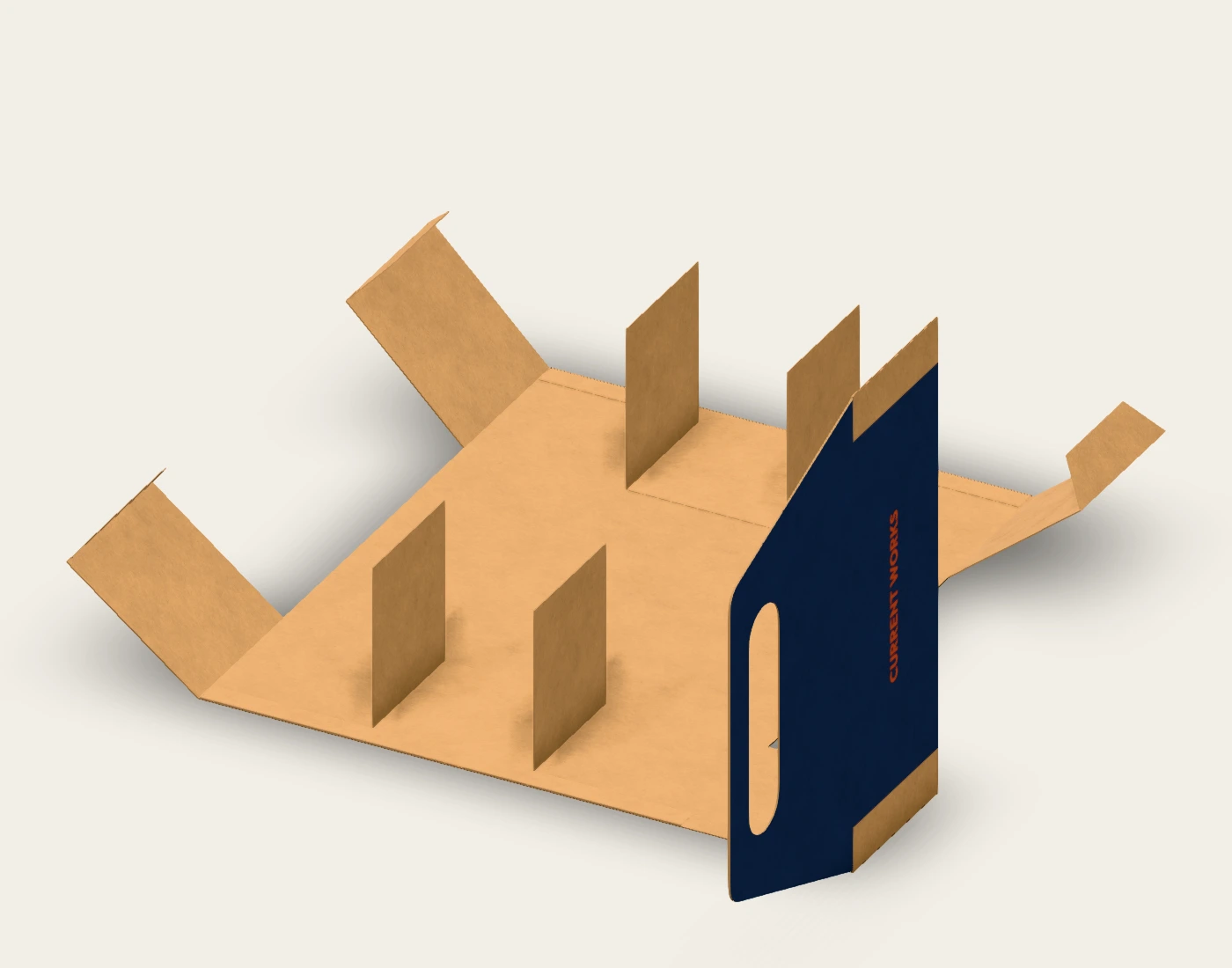
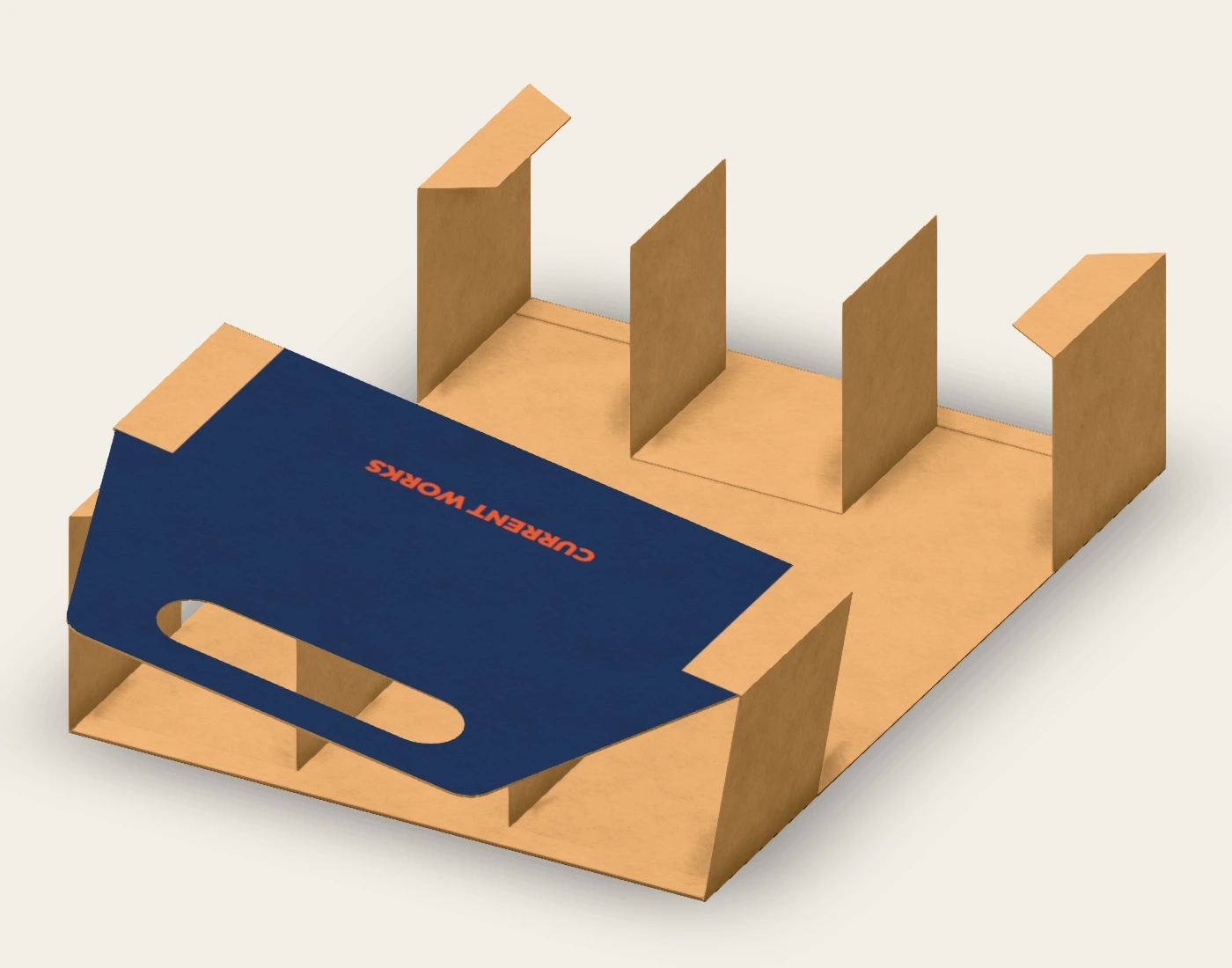
Compare the flat carrier and intermediate fold views with the loaded scene. This is a digital assembly concept; confirm gluing, reinforcement and real loaded handling with the converter.
Each link imports a new copy of the saved native scene, including its embedded companion assets. Sign in to use the editor. Keep the individual source projects below for companion artwork changes.
The carrier structure and artwork remain editable. Six native can models are embedded as companions; use the can project to revise their label artwork.
Review visual hierarchy and scale together. Embedded cans retain baked artwork; the separate source preserves editable can layers.
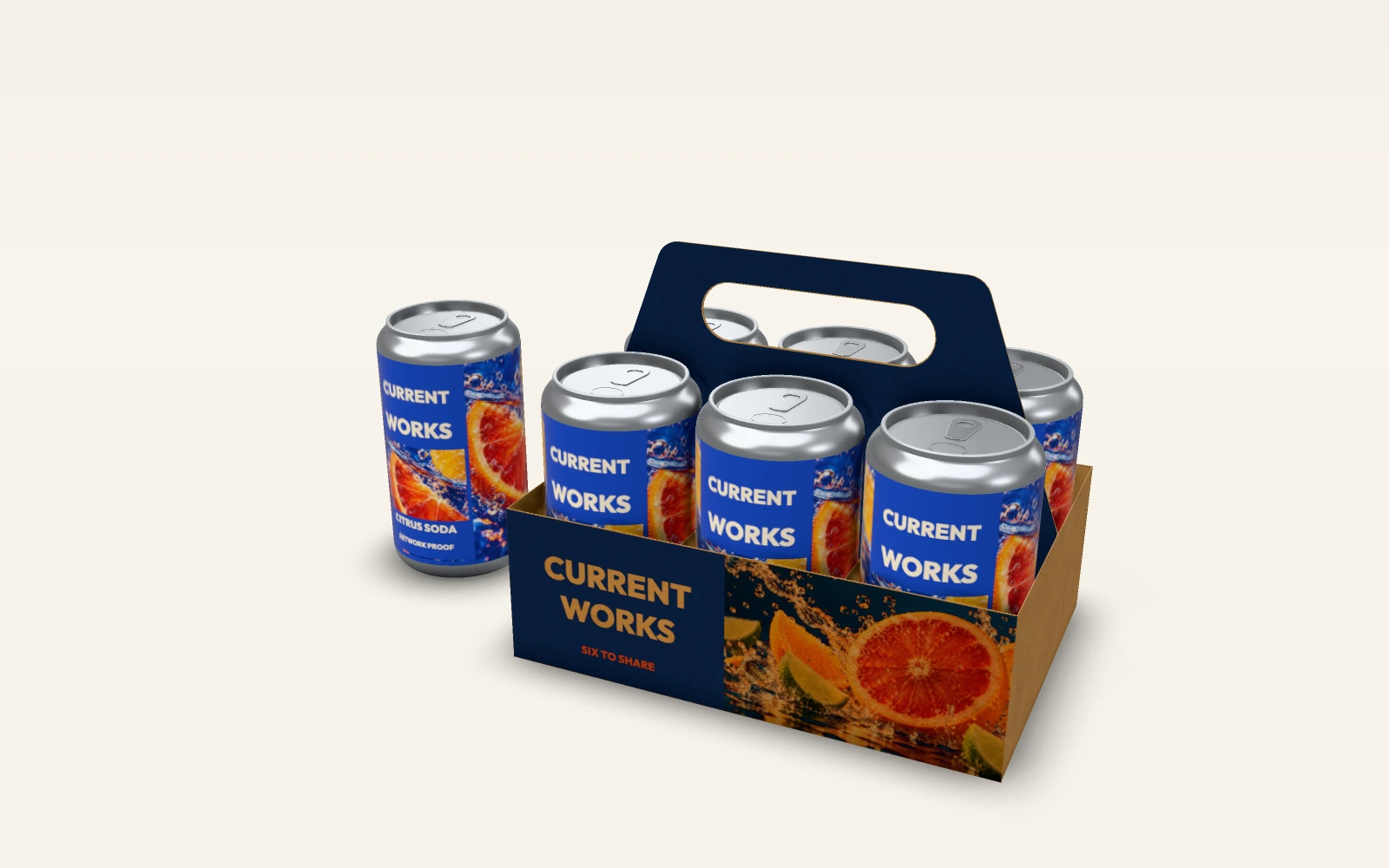
This rotation is rendered from the saved native motion scene. It communicates artwork placement and digital geometry; it is not a manufacturing or performance test.
Saved projects retain original layers and dimensions. Editable SVG keeps live text; outlined SVG and PDF are flat proofs. Their purpose depends on the part: object placement guides, lidding artwork, label artwork or structural board files.
210 × 146 × 170 mm configuration
Kraft 350 · kraft-350
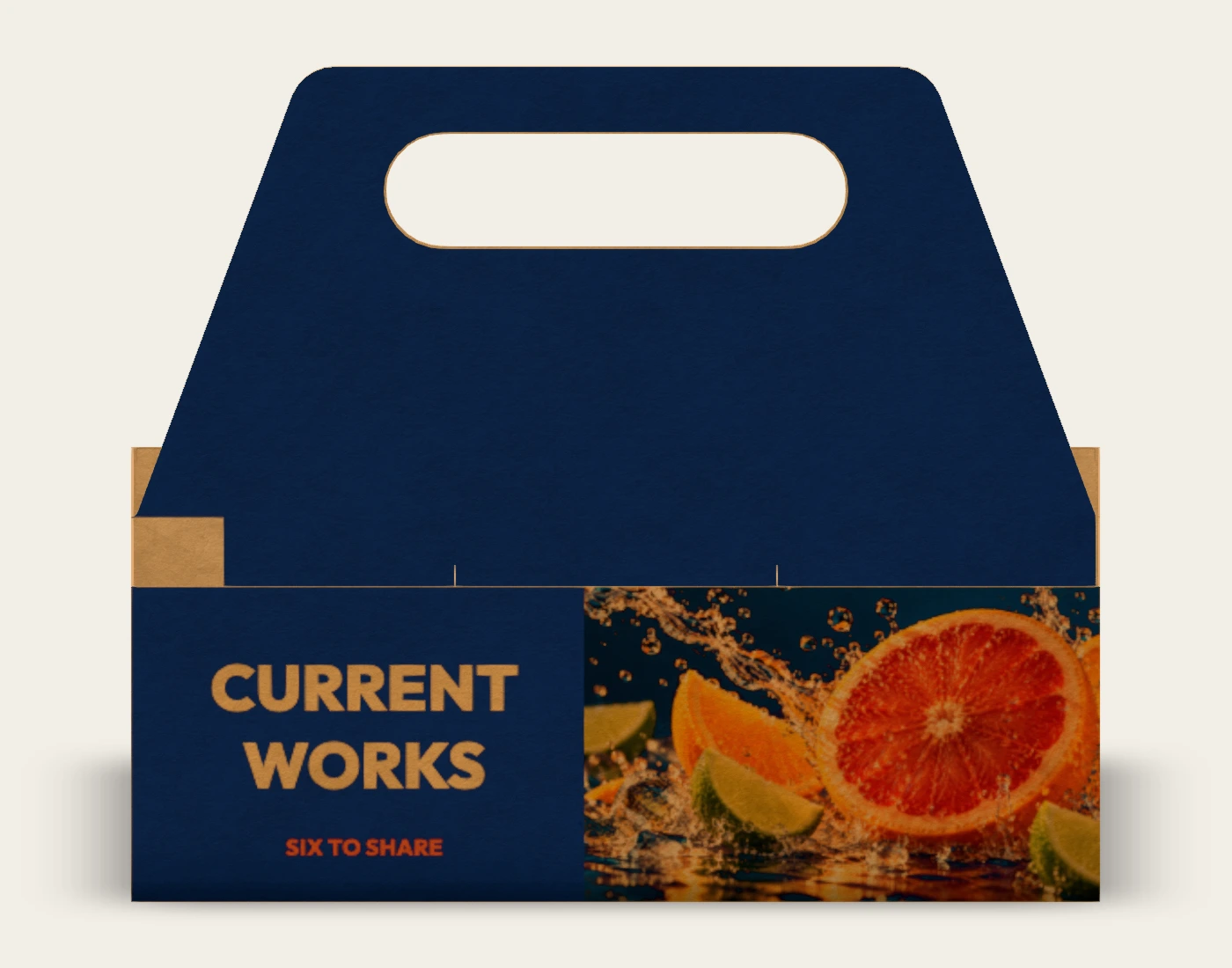
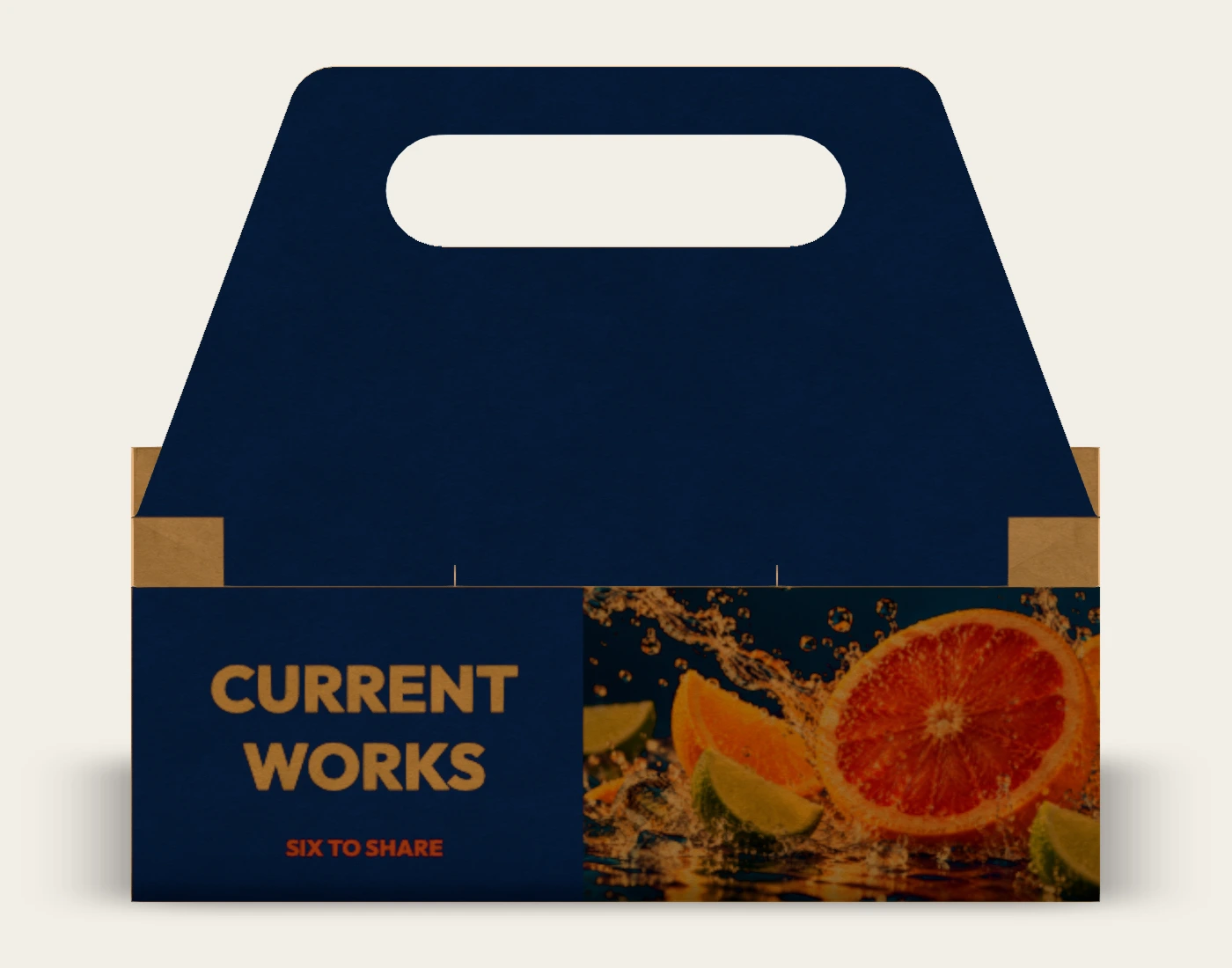
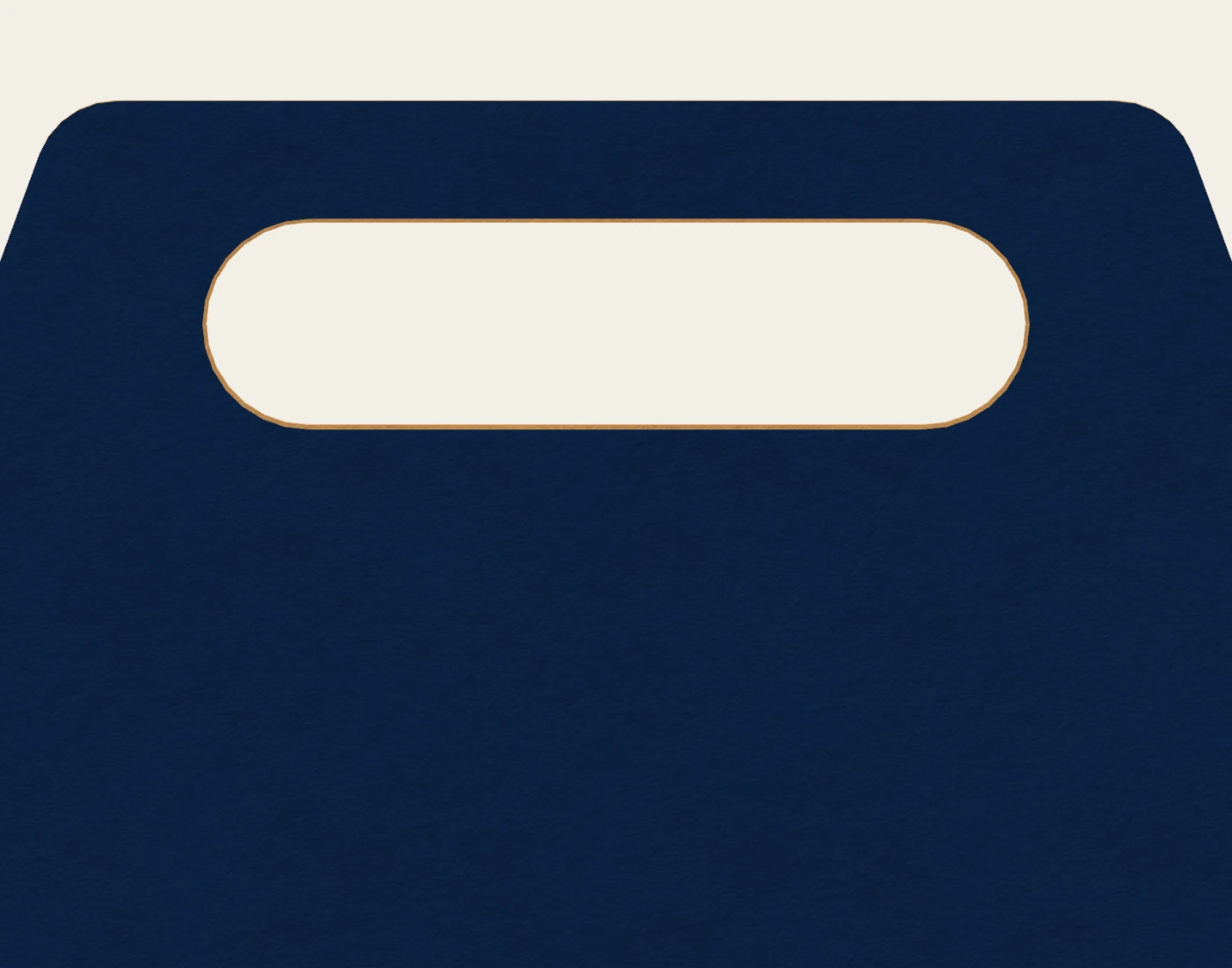
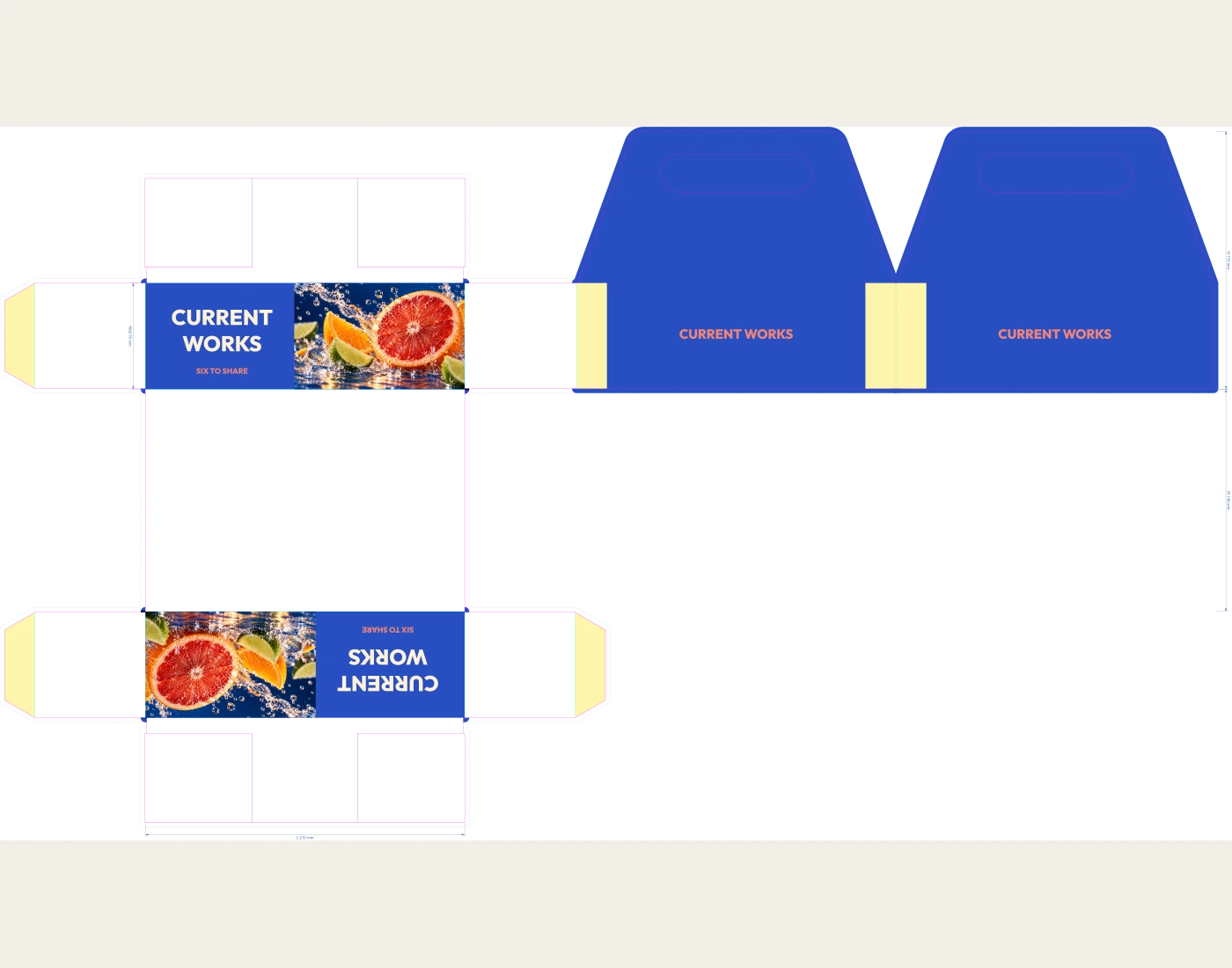
Six cells, partitions and handle; 66 mm can diameter setting, 1.5 mm cell-clearance setting and 70 mm wall height. Overall height reaches the handle top. No physical load rating is implied.
66 mm diameter × 122 mm high reference
Gloss label · label-gloss
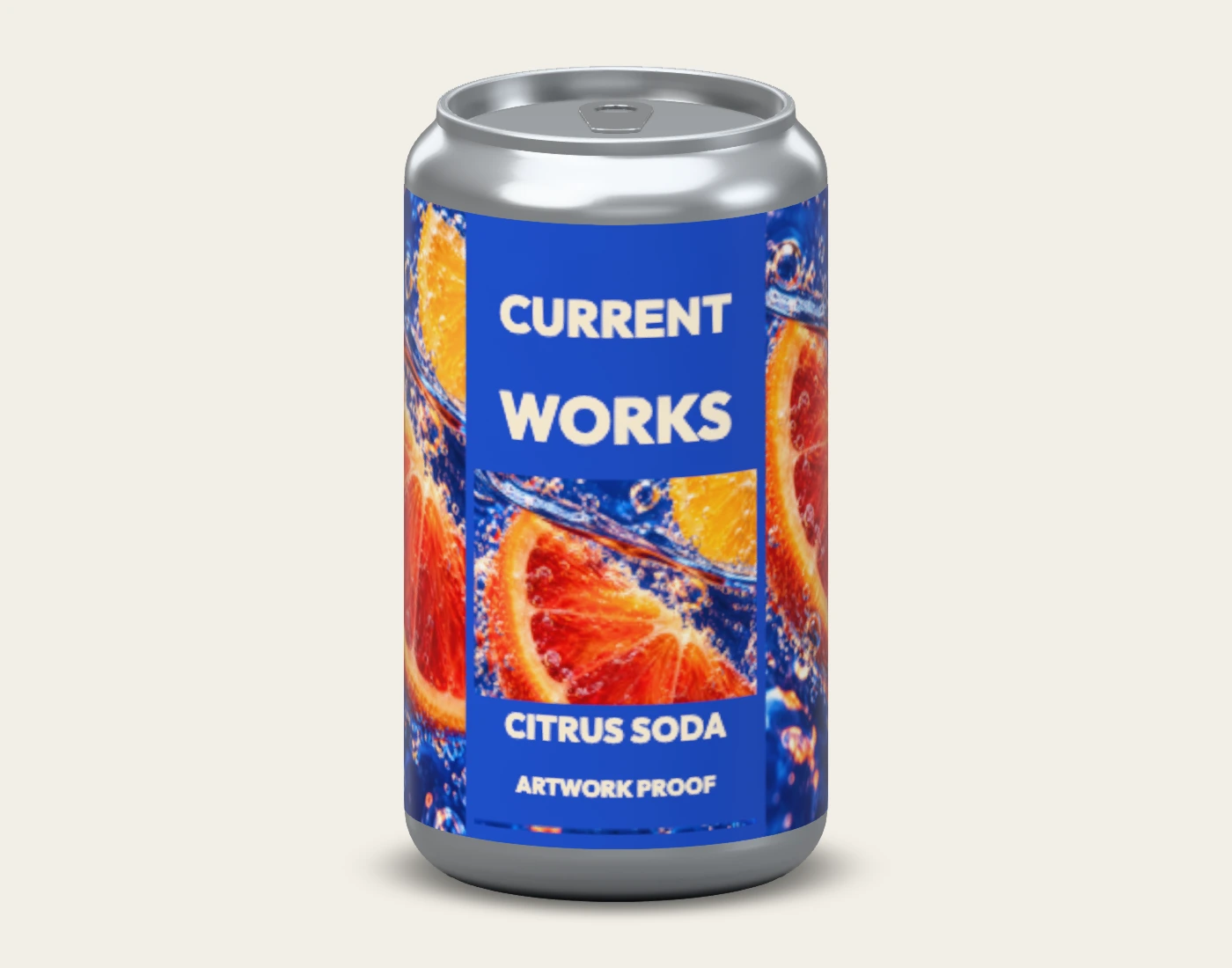
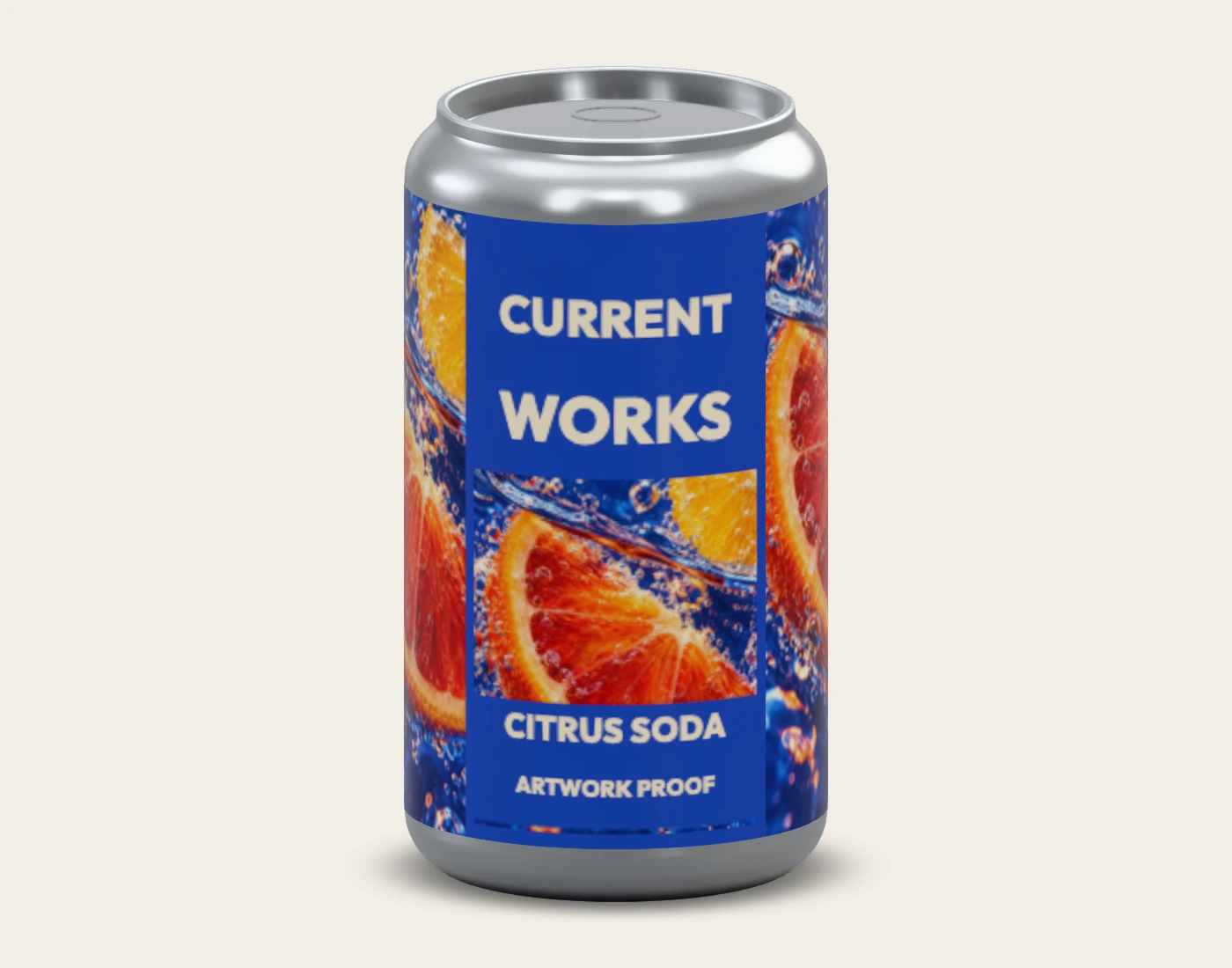
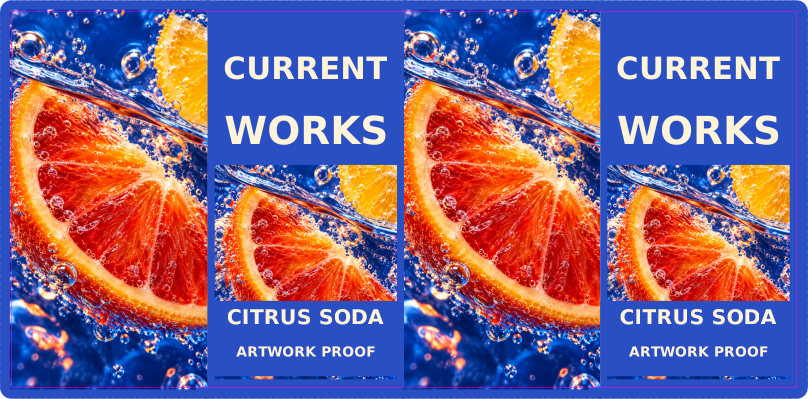
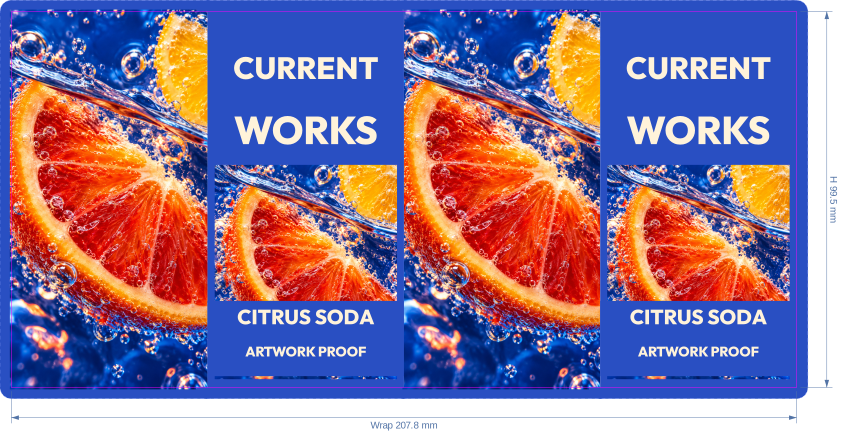
Original CURRENT WORKS artwork on the native can. The flat files describe the printed label area; the stock setting belongs to that artwork component, not the metal container.
Five native fold states show the same configured carrier. This is a folding visualization, not a validated gluing or factory assembly sequence.
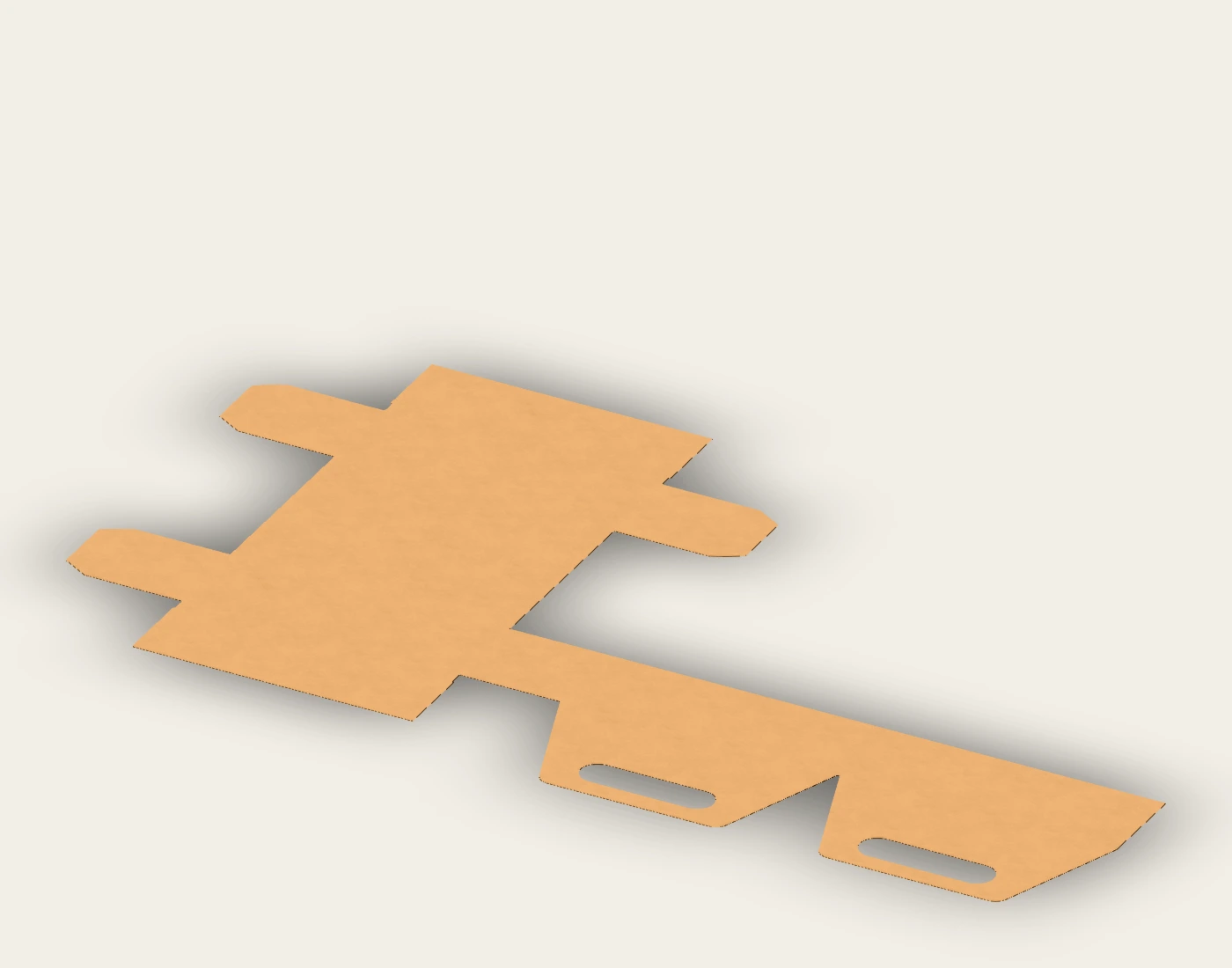
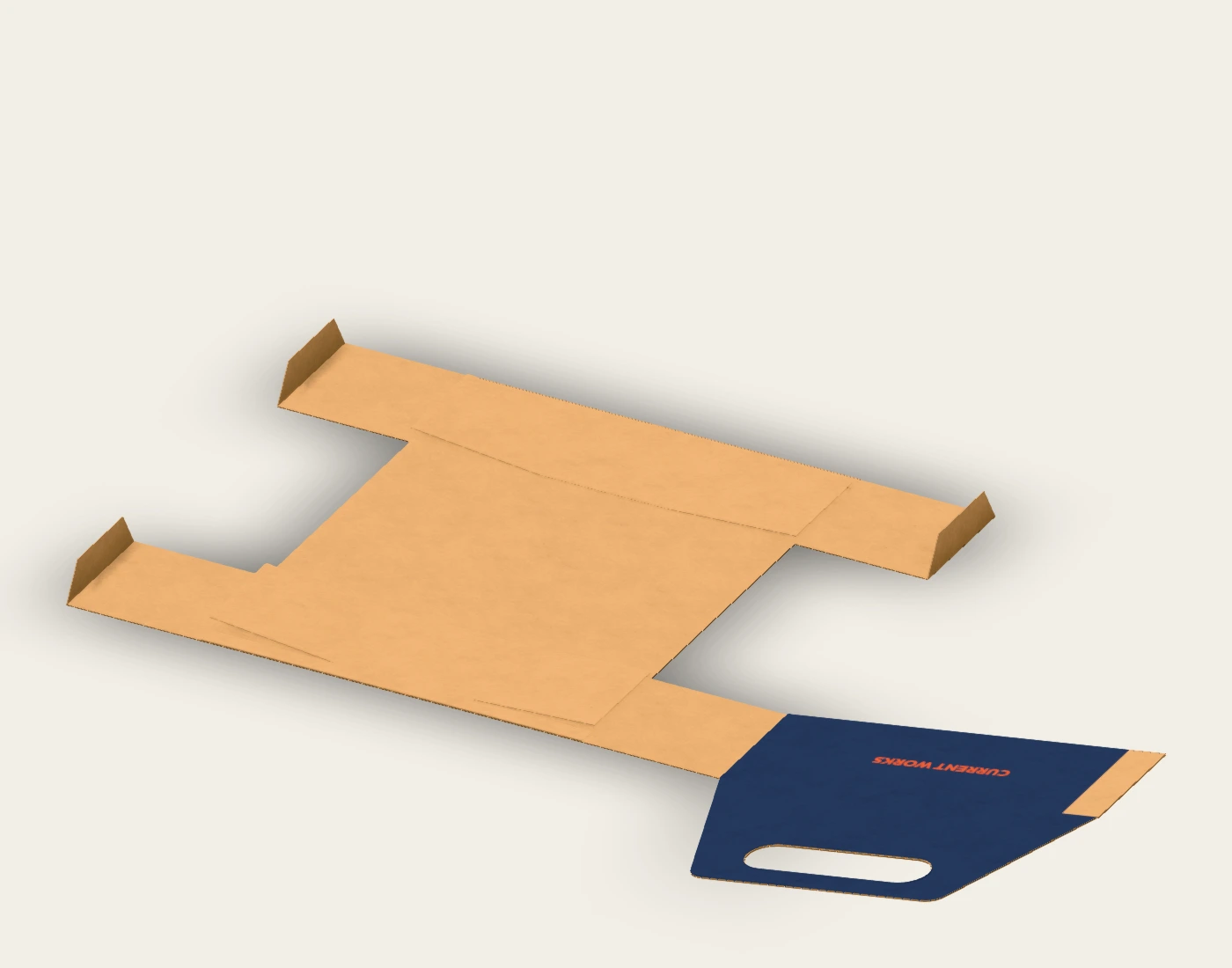
The native structure is a design starting point, not a certified carrier. Confirm paperboard grain, glue, handle reinforcement, cell fit and loaded physical performance with the converter. Artwork, digital bounds and a rotation video do not validate load capacity.
The downloadable example files are provided here for review. The live editor supports native project saving; production SVG/PDF exports require Pro. PSD and Photoshop smart-object files are not included.
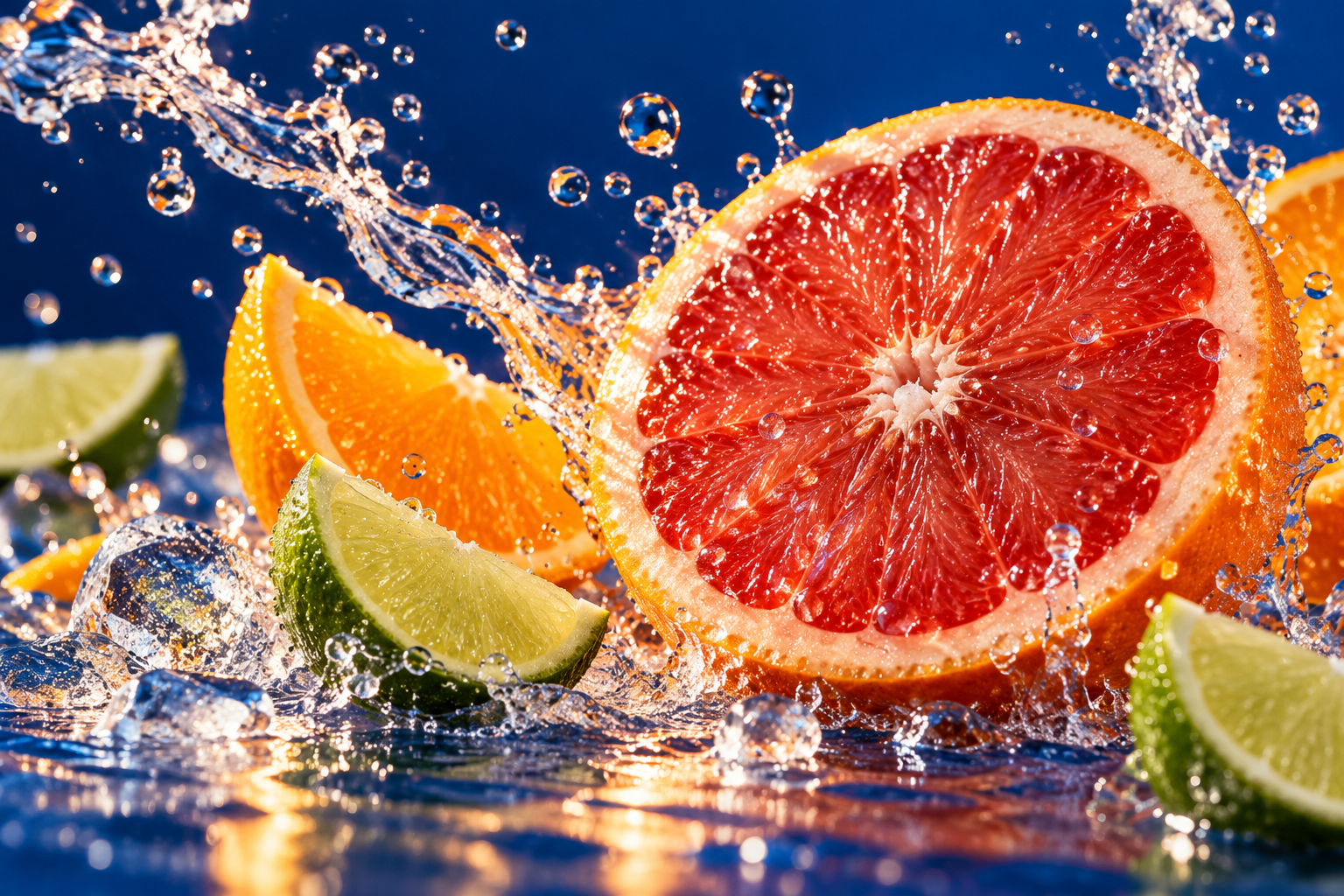
The original AI-generated panel photography is separate from the editable typography in the native projects. The photographic lead image uses this artwork as a reference; product geometry, food, materials, scale and the setting are illustrative. Use the native proofs above to review the actual saved configuration.