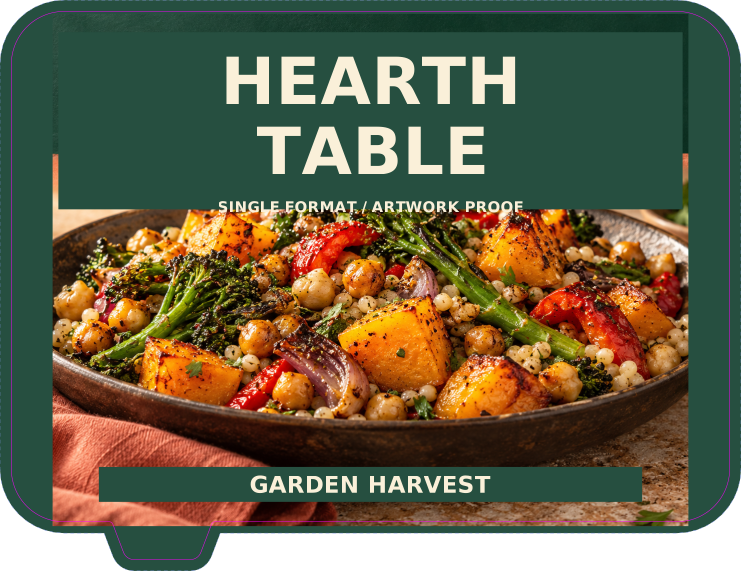
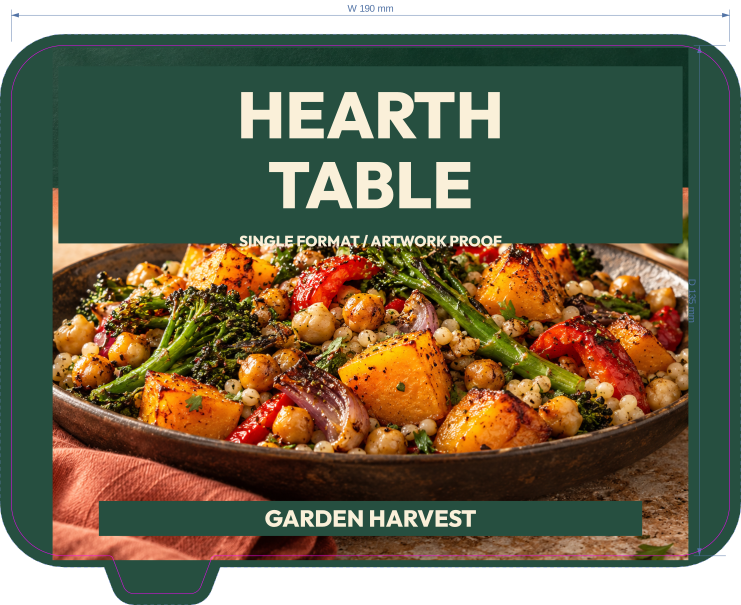
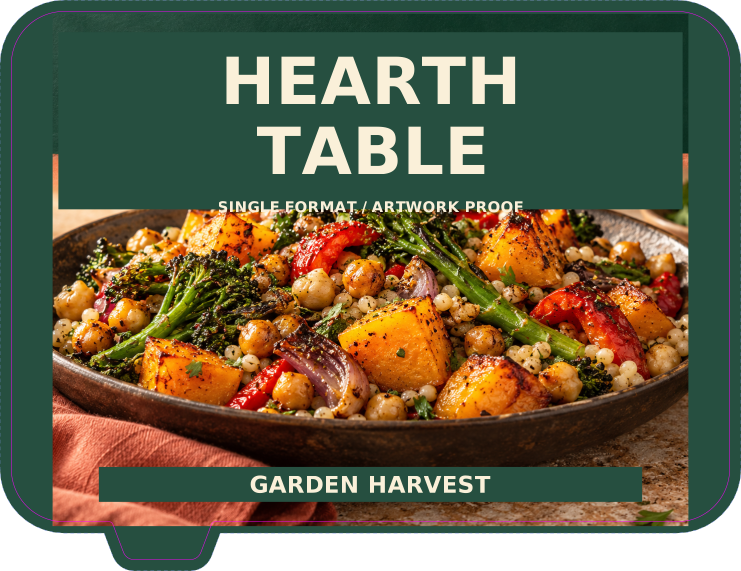
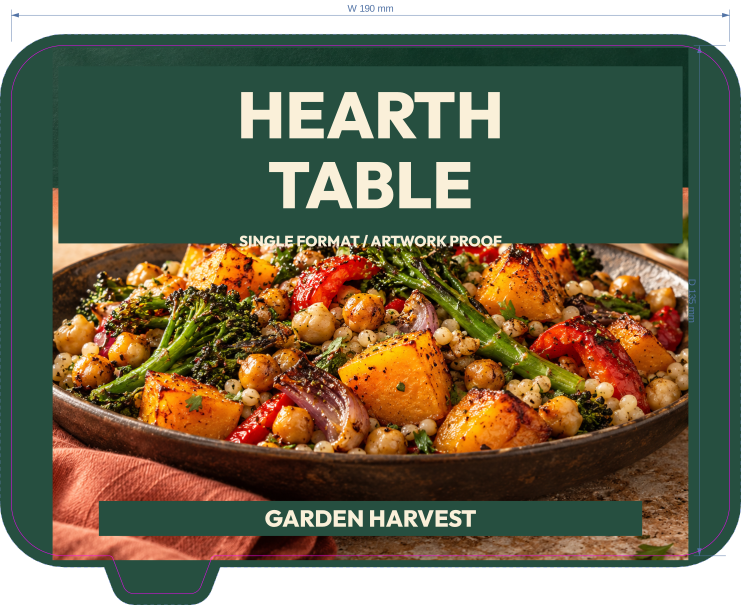
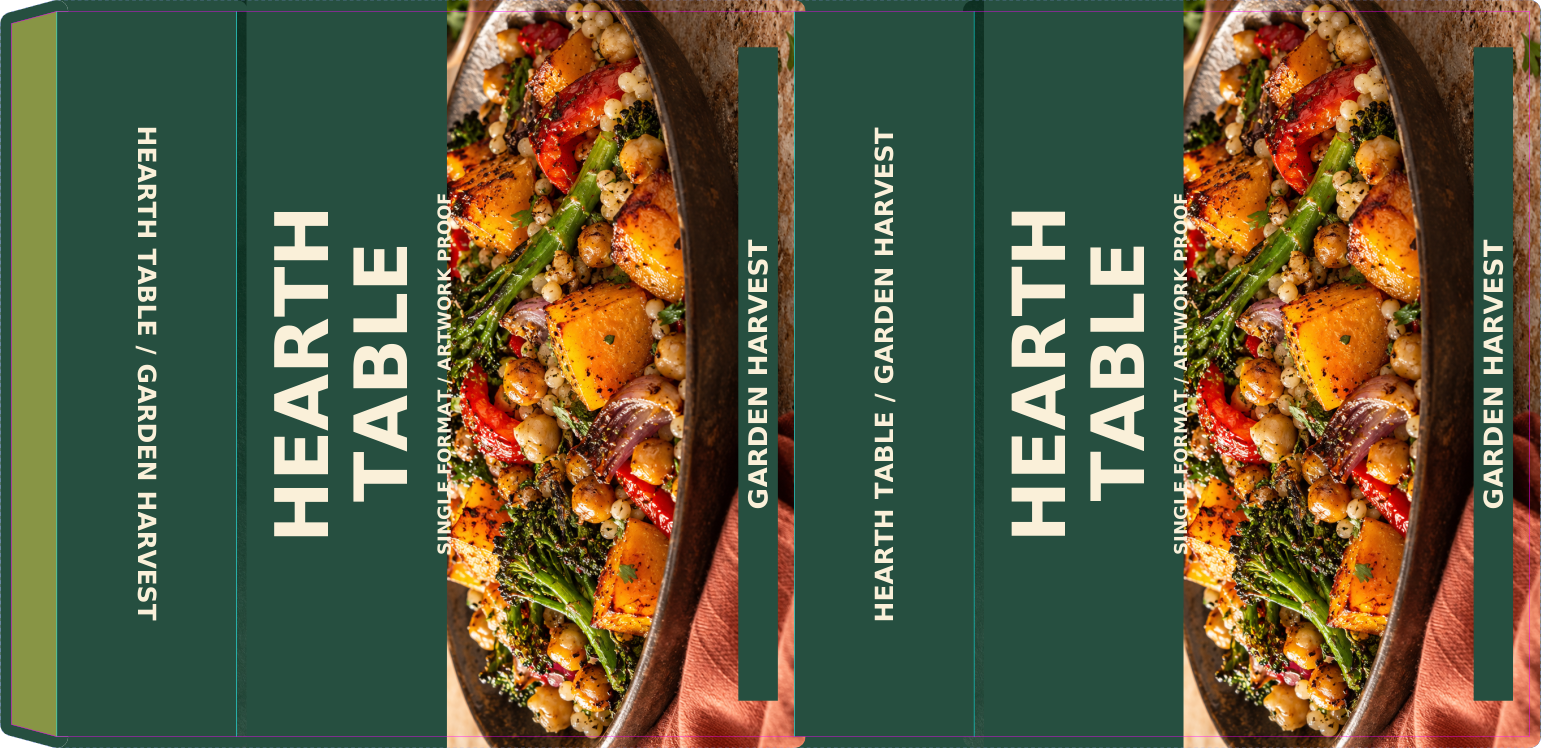
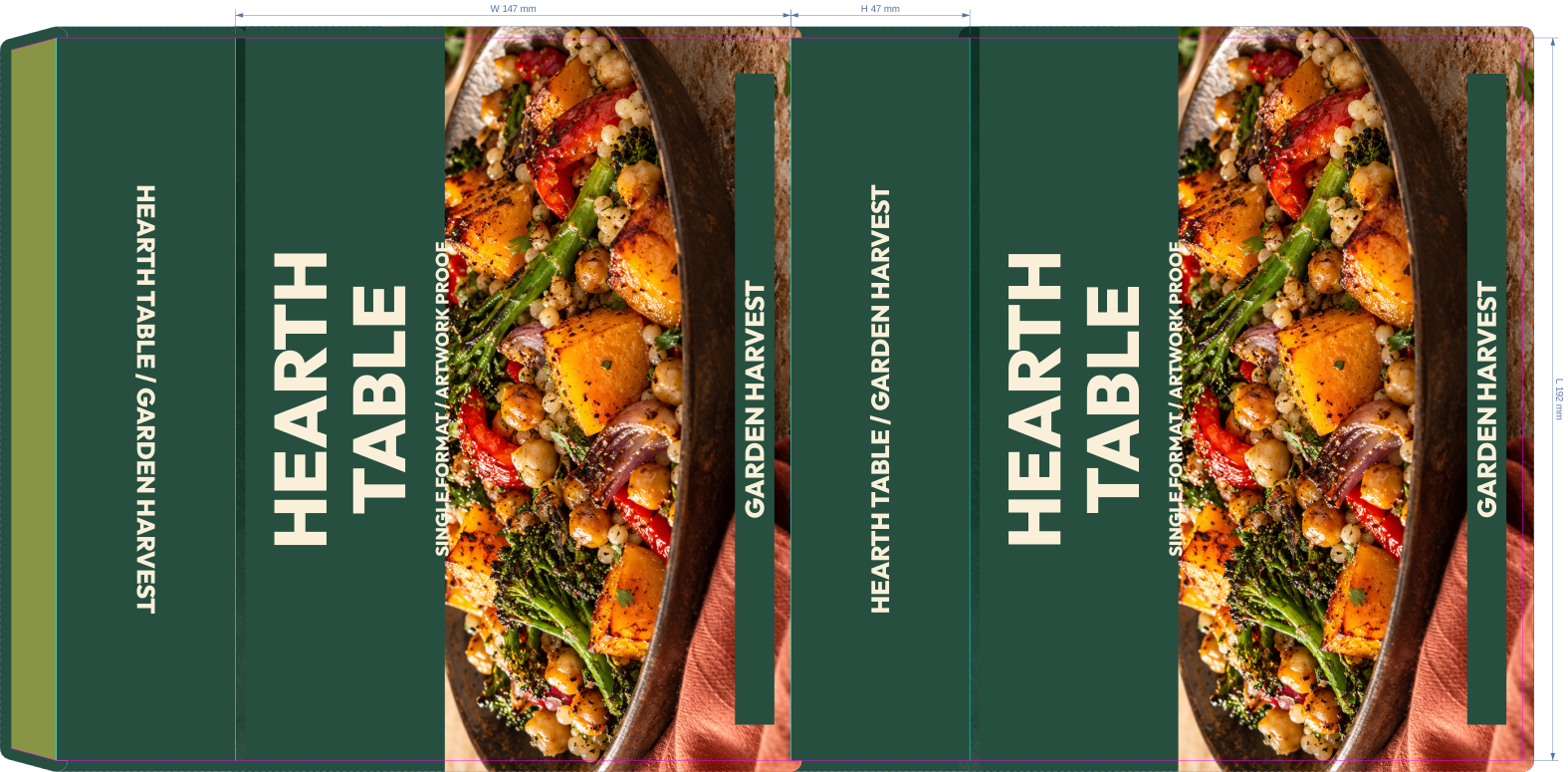
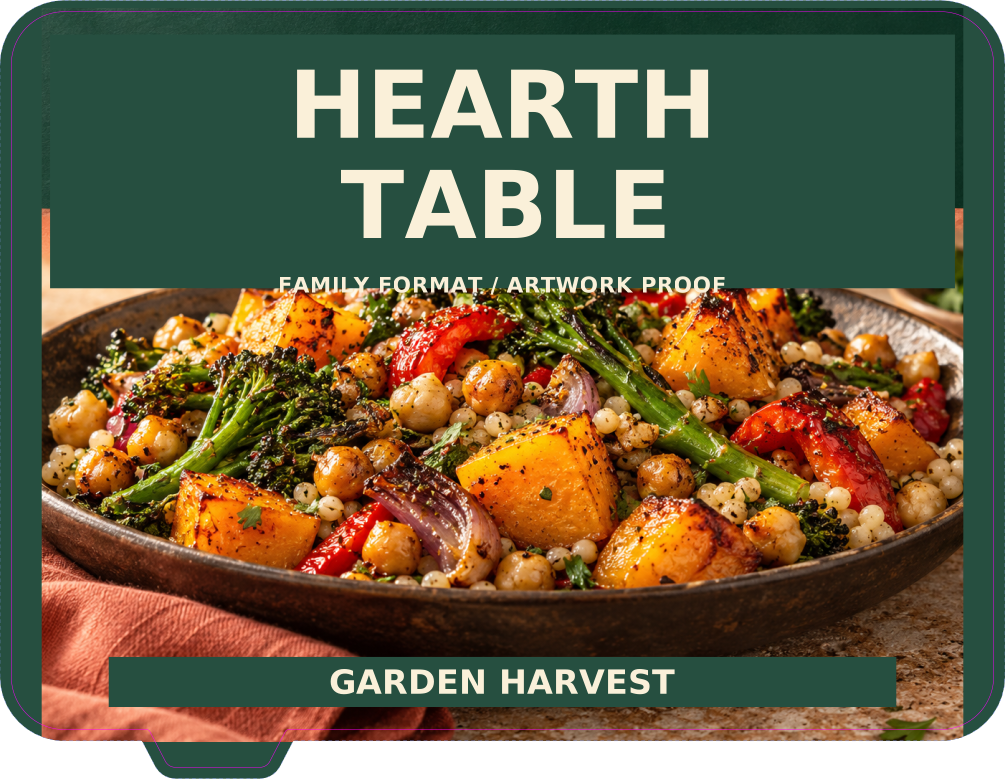
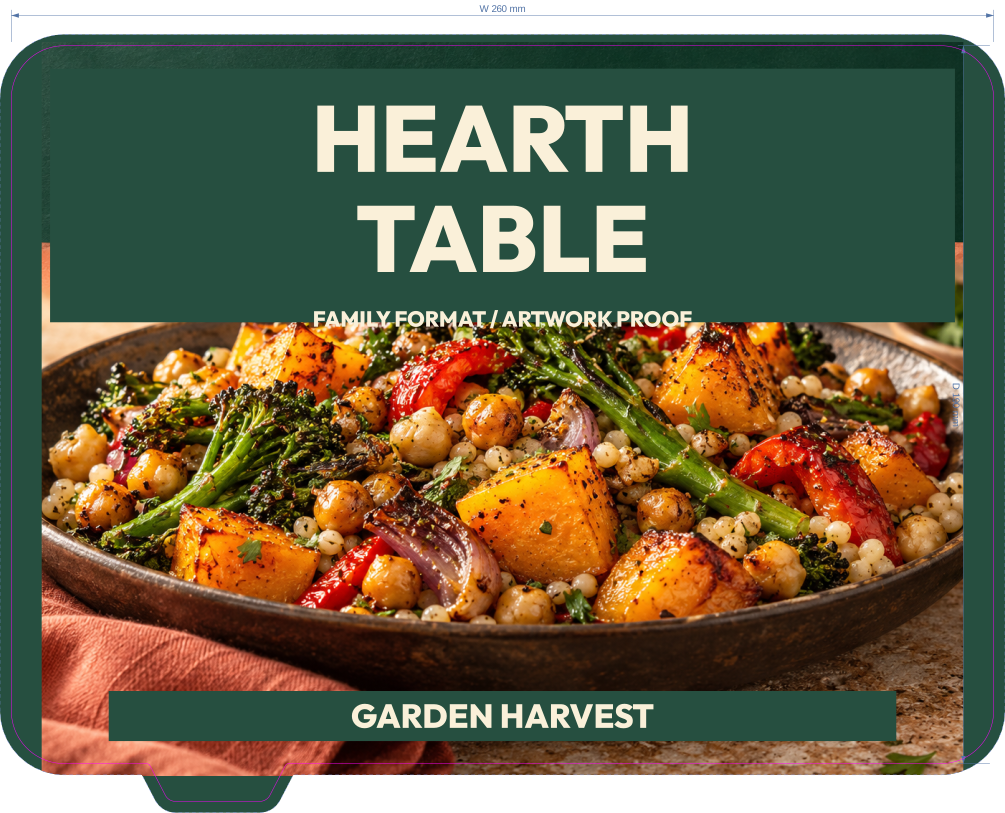
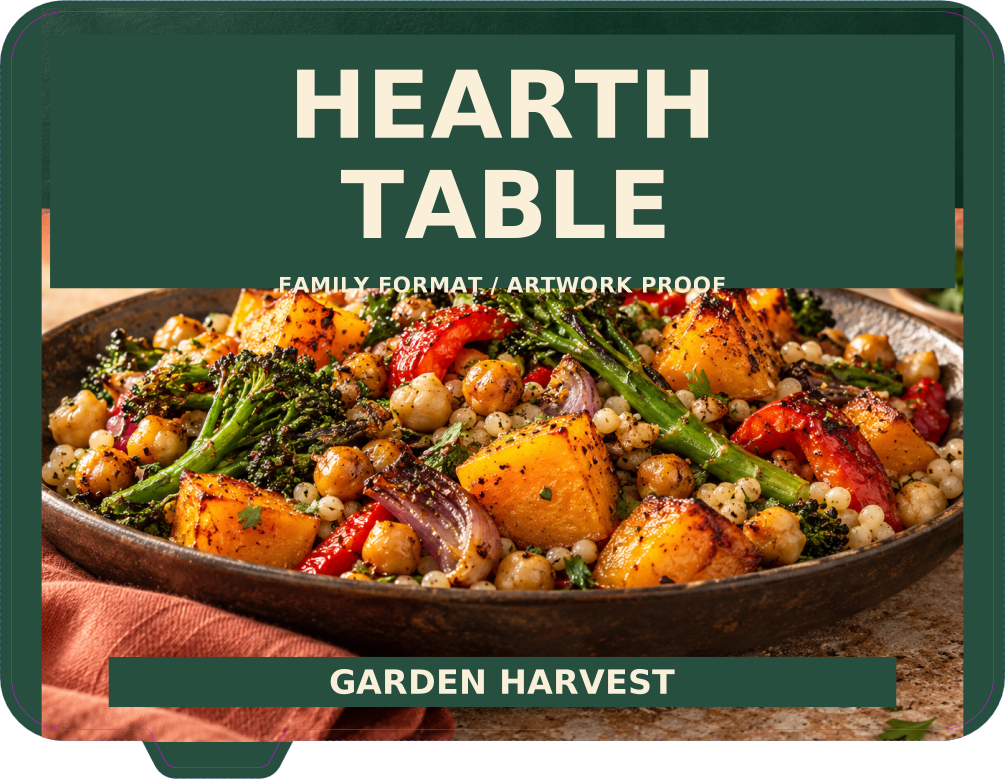
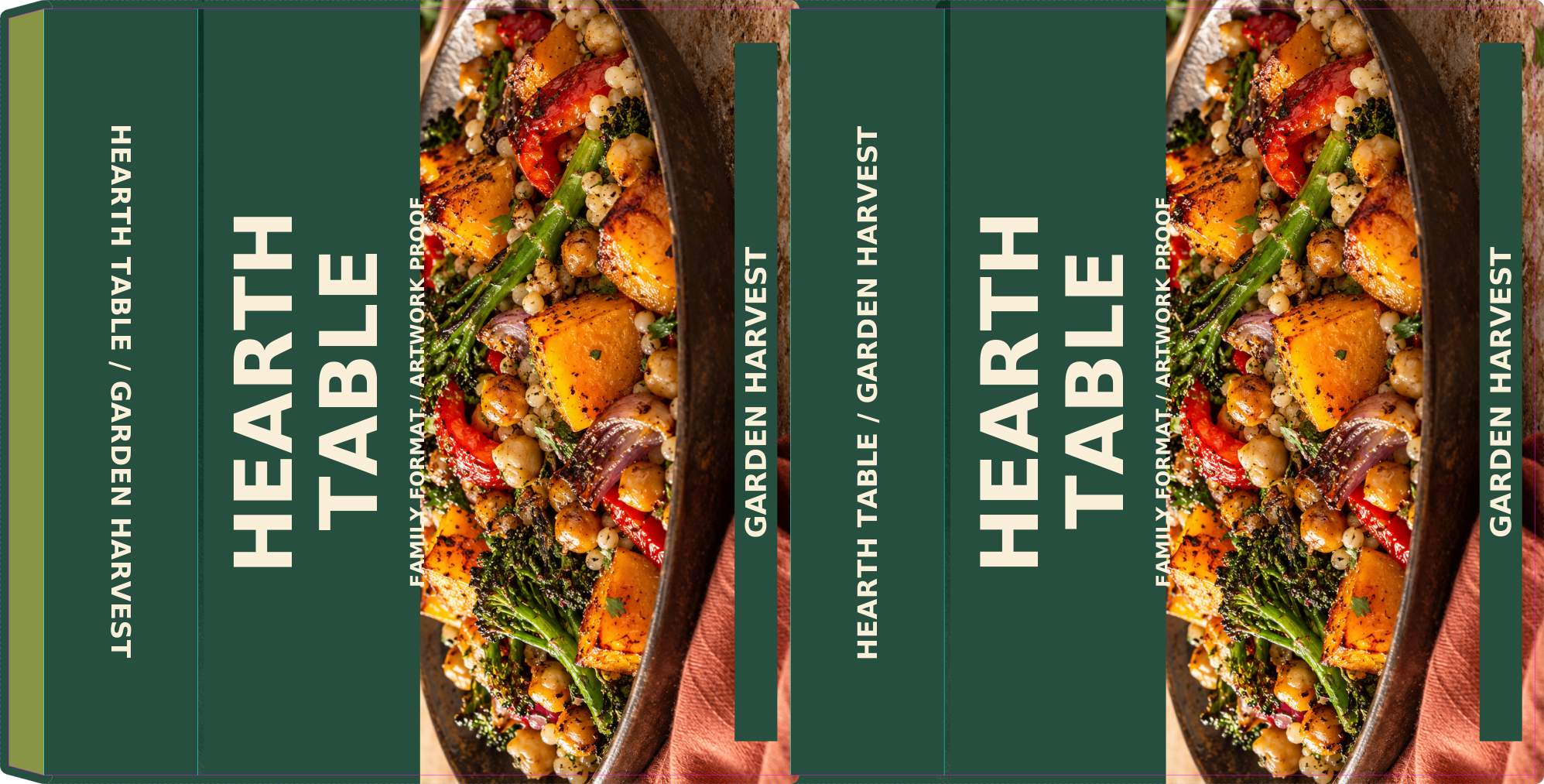
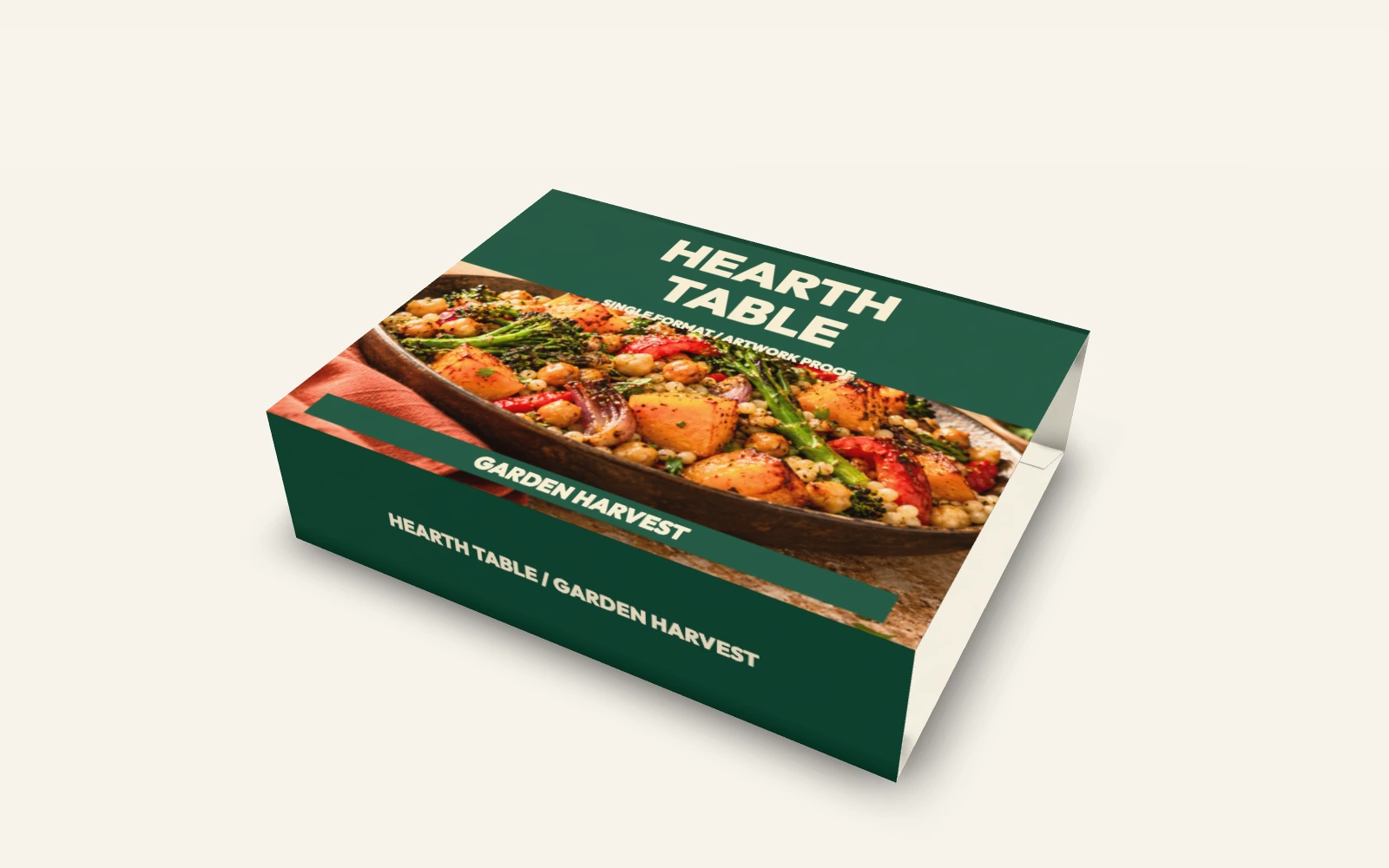
Single tray and matching sleeve
The sleeve artwork and structure remain editable. The tray is an embedded native model; use its separate source file to revise the lidding.
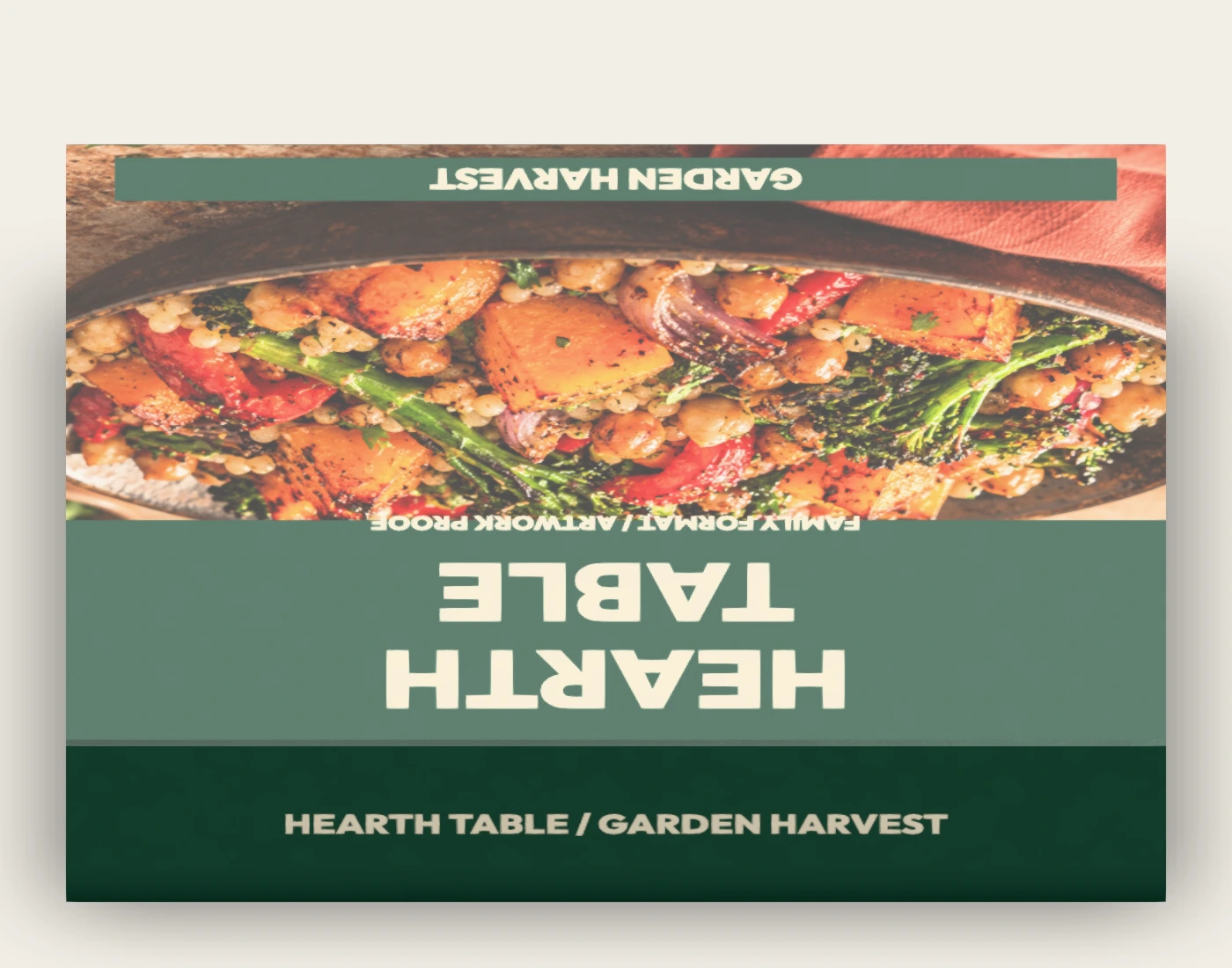
Carry one terracotta and forest identity through the lidding and paperboard sleeve. Compare two tray sizes, inspect the film-removed state and review how each sleeve sits around its tray.
Explore the native scenes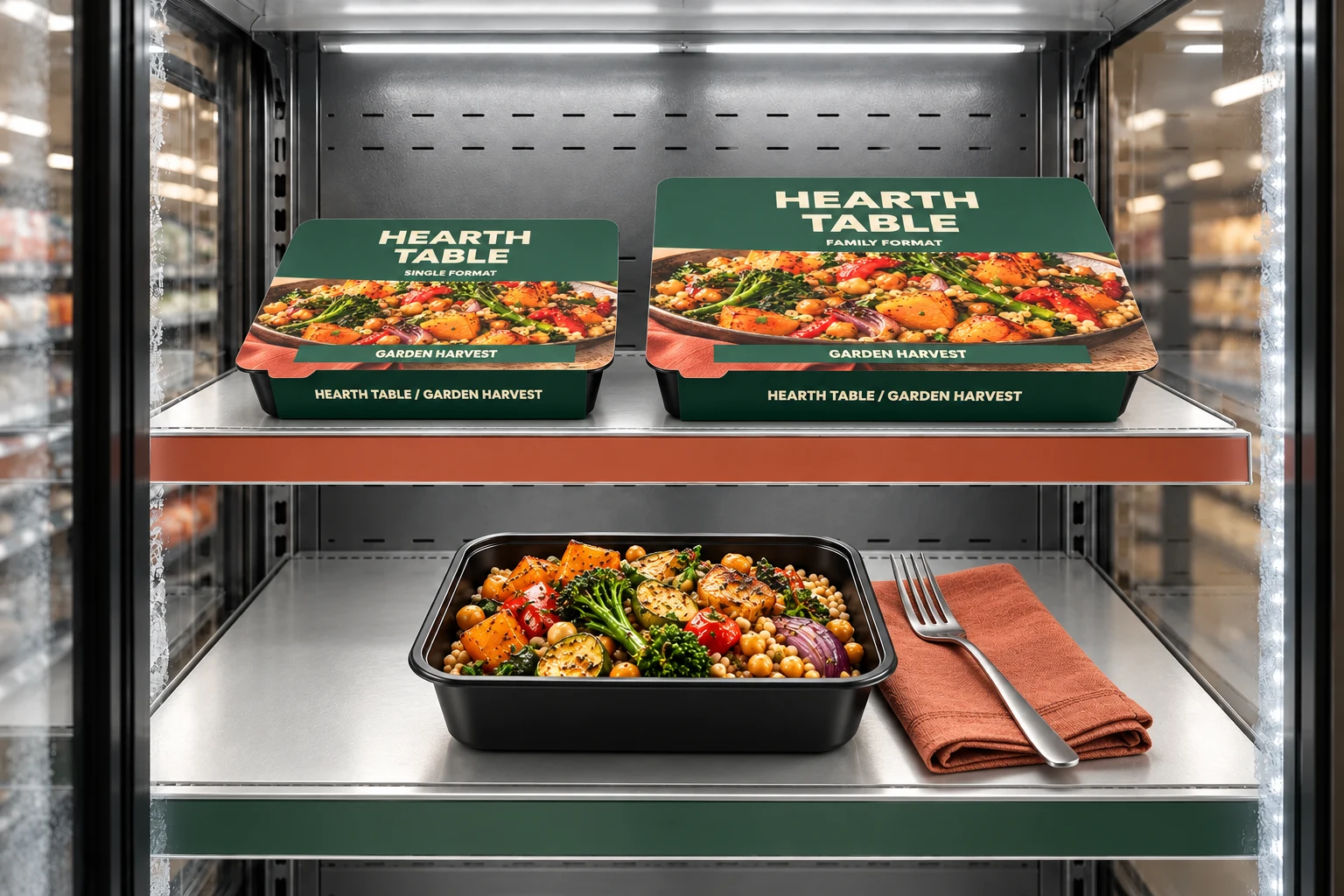
HEARTH TABLE is a fictional example identity. Native proofs establish the saved digital appearance; supplier specifications and physical samples establish production suitability.
Inspect the sealed tray and lidding artwork, including the pull-tab area. Open the film-removed native state to compare the rim and cavity without suggesting a validated peel mechanism.
Compare front and back sleeve artwork with the saved assembled scene. Sleeve axes include digital pull-tab clearance; a physical fit sample is still required.
Use the portion-comparison scene to review hierarchy across the range. The native trays are empty geometry references; the generated freezer concept illustrates a serving direction.
Each link imports a new copy of the saved native scene, including its embedded companion assets. Sign in to use the editor. Keep the individual source projects below for companion artwork changes.
The sleeve artwork and structure remain editable. The tray is an embedded native model; use its separate source file to revise the lidding.
The family sleeve remains editable around an embedded native tray. Use the individual tray project for lidding revisions.
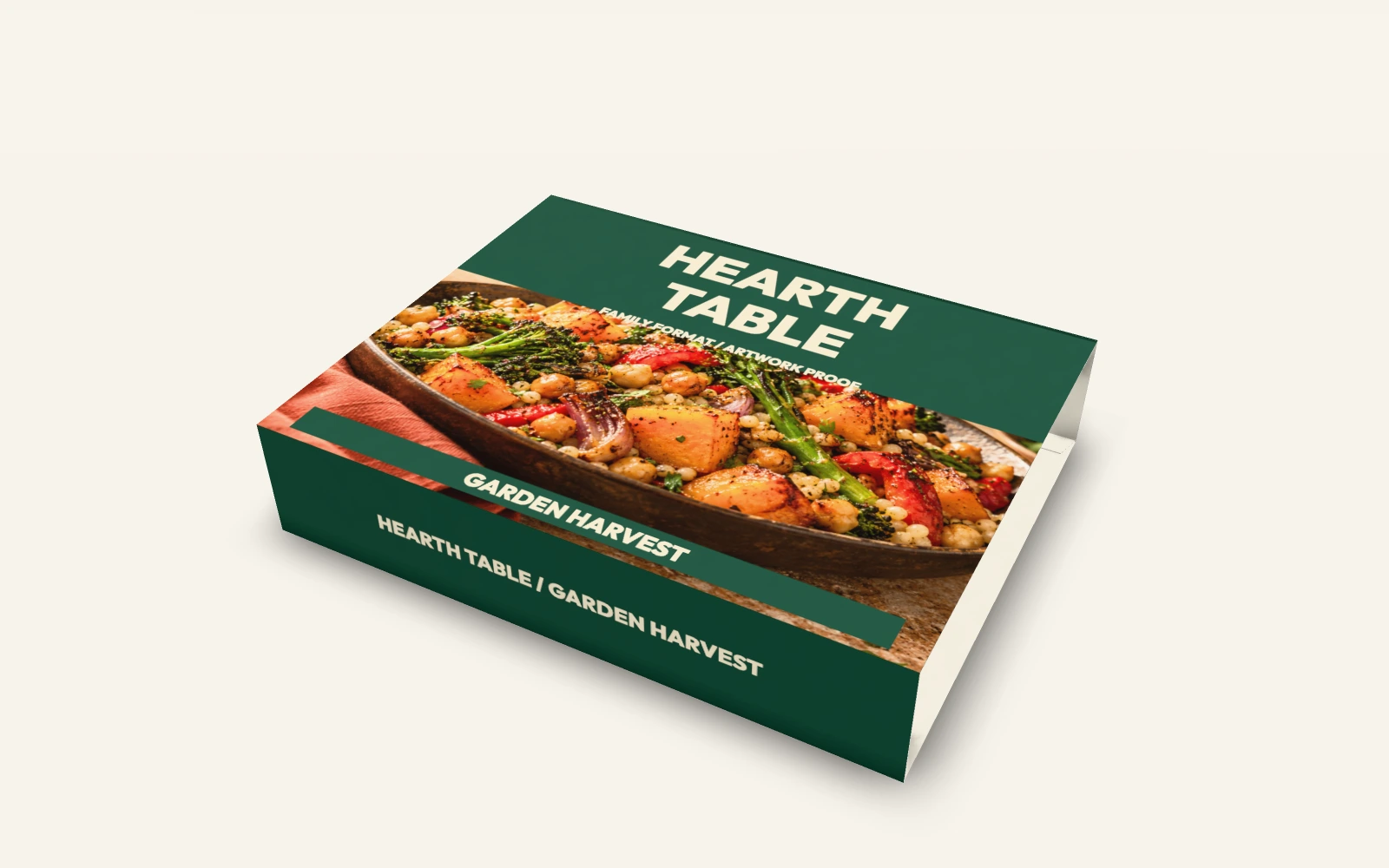
The family sleeve remains editable. Companion trays, the single sleeve, open trays and cutlery have baked native artwork; use their individual source projects for revisions.
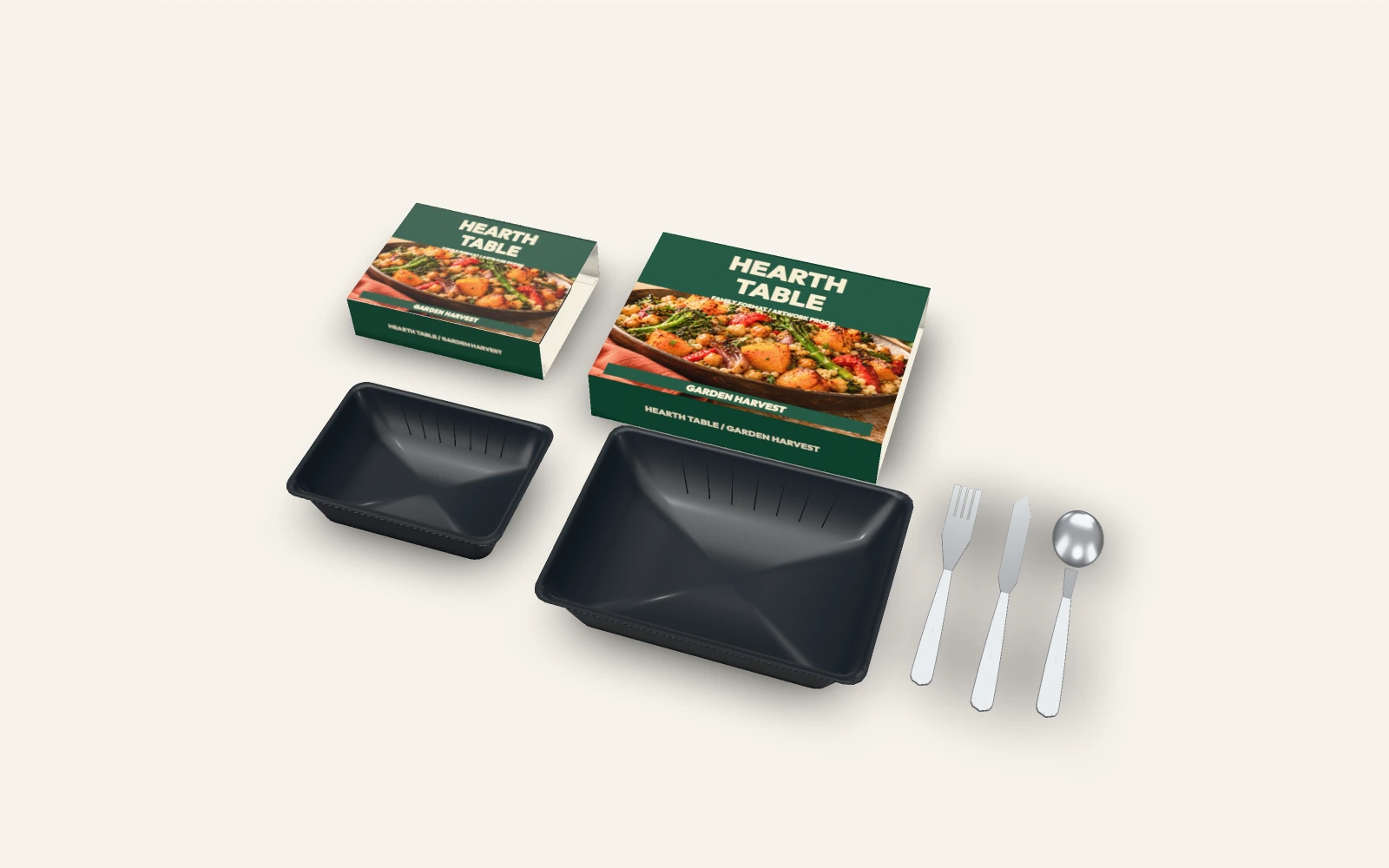
This rotation is rendered from the saved native motion scene. It communicates artwork placement and digital geometry; it is not a manufacturing or performance test.
Saved projects retain original layers and dimensions. Editable SVG keeps live text; outlined SVG and PDF are flat proofs. Their purpose depends on the part: object placement guides, lidding artwork, label artwork or structural board files.
190 × 135 × 45 mm tray
White PET / PE laminate · film-white-pe
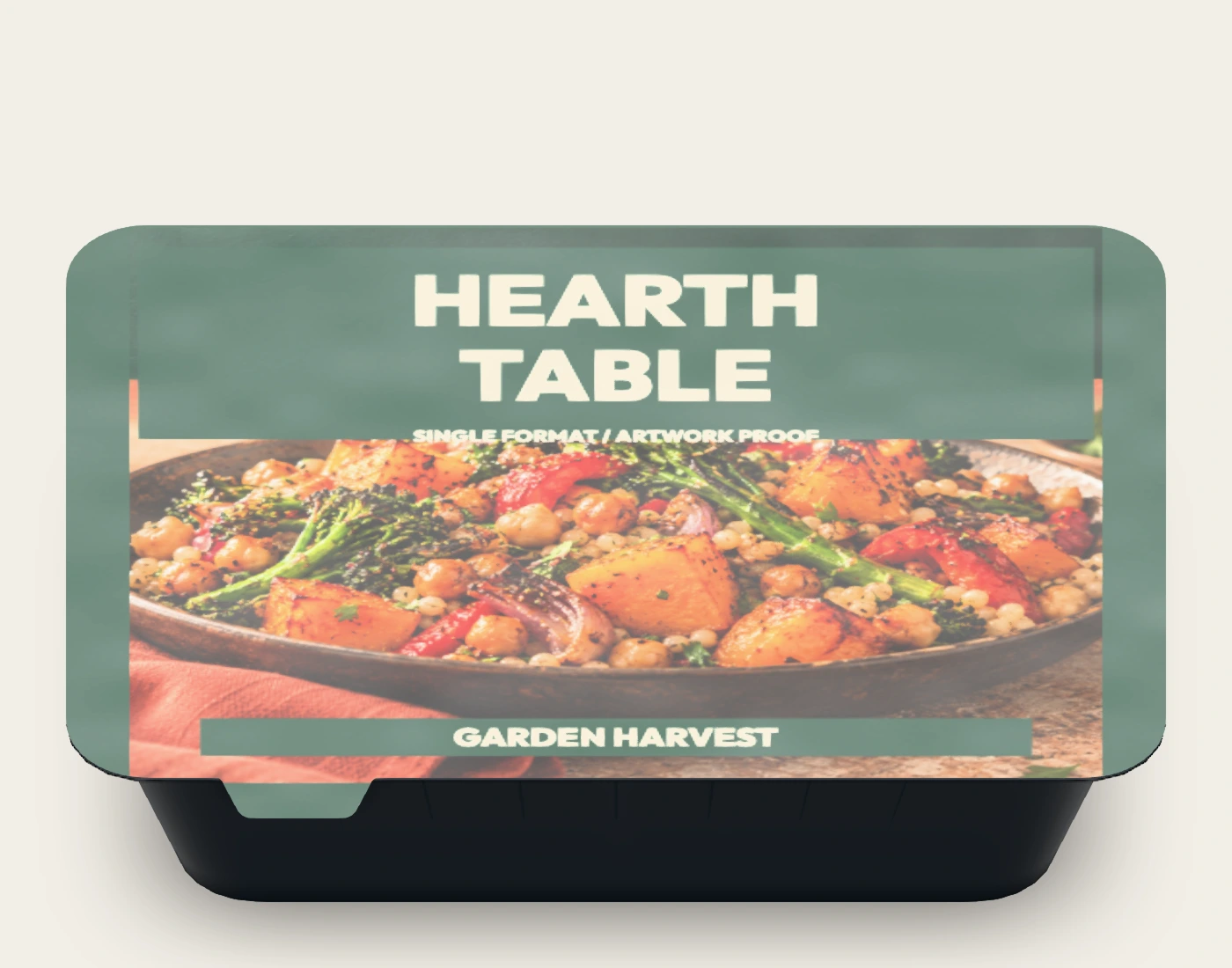
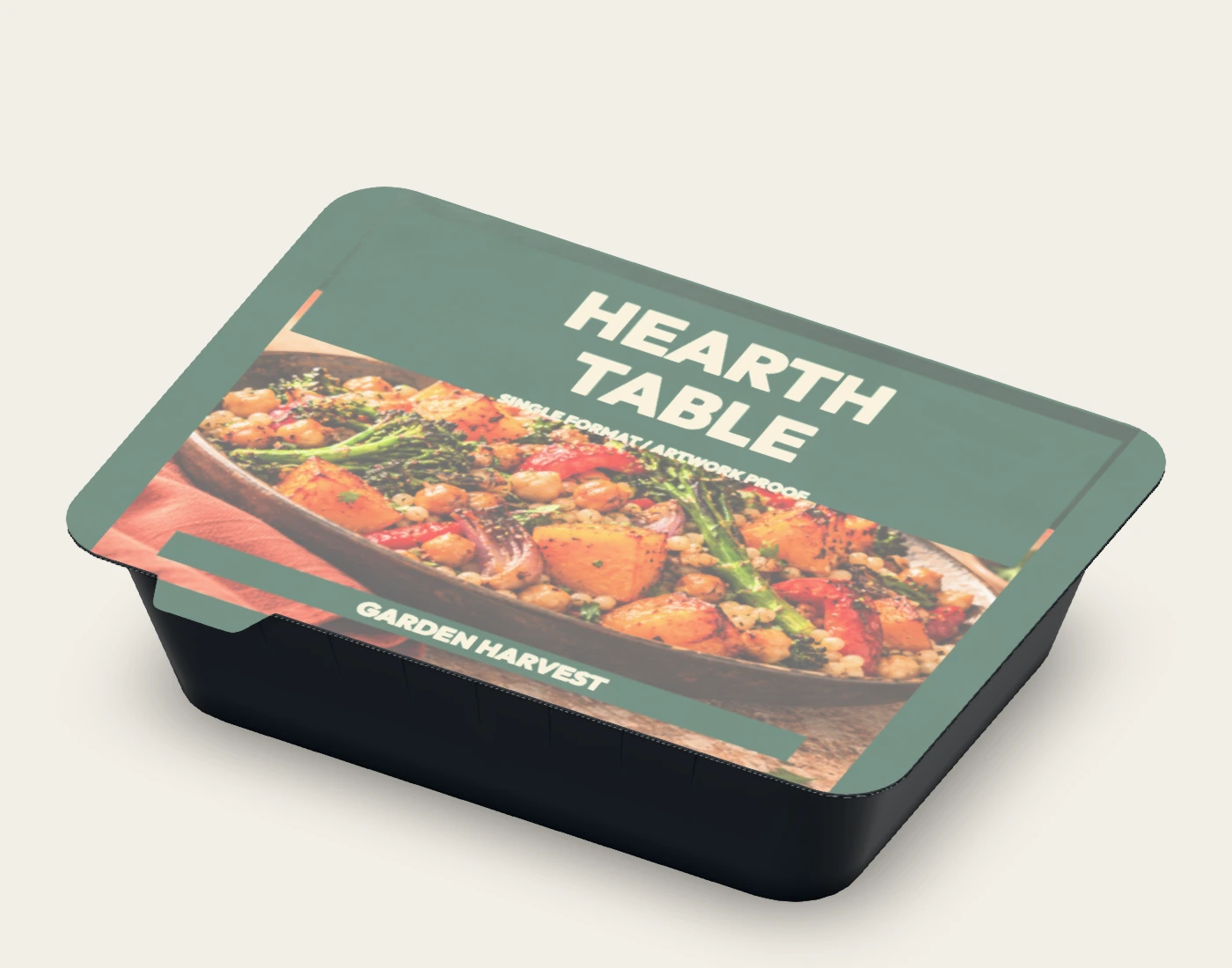
The film is the printable component. Tray form, flange and pull tab are visual references; they do not specify a formed-tray tool or a sealing process.
190 × 135 × 45 mm tray
Same tray reference; film hidden in 3D
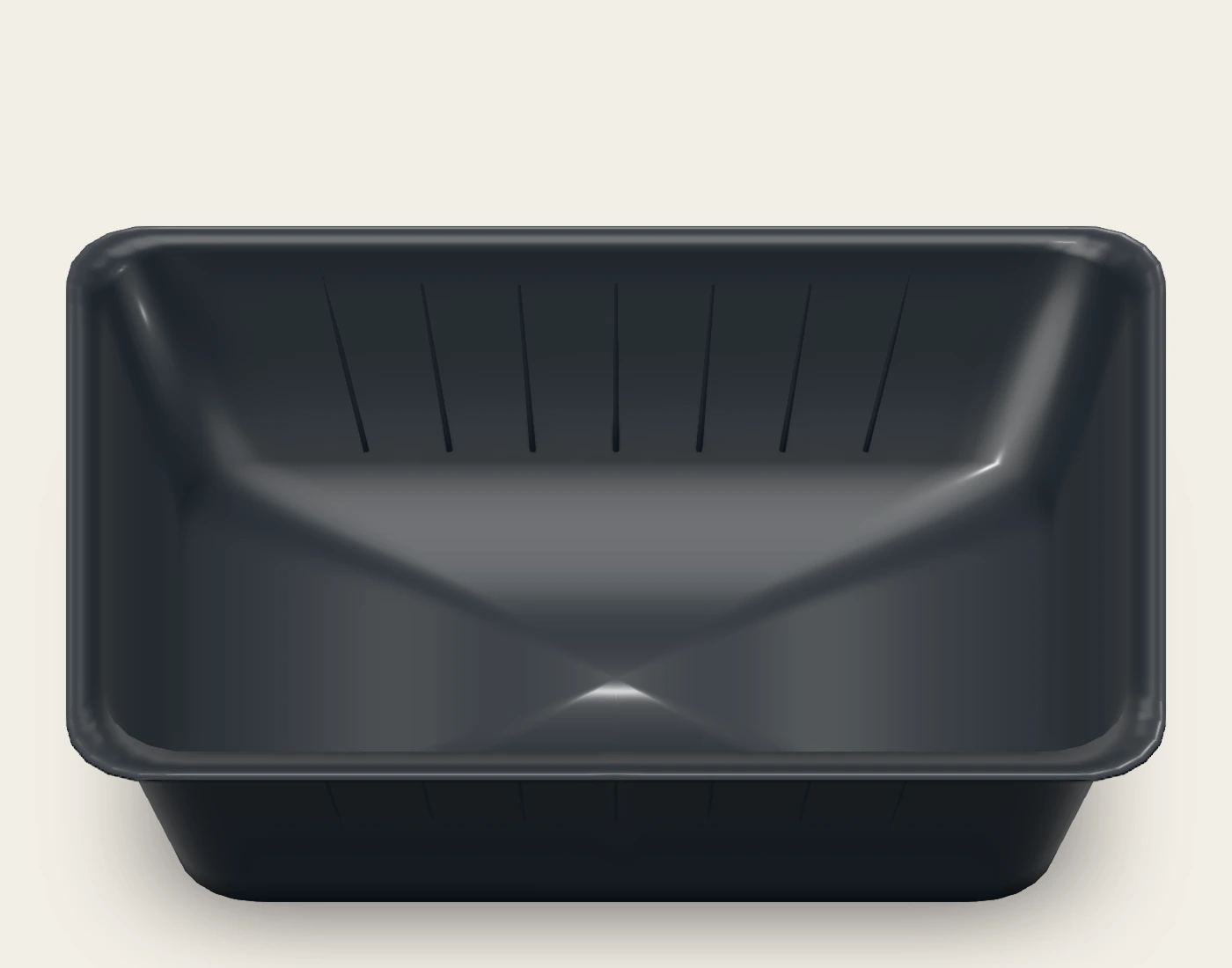
This saved native state removes the film mesh. It is an open-tray comparison, not a simulated peel or seal-performance test. Its flat export retains the lidding artwork.
192 × 147 × 47 mm sleeve reference
FBB 400 · fbb-400
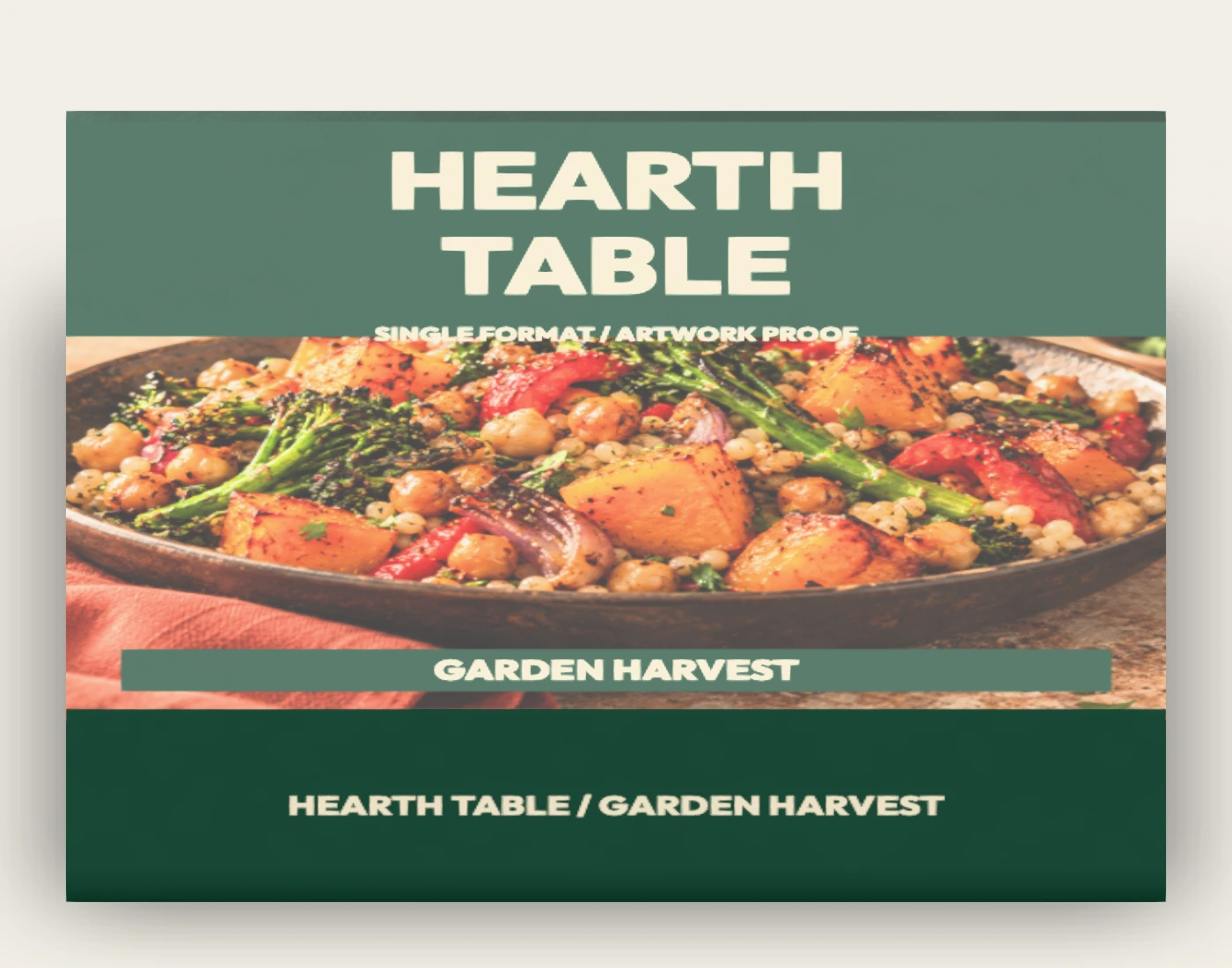
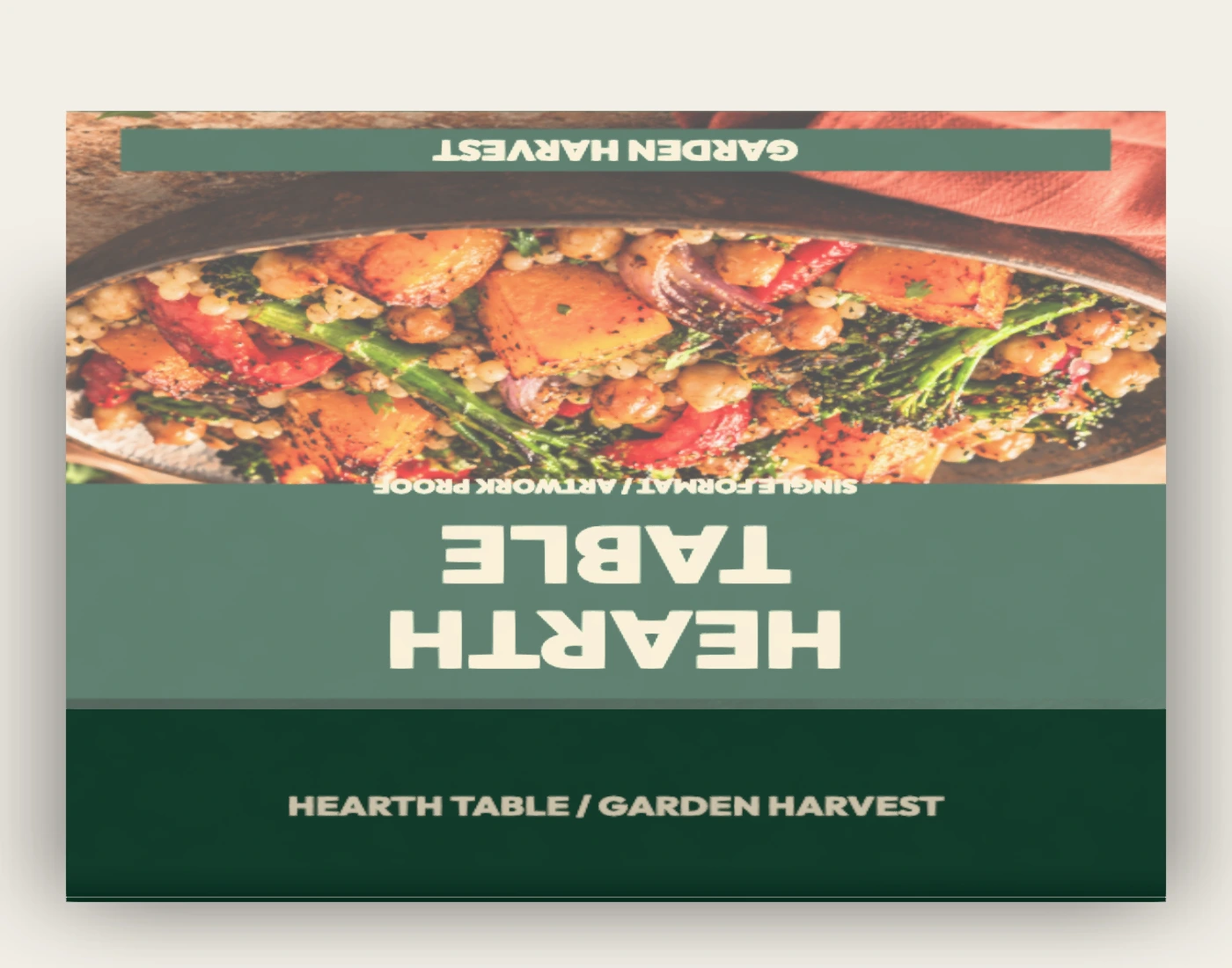
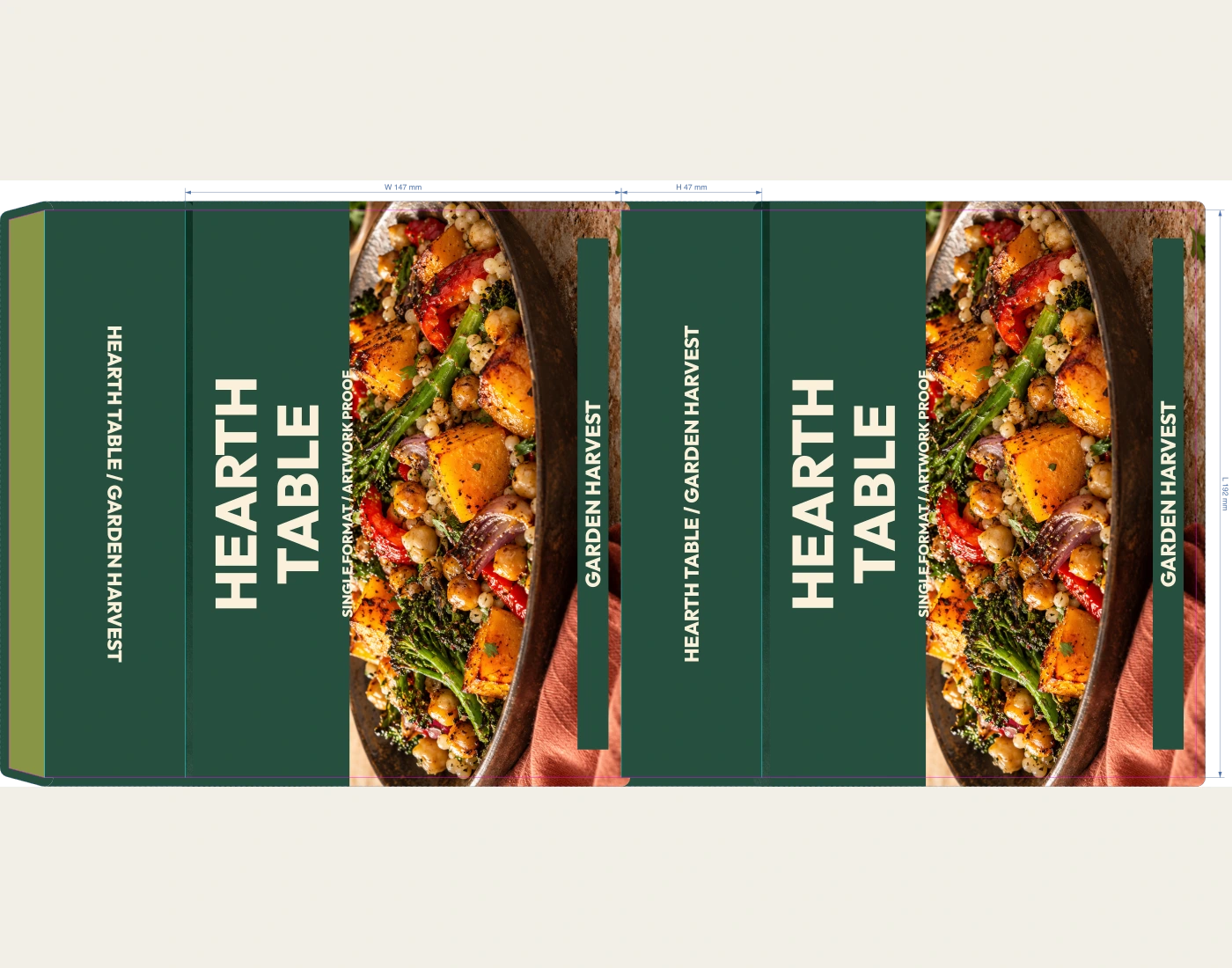
The open axis follows the first dimension. The depth allows for the pull tab; the scene checks the digital alignment. Confirm board allowance and physical fit with the supplier.
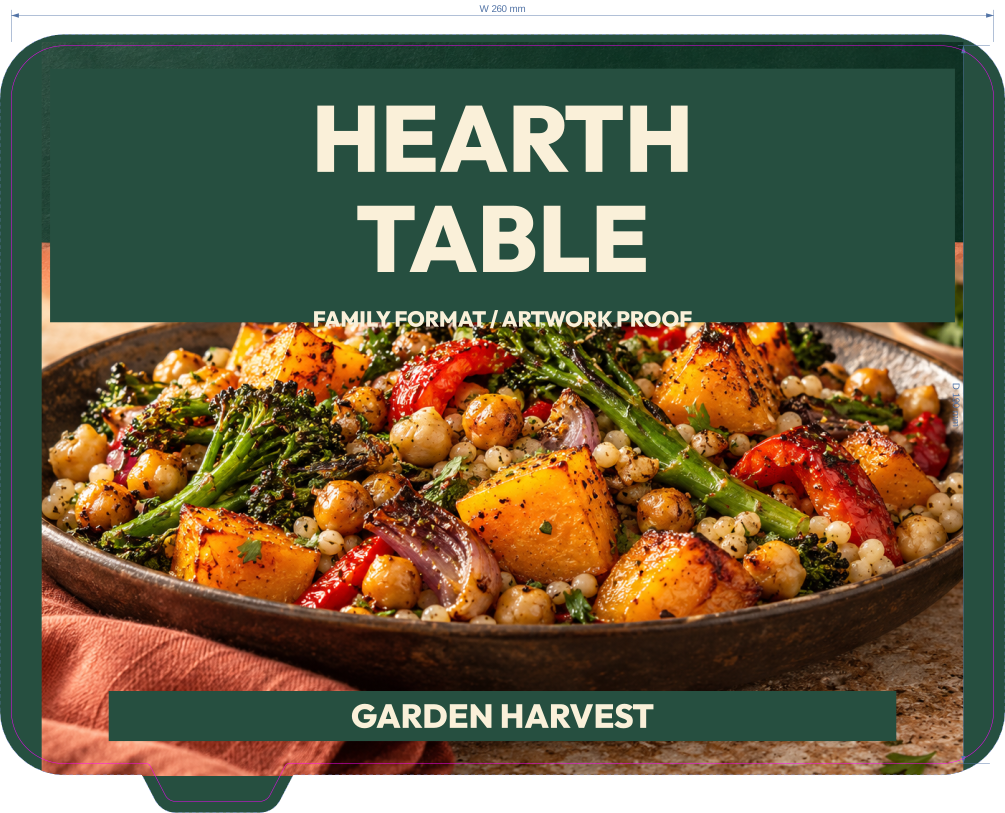
260 × 190 × 50 mm tray
White PET / PE laminate · film-white-pe
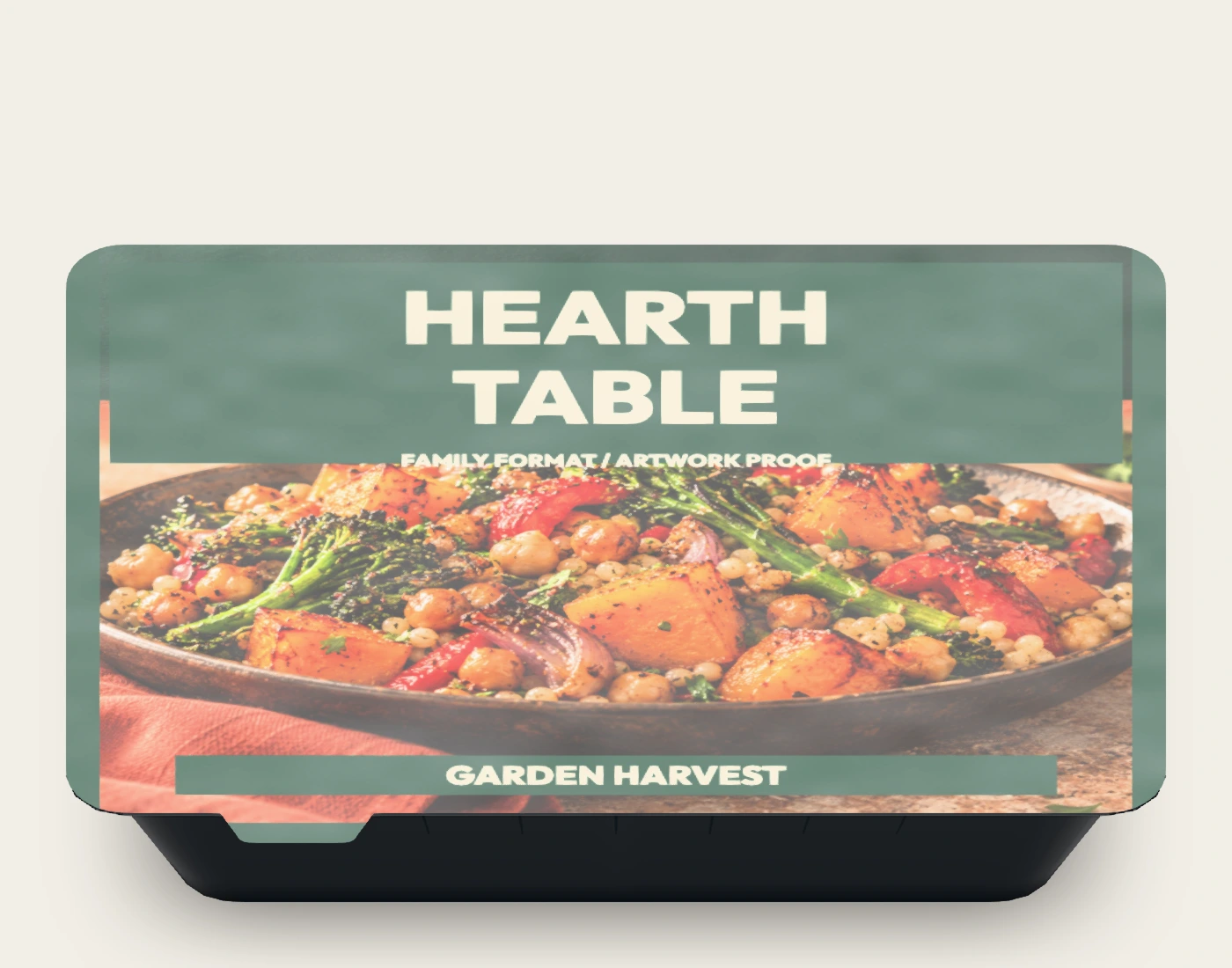
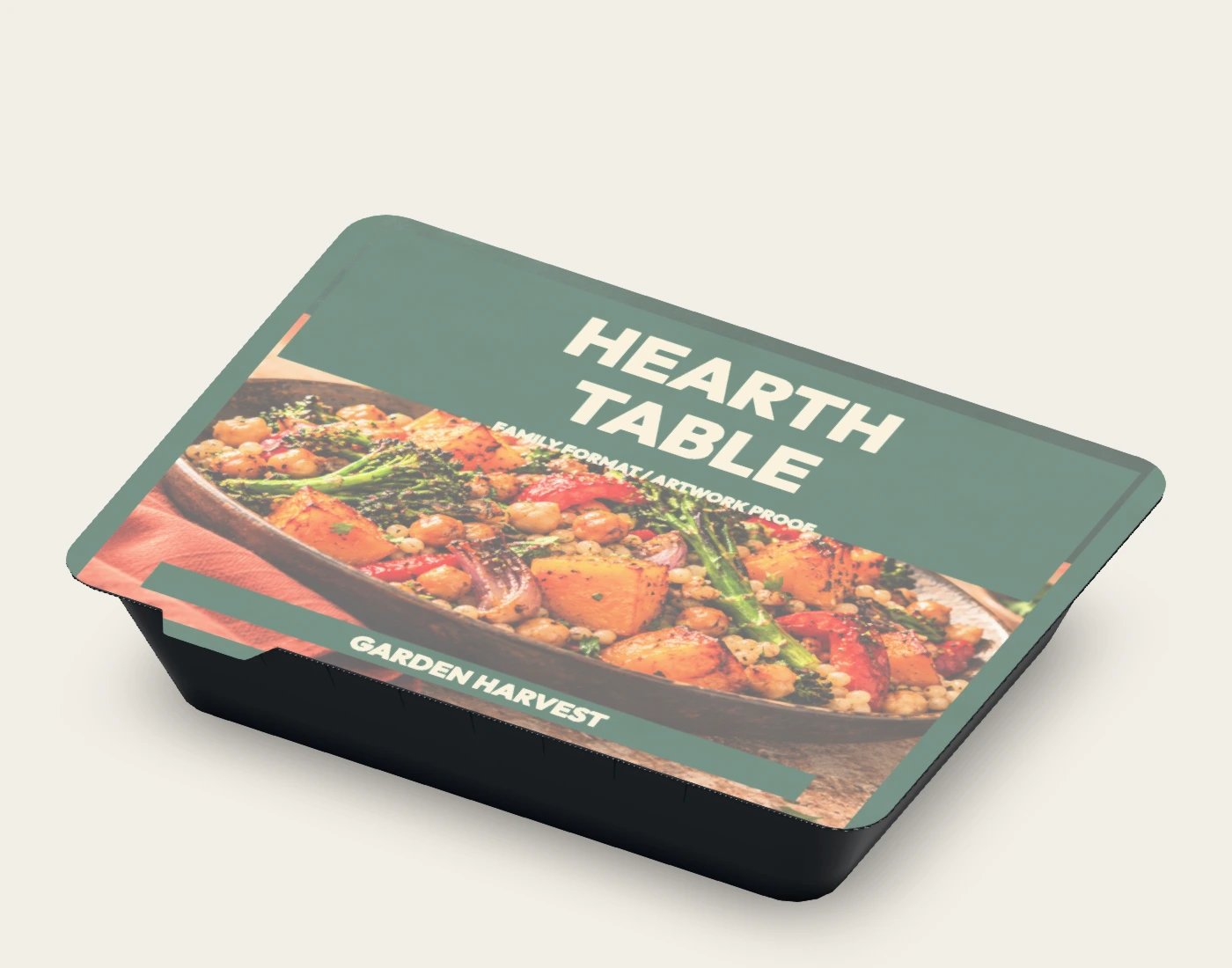
The film is the printable component. Tray form, flange and pull tab are visual references; they do not specify a formed-tray tool or a sealing process.
260 × 190 × 50 mm tray
Same tray reference; film hidden in 3D
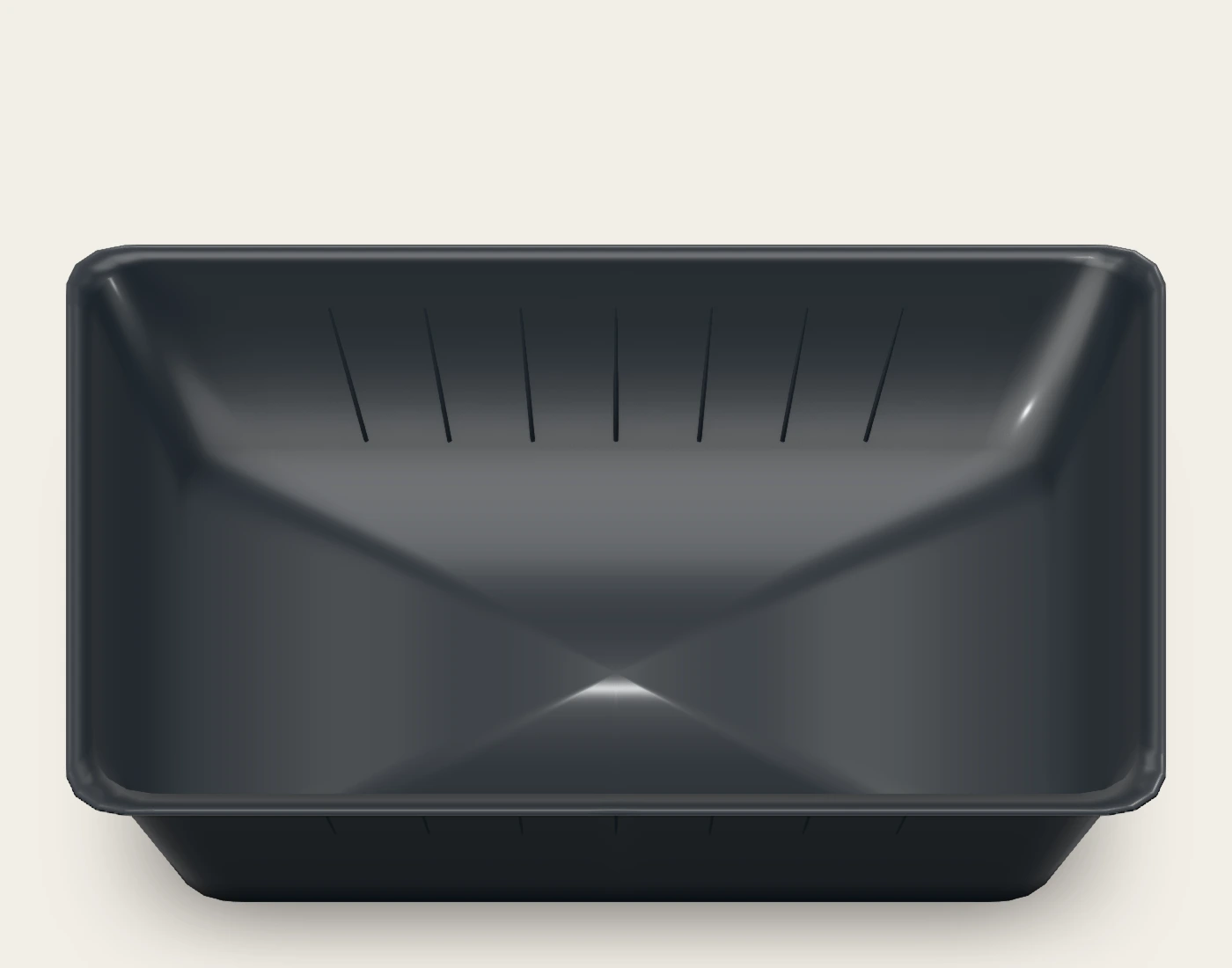
This saved native state removes the film mesh. It is an open-tray comparison, not a simulated peel or seal-performance test. Its flat export retains the lidding artwork.
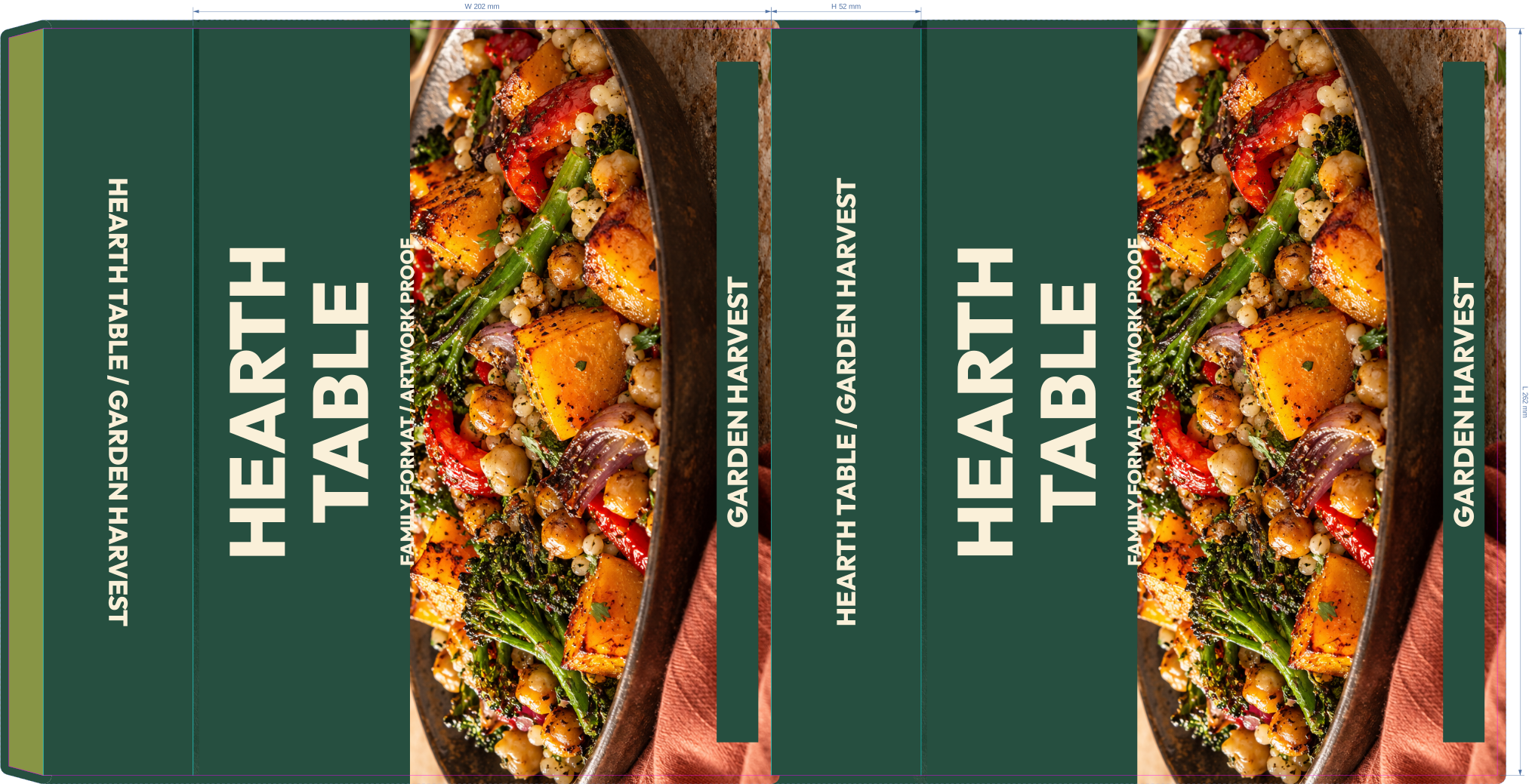
262 × 202 × 52 mm sleeve reference
FBB 400 · fbb-400
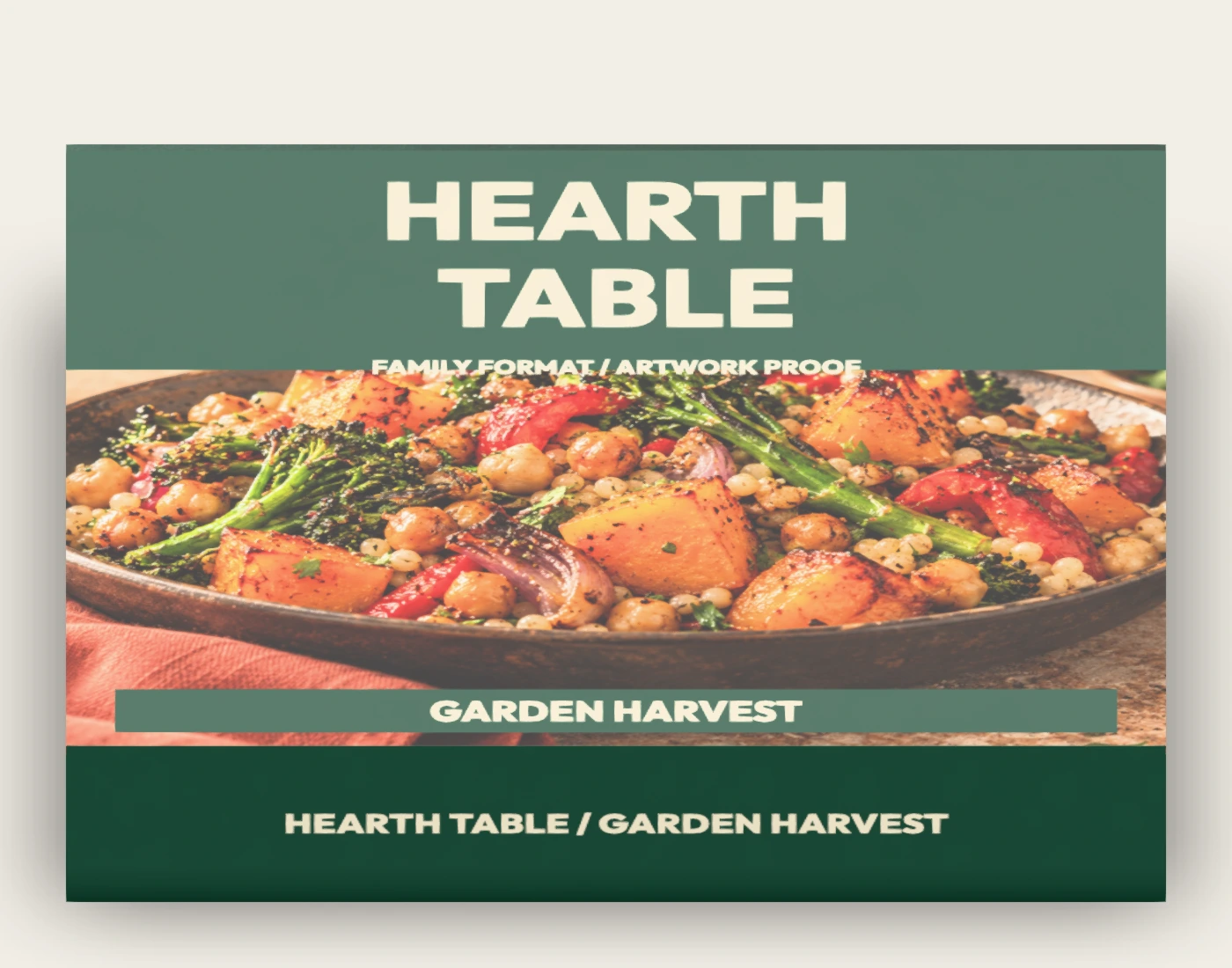
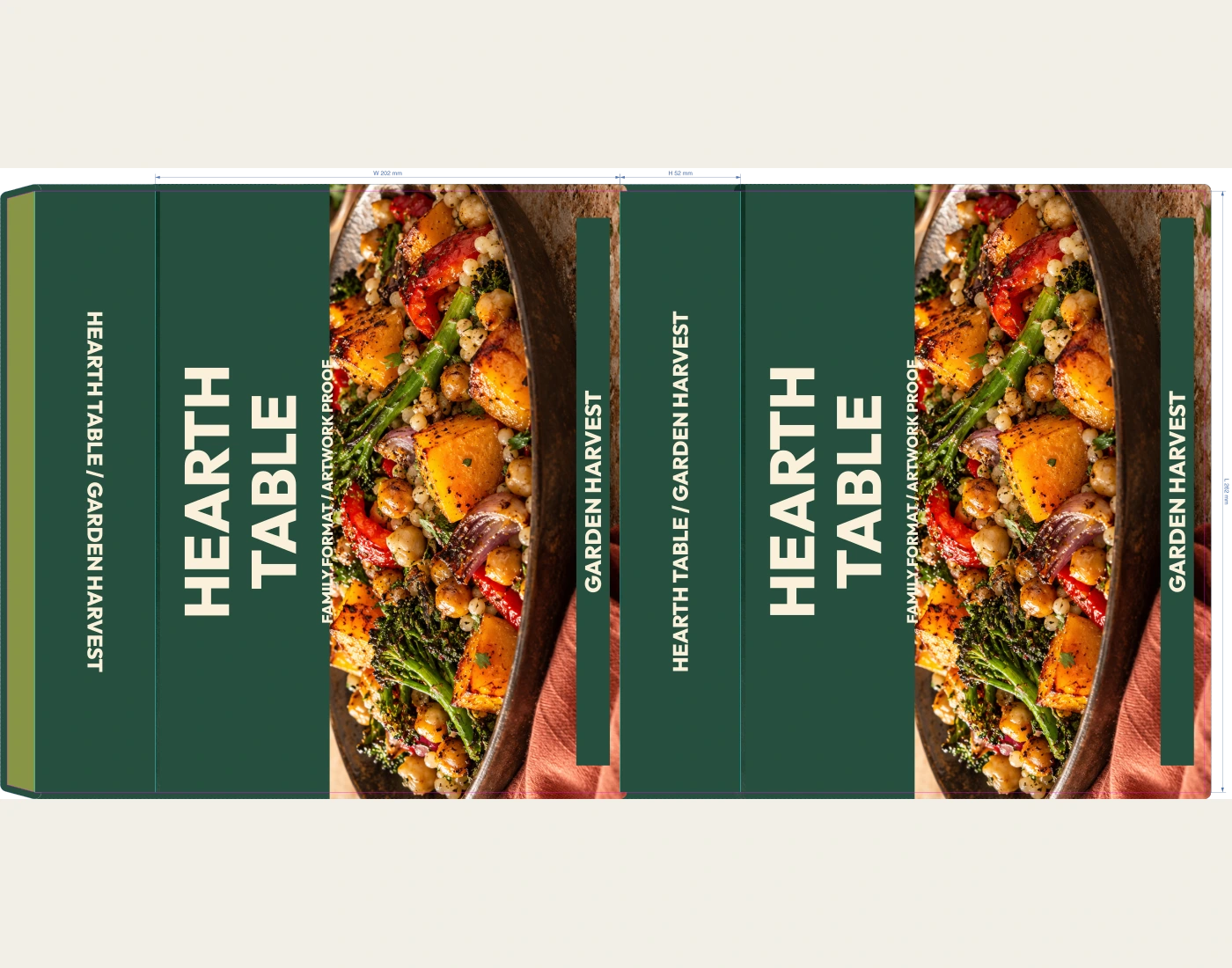
The open axis follows the first dimension. The depth allows for the pull tab; the scene checks the digital alignment. Confirm board allowance and physical fit with the supplier.
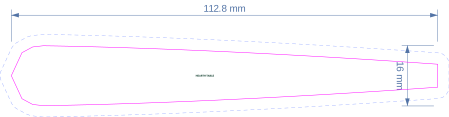
205 mm fork length · 16 mm handle width reference
Metal presentation; Paper 170 technical guide substrate
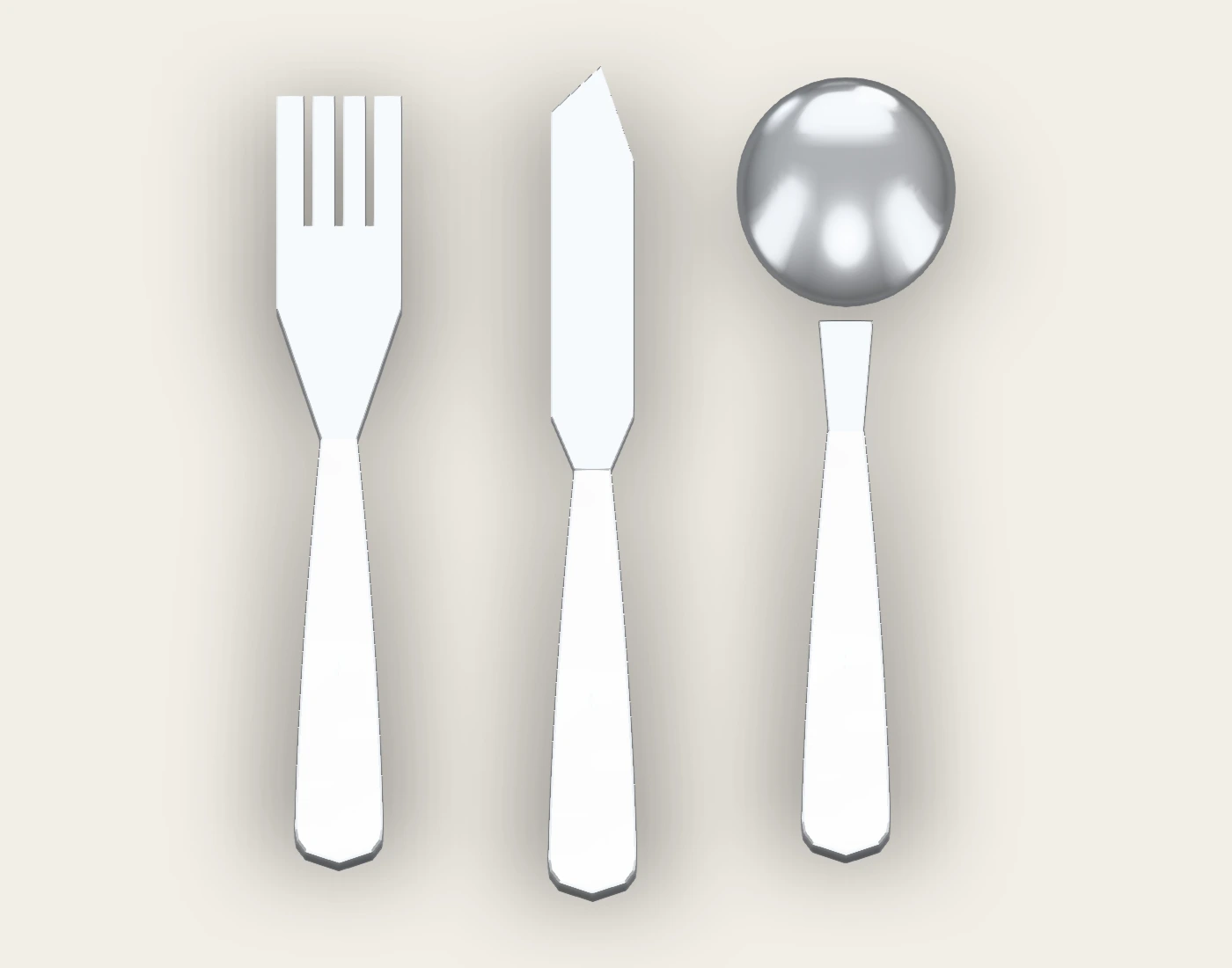
The native fork, knife and spoon are serving props. Flat files describe handle-artwork placement, not metal stock, tooling or a cutlery manufacturing drawing.
No oven, microwave, freezing, barrier, seal-strength or food-contact suitability is established. The flat tray files are lidding artwork; they do not define tray forming tooling. Confirm film construction, sealing conditions, sleeve allowance and physical assembly with the suppliers.
The downloadable example files are provided here for review. The live editor supports native project saving; production SVG/PDF exports require Pro. PSD and Photoshop smart-object files are not included.
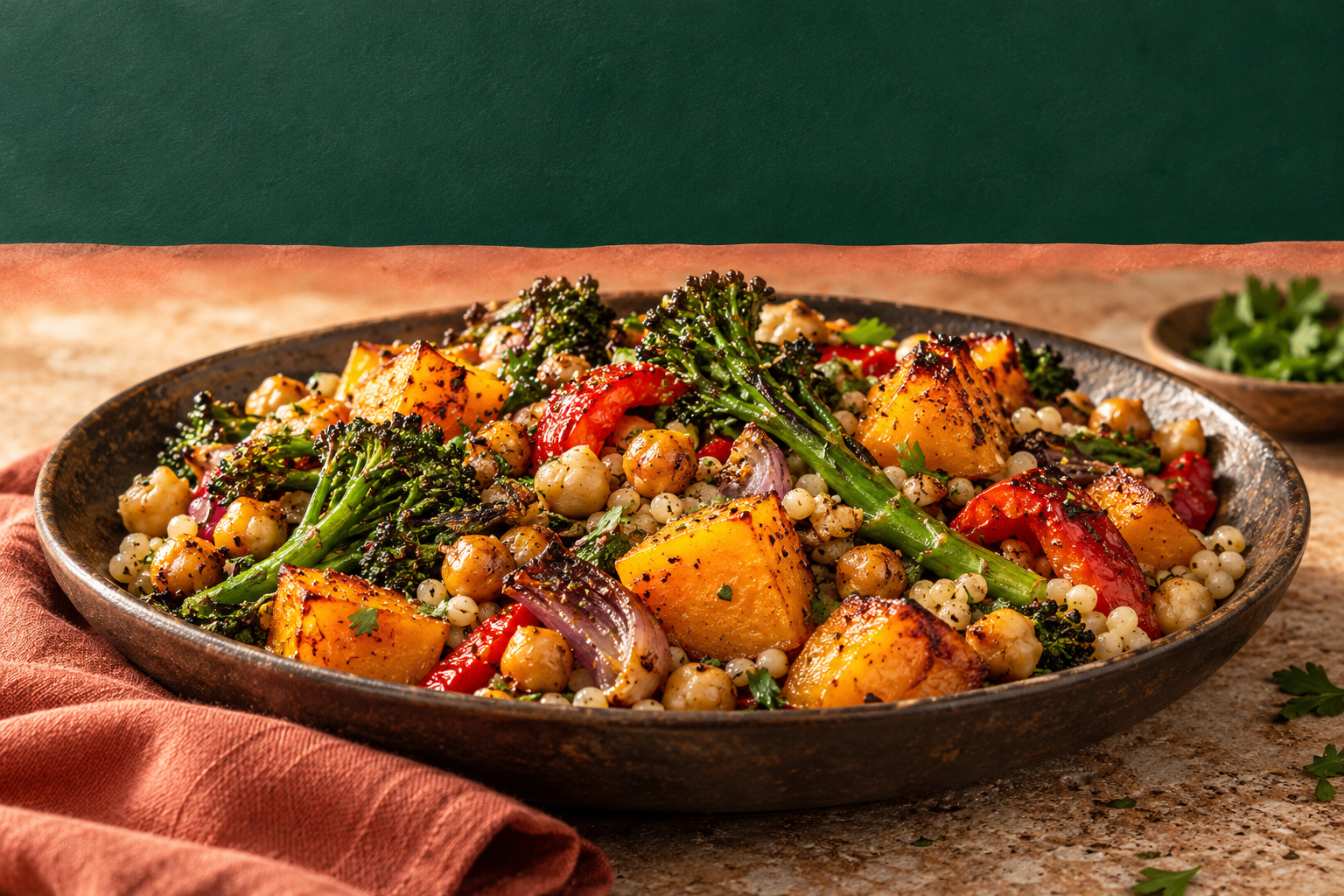
The original AI-generated panel photography is separate from the editable typography in the native projects. The photographic lead image uses this artwork as a reference; product geometry, food, materials, scale and the setting are illustrative. Use the native proofs above to review the actual saved configuration.