Preview image
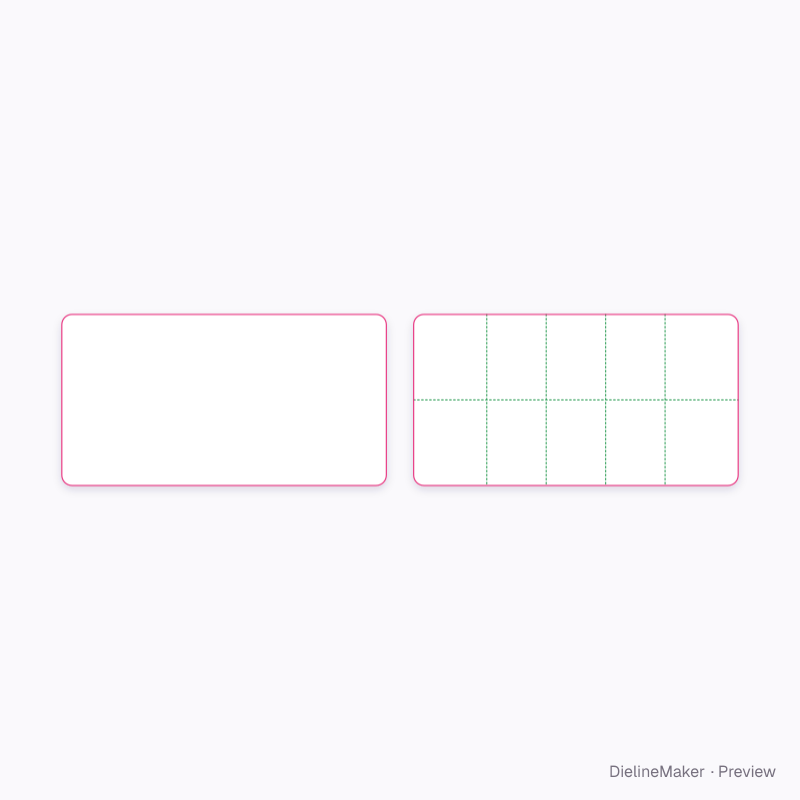
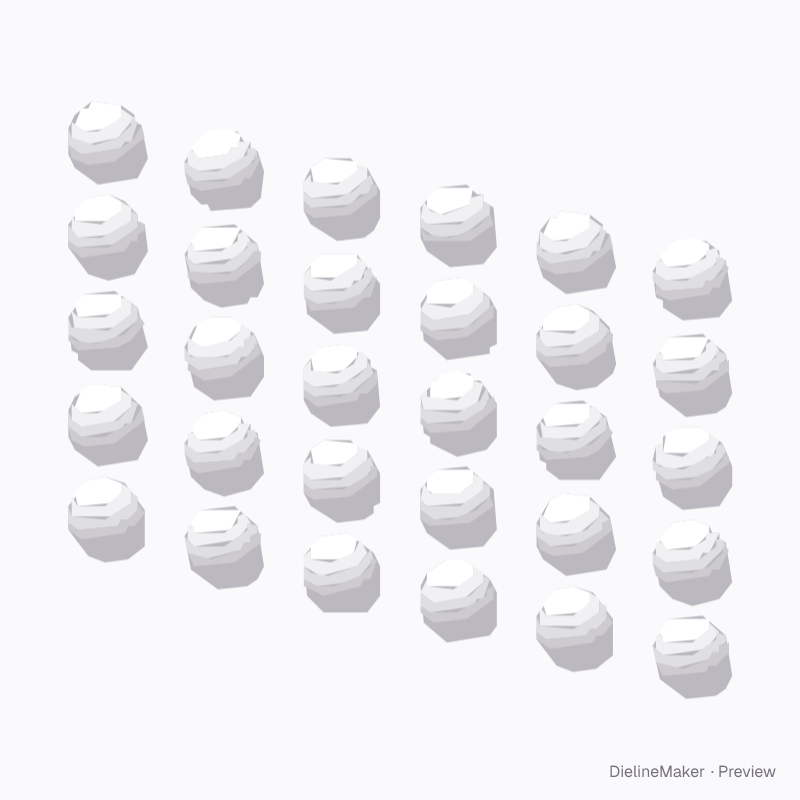
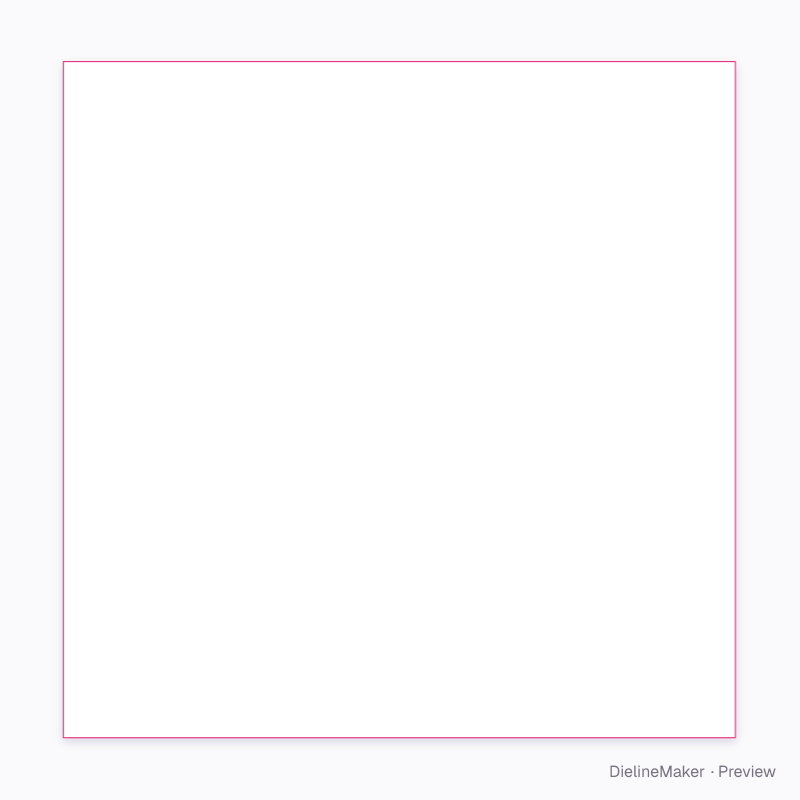
The real blank at this size, folded by the same engine as the studio. The artwork is a sample from a fictional brand — swap in your own in the editor.
DM-MED-BLISTER-01Labels
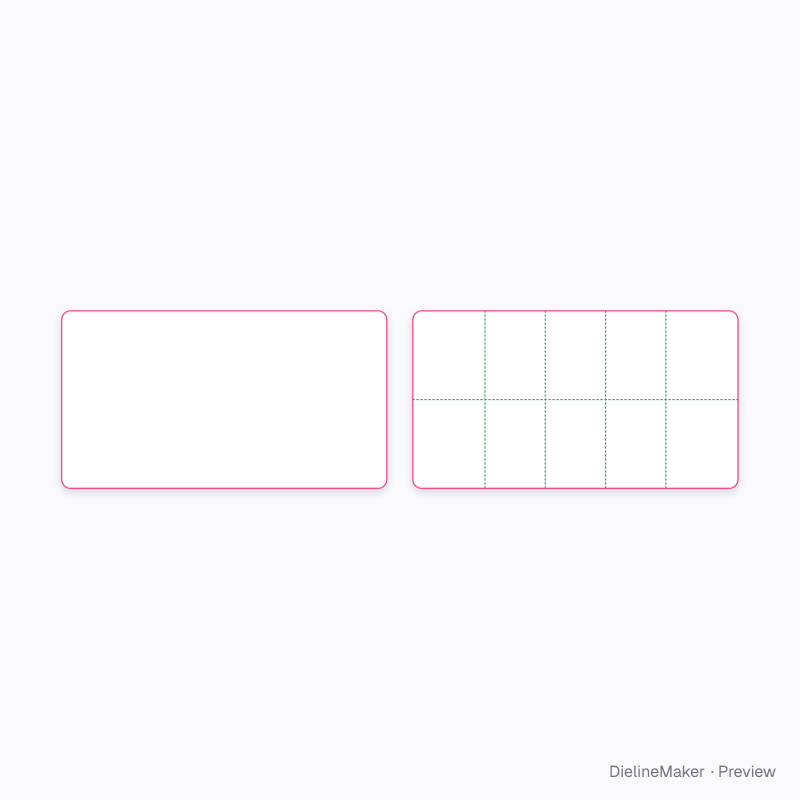
Thirty-tablet card dieline
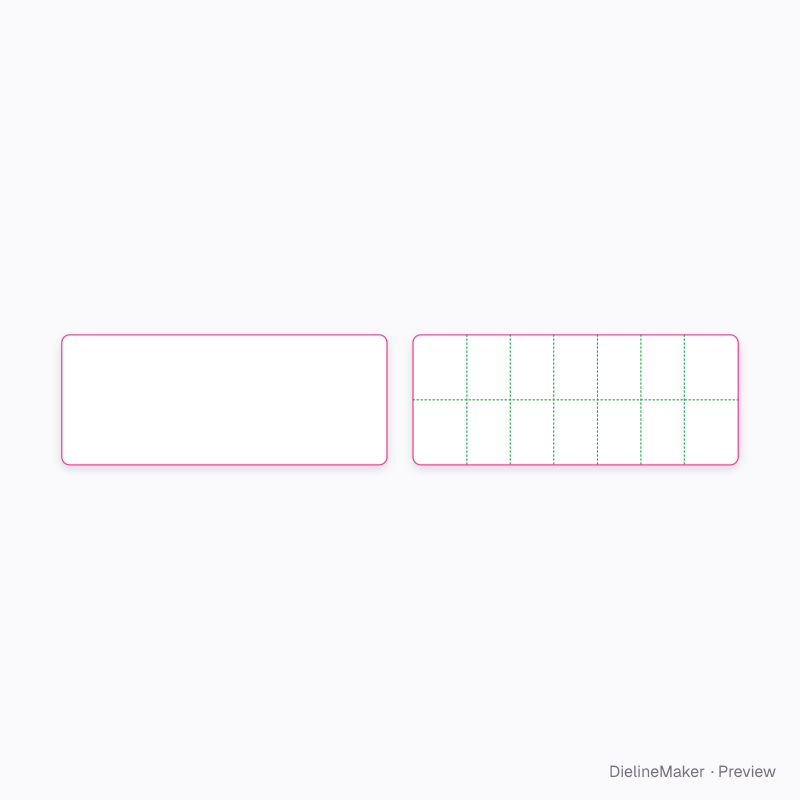
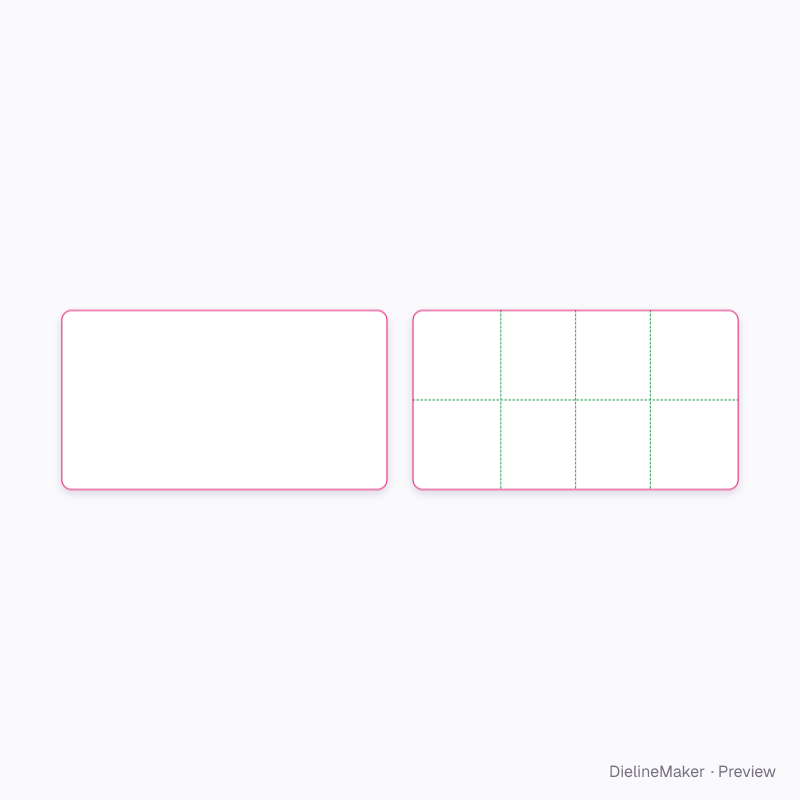
A sealed blister strip of formed pockets for tablets or capsules with a printed push-through lidding foil and decorated front. Rows, columns, pocket shape and tear perforations are adjustable. A ready-sized preset of the medication blister strip — change its size and the cut outline, bleed and safe area are redrawn to match.
Inside140 × 90 mm
Outside140 × 90 mm
Flat blank140 × 90 mm
Download the dielinePro
Sign in to download. Dieline downloads are part of Pro: PDF, Illustrator, SVG and DXF, cut, crease and bleed on separate layers, without a watermark. See plans
- Reference
- DM-MED-BLISTER-01
- Inside size
- Strip width 140 · Strip height 90 mm
- Size range
- Strip width 30–200 · Strip height 25–150 mm
- Manufacturing
- 140 × 90 mm score to score · inside vs outside sizes
- Parts
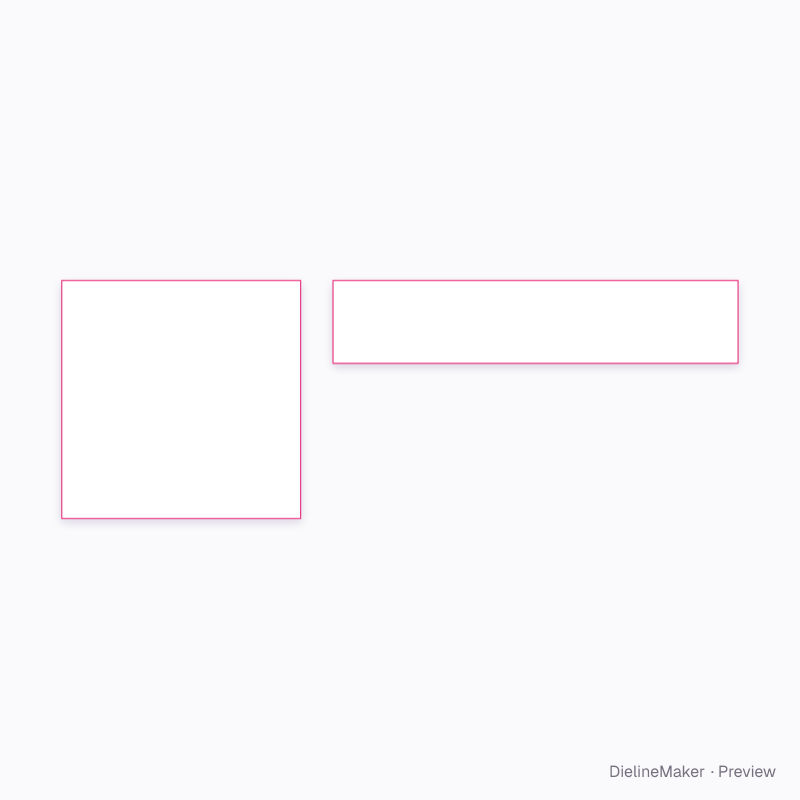
- 2 parts — Front face (between pockets), Lidding foil (push-through side)
- Board area
- 0.025 m² · about 42 up on a 720 × 1020 mm sheet
- Default board
- Matte label stock · 0.08 mm caliper
- Board options
- Label matteLabel glossMet PET/PE
- Good for
The flat dieline
Exactly what the downloads contain, drawn from the template at its default size, with a 3 mm bleed. How to read a dieline.
- Cut
- Bleed 3 mm
Adjustable in the editor
Beyond the size and board, this structure exposes 8 options; the template and 3D preview follow each change.
- Rowscount
- Pockets per rowcount
- Pocket shape3 options
- Pocket widthmm
- Pocket lengthmm
- Tear perforationson / off
- Corner radiusmm
- Tablet colour5 options
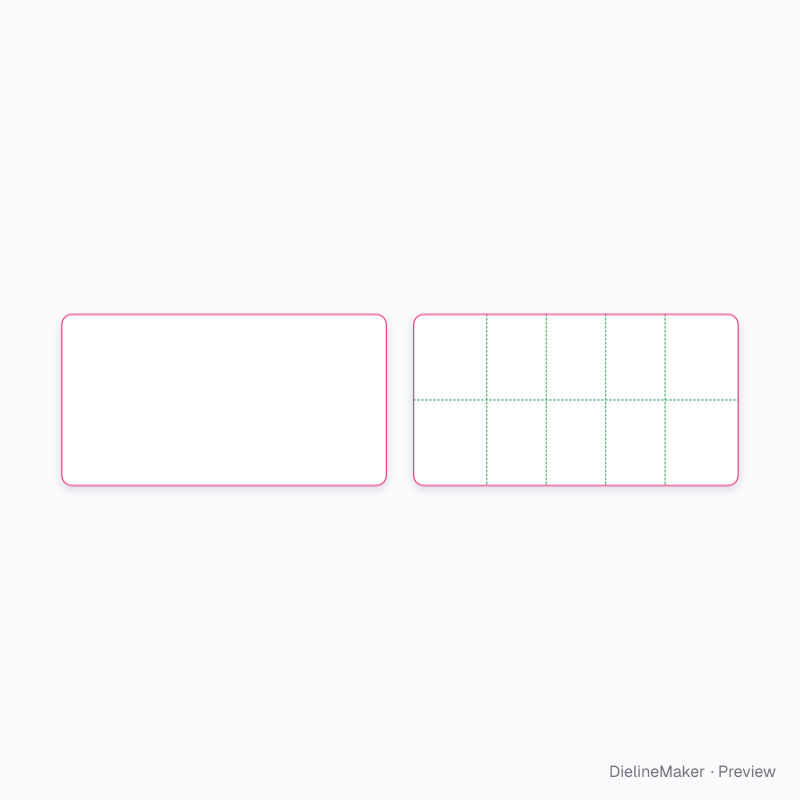
The medication blister strip family
The same structure with sizes, boards and options set for a use.
 Preset
 Preset
 Preset
 Preset
Similar structures
Other structures built in a similar way, matched on code family, category, closures and proportions.
Make this thirty-tablet card yours
Open it in the editor to set your size, drop artwork on each face, check bleed and safe areas, and export print-ready PDF with the dieline on its own layer — or stage it in a 3D scene for a mockup.