Preview image
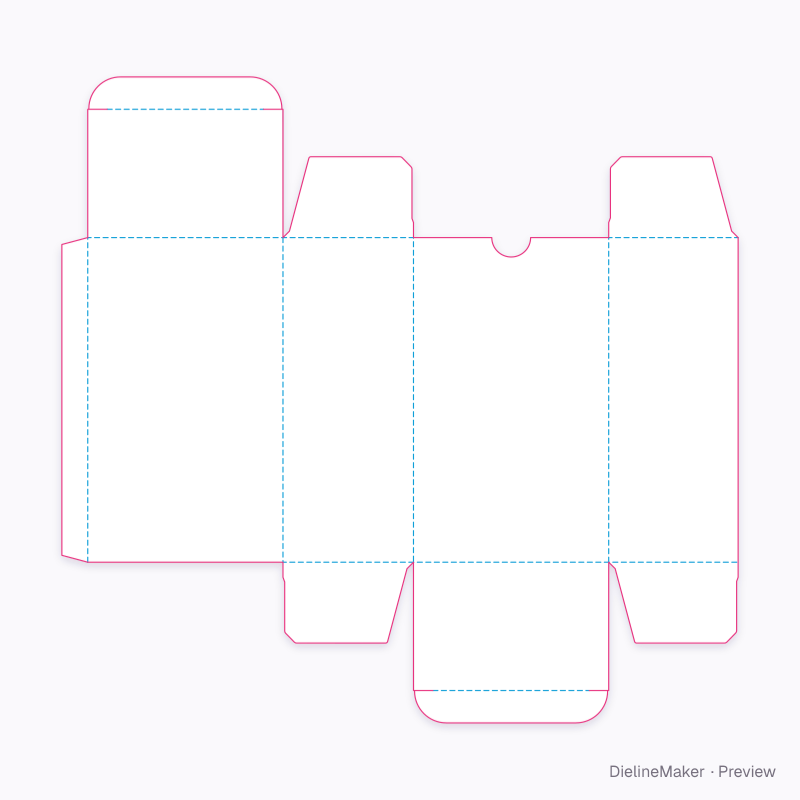
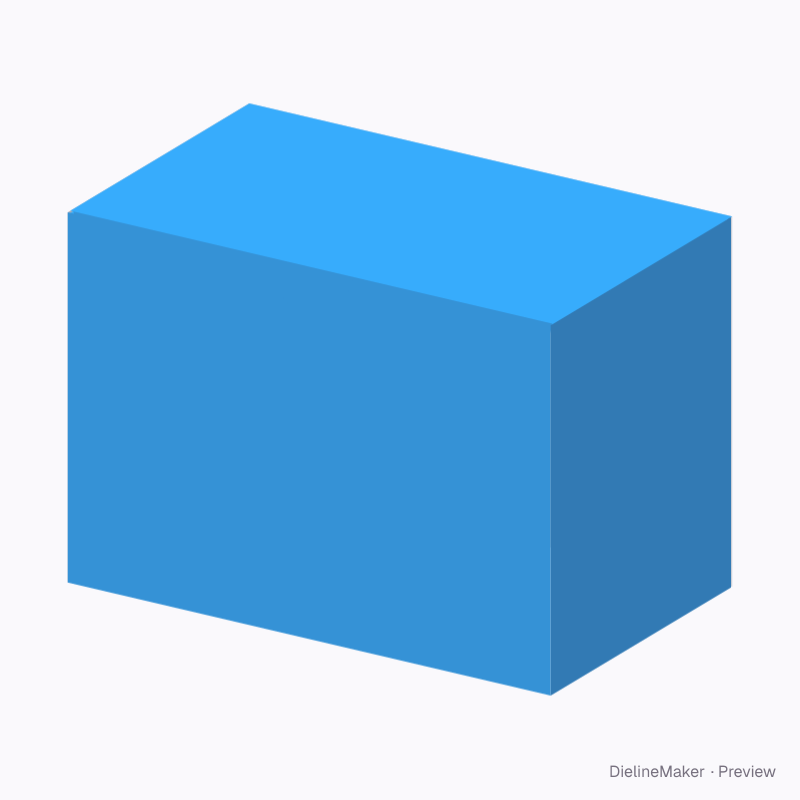
The real blank at this size, folded by the same engine as the studio. The artwork is a sample from a fictional brand — swap in your own in the editor.
ECMA A20.20.03.01Tuck end
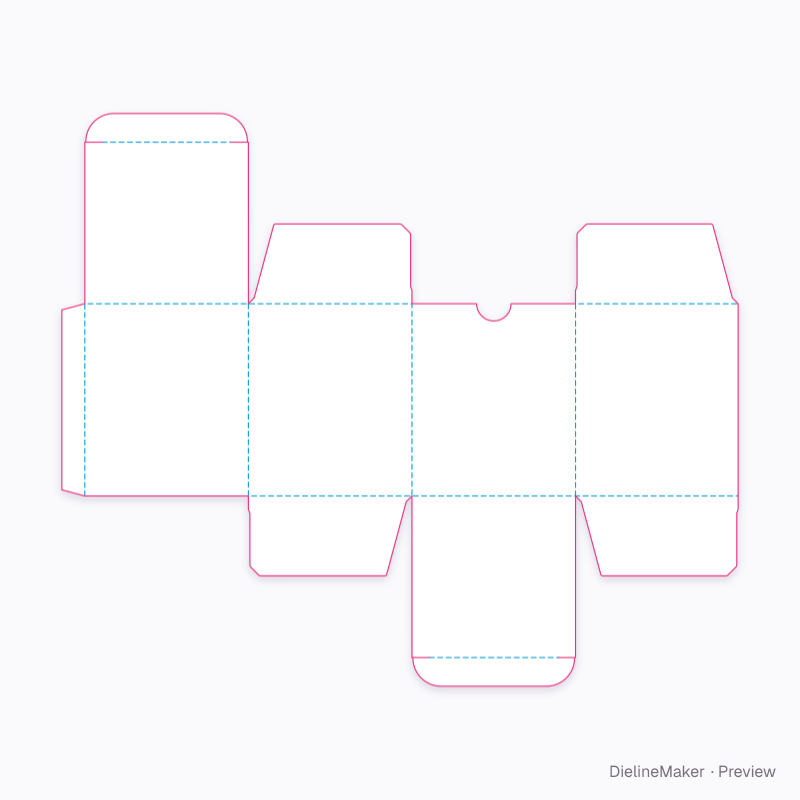
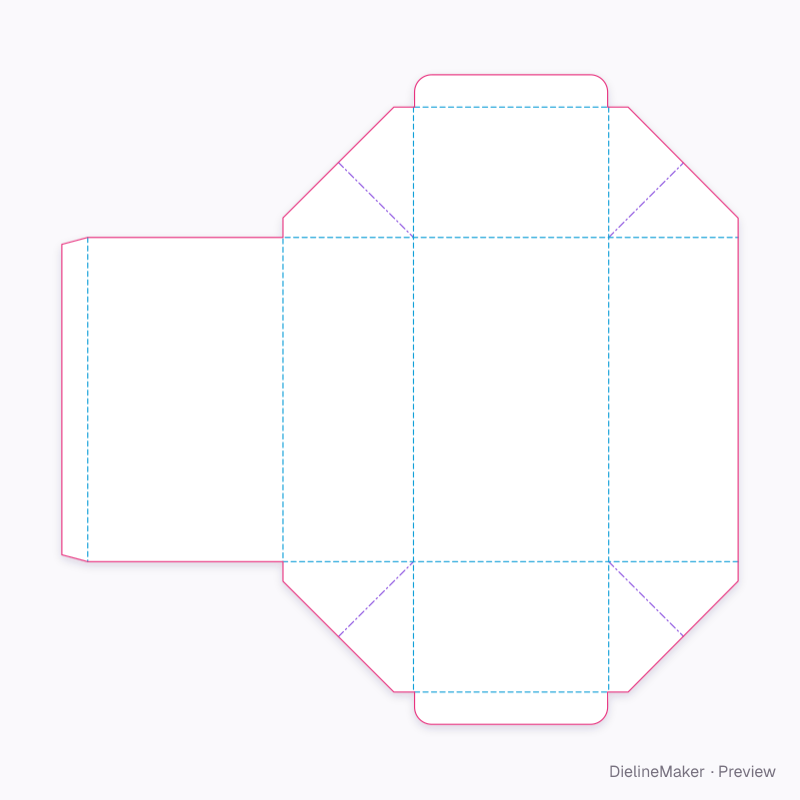
Supplement carton 100 × 60 × 70 mm dieline
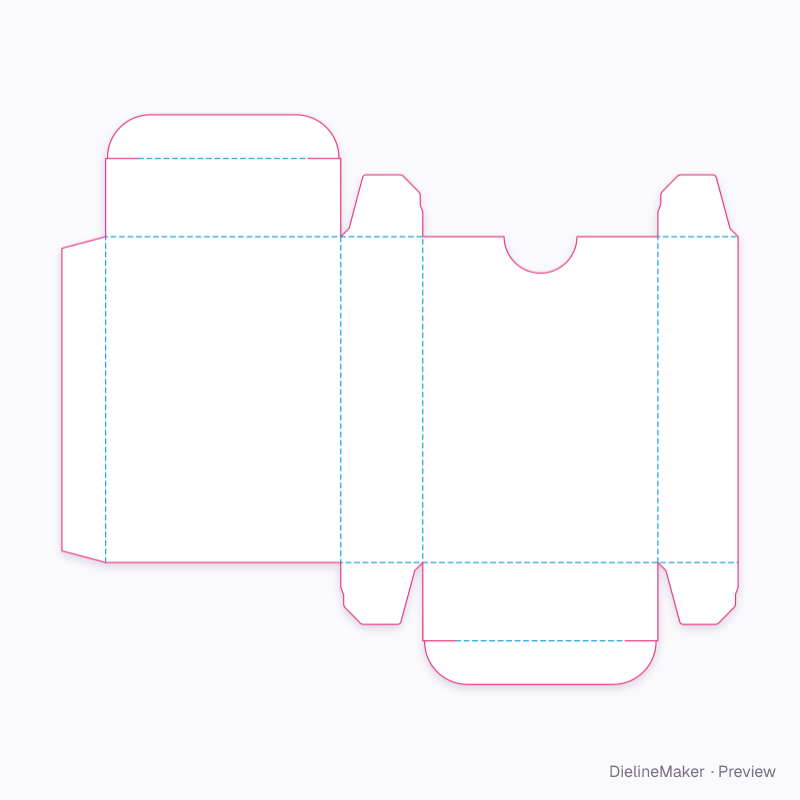
Carton for a 50-softgel blister pack or jar; landscape front panel. A ready-sized preset of the reverse tuck end — change the length, width and height and every panel, tuck and glue flap is redrawn to match.
Inside100 × 60 × 70 mm
Outside100.8 × 60.8 × 70.8 mm
Flat blank333.3 × 219.6 mm
Download the dielinePro
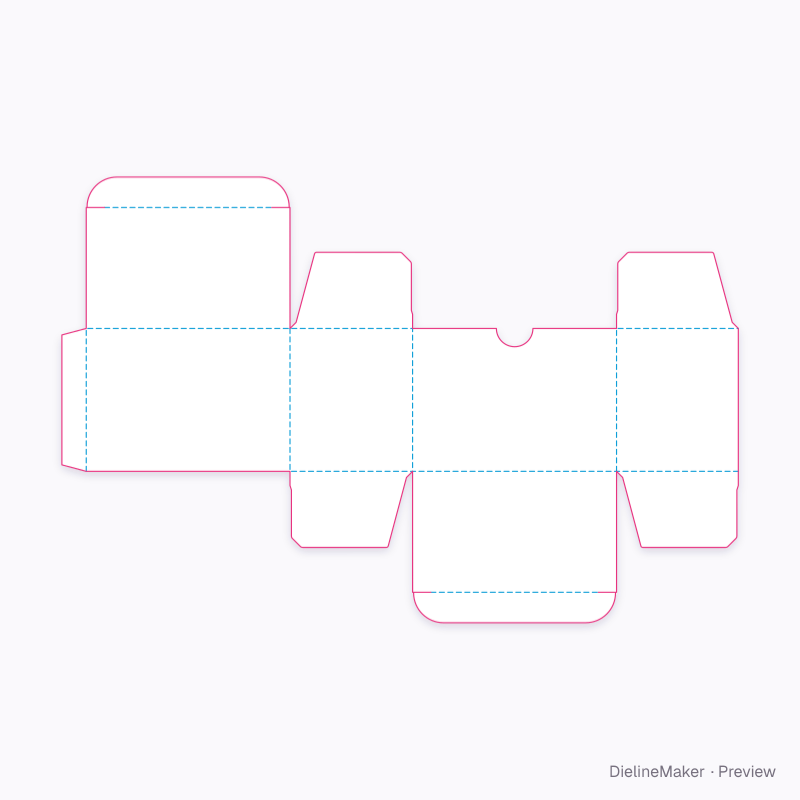
Sign in to download. Dieline downloads are part of Pro: PDF, Illustrator, SVG and DXF, cut, crease and bleed on separate layers, without a watermark. See plans
- Reference
- ECMA A20.20.03.01
- Inside size
- Length 100 · Width 60 · Height 70 mm
- Size range
- Length 20–400 · Width 12–300 · Height 20–500 mm
- Manufacturing
- 100.4 × 60.4 × 70.4 mm score to score · inside vs outside sizes
- Parts
- One blank
- Board area
- 0.046 m² · about 6 up on a 720 × 1020 mm sheet
- Default board
- SBS white board 300 g · 0.42 mm caliper
- Board options
- SBS 350SBS 300FBB 400GD2 350Kraft 350Black 350F-fluteE-flute WPET 0.3SBS 18 pt
- Good for
The flat dieline
Exactly what the downloads contain, drawn from the template at its default size, with a 3 mm bleed. How to read a dieline.
- Crease
- Cut
- Glue area
- Bleed 3 mm
How it folds
The supplement carton 100 × 60 × 70 mm erects in 4 steps, in the order the creases are scored to take. The editor plays the same sequence in 3D and lights each step’s creases on the dieline.
- 1Fold the walls upLeft side, Back, Right side, Glue flap
- 2Fold the dust flaps inTop dust flap, Bottom dust flap and 2 more
- 3Tuck the flaps inTop tuck, Bottom tuck
- 4Close the end flapsTop closure, Bottom closure
How the blank is sized
Score-to-score panel sizes of this ECMA A20.20.03.01 blank at the default size, with the formula each one follows. L, W and H are the inside dimensions; T is the board caliper (0.42 mm for SBS white board 300 g). Change the size or board in the editor and every panel is recalculated.
| Panel | Size (mm) | Formula |
|---|---|---|
| Front | 100.4 × 70.4 | L + T × H + T |
| Left side | 60.4 × 70.4 | W + T × H + T |
| Back | 100.4 × 70.4 | L + T × H + T |
| Right side | 60 × 70.4 | W × H + T |
| Glue flap | 12 × 70.4 | – × H + T |
| Top closure | 100.4 × 59.6 | L + T × W − T |
| Top tuck | 99.6 × 15 | L − T × – |
| Top dust flap | 60.4 × 37.5 | W + T × – |
| Top dust flap | 60 × 37.5 | W × – |
| Bottom closure | 100.4 × 59.6 | L + T × W − T |
| Bottom tuck | 99.6 × 15 | L − T × – |
| Bottom dust flap | 60.4 × 37.5 | W + T × – |
| Bottom dust flap | 60 × 37.5 | W × – |
Adjustable in the editor
Beyond the size and board, this structure exposes 8 options; the template and 3D preview follow each change.
- Tuck depthmm
- Slit lockon / off
- Thumb notchon / off
- Notch radiusmm
- Windowon / off
- Zigzag flap edges4 options
- Safety clasp3 options
- Clasp widthmm
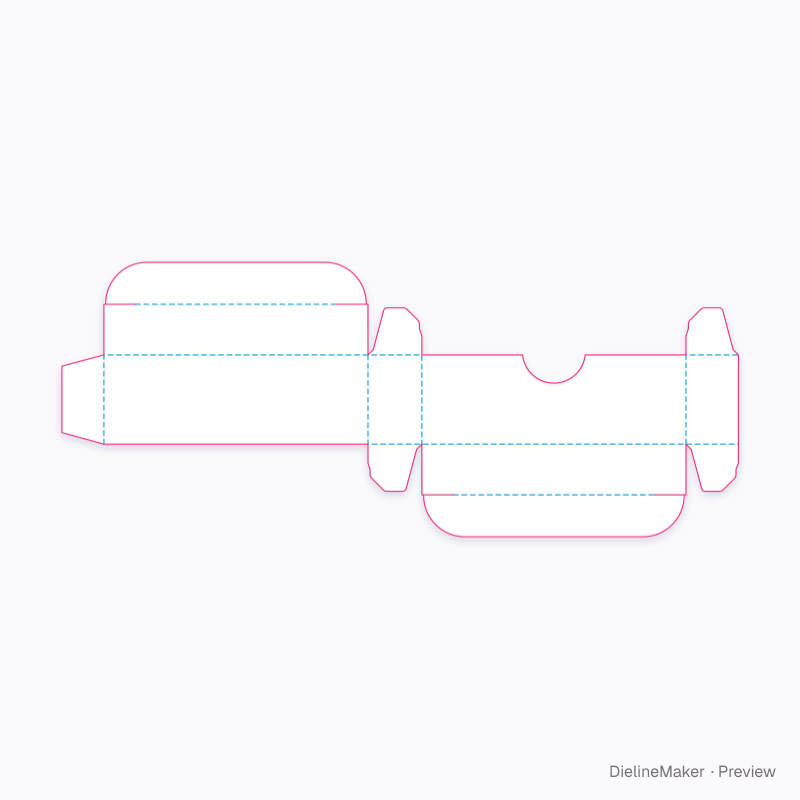
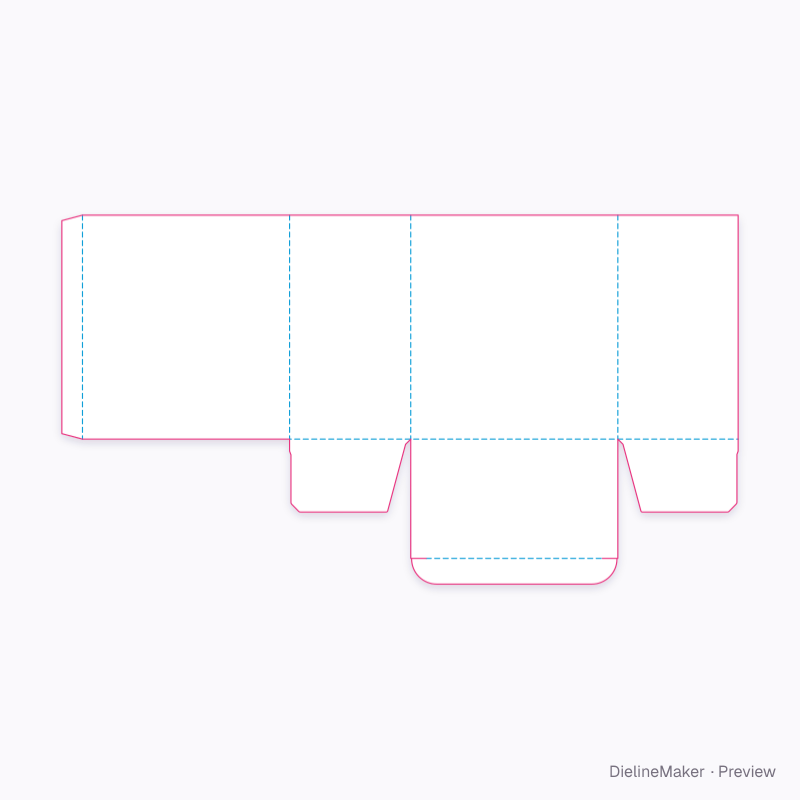
The reverse tuck end family
The same structure with sizes, boards and options set for a use.
 Preset
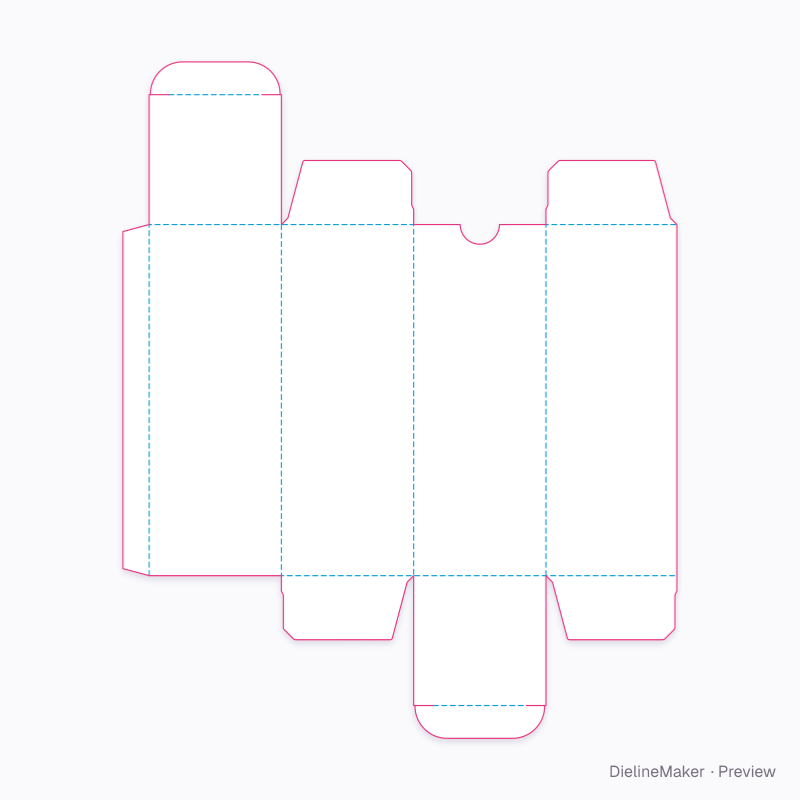 Preset
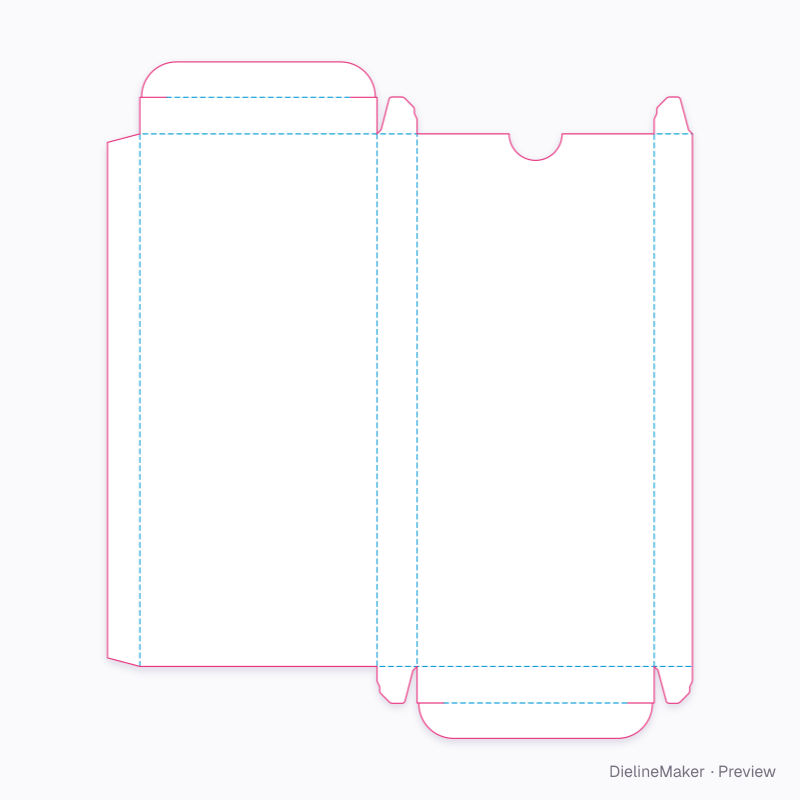 Preset
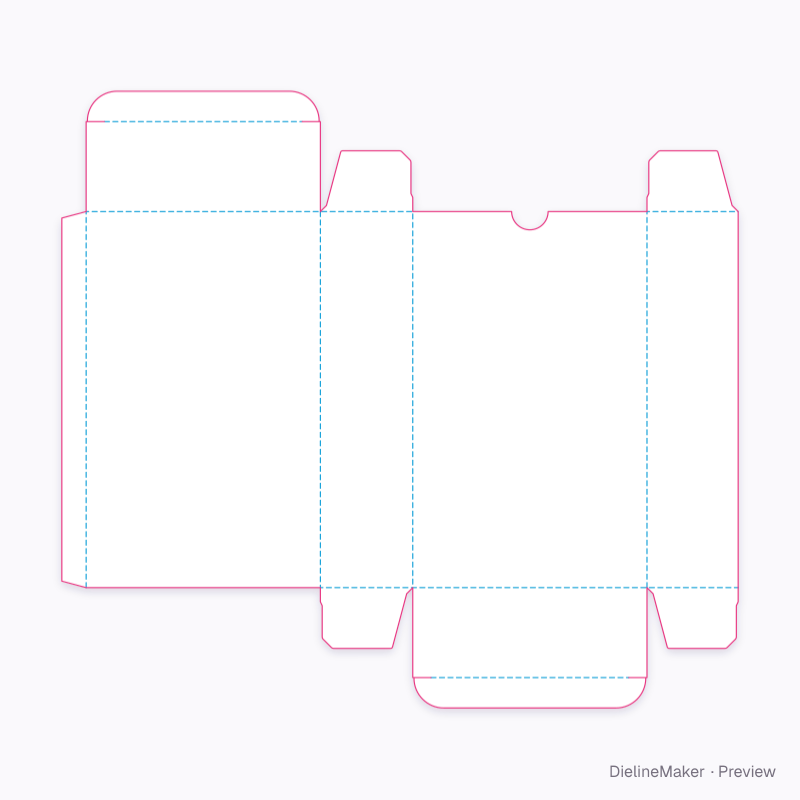 Preset
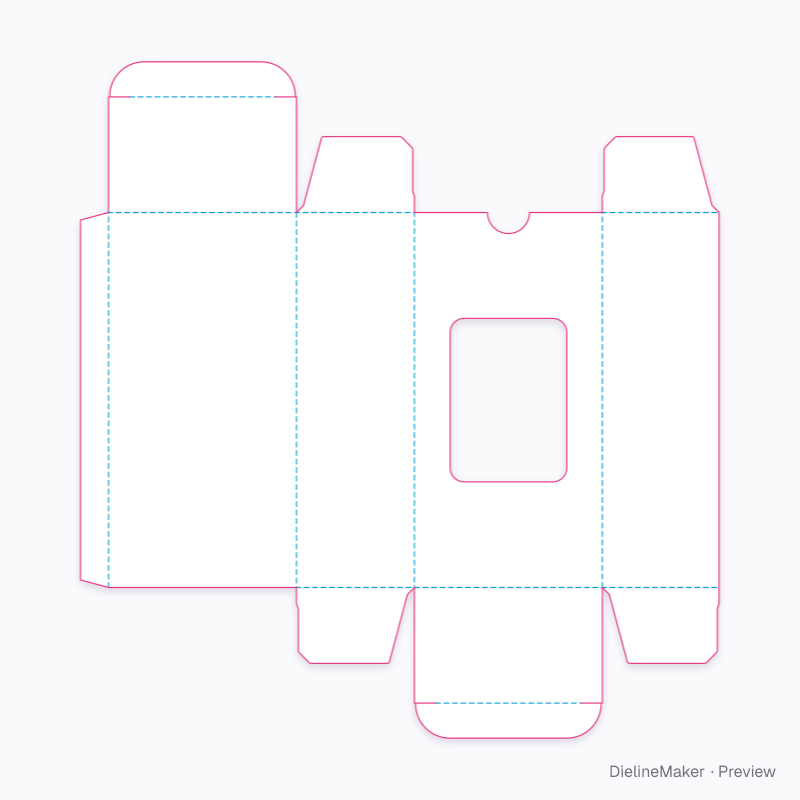 Preset
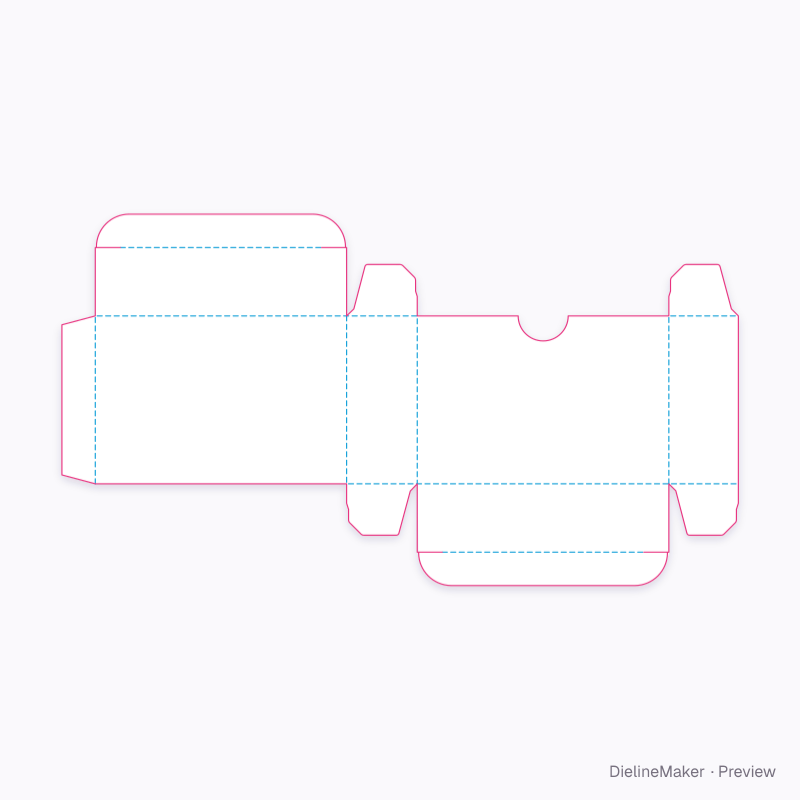 Preset
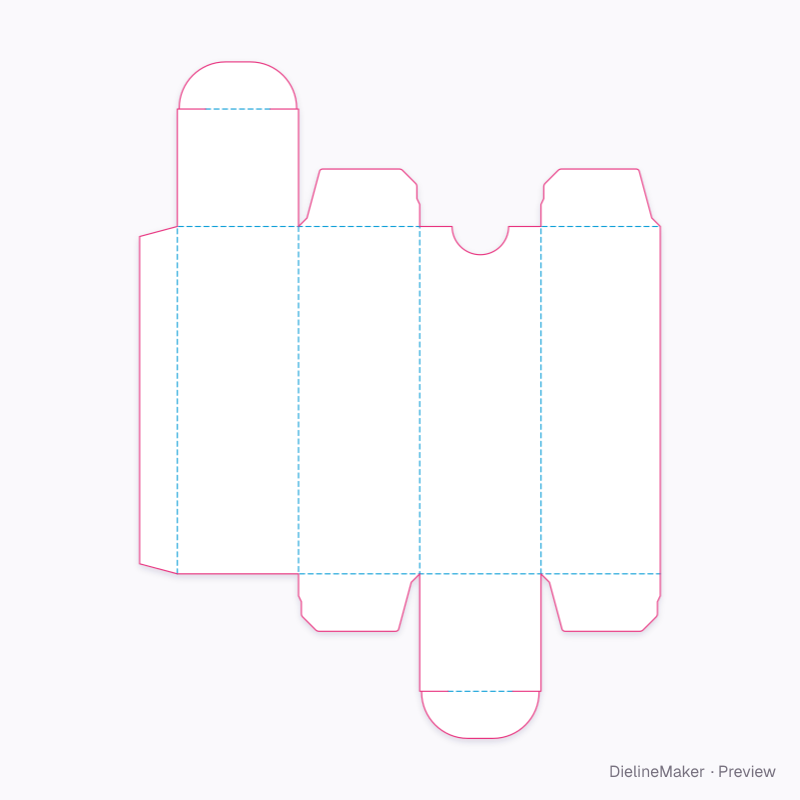 Preset
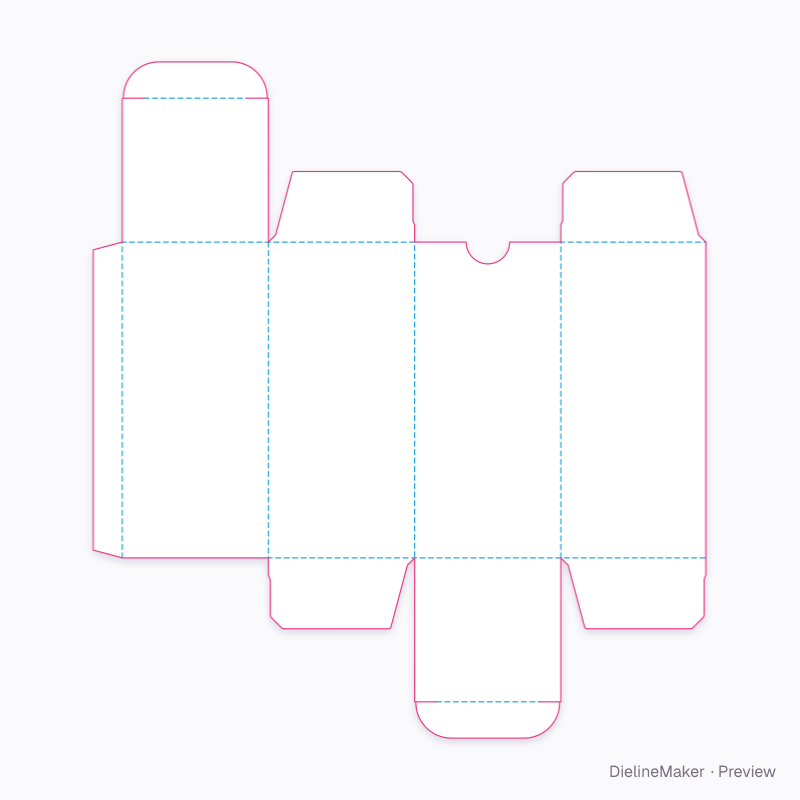 Preset
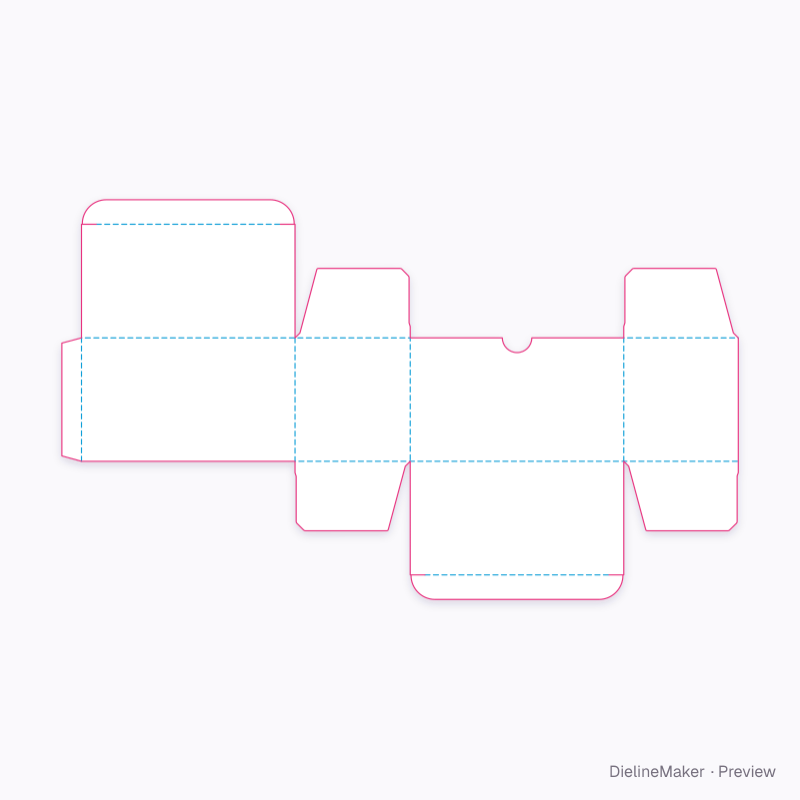 Preset
 Preset
 Preset
Inspired by customer briefs
See where an idea can go.
Original concepts with fictional brands, paired with native templates you can open and customize.
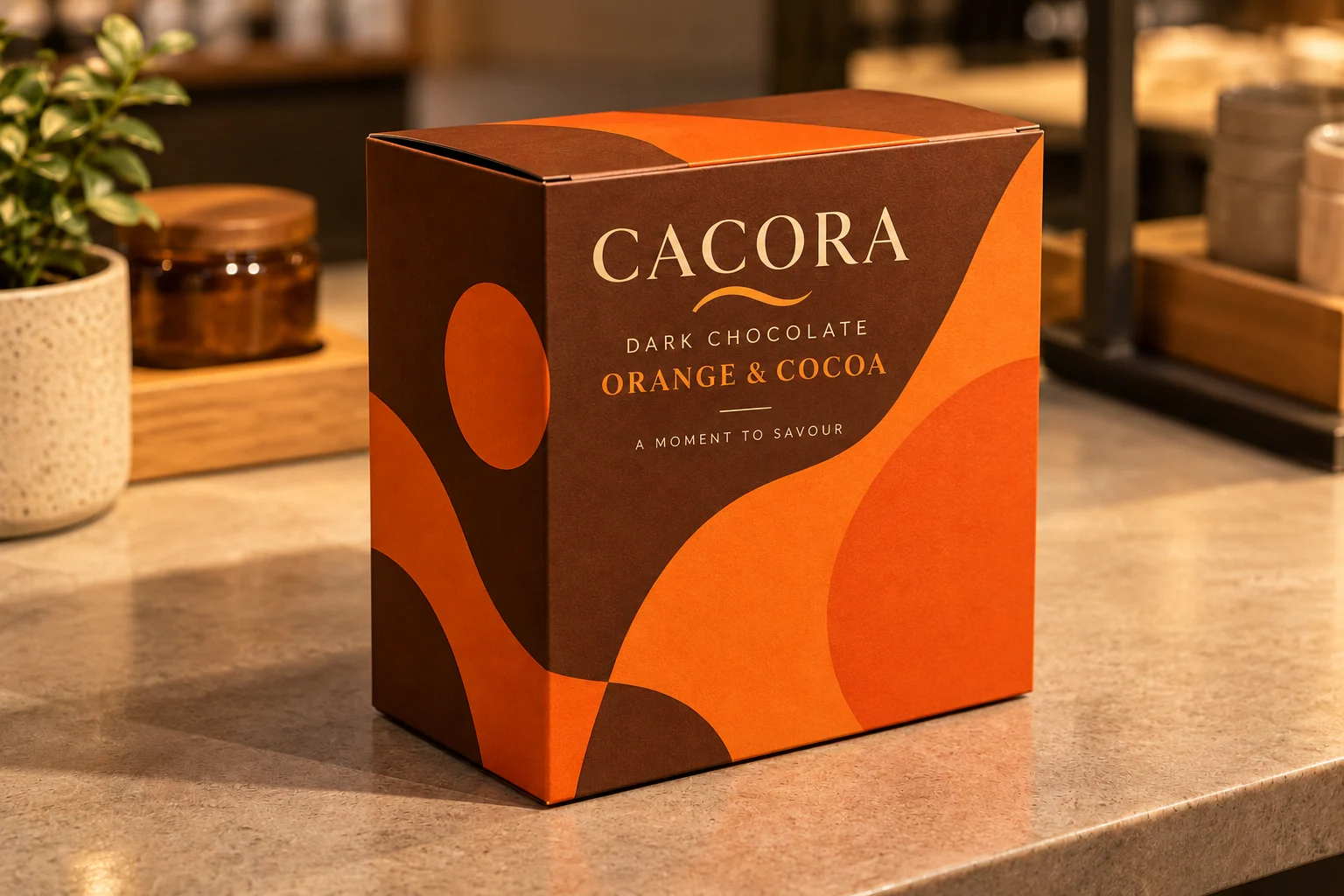
CACORA
Warm colour. A bold shelf presence.
The request
- Find a cutline for a box shown in a low-resolution reference.
- Remove a part from a carton.
Choose your starting point
Start by identifying the lid and base closures. Artwork objects can be removed separately; structural changes use the selected template’s supported options. General panel deletion is not available. Confirm which part you mean before changing it.
Explore the actual templates
Native geometry and sample artwork below. The generated scene is creative direction; its artwork and construction may differ.
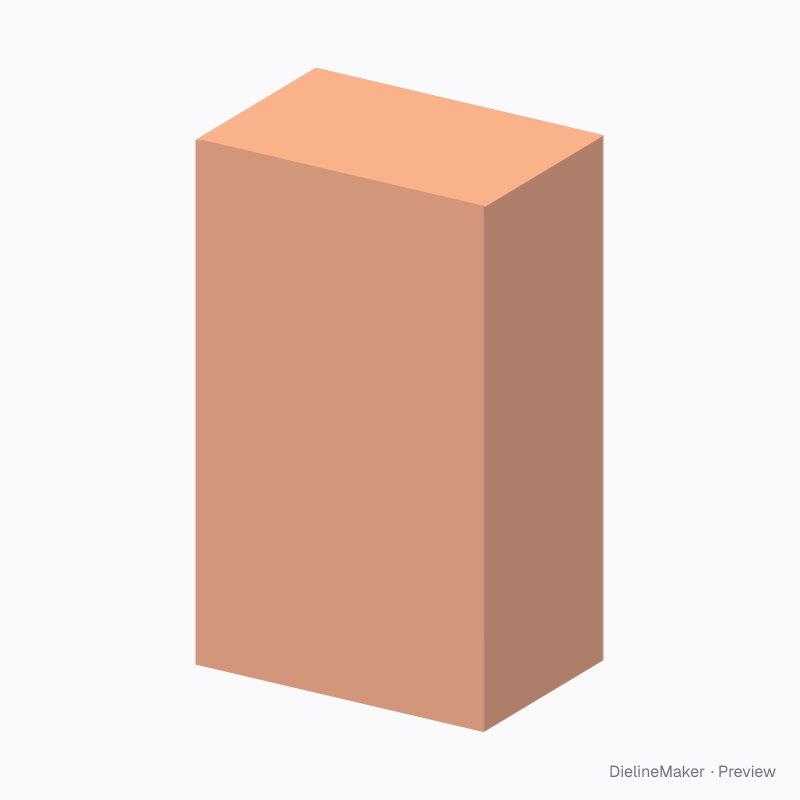
Before you choose this template
Size, materials, downloads and production checks.
Will the supplement carton 100 × 60 × 70 mm dieline fit my product?
Carton for a 50-softgel blister pack or jar; landscape front panel. The default dimensions in inside-size mode are Length 100 mm, Width 60 mm, Height 70 mm. Measure your product and any inserts or wrapping, then set the template size. Check a physical sample with your contents before ordering production.
Can I change the size and design?
Yes. The supported ranges are Length 20–400 mm, Width 12–300 mm, Height 20–500 mm. At the default settings, the editor also exposes Tuck depth, Slit lock, Thumb notch, Notch radius, Window, Zigzag flap edges and 2 more options. Add your own artwork and preview the result in 3D. The template geometry is rebuilt when its dimensions change.
Which materials can I choose?
The default is SBS white board 300 g (0.42 mm caliper). This structure allows SBS white board 350 g, SBS white board 300 g, Folding boxboard 400 g, Grey-back duplex 350 g, Kraft board 350 g, Black-core board 350 g, F-flute micro corrugated, E-flute white / kraft, Clear PET 0.3 mm, SBS white board 18 pt. Select the stock before checking fit, and ask your converter to confirm the grade and caliper for the intended product.
Which files can I download?
The template page offers dimensioned PDF, Illustrator (.ai via script), layered SVG and DXF cutting and crease geometry. After adding artwork in the editor, you can export a print-ready PDF and review the bleed, safe areas and dieline layers with your printer.
Is this dieline free?
Browsing the previews is free, and you can customize the template after signing in with Google. Template and print-file downloads require a Pro or Business plan. The Free plan allows one eligible download every 8 hours; free mockups, renders and videos carry a watermark. See the pricing page for the current plans.
Can I send the download straight to production?
Use the file as a starting point for a printer or converter review. Confirm the finished dimensions, stock, crease and cutting setup, assembly, bleed and artwork, then approve a physical sample. The 3D preview does not test strength, transit performance or suitability for particular contents.
Similar structures
Other structures built in a similar way, matched on code family, category, closures and proportions.
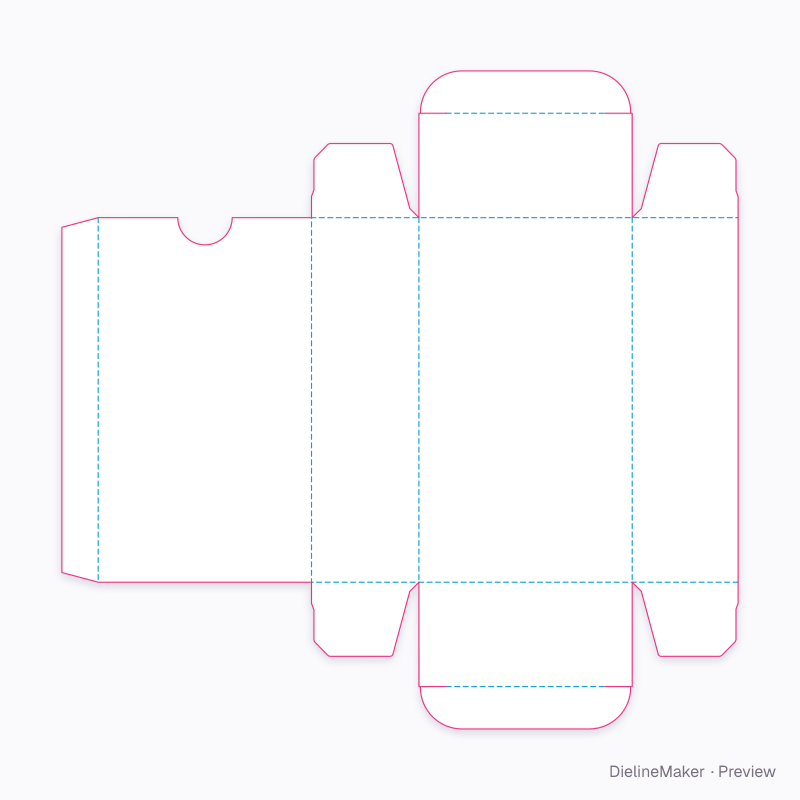
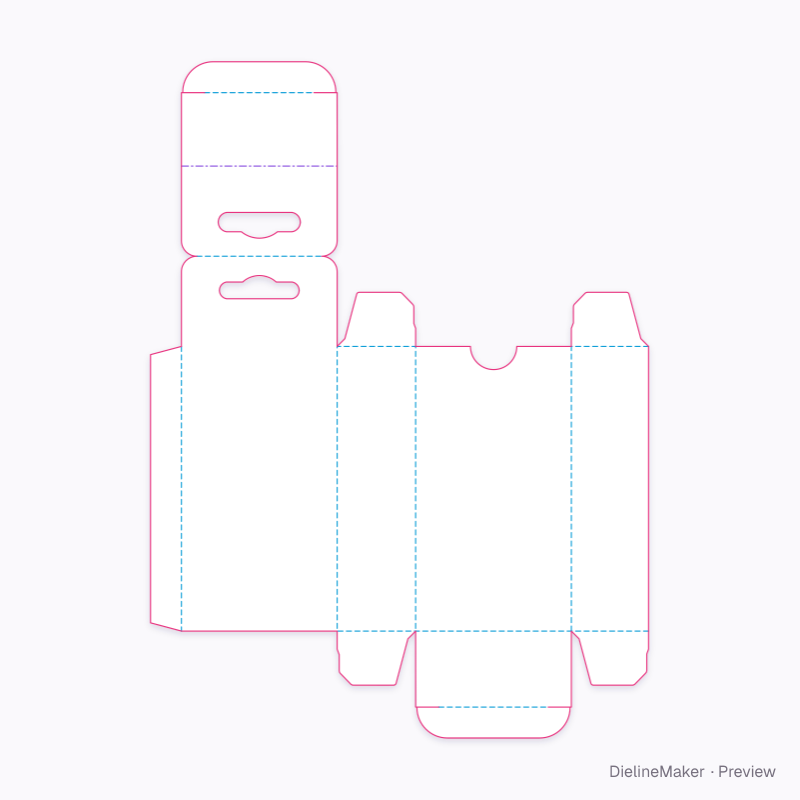
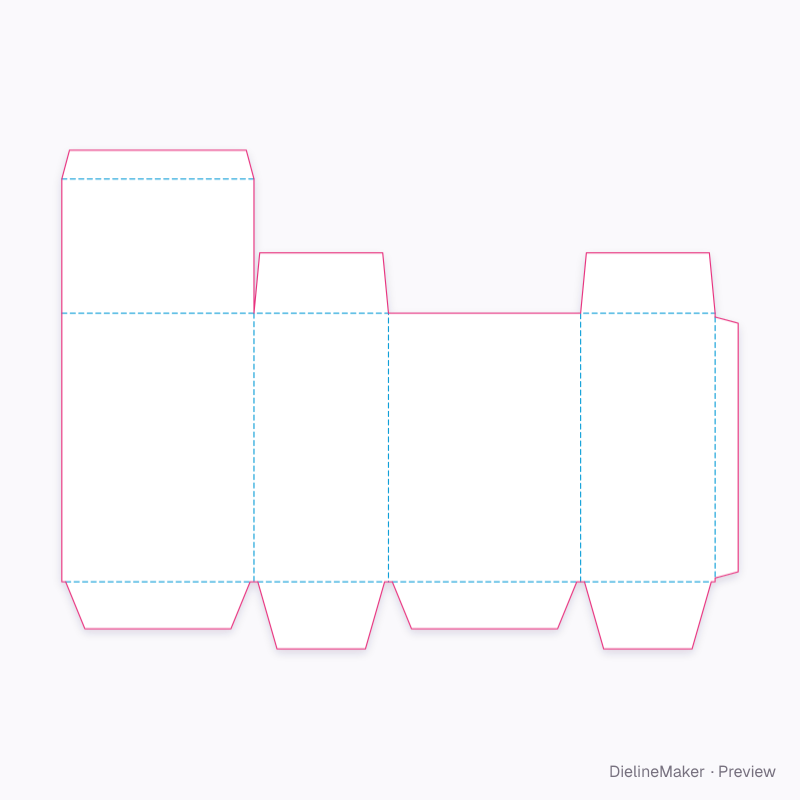
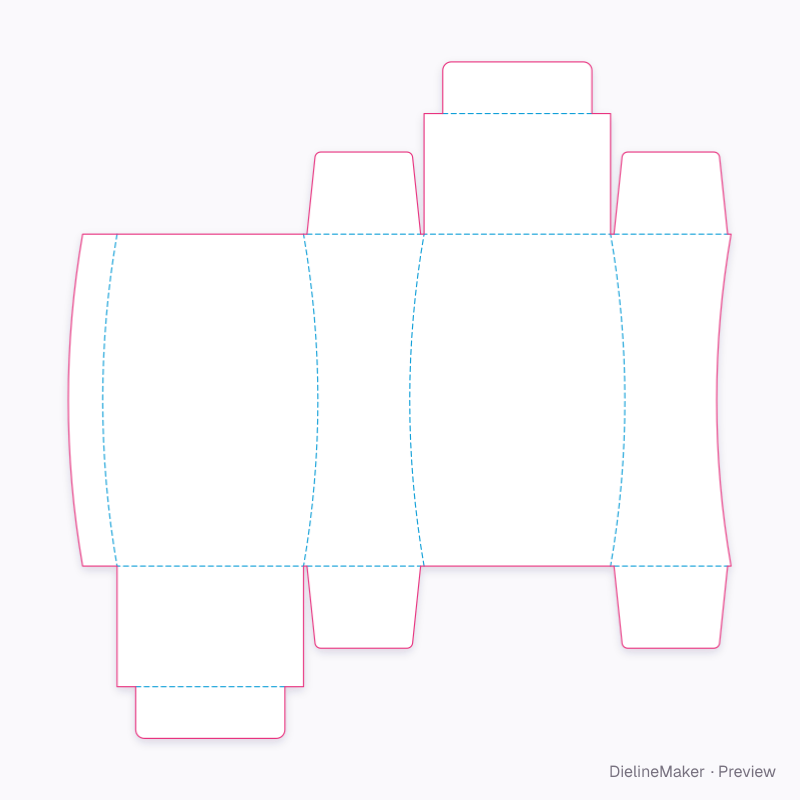
Make this supplement carton 100 × 60 × 70 mm yours
Open it in the editor to set your size, drop artwork on each face, check bleed and safe areas, and export print-ready PDF with the dieline on its own layer — or stage it in a 3D scene for a mockup.