Preview image
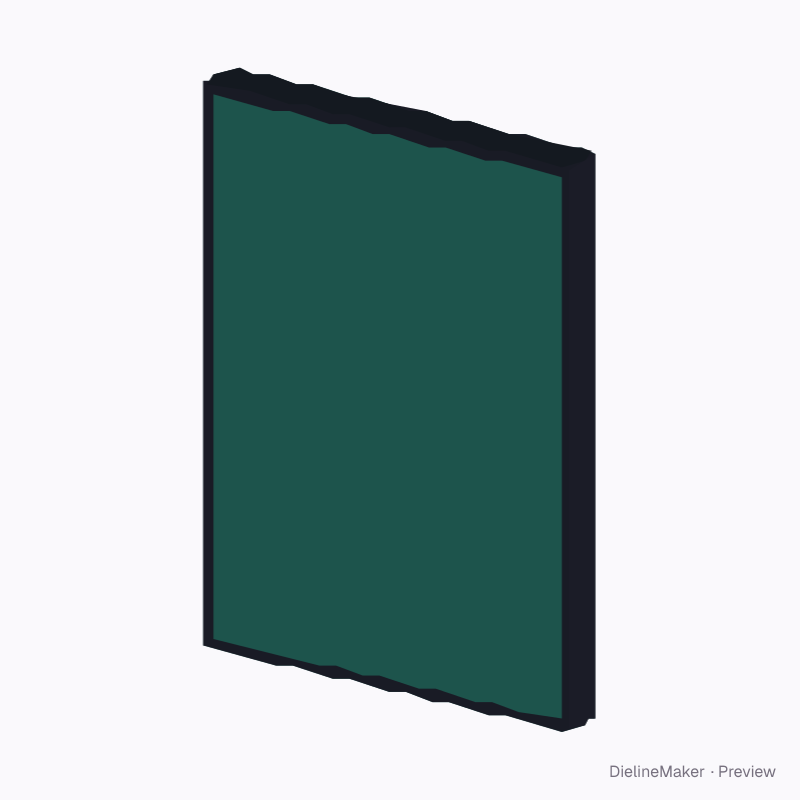
A 3D product preview with editable artwork placement. The downloads contain artwork areas; manufacturing patterns and hardware drawings are not included. The artwork is a sample from a fictional brand — swap in your own in the editor.
Artwork placementCards & tags
Standard 14 mm DVD case insert template
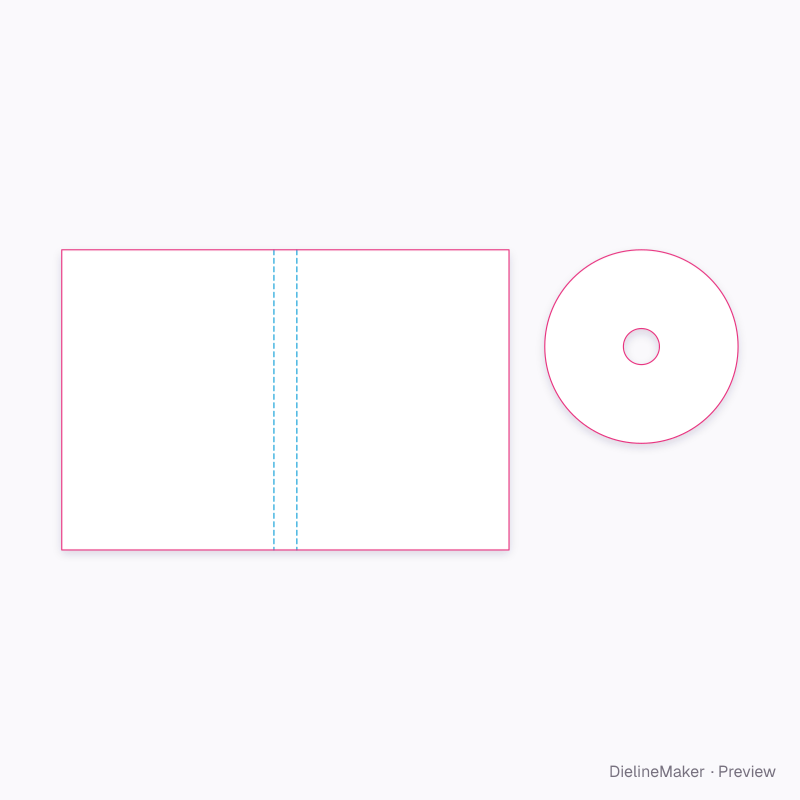
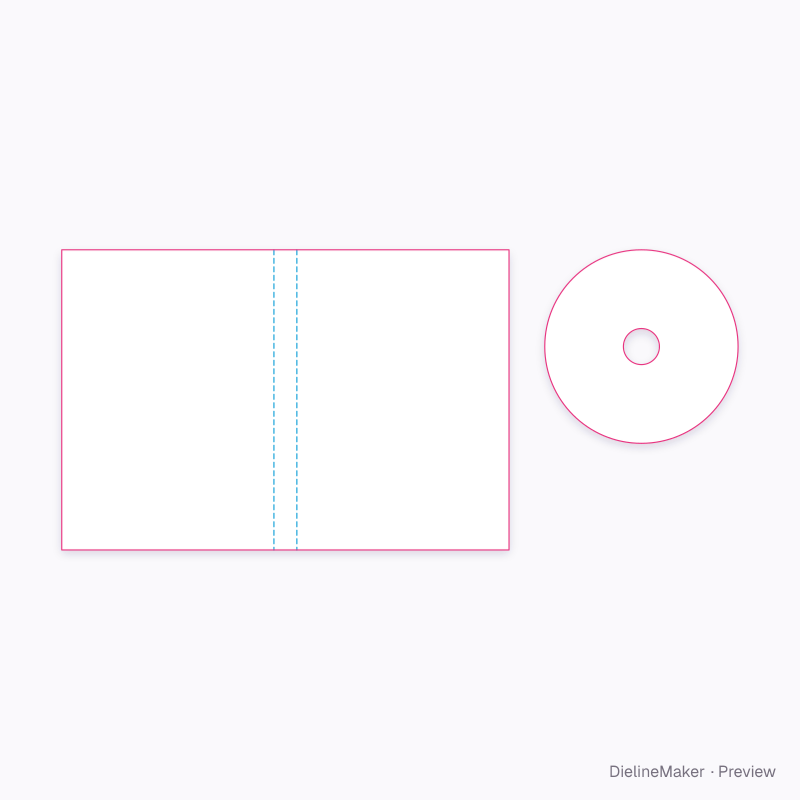
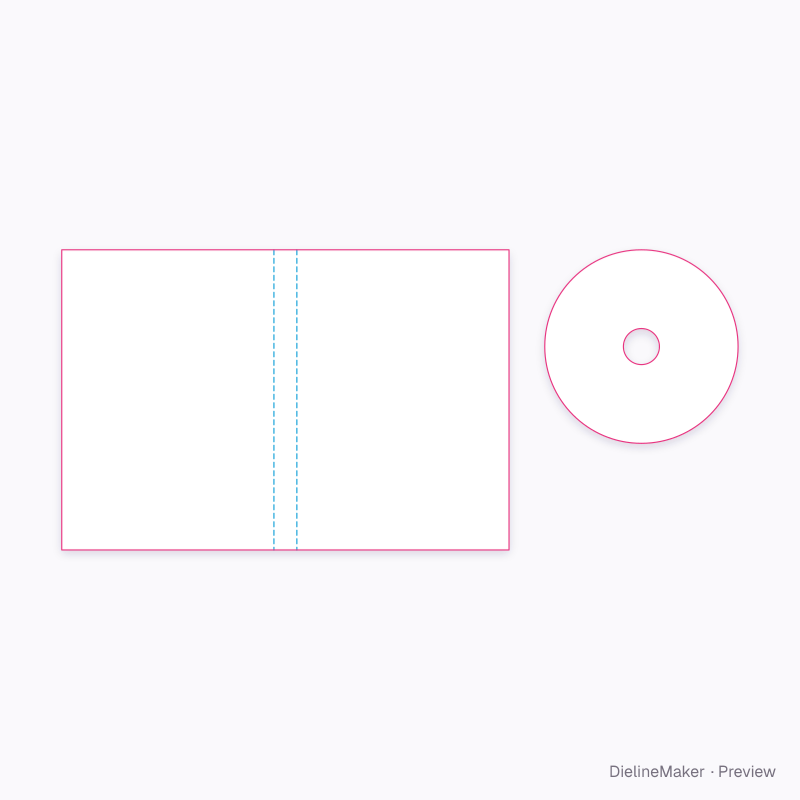
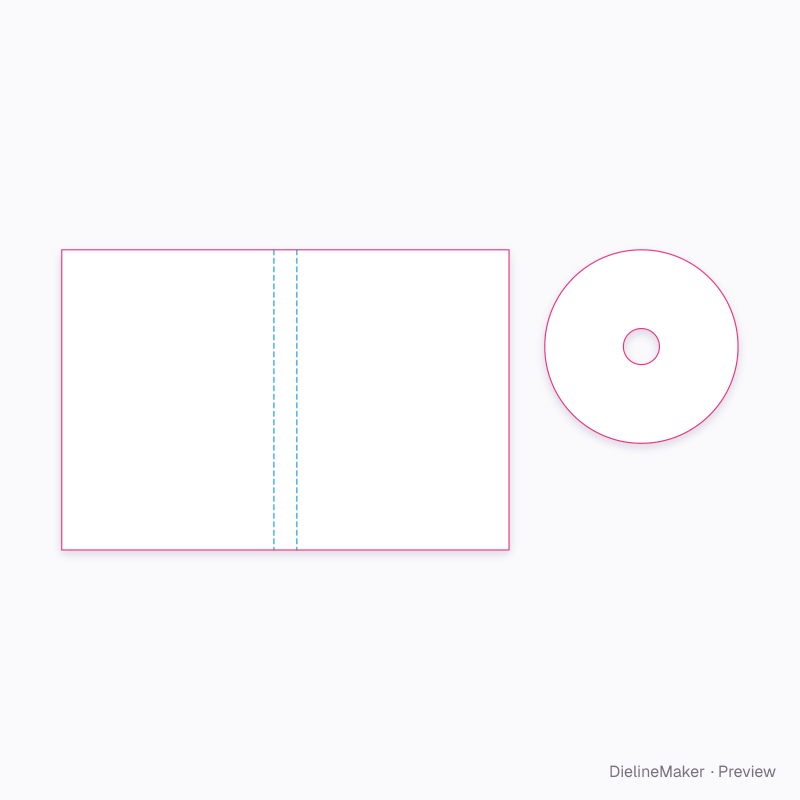
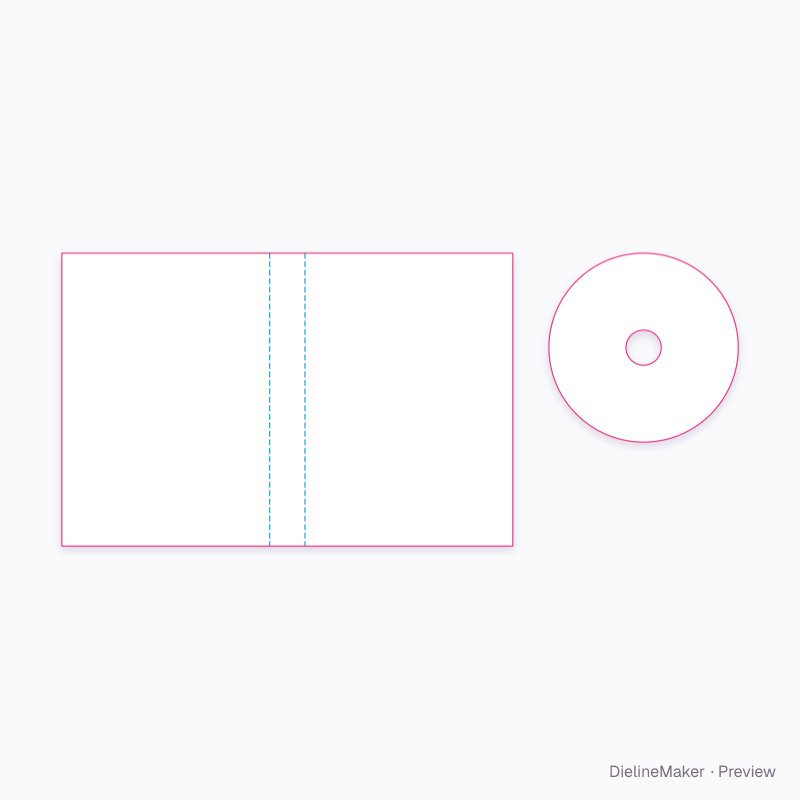
A hinged keep case with a continuous front, spine and back inlay beneath the clear outer sleeve, plus a printed disc. The 273 × 183 mm standard inlay uses two 129.5 mm faces and a 14 mm spine. These are print pieces, not a plastic case mould. A ready-sized preset of the dvd case + disc — adjust the object dimensions and decoration area to preview your artwork at size.
Object size129.5 × 14 × 183 mm
Artwork area273 × 183 mm
Download the artwork templatePro
Sign in to download. Dieline downloads are part of Pro: PDF, Illustrator, SVG and DXF, with the artwork area and bleed, without a watermark. See plans
- Reference
- —
- Object size
- Inlay face width 129.5 · Inlay spine width 14 · Inlay height 183 mm
- Size range
- Inlay face width 120–140 · Inlay spine width 7–22 · Inlay height 175–190 mm
- Parts
- 2 parts — DVD cover inlay, Disc face · printable annulus
- Artwork area
- 0.061 m²
- Good for
The flat artwork area
Exactly what the downloads contain, drawn from the template at its default size, with a 3 mm bleed.
- Crease
- Artwork boundary
- Bleed 3 mm
Adjustable in the editor
Alongside dimensions, the template offers 2 options; the template and 3D preview follow each change.
- Case opening°
- Unprinted hub diametermm
The dvd case + disc family
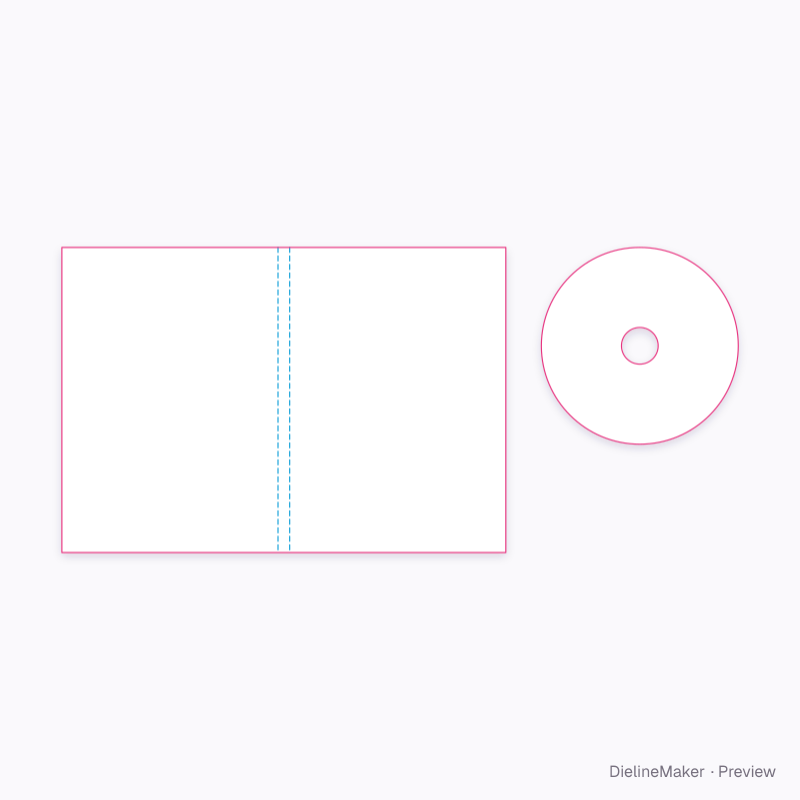
The same model with sizes and artwork options ready to customize.
 Preset
 Preset
 Preset
 Preset
Similar structures
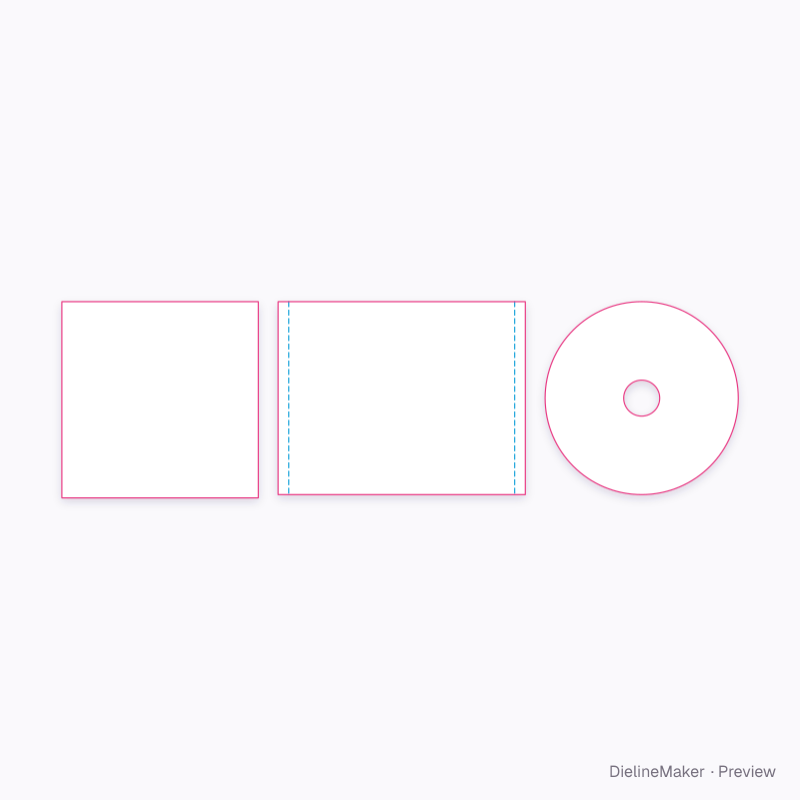
Other structures built in a similar way, matched on code family, category, closures and proportions.
Make this standard 14 mm dvd case yours
Set the artwork area, add your design and export the dimensioned artwork template, or stage the product in a 3D scene.