 Preset
6882 templates · free with Google sign-in
Dieline templates, made to measure.
Start from 976 parametric structures — tuck ends, mailers, trays, pouches, labels and more. Type a length, width and height and every crease, tuck and glue flap moves with it, then download a die-ready file or fold it in 3D first.
- Cut, crease & bleed layers
- Any size, to 0.1 mm
- PDF · SVG · DXF
- FEFCO & ECMA references
- dieline templates
- 6882
- parametric structures
- 976
- templates with FEFCO or ECMA codes
- 1341
- boards & substrates
- 47
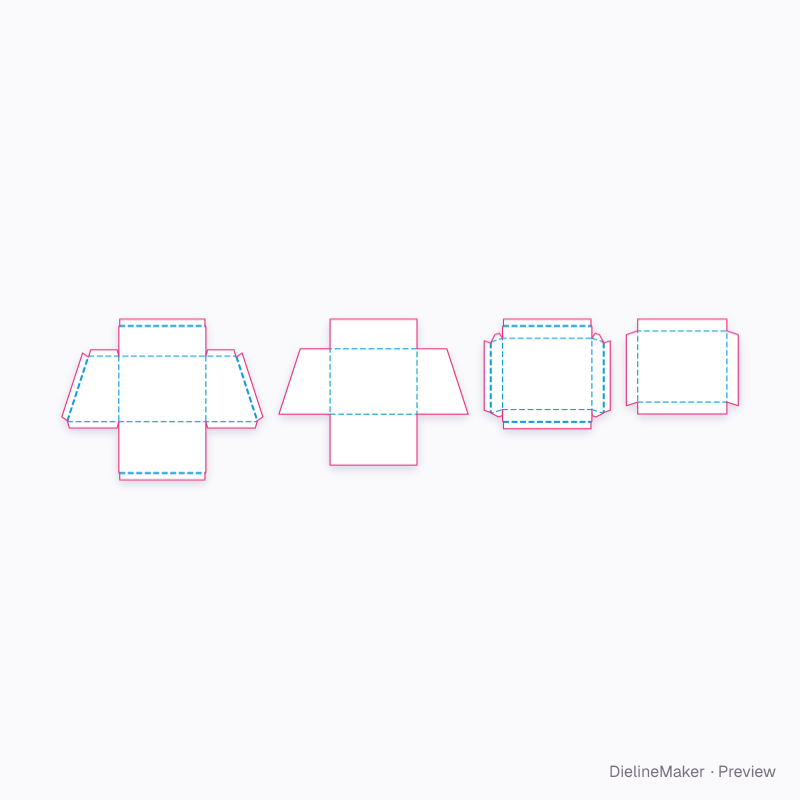
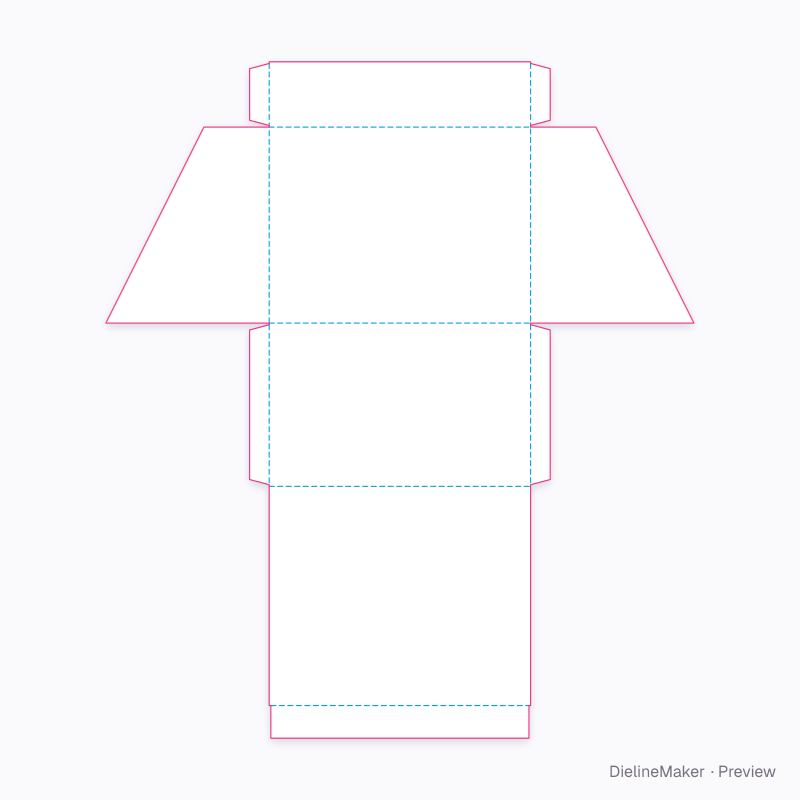
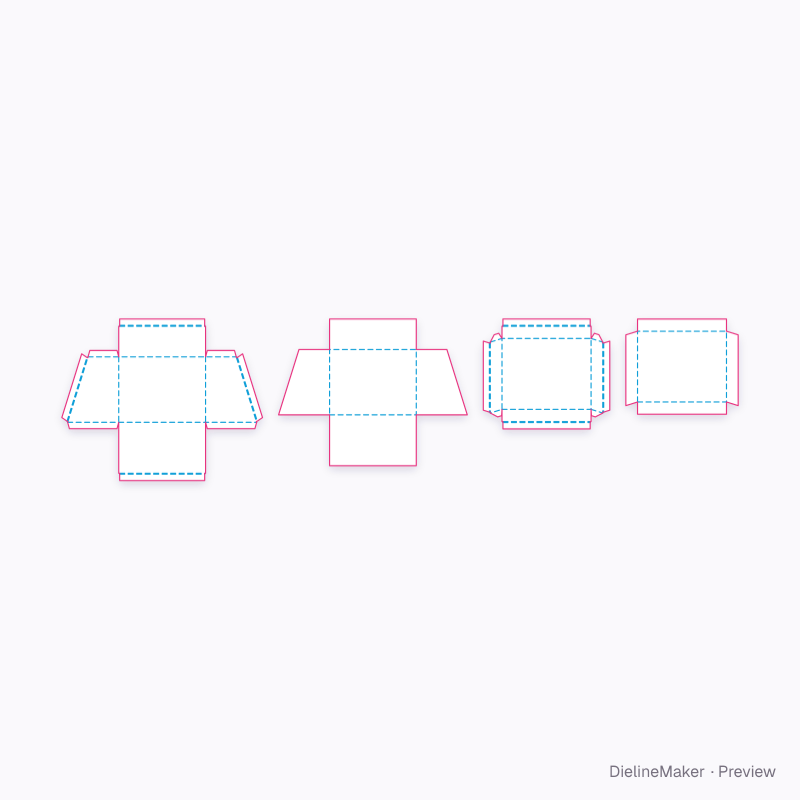
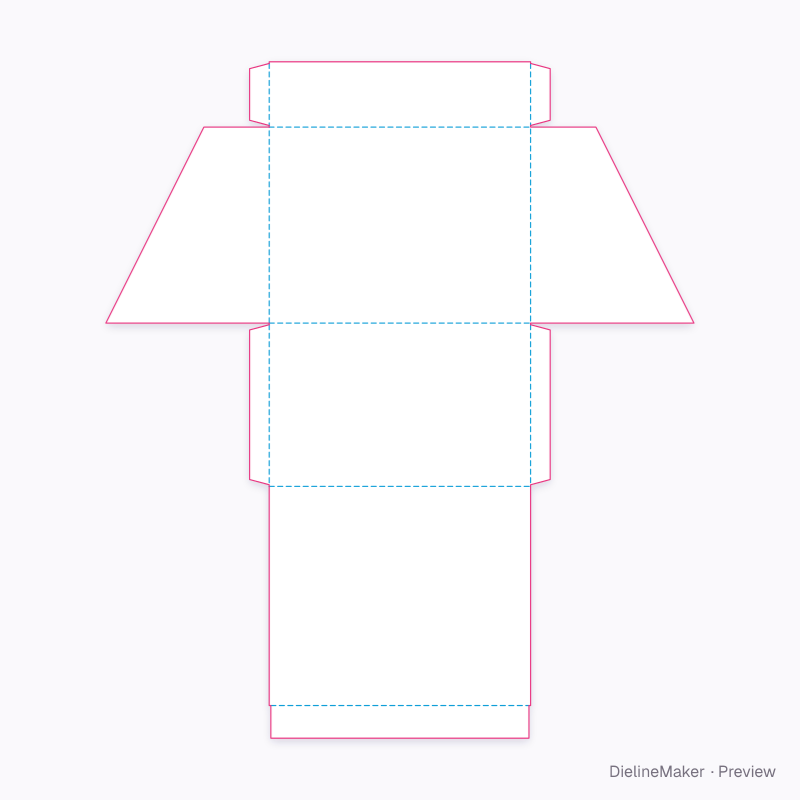
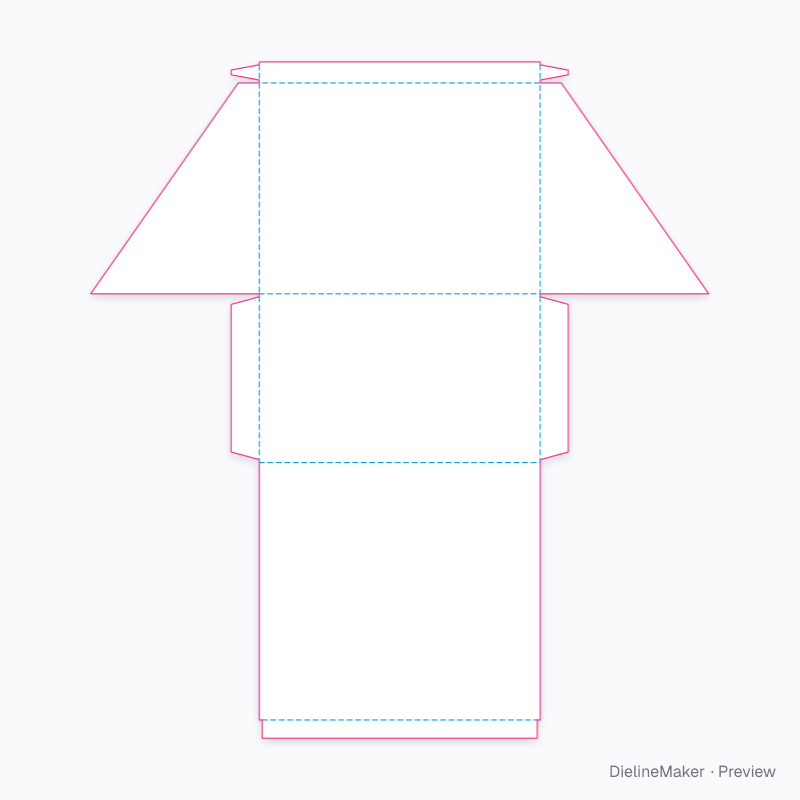
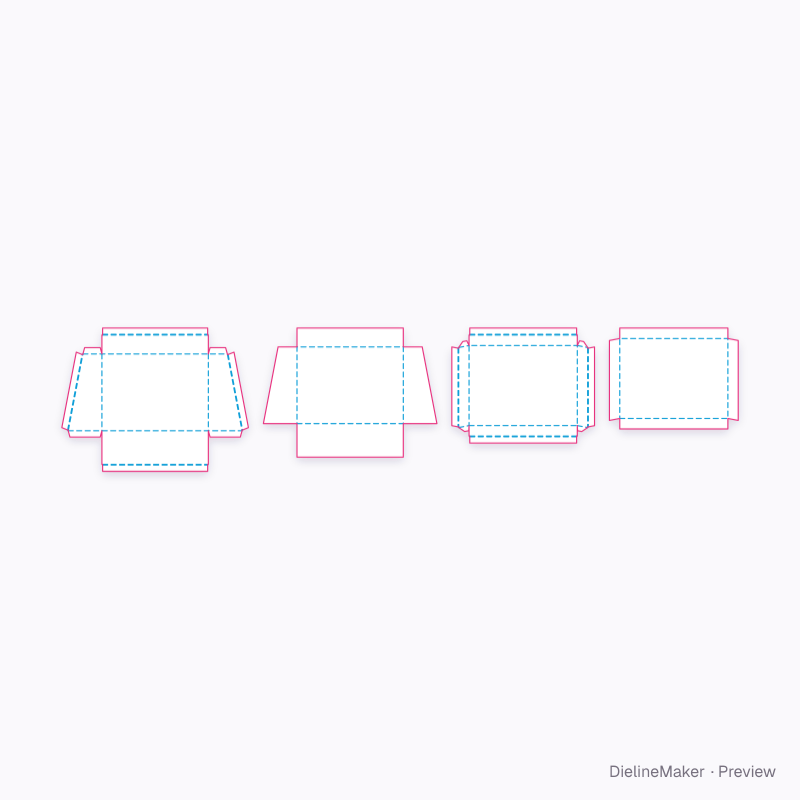
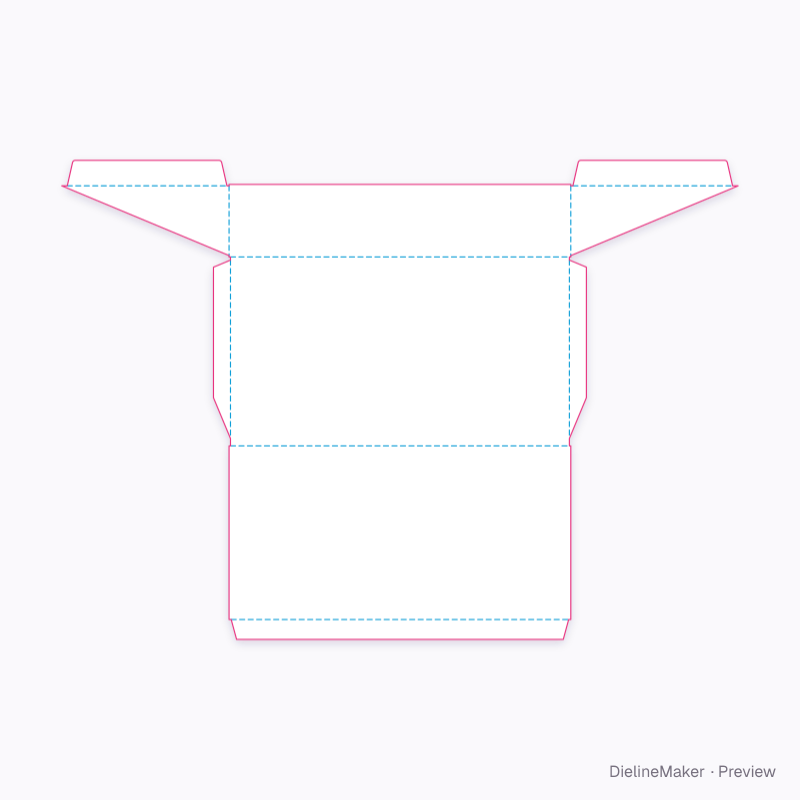
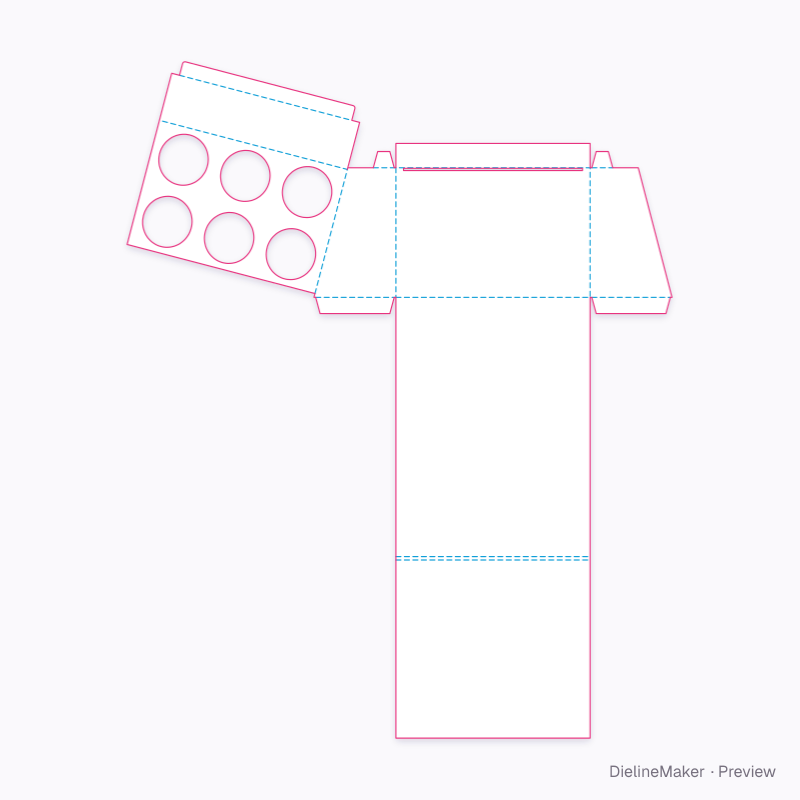
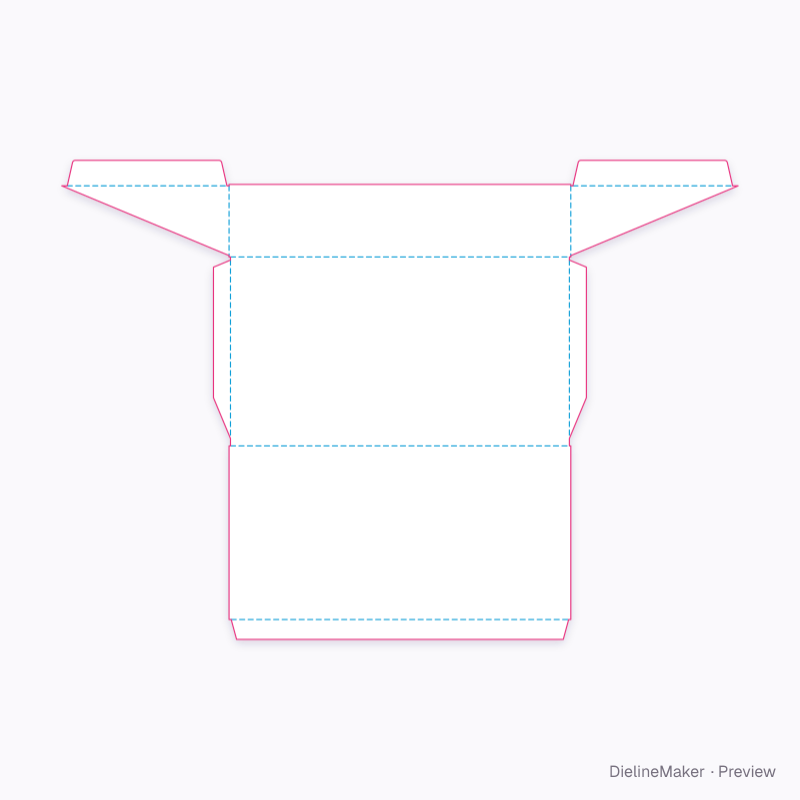
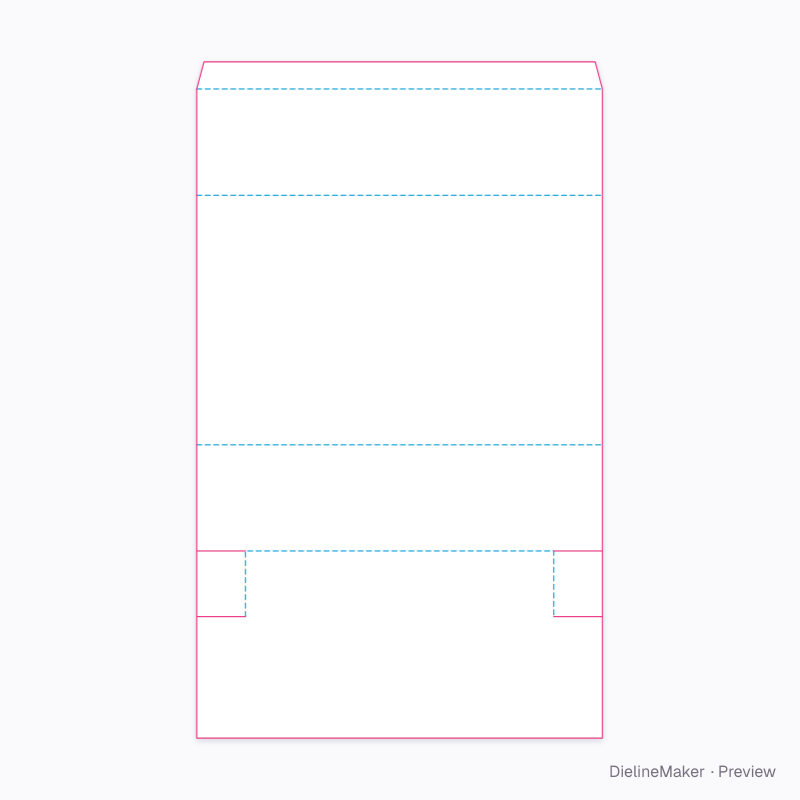
10 templates for “sloping top”
- Preset
 Preset
 Preset
 Preset
 Preset
 Preset
 Preset
Dieline basics
What you get with each of the 6882 templates, in plain words.
Have custom measurements? Try the dieline generator to size a structure, or use the box size calculator to compare inside, outside and score-to-score dimensions.
What is a dieline?
The flat drawing of a package before it is folded: the outline the steel-rule die cuts, the creases it presses, the glue flaps, and the bleed your artwork runs into. Here cut lines are solid magenta, creases dashed cyan, and the bleed a dotted line 3 mm outside the knife.
What do the downloads contain?
A dieline PDF with dimension callouts, a layered SVG for Illustrator or Inkscape, and a DXF for CAD and cutting tables. Cut, crease, bleed and dimensions sit on their own named layers and spot colours, so a printer can separate them from your artwork.
Can I change the size and board?
Yes. Every template is parametric: enter inside, outside or score-to-score dimensions and the panels, tucks, dust flaps and glue flap are redrawn for the board's caliper. 47 boards and substrates are built in — folding carton (SBS, FBB, grey-back, kraft, black), corrugated flutes, rigid greyboard with wraps, label stocks, films and PET.
Which templates have FEFCO or ECMA codes?
173 of the 976 structures carry a FEFCO (corrugated) or ECMA (folding carton) reference, shown on every card. Structures without a standard code — clamshells, sachets, hang tags — are still fully dimensioned.
Can I see the box before I print it?
Every template opens in a live 3D view that folds the real blank, at your size and on your board. Add artwork to each face in the editor, stage it in a scene, and export a mockup image or turntable video alongside the die files.
Can’t find your structure?
Import a DXF or SVG dieline into the 3D Studio — cut and crease lines are read from layer names and colours — and it folds, takes artwork and exports like any template here.