Structural styles
POP displays: FSDU, CDU, sidekicks and bins
Choose a retail display format and understand what must be engineered beyond the visual concept.
Explore related templates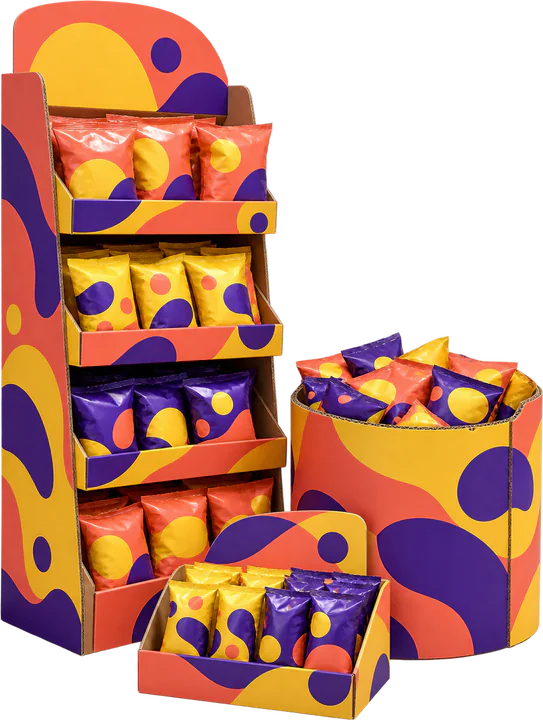
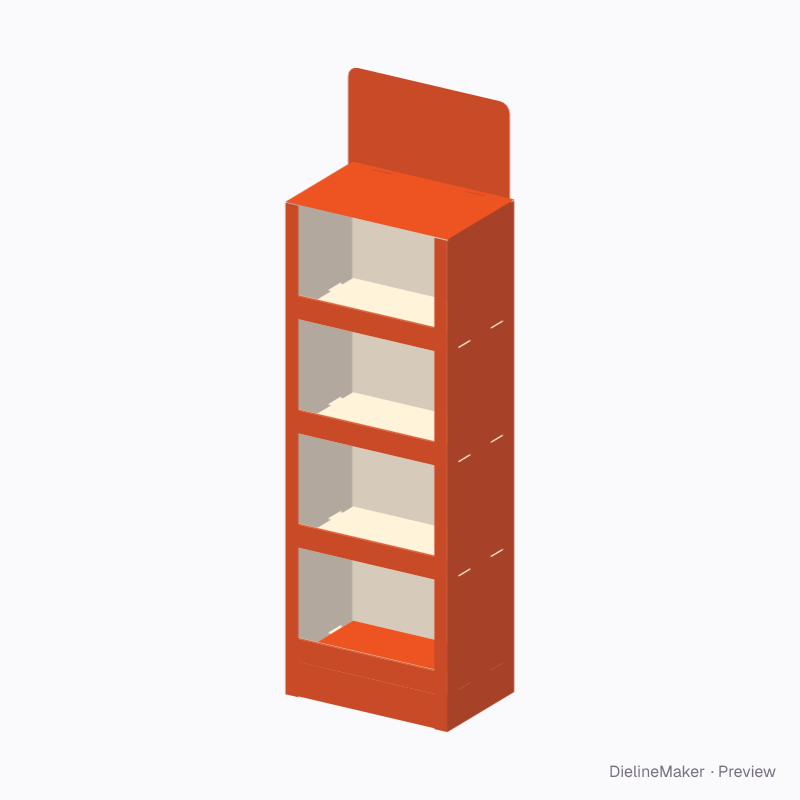
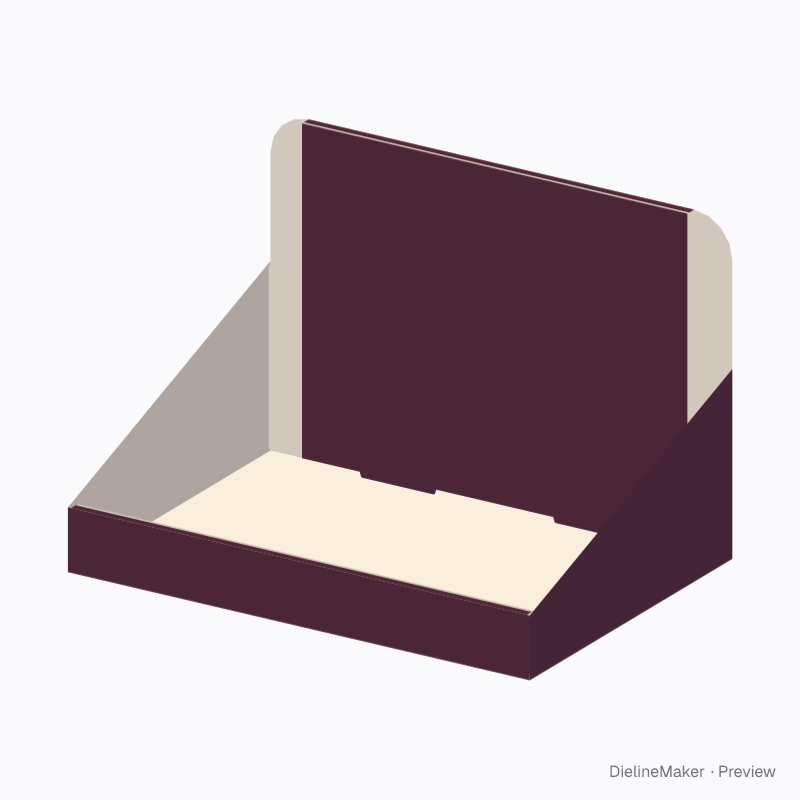
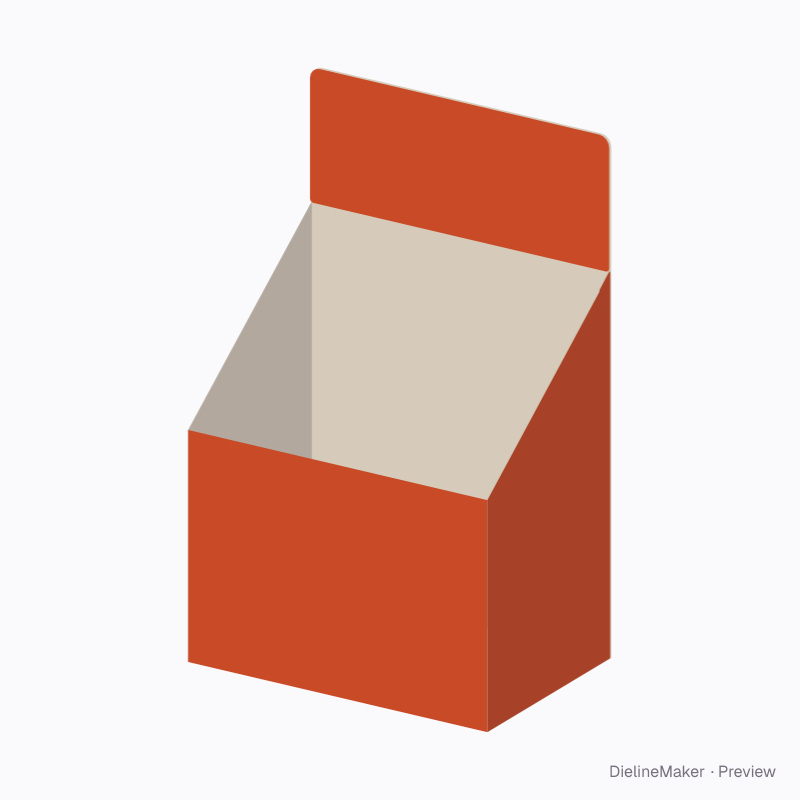
Point-of-purchase displays are selected around their position, merchandise and replenishment method. FSDUs stand on the floor; CDUs sit on a counter; sidekicks attach to another fixture.
DielineMaker supplies floor-display, counter-tray and dump-bin starting points. A verified sidekick mounting system and the proprietary Re-board design library are not included.
Match the display to its retail location
Start with the retailer’s space envelope and stocking rules. Then specify product quantity, access, header height and replenishment needs.
| Reference | What it means | Design use |
|---|---|---|
| FSDU | Free-standing display unit. | Check base stability and shelf loads. |
| CDU | Counter display unit. | Check counter footprint and product visibility. |
| Sidekick / power wing | Display attached alongside a fixture. | Obtain approved mounting hardware and load limits. |
| Dump bin | Open bulk display for loose products. | Confirm reach depth and resistance to tipping. |
| Re-board | A branded board system with its own design resources. | Use the supplier’s material and joint guidance. |
Validate the stocked display
Test the display fully loaded and partially depleted. Shelf bending, joint wear and a shifting centre of gravity can change its behaviour during use.
Smurfit Westrock provides bespoke retail display services. Supplier designs and Re-board resources remain separate from the native editable templates linked below.
Related editable templates
Common questions
Can I use a floor display as a sidekick?
Not without a designed mounting system. Attachment points, hardware and load paths require separate validation.
Are Re-board library designs reproduced here?
No. These are independent native examples. Refer to Re-board for its own library, materials and usage terms.