 Preset
6692 templates · free with Google sign-in
Dieline templates, made to measure.
Start from 950 parametric structures — tuck ends, mailers, trays, pouches, labels and more. Type a length, width and height and every crease, tuck and glue flap moves with it, then download a die-ready file or fold it in 3D first.
- Cut, crease & bleed layers
- Any size, to 0.1 mm
- PDF · SVG · DXF
- FEFCO & ECMA references
- dieline templates
- 6692
- parametric structures
- 950
- templates with FEFCO or ECMA codes
- 1326
- boards & substrates
- 35
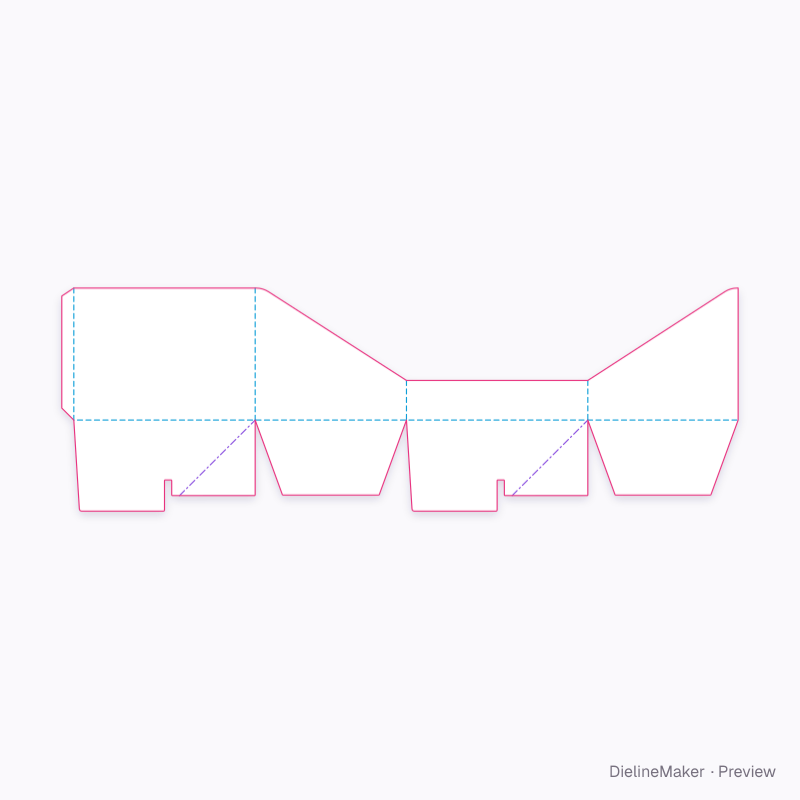
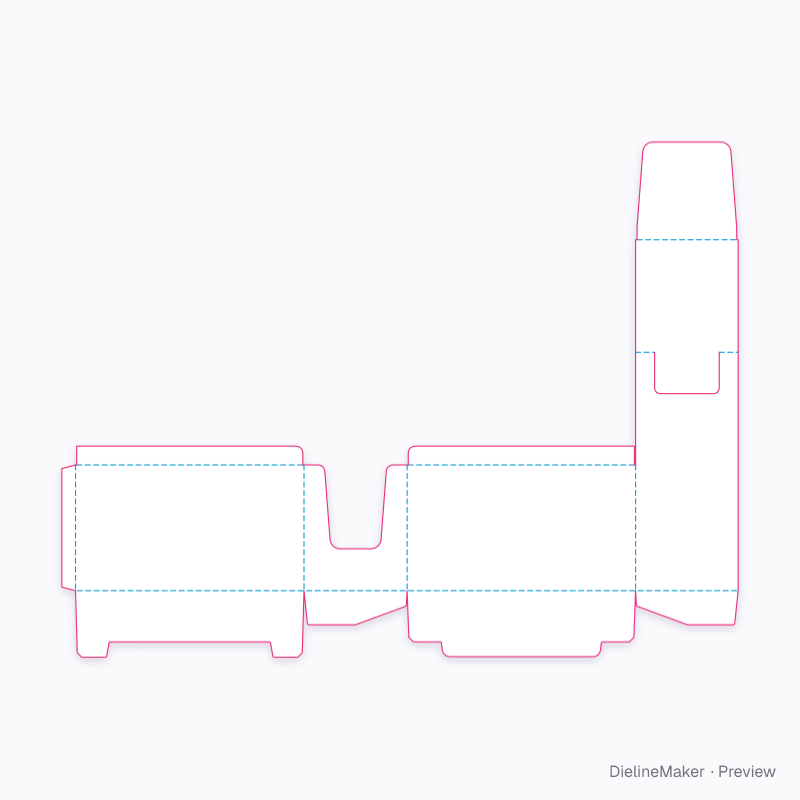
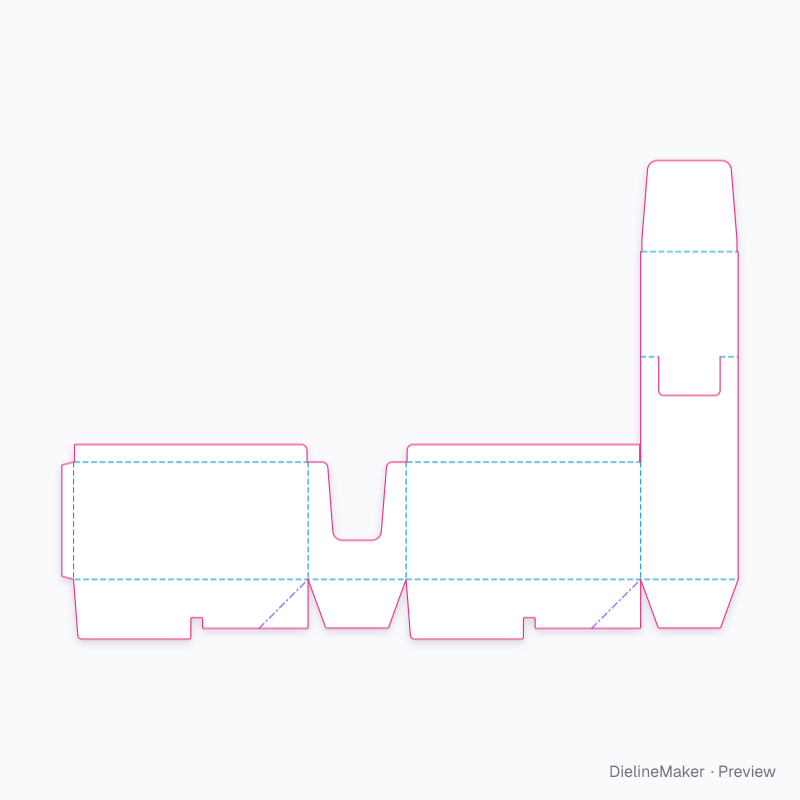
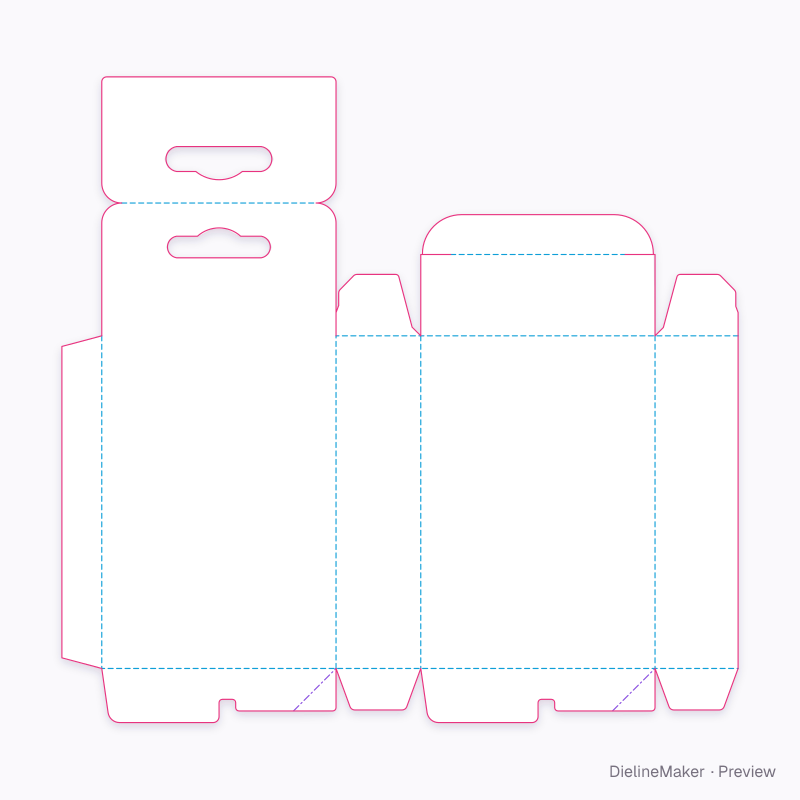
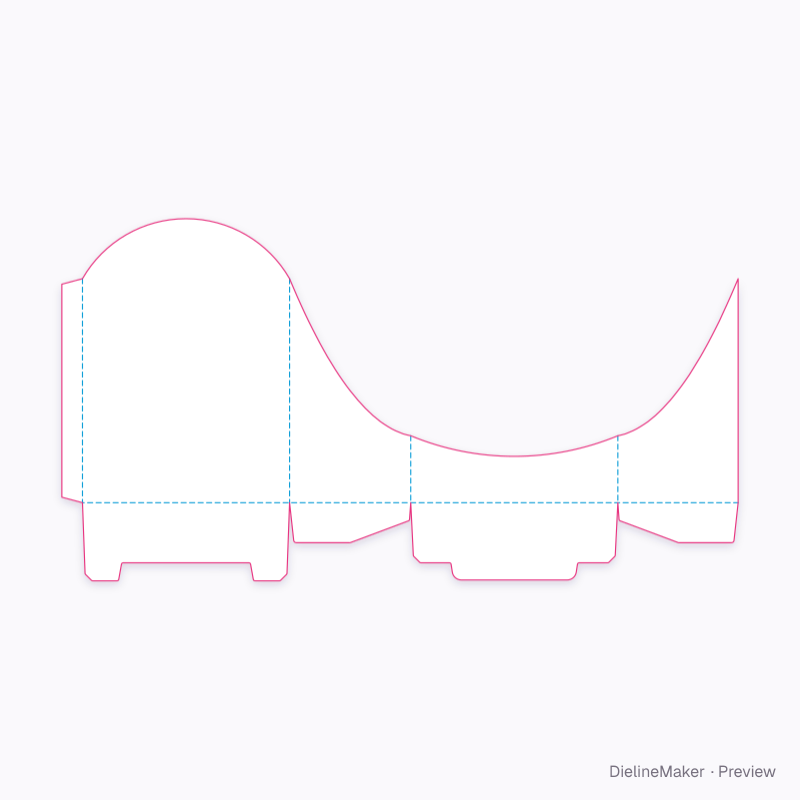
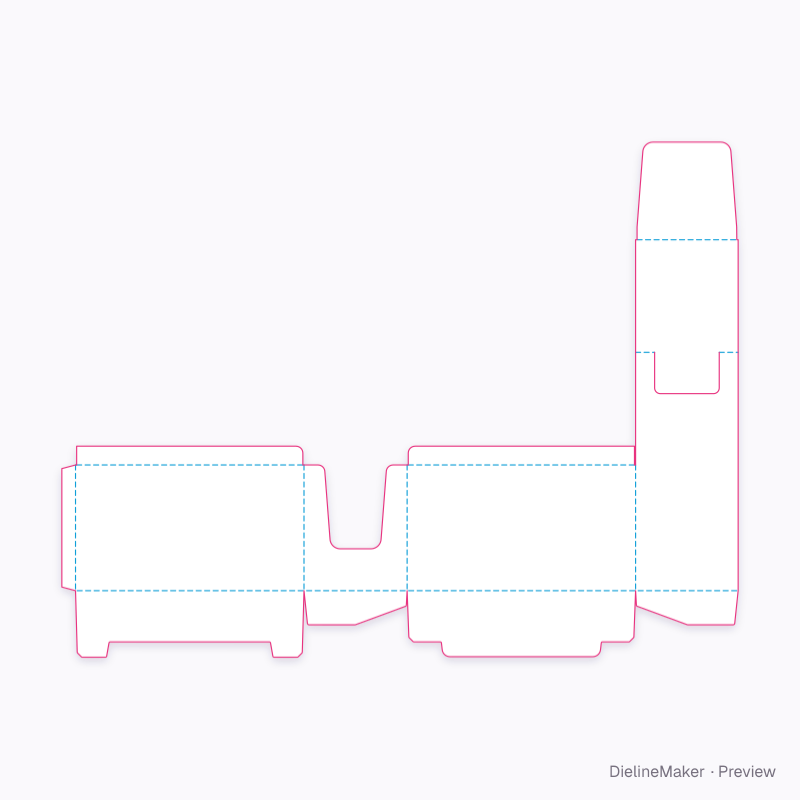
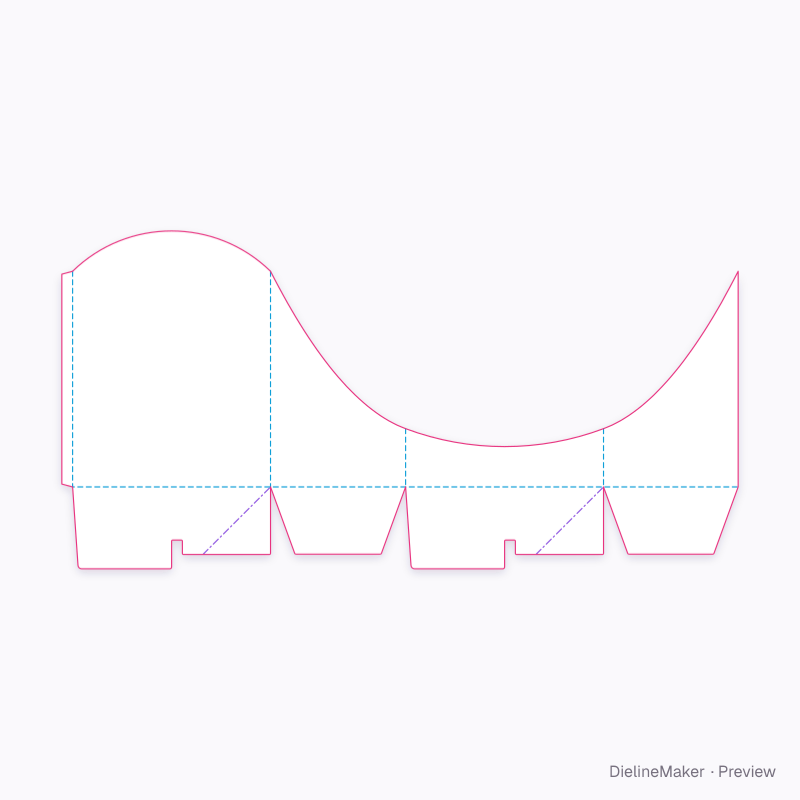
15 templates in Display for “auto lock”Counter displays and hang tabs
- Preset
 Preset
 Preset
 Preset
 Preset
 Preset
 Preset
 Preset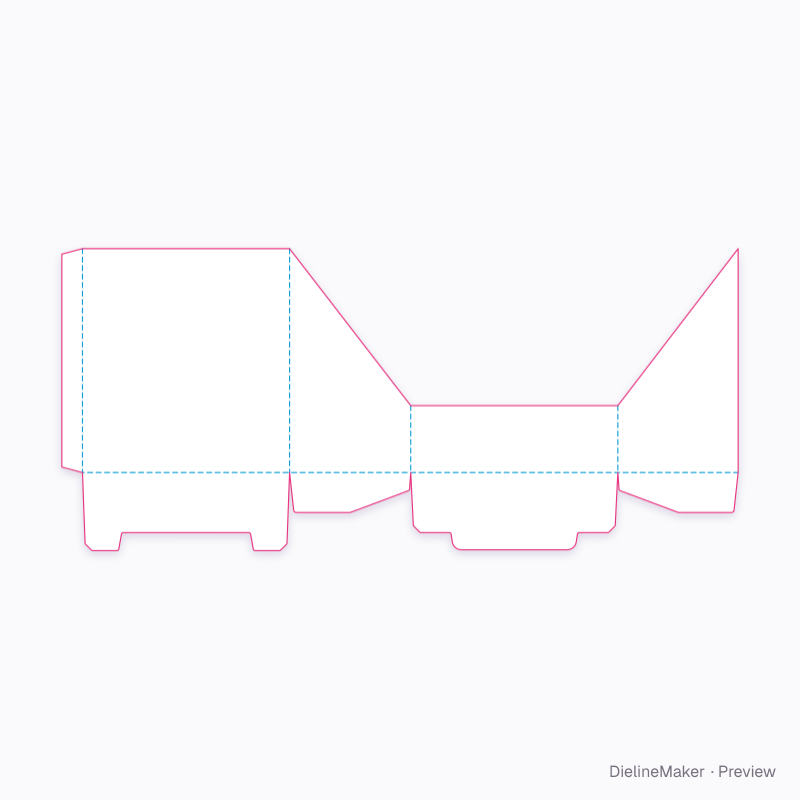
 Preset
 Preset
 Preset
 Preset
Dieline basics
What you get with each of the 6692 templates, in plain words.
Have custom measurements? Try the dieline generator to size a structure, or use the box size calculator to compare inside, outside and score-to-score dimensions.
What is a dieline?
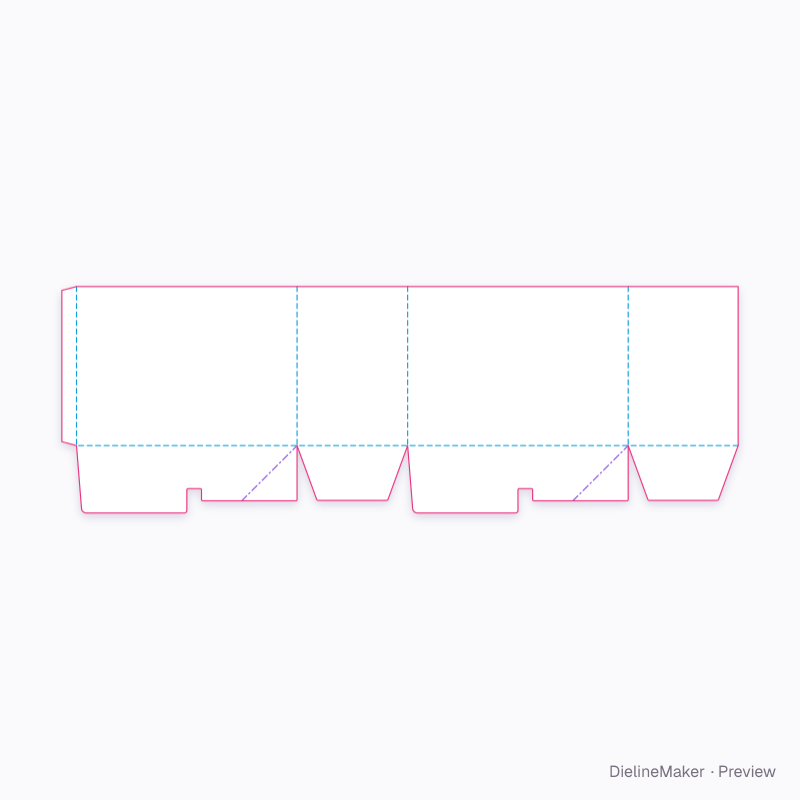
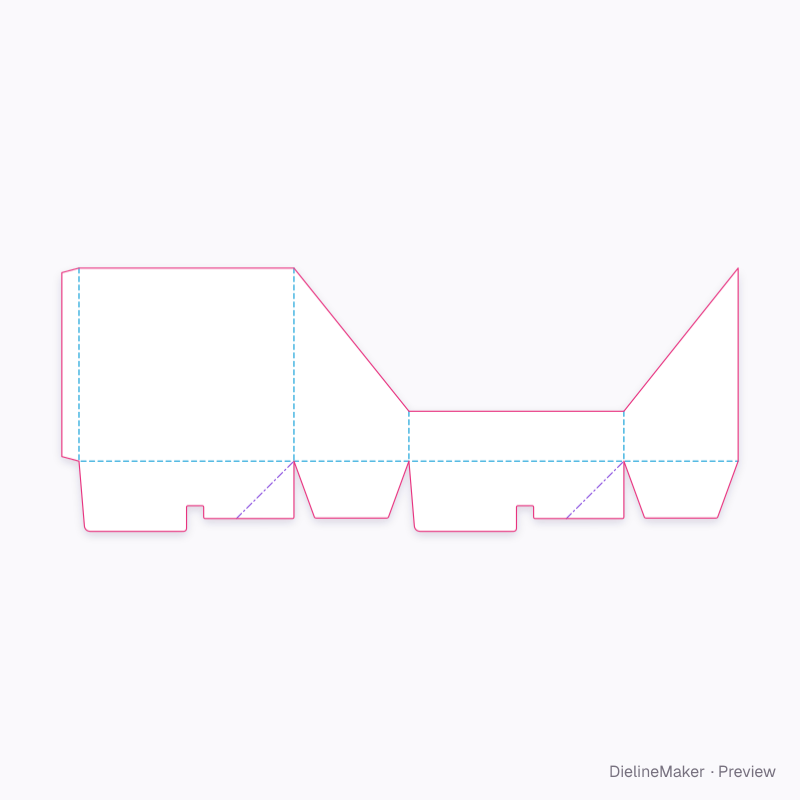
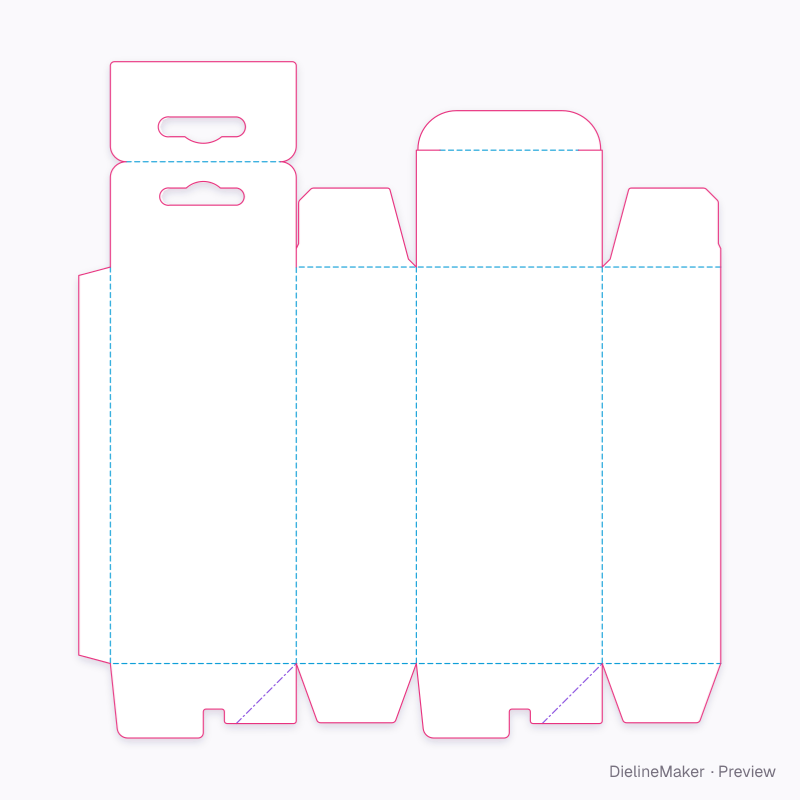
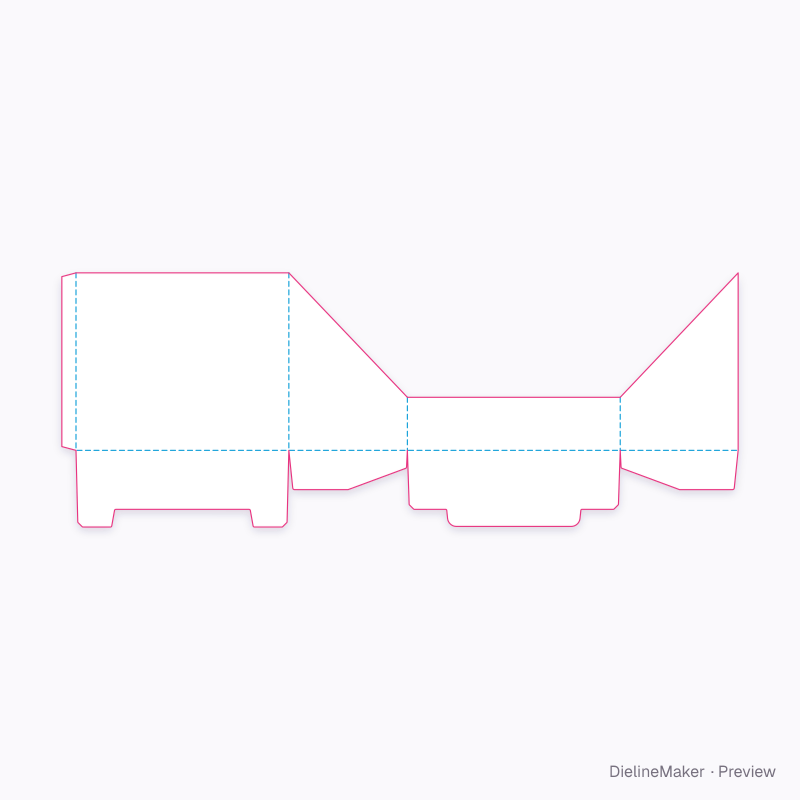
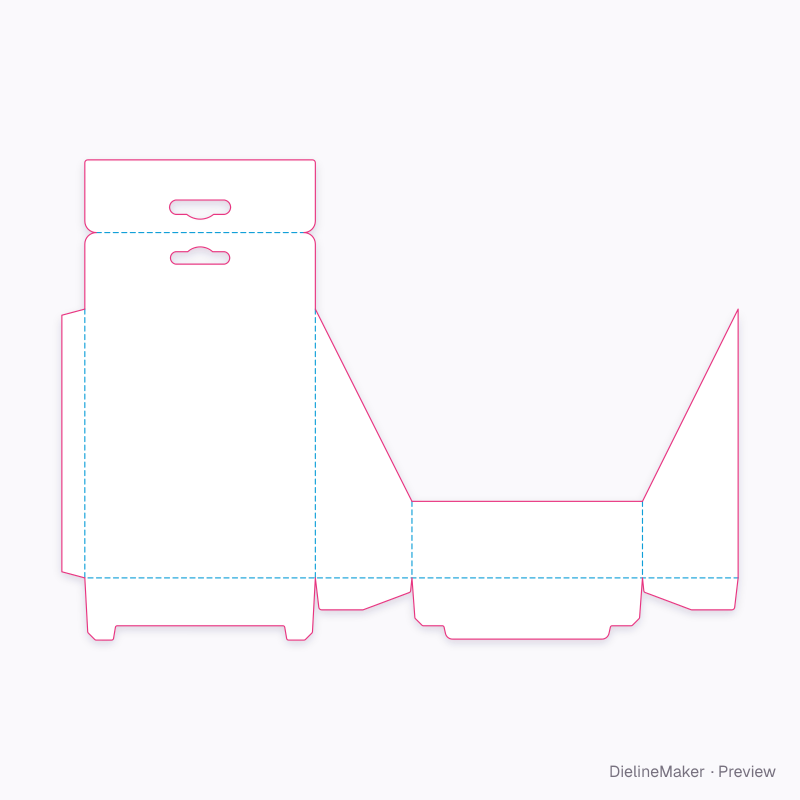
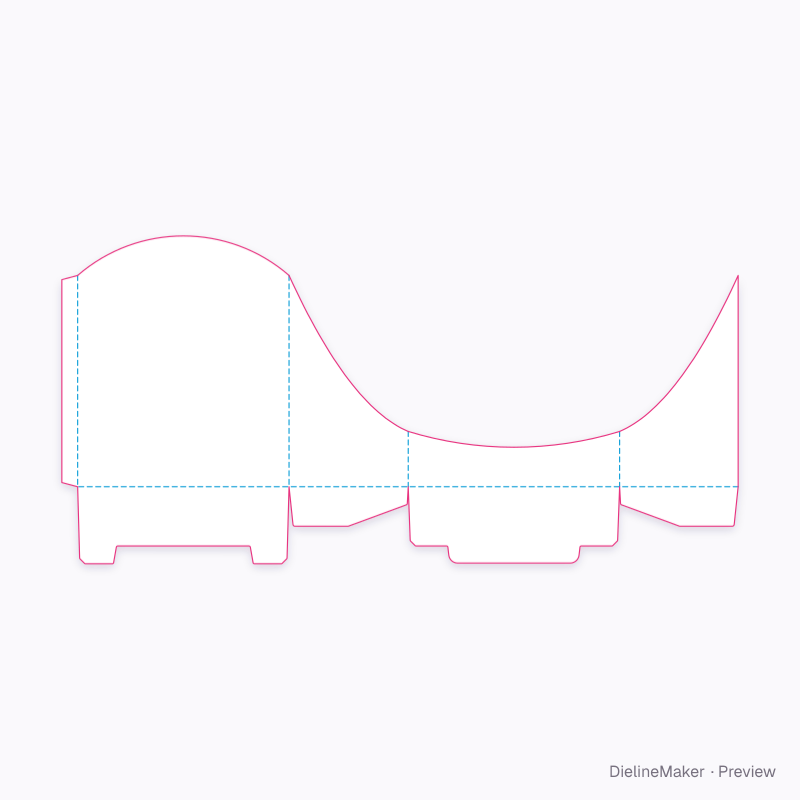
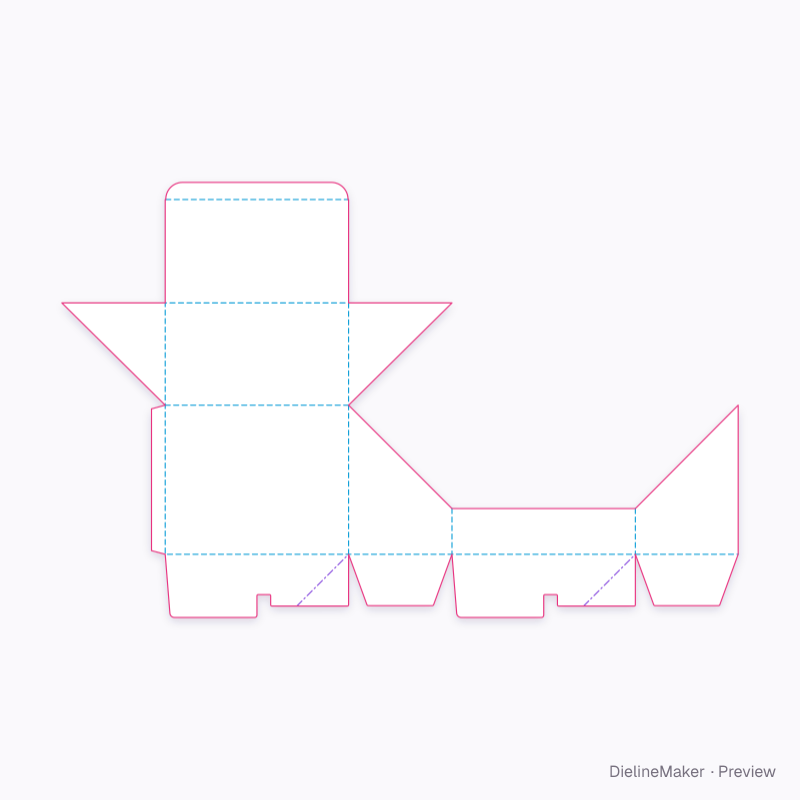
The flat drawing of a package before it is folded: the outline the steel-rule die cuts, the creases it presses, the glue flaps, and the bleed your artwork runs into. Here cut lines are solid magenta, creases dashed cyan, and the bleed a dotted line 3 mm outside the knife.
What do the downloads contain?
A dieline PDF with dimension callouts, a layered SVG for Illustrator or Inkscape, and a DXF for CAD and cutting tables. Cut, crease, bleed and dimensions sit on their own named layers and spot colours, so a printer can separate them from your artwork.
Can I change the size and board?
Yes. Every template is parametric: enter inside, outside or score-to-score dimensions and the panels, tucks, dust flaps and glue flap are redrawn for the board's caliper. 35 boards and substrates are built in — folding carton (SBS, FBB, grey-back, kraft, black), corrugated flutes, rigid greyboard with wraps, label stocks, films and PET.
Which templates have FEFCO or ECMA codes?
173 of the 950 structures carry a FEFCO (corrugated) or ECMA (folding carton) reference, shown on every card. Structures without a standard code — clamshells, sachets, hang tags — are still fully dimensioned.
Can I see the box before I print it?
Every template opens in a live 3D view that folds the real blank, at your size and on your board. Add artwork to each face in the editor, stage it in a scene, and export a mockup image or turntable video alongside the die files.
Can’t find your structure?
Import a DXF or SVG dieline into the 3D Studio — cut and crease lines are read from layer names and colours — and it folds, takes artwork and exports like any template here.